
Interactive Flat Panel vs Whiteboard for Education – Which One Wins in 2026?

Daisy Li
Display Solutions & Product Technology Expert
Specializing in OEM/ODM smart display solutions from 21.5″ monitors to 110″ interactive flat panels, with expertise in product configuration, system integration, quality control, and bulk project delivery for global B2B markets.
Follow me:
So you’re setting up a classroom – or maybe a dozen – and you’ve run into the big question: interactive flat panel or whiteboard? It‘s the kind of decision that sounds simple but ends up pulling you in a dozen directions. Brightness, touch response, maintenance, software, budget… they all start blurring together.
Let‘s cut through the noise.
After working with schools and institutions around the world, I’ve seen both technologies in action – and I can tell you this: in 2026, the answer is almost always the interactive flat panel. But don‘t just take my word for it. Let’s walk through the facts together.
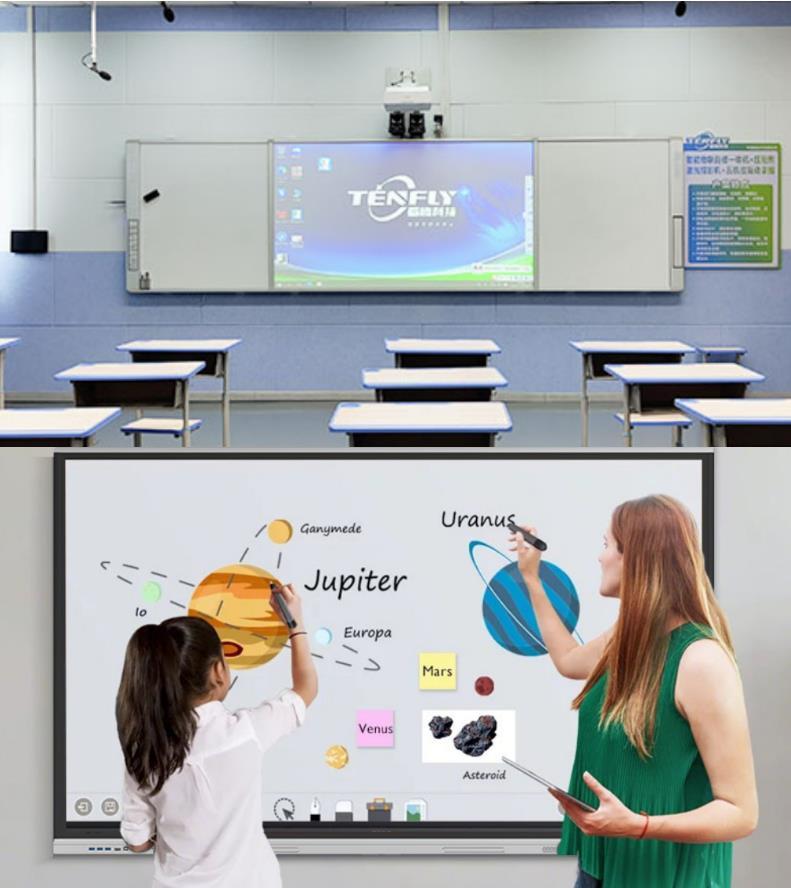
First, what exactly are we comparing?
To keep things clear, here‘s a quick breakdown of the three main players you might come across:
- Traditional Whiteboard + Projector – A physical whiteboard paired with a ceiling-mounted projector. You can write on it with dry-erase markers, but there’s no touch interaction. This is the “old school” setup that‘s been around for decades.
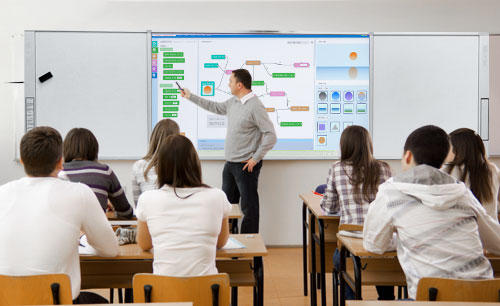
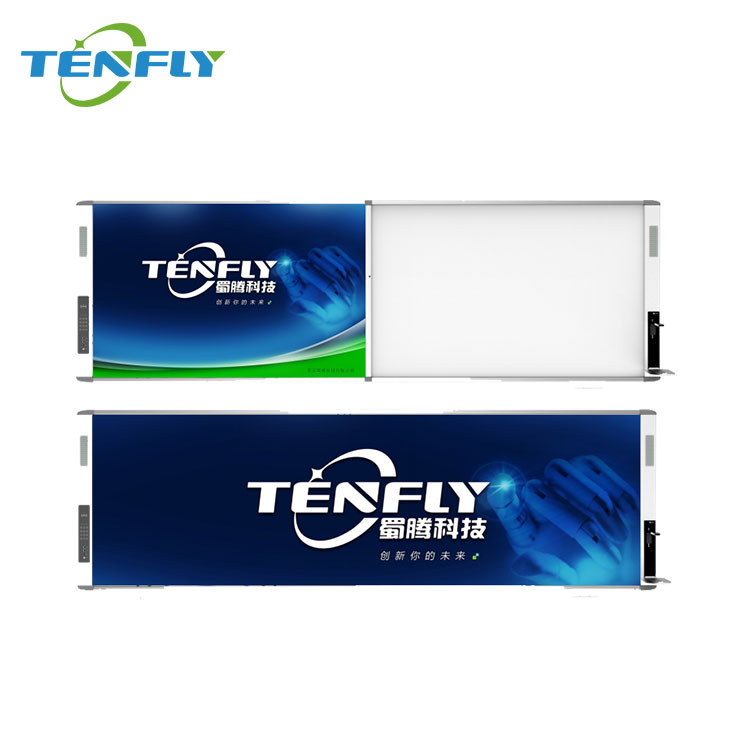
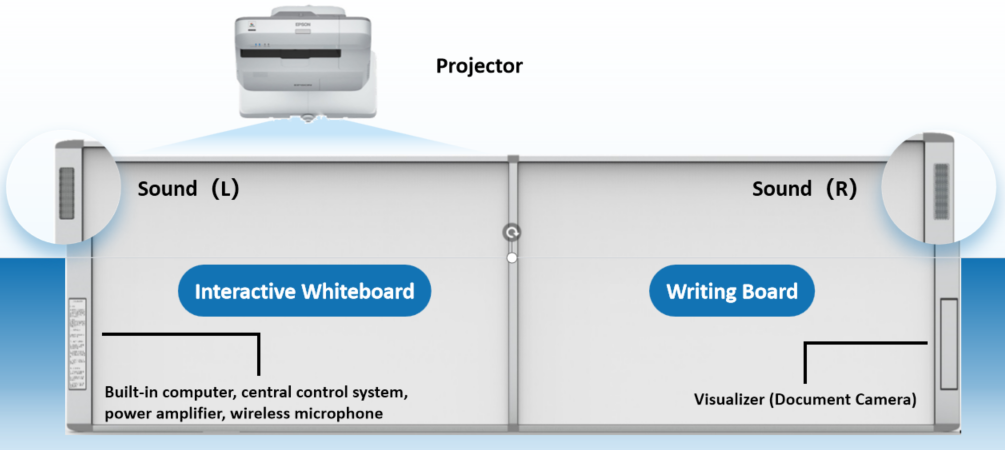
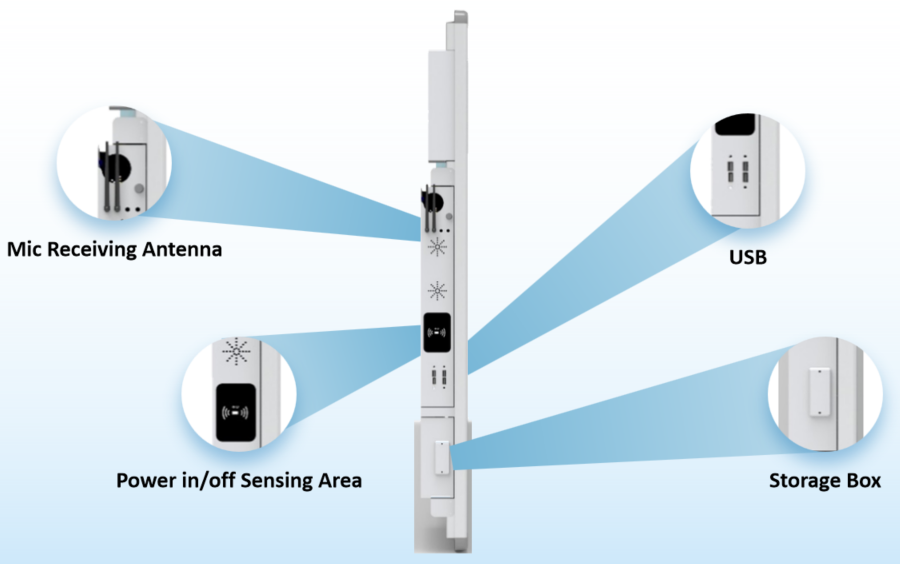
- Interactive Whiteboard (IWB) – A step up. This is a whiteboard surface that connects to a computer and projector, allowing you to interact with projected content using your finger or a special pen. Tenfly‘s IWB solutions, for example, come in sizes from 82 to 110 inches and support up to 20 touch points, connecting to a projector that displays your computer screen onto the board. Think of it as a “touch-enabled” projection system – but still dependent on a projector.
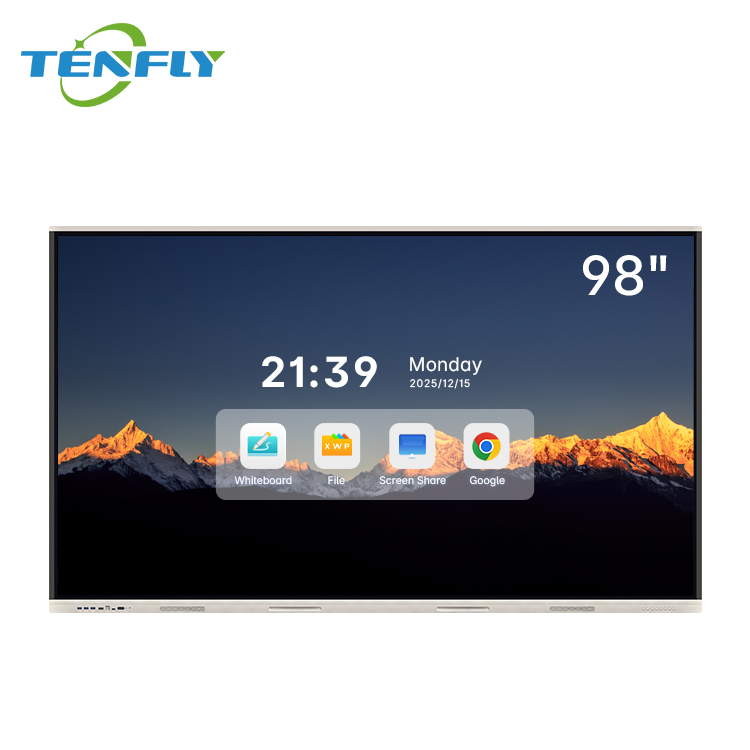
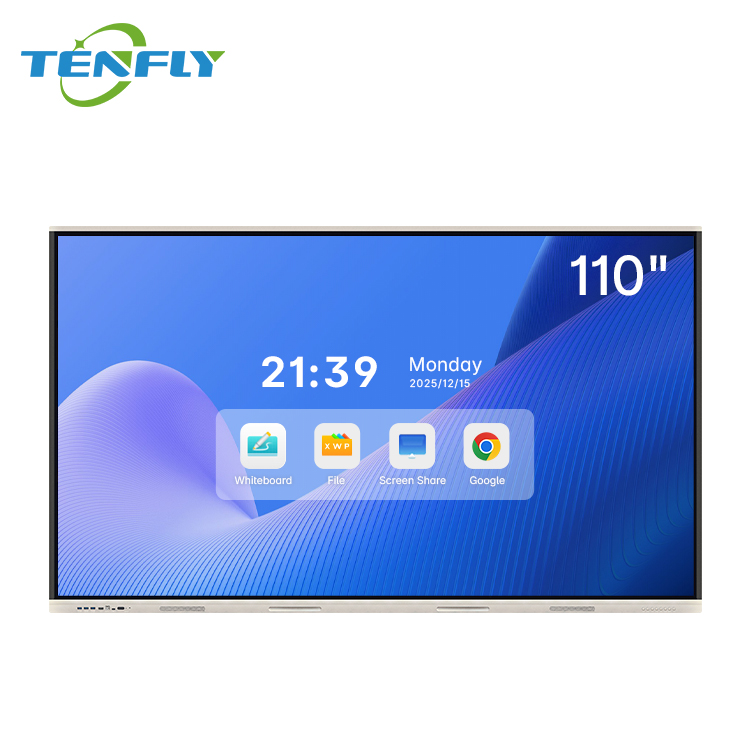
- Interactive Flat Panel (IFPD) – A completely different beast. This is a standalone, all-in-one touchscreen display – like a giant tablet built for the wall. Tenfly‘s IFPDs, for instance, range from 55 to 110 inches, feature 4K Ultra HD resolution, run Android 13 or 14 with octa-core processors, and support 20-point infrared touch. No projector, no calibration – just plug it in and go.
The rest of this article focuses on the interactive flat panel vs the projector-based interactive whiteboard system, because those are the two options schools typically debate between when making a real upgrade decision.

Visual Quality: Brightness, Clarity, and Classroom Lighting
Let‘s start with something that affects every single lesson: can students actually see what’s on the screen?
IFPDs stay bright and sharp in any lighting
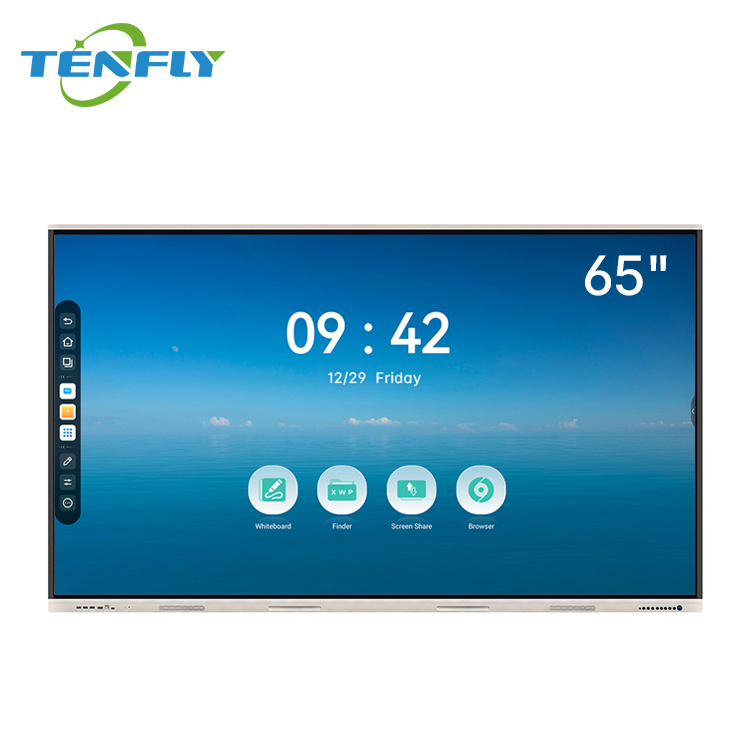
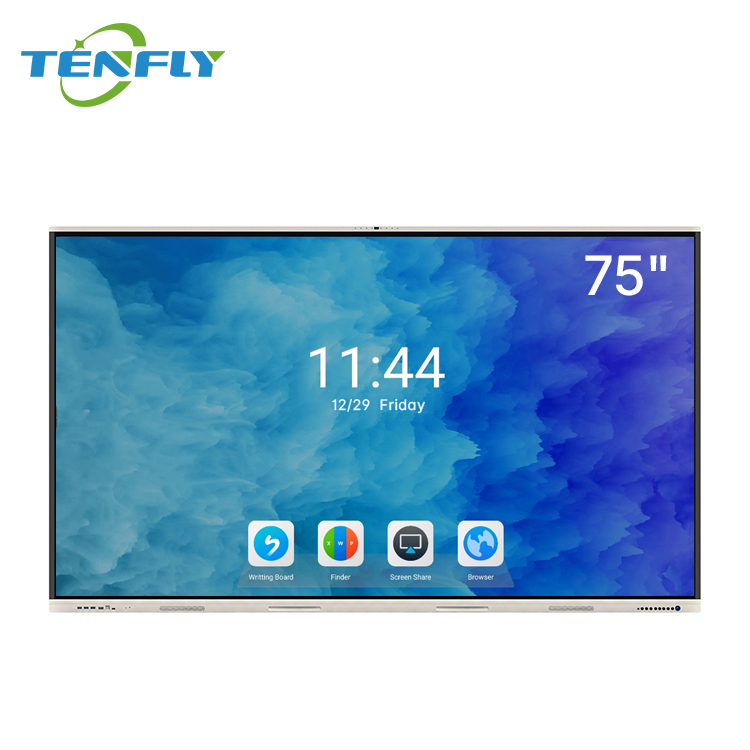
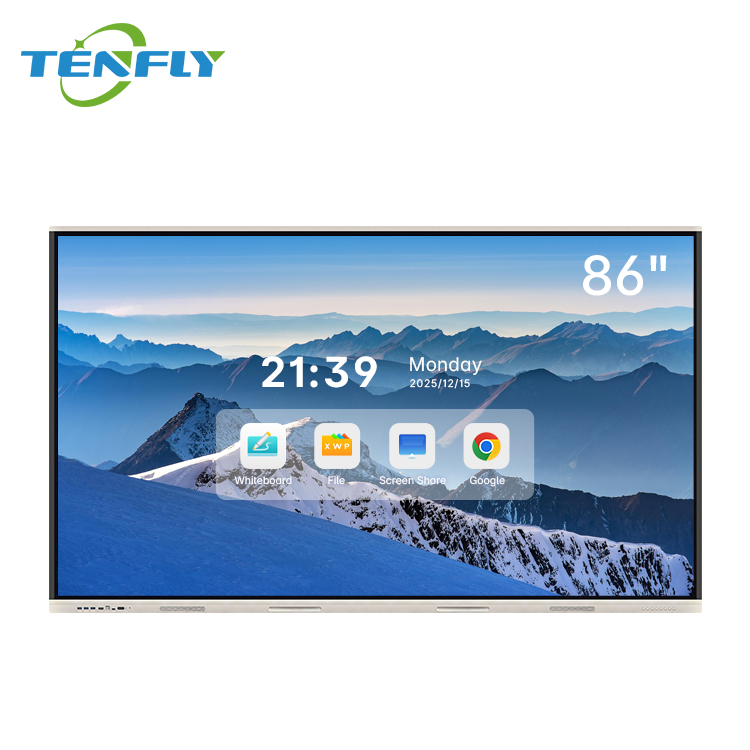
Interactive flat panels typically deliver 350–500 nits of brightness. That‘s plenty to remain perfectly visible even in classrooms with large windows, overhead fluorescent lights, or doors left open to the hallway. No more “can someone close the blinds?” interruptions.
Tenfly‘s IFPDs, for example, deliver 350 cd/m² brightness with 4K Ultra HD resolution (3840 × 2160) across their 55-inch to 110-inch lineup. The 4mm AG anti-glare tempered glass also cuts down reflections, so students sitting off to the side aren‘t fighting glare from windows or lights.
One education technology buyer’s guide puts it plainly: “Flat panel displays produce a bright, sharp image regardless of ambient light conditions. Projectors, by contrast, are sensitive to light. Even a modest amount of daylight falling on a projector screen can wash out the image, forcing teachers to close blinds and work in dimmer conditions.”
Projector-based IWBs struggle with ambient light
Here‘s the reality: most standard projectors output 3,000 to 5,000 lumens. That sounds impressive on paper, but lumens measure light output at the source – not what actually reaches the screen after bouncing off a whiteboard surface. By the time the light travels through the air, reflects off the board, and comes back to students‘ eyes, you’ve lost a significant amount of brightness.
The result? In anything but a dimly lit room, the image looks washed out. Colors lose their pop, text becomes harder to read, and teachers find themselves fighting the room‘s lighting instead of focusing on teaching.
One industry comparison sums it up: “Projectors win on scale, while 4K displays dominate in brightness, longevity, and usability across lighting conditions.” In a classroom environment where you can’t control every variable, that usability matters enormously.
Resolution: 4K vs XGA/WXGA
Most interactive flat panels now ship with 4K UHD (3840 × 2160) resolution, which means text is razor-sharp, images are crisp, and even fine details in diagrams or maps are clearly visible from the back of the room.
Projectors in school settings often still run at XGA (1024 × 768) or WXGA (1280 × 800). At those resolutions, small text gets fuzzy, and detailed educational content – like anatomical diagrams or historical maps – loses clarity. That might not matter for a simple bullet-point presentation, but for serious teaching, it‘s a real limitation.
The bottom line: IFPDs deliver better visual quality in real-world classroom conditions.
Touch Experience: Responsiveness and Multi-User Collaboration
A display is only as good as how you interact with it. This is where IFPDs truly shine.
IFPDs: instant, accurate, and built for multiple students at once
Modern interactive flat panels use infrared (IR) or capacitive touch technology with touch response times typically under 10 milliseconds. Tenfly‘s IFPDs, for instance, achieve ≤8ms response time across their entire range, from the 55-inch model up to the 110-inch.
To put that in perspective: at 8ms, the screen registers your touch faster than you can perceive any delay. Writing feels as natural as pen on paper.
Multi-touch support is another major advantage. Tenfly‘s IFPDs support 20 touch points, which means multiple students can write, draw, and manipulate objects on the screen simultaneously – perfect for group problem-solving, collaborative brainstorming, or interactive quizzes.
Some IFPDs even distinguish between finger input and palm input, automatically treating a palm as an eraser. That‘s a small touch that makes a big difference in classroom flow.
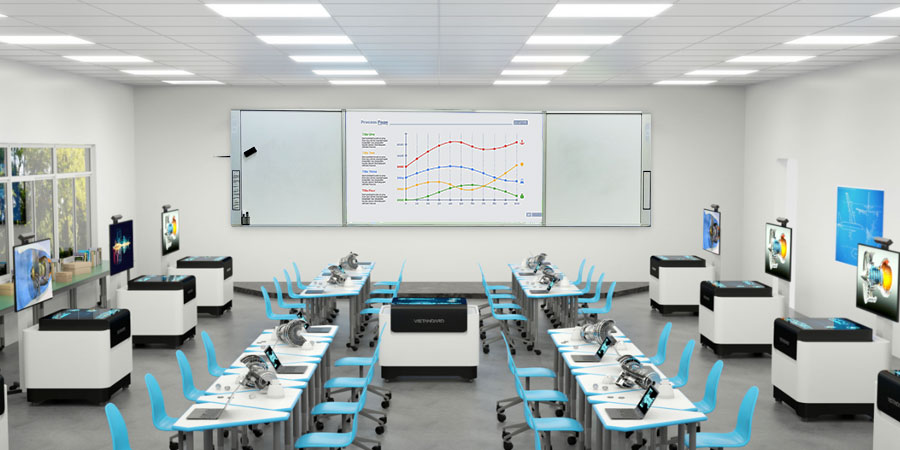
、智慧教室.jpg)
Projector-based IWBs: noticeable lag and limited multi-touch
The touch experience on projector-based IWBs is fundamentally different. Because the system has to detect touch on the whiteboard surface, communicate with the computer, and then display the result through the projector, there‘s inherent latency.
Tenfly‘s IWB specifications show click response at 15ms and continuous writing at 8ms in multi-point mod – actually quite respectable for an IWB. However, this represents the touch detection itself. In real classroom use, many IWBs exhibit noticeable lag because the entire signal chain (touch → computer → projector → board) introduces cumulative delay, especially with older projectors or underpowered computers.
One industry analysis notes that traditional IWBs typically suffer from 30–80ms latency, which makes writing feel sluggish and disconnected. Try writing your name smoothly when the ink trails half a second behind your finger – that‘s the reality of many IWB setups.
Multi-touch is also limited. Most IWBs support 2 to 6 touch points at best, and even then, accuracy drops when multiple users interact at once. That‘s a problem when you want half the class gathered around the board solving a math problem together.
The bottom line: IFPDs deliver a fluid, responsive touch experience that feels natural and intuitive. IWBs can work, but they‘re playing catch-up from the start.
Maintenance and Total Cost of Ownership (TCO)
Here‘s where things get interesting – and where many schools make expensive mistakes by focusing only on the initial purchase price.
Projector-based IWBs: hidden costs that add up fast
Let‘s be honest: an IWB looks cheaper upfront. You can pick up a projector and whiteboard combination for a few hundred dollars less than an IFPD. But that‘s where the savings end.
Bulb replacements are the biggest hidden cost. Projector lamps typically need replacement every 18 to 24 months, with each bulb costing $150 to $300. Over a five-year period, that‘s $450 to $900 in lamp costs alone – and that‘s per classroom.
One maintenance analysis found that the annual cost per classroom for projector-based systems can reach $500 or more when you factor in bulbs, regular maintenance, cable repairs, and the fact that projectors only last 3 to 4 years.
Calibration is another time sink. Touch accuracy on IWBs drifts over time, requiring monthly calibration to maintain precise response. In busy schools with dozens of classrooms, that‘s hours of IT staff time every month just to keep boards functioning properly. If calibration slips, students get frustrated when their touches don‘t register correctly – and frustrated students don‘t learn well.
Lamp dimming is a slow, creeping problem. Even before a bulb fails completely, its brightness gradually diminishes. One school IT manager noted that “Projector lamps began to dim and their warranties expired. Several hundred pounds of unbudgeted spend for a replacement lamp began to look excessive, as did the time spent needing to calibrate the interactive whiteboards every morning.” By the time you notice the image quality has degraded, you‘ve probably been teaching in suboptimal conditions for months.
IFPDs: virtually maintenance-free
Interactive flat panels have no consumable parts. No bulbs to replace. No filters to clean. No calibration required – ever.
The touch accuracy on IFPDs is factory-calibrated and remains consistent throughout the product‘s lifespan. Tenfly‘s IFPDs, like most quality units, are designed for 5 to 7 years of reliable service. Some high-end displays can last even longer – up to 7 to 10 years with consistent performance.
Let‘s run a simple five-year cost comparison:
| Cost Factor | IWB (Projector-Based) | IFPD |
| Initial hardware | $1,200–2,500 | $1,500–3,000 |
| Lamp replacements (2–3×) | $450–900 | $0 |
| Monthly calibration (IT time) | ~$200–400/year | $0 |
| Filter cleaning / misc maintenance | ~$100–200/year | ~$50 (screen cleaning) |
| Total after 5 years | ~$2,500–4,500 | ~$1,600–3,200 |
One industry analysis confirms that smart interactive displays offer a lower total cost of ownership (TCO) due to their durability, while projector-based systems incur recurring expenses that can exceed the initial purchase price over time.
The energy savings are real too. IFPDs typically consume around 150 watts, compared to 300 watts or more for a projector-based system. Over a full school year – say, 1,000 hours of use – that‘s a meaningful reduction in electricity costs and carbon footprint.
The bottom line: IFPDs cost more upfront but save money and headaches in the long run. IWBs are “cheap” only if you ignore what comes next.
Software, Ecosystem, and Future-Proofing
A display is more than hardware – it‘s a platform for teaching. This is where IFPDs pull even further ahead.
IFPDs: a complete computing platform built in
Interactive flat panels come with Android built right in. Tenfly‘s IFPDs run Android 13 or 14 with octa-core CPUs, 4GB or 8GB of RAM, and 32GB or 128GB of storage – essentially the same specs as a solid mid-range tablet, but optimized for a massive 4K display.
That means teachers can:
- Download teaching apps directly from the Google Play Store
- Run Google Classroom, Google Meet, Zoom, and Microsoft Teams natively
- Access cloud storage and online resources without connecting a laptop
- Use built-in whiteboard software with shape recognition, handwriting recognition, and screen recording
Many modern IFPDs also support wireless screen sharing from students‘ devices – no cables, no dongles, no “which adapter do I need?” moments.
IWBs: dependent on external computers
An interactive whiteboard is essentially a touch-sensitive input device – like a giant trackpad. It requires an external computer running compatible software to function. That computer needs its own maintenance, software updates, and eventual replacement. And if the computer crashes during a lesson, the whole system goes down.
Software compatibility is also a concern. Many IWB systems rely on proprietary software that may not be updated regularly or may not work well with newer operating systems.
OPS modules: a game-changer for IFPD upgradability
Here‘s a feature that doesn‘t get enough attention: OPS (Open Pluggable Specification) modules.
An OPS module is a standardized, removable computer that slots directly into the back of an IFPD. Tenfly‘s IFPDs all support OPS-C specifications with options for Intel i3, i5, or i7 processors.
Why does this matter? Because when the internal computing power starts to feel sluggish after a few years – and it will, because software keeps demanding more – you don‘t need to replace the entire $2,000 display. You just swap out the $300–500 OPS module and suddenly you‘ve got current-generation performance again.
One education technology expert puts it this way: “A nonoperating system board paired with modular OPS units can be an affordable and scalable alternative to costly replacements.” Another source notes that OPS upgrades are “easy to perform without removing the interactive display from its mounting.”
This modularity extends the useful life of IFPDs significantly. A well-maintained IFPD with regular OPS upgrades could easily serve a classroom for 8 to 10 years.
Projector-based IWBs have no such upgrade path. When the computer gets slow, you replace the whole computer – but you‘re still stuck with the same projector that‘s losing brightness and the same whiteboard surface that might be scratched or stained.
The bottom line: IFPDs are a platform, not just a peripheral. They adapt and grow with your needs.
Health, Safety, and Classroom Comfort
We don‘t always think about this when comparing technologies, but the physical classroom environment matters for both teachers and students.
IFPDs are easier on the eyes
Quality IFPDs feature low blue light technology that reduces eye strain during long periods of use. TÜV Rheinland‘s Low Blue Light certification, for example, tests displays to ensure they effectively reduce hazardous blue light emissions.
The anti-glare tempered glass on Tenfly‘s IFPDs (4mm AG glass with Mohs 7 hardness) further reduces reflections and eye fatigue.
Projectors create physical distractions
Projectors generate heat and fan noise. In a quiet classroom, that constant whirring sound – even at low volume – adds background noise that can be distracting, especially for students with auditory sensitivities.
The fan noise also means the projector is actively cooling itself, which means dust is being pulled through the system. That leads to filter cleaning, reduced longevity in dusty environments, and eventually, overheating issues.
Teachers‘ health is a consideration too. Projectors shine light directly toward the presenter‘s eyes. While modern projectors are much safer than older models, prolonged exposure to bright projected light at close range can cause eye strain and fatigue over a teaching career spanning decades.
The bottom line: IFPDs create a cleaner, quieter, more comfortable learning environment for everyone in the room.
Installation and Setup
Nobody wants to spend days getting a classroom ready.
IFPDs: simple, one-step installation
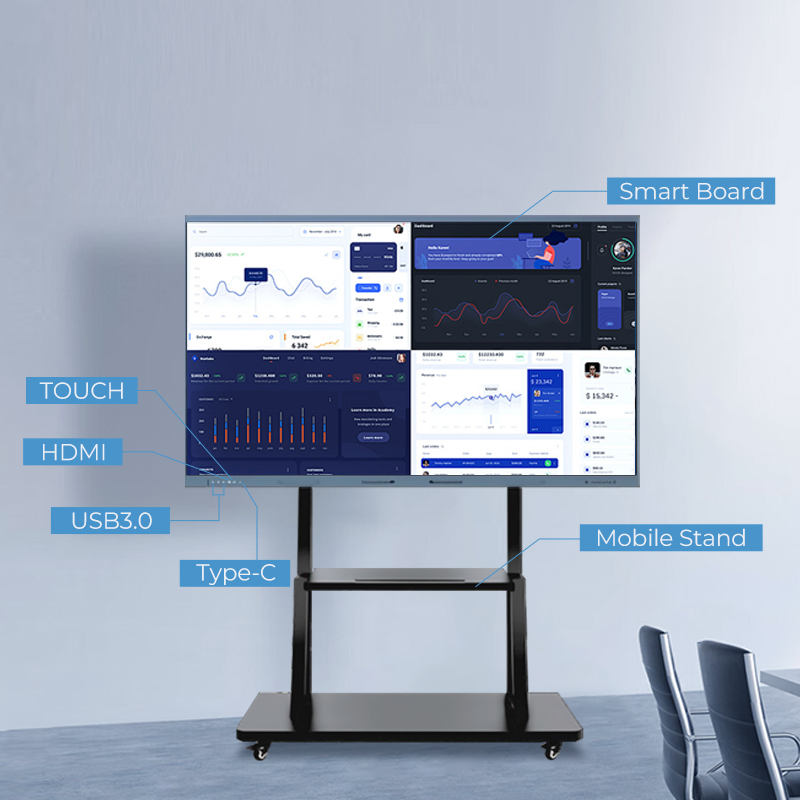
Mount an IFPD on the wall or roll in a mobile stand, plug it into power, connect to Wi-Fi, and you‘re done. No projector alignment, no screen positioning, no cable runs across the ceiling.
Tenfly‘s IFPDs come in wall-mountable designs with comprehensive front and rear I/O ports including USB, HDMI, Type-C, and RS232, so connectivity is straightforward.
One source notes that “interactive flat panels are generally easier and faster to install than projector-based systems, often requiring only wall mounting and power/network connections.”
IWBs: multiple steps, more that can go wrong
Installing a projector-based IWB involves:
- Mounting the whiteboard on the wall
- Mounting the projector on the ceiling at the correct distance and angle
- Running cables through ceilings or walls
- Calibrating the touch alignment between the projector and the whiteboard
- Configuring the connected computer
Each step is an opportunity for something to go wrong. If the projector shifts even slightly, the image no longer aligns with the whiteboard. If a cable gets damaged, tracking down the issue can be time-consuming.
The bottom line: IFPDs are plug-and-play. IWBs are project-managed.
Which One Wins in 2026?
Let‘s be clear about something: projector-based interactive whiteboards still have a place. If you‘re on an extremely tight budget, if you already own functional projectors that you‘re not ready to replace, or if you‘re equipping a very large space where a 120-inch projected image makes sense – an IWB can work.
But for the vast majority of K-12 classrooms, training rooms, and higher education lecture halls, the interactive flat panel is the superior choice in 2026.
Here‘s a final side-by-side:
| Factor | IWB (Projector-Based) | IFPD |
| Visual quality in bright rooms | Poor – needs dim lighting | Excellent – 350–500 nits |
| Resolution | XGA/WXGA typical | 4K UHD standard |
| Touch responsiveness | 30–80ms typical | ≤8–10ms |
| Multi-touch support | 2–6 points | 20–40 points |
| Maintenance | Bulbs, filters, monthly calibration | Virtually none |
| 5-year TCO | Higher (hidden costs add up) | Lower |
| Built-in software | No – needs external computer | Yes – Android included |
| Upgrade path | Replace entire system | OPS module swap |
| Installation complexity | High – multiple components | Low – single unit |
| Fan noise / heat | Yes | No |
So, What Should You Do?
If you‘re convinced that IFPDs are the right direction for your school or institution, your next step is figuring out which size, specs, and configuration fit your specific needs.
That‘s exactly what our next article covers: a detailed, step-by-step guide on how to choose the right interactive flat panel for your classroom – including size selection (65, 75, 86, 98, or even 110 inches), touch technology options (infrared vs capacitive), OPS module planning, and budget considerations.
