
5 Proven Ways Interactive Flat Panels are Transforming Modern Classrooms

Daisy Li
Display Solutions & Product Technology Expert
Specializing in OEM/ODM smart display solutions from 21.5″ monitors to 110″ interactive flat panels, with expertise in product configuration, system integration, quality control, and bulk project delivery for global B2B markets.
Follow me:
Walk inside a classroom where students cluster around a giant touchscreen, writing on it together, casting their tablets to the front display without leaving their seats, or watching a live 3D cell model spin on screen during biology class. That’s not a picture of the future, that’s what well-deployed interactive displays for teaching look like now.
Yet many schools are still teaching on static projectors and dusty whiteboards. There is a real difference between what’s feasible and what’s real, and it shows up in how deeply children participate in learning every single day.
From group collaboration to visual experience throughout long courses, this guide takes a look at five practical ways interactive flat panel screens enhance the classroom experience.
1. Transforming Group Projects with Multi-Touch Collaboration
Think about a typical group project. One student controls the pen. Everyone else watches. It’s not really collaboration—it’s one person doing the work while others wait.
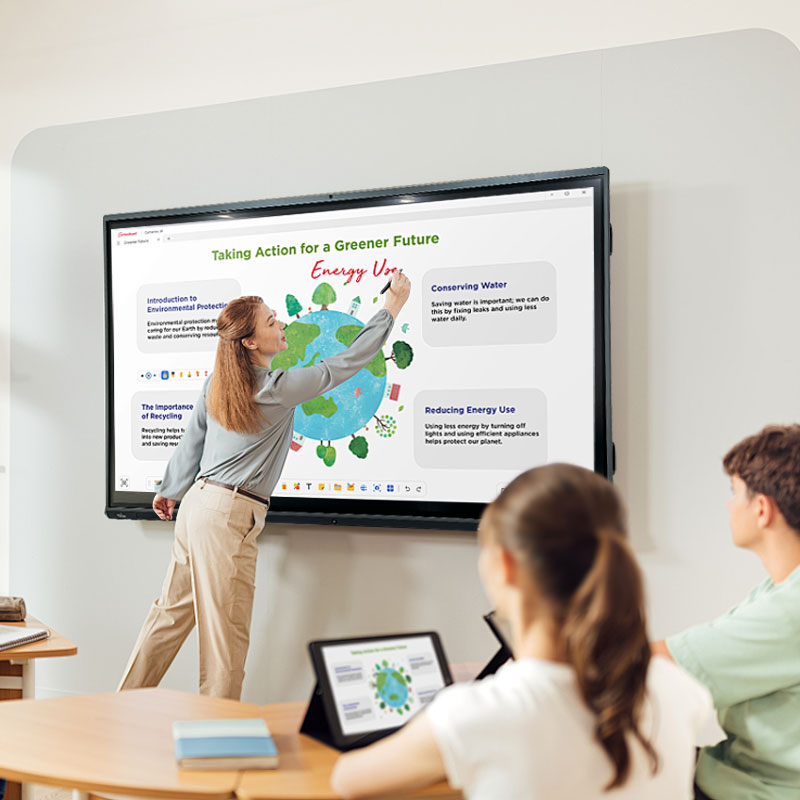
Interactive flat panels turn that around. Multi-touch writing functionality allows multiple students to write, draw and annotate on the screen simultaneously without interfering with each other. Palm rejection technology prevents accidental touches from cluttering what’s already on the screen, so writing feels as natural as pen on paper.
In practice, this changes the energy in a group session. It brings in students who would ordinarily sit on the sidelines, because there is physically a spot for them on the screen. Brainstorming becomes really participative, the ideas build up on each other in real time.
Research into collaborative learning has repeatedly demonstrated that when students actively develop information together, retention increases—and multi-touch interaction is one of the most straightforward methods to do this physically.
2. Empowering Every Voice with Wireless Screen Sharing
One of the subtle but meaningful changes interactive displays in classrooms provide is the removal of the need to walk to the front of the room. It sounds small, but for a lot of kids, especially the quieter ones, the act of standing up and walking to a board in front of everyone is enough of a hurdle that they just don’t put their hand up.
The display has built-in wireless screen casting so a student can share work from a tablet or laptop without having to move. Teachers can mirror numerous devices simultaneously, which opens up new possibilities: comparing two students’ approaches to the same topic, or having groups present their drafts side-by-side.
Reverse touch control takes it a step further, letting the teacher or another student annotate or interact with the mirrored content directly on the panel and keeping the lecture moving fluidly without making the student hand over their device. It keeps the lecture moving and keeps everyone engaged and not just the student whose screen is being shared.
3. Bringing STEM Subjects to Life Through Interactive Software
Try describing geometry of intersecting planes on a typical blackboard. You can draw it, but the instant you want to rotate the shape or show a cross section, the chalk drawing fails. Static tools mean no physics simulations, no chemical bonding animations, no dynamic graphing functions.
Interactive displays for schools that run on Android based teaching interfaces change this completely. There are pre-installed whiteboard apps that allow teachers to call up geometric tools, physics simulations and layered diagrams on the fly, without fussing with other software or cords.
Designed for education, the interface allows you to transition from a video clip to a whiteboard annotation to a browser-based simulation in seconds, not minutes.
When students can see a concept move—watching a sine wave shift frequency in real time, or a titration reaction animate step by step—understanding clicks faster and sticks longer. That’s not a claim unique to any one product; it’s just how visual, interactive learning works for most people.
4. Bridging the Gap in Hybrid Learning Spaces
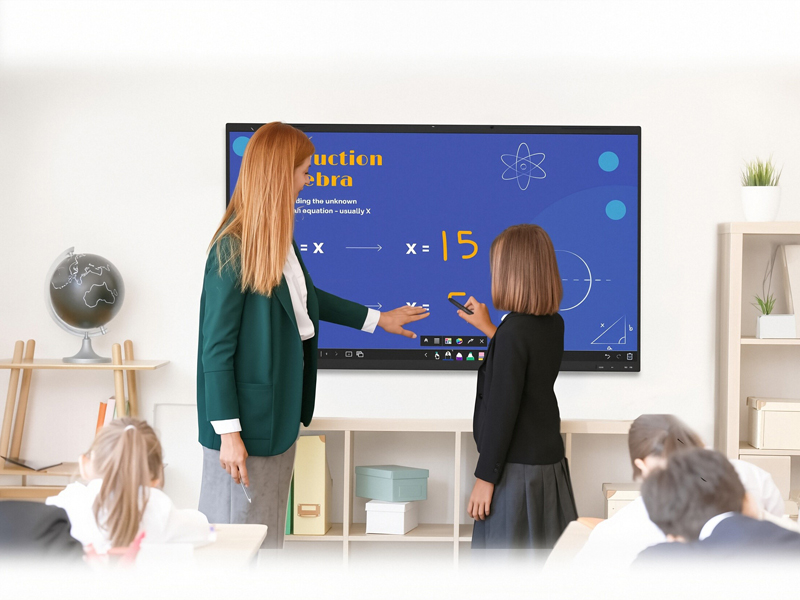
Hybrid learning is no longer only an emergency workaround—it’s a permanent part of the operations of many institutions. The problem is that most hardware wasn’t built with it in mind. A panel that works great in person, but has trouble keeping a zoom session stable while also running a whiteboard application, is a serious concern.
Hybrid learning classrooms need interactive displays with hardware that can truly handle concurrent workloads. A panel’s expansion bay takes an OPS (Open Pluggable Specification) module so schools may run video conferencing software and teaching tools and play material at the same time with no lag. Optional camera and microphone modules plug directly into the panel for a much simpler setup.
To help match hardware to actual teaching needs, here’s a practical configuration guide based on common classroom scenarios.
Classroom Configuration Reference Table
| Teaching Scenario | Use Case & Software Workload | Recommended Hardware Configuration |
| Basic Interactive Learning | Digital Whiteboarding, document viewing (PDF/PPT slides), local video playback, and basic web browsing | Android-Based Standalone System (8GB RAM + 64GB Storage) |
| Standard Hybrid Classroom | Video conferencing (Zoom / Microsoft Teams), simultaneous screen sharing, interactive courseware, and multitasking | Android + Standard OPS Module (Intel Core i5, 16GB RAM, 256GB SSD) |
| Advanced STEM & 3D Demo | Heavy multitasking, CAD software, 3D simulations, and multiple 4K video streams | Android + High-Performance OPS (Intel Core i7, 32GB RAM, 512GB SSD) |
5. Protecting Student Vision During Extended Lessons
Screen time is a primary concern for parents and school administrators, and it demands a straightforward answer. Even prolonged screen time is dangerous, but display quality really impacts the amount of strain students actually experience.
Anti-glare tempered glass decreases reflections on the surface making the eye work harder in varied lighting. Optical bonding (zero-gap bonding) will eliminate the air gap between the glass and the display panel, which decreases internal reflection and makes the colors look more true and steady.
The overall result is a more gentle viewing experience throughout a two-hour course compared to a conventional display that has no bonding treatment.
These are not costly add-ons—they are capabilities that schools should expect as standard when ordering interactive flat panel displays for regular usage in the classroom.
Choosing the Right Interactive Display Partner for Education Projects
Realizing the benefits of interactive learning requires more than just buying screens; it requires the right manufacturing partner. Many schools and system integrators have moved beyond ordinary off-the-shelf screens.
Usually, large education initiatives need unique hardware, specific software settings, and a supply chain that can reliably deliver to many locations year after year. And a reliable interactive flat panel manufacturer helps education brands create a better classroom experience and remain competitive in large-scale school projects.
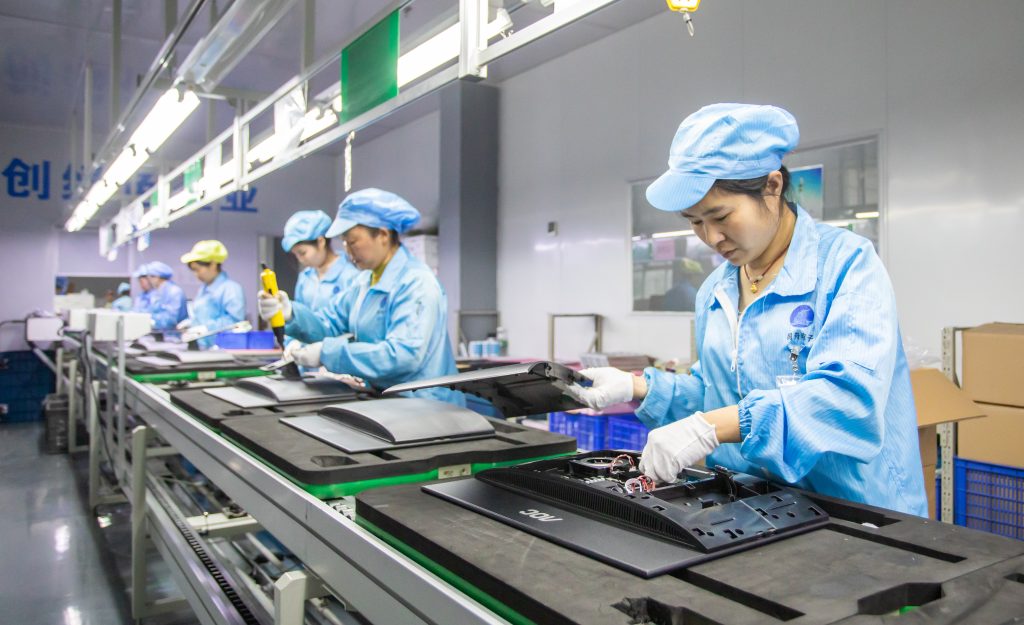
With over 30 years experience in manufacturing, Tenfly has the capacity to produce 20,000 units per month across 8 manufacturing lines. This gives Tenfly the scalability to manage large deployments without the delivery instabilities smaller suppliers frequently face. Three things set apart a serious manufacturing partner for education:
- Custom Branding & Hardware. You can choose panels from a predefined catalogue, but can specify size, port configurations, anti-glare treatment and custom branding to match the particular requirements of a project.
- Localized Software & Firmware. Localized Software and Firmware Certification criteria and software ecosystems vary among locations. Tenfly’s in-house R&D team (50+ engineers, 100+ patents) handles firmware customization and ensures compatibility with the platforms schools already use.
- Long-Term Reliability of Supply. A school that installs 500 panels in year one needs to obtain components on a continuous basis in years three and five when replacements or additions are required. Continuity is assured through Tenfly’s ISO certified operations and established supply chain.
Empower the Next Generation of Learners with Smarter Classrooms
When designed and deployed correctly, interactive flat panels achieve something simple but critical: they help students stay engaged and help teachers teach clearly. Technology isn’t magic, but the proper gear, in the right classroom environment, supported by a vendor who understands educational implementation, does truly impact learning results.
If you are an education technology brand or system integrator working on a school digitalization project, browse the interactive flat panels series for education and request a custom solutions based on your needs.
Contact Tenfly today for a free consultation.