
Infrared vs Capacitive Touch: Which Is Better for Interactive Displays?

Daisy Li
Display Solutions & Product Technology Expert
Specializing in OEM/ODM smart display solutions from 21.5″ monitors to 110″ interactive flat panels, with expertise in product configuration, system integration, quality control, and bulk project delivery for global B2B markets.
Follow me:
Choosing an Interactive Flat Panel Display (IFPD) for a classroom or meeting room is a significant investment. While comparing specifications, buyers quickly encounter one major question:
Should I go with IR touch technology or Projected Capacitive P-Cap touch?
There is no such concept as better in the case of touch technology because both infrared and capacitive touch technologies are more suitable for some purposes.
- For schools, colleges, and institutes, or when buying many IFPDs at once, IR touch is the most advantageous technology, providing excellent compatibility and cost performance, meeting all requirements.
- If you need IFPDs in the expensive rooms, then P-Cap capacitive touch is what you need, with its outstanding usability and high accuracy of operation.
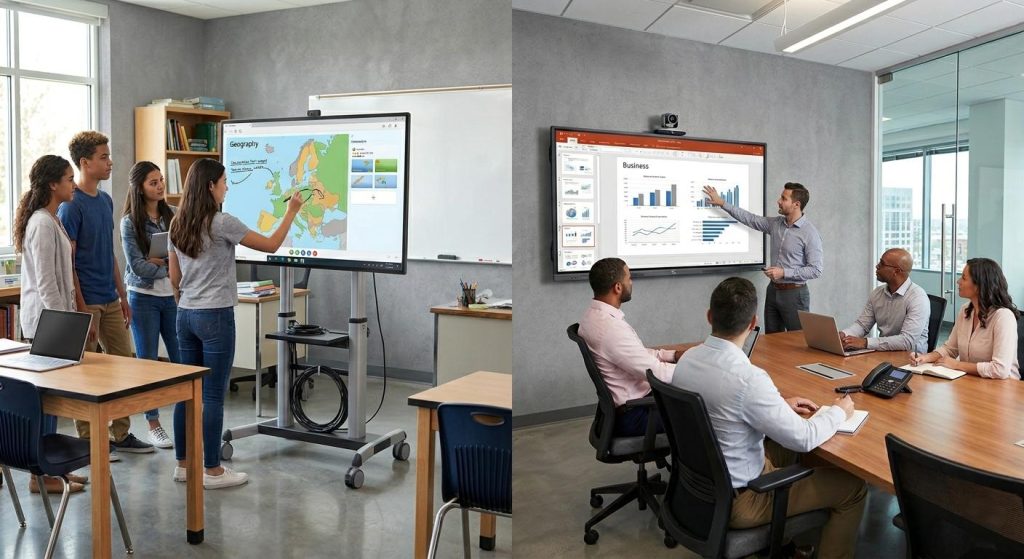
What Is the Difference Between Infrared and Capacitive Touch?
| Feature | Infrared (IR) | Capacitive (P-Cap) |
| Touch feel | Functional | Very smooth |
| Accuracy | Medium | Very high |
| Response speed | Good | Faster |
| Writing experience | Slight delay | Close to pen-on-paper |
| Gesture control | Standard | Excellent |
| Edge touch | Sometimes less stable | More precise |
| Multi-touch | Supported | Stronger |
| Palm rejection | Weaker | Better |
| Complex gestures | Average | Better |
| Smartphone-like experience | No | Yes |
Infrared (IR) Touch: The Invisible Light Grid

Think of an infrared display as having an invisible grid of light beams across its surface. Infrared emitters and receivers are built into the bezel around the screen. When your finger or stylus blocks those beams, the system calculates the exact touch coordinates.
Pros
- Affordable: IR touch is usually more budget-friendly, especially for large sizes such as 75″, 86″, and 98″.
- Versatile: You can use a plastic stylus, your finger, or even a gloved hand.
- No air-gap issue: Modern zero-bonding IR displays have eliminated many of the lag and gap problems found in older models.
cons
- Bezel frame: Because the sensors sit in the frame, there is usually a slight border that can collect dust.
- Light interference: Although rare in newer models, strong direct sunlight can occasionally interfere with the infrared beams.
Projected Capacitive (P-Cap) Touch: The Smartphone Standard
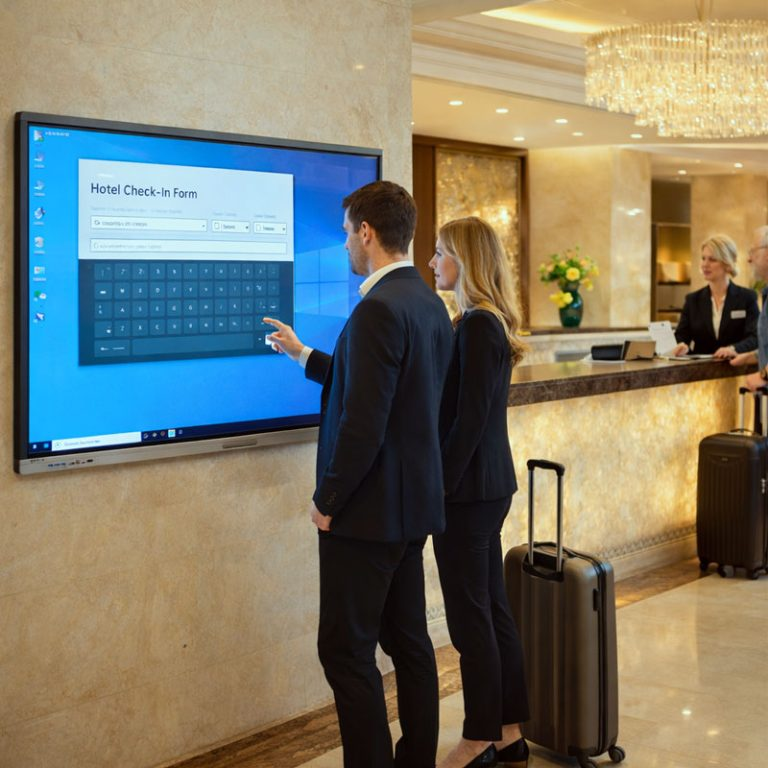
This is the same touch technology used in smartphones. Behind the cover glass is a transparent conductive micro-grid. When a finger touches the glass, it changes the capacitance, and the system detects the exact touch point.
Pros
- Smartphone-like feel: It looks like a giant iPad, with a sleek full-glass front that fits modern office environments.
- Strong palm rejection: Most P-Cap displays can distinguish between a pen and a resting hand on the glass.
- High precision: Ideal for fine line drawing, architectural markup, or detailed data work.
cons
- Higher cost: Manufacturing a large conductive grid is significantly more expensive.
- Stylus limitations: You usually cannot use just any plastic pen; a finger or a compatible capacitive stylus is often required.
Which Interactive Whiteboard is Better for Schools? (The Case for Infrared Touch)

In a K-12 environment, the Infrared (IR) display remains the champion for several reasons:
- Budget Scalability: Schools often need to buy in bulk. The lower cost of IR technology allows districts to equip 30% more classrooms with the same budget.
- Object Agnostic: Teachers often use pointers or wear gloves. IR screens respond to any opaque object, whereas P-Cap requires conductive pens or fingers.
- Ruggedness: Classroom screens take a beating. With IR, the sensors are protected in the frame. Even if the glass gets a surface scratch, the touch functionality remains intact.
Which Interactive Display is Best for Corporate Collaboration? (The Case for Capacitive Touch)
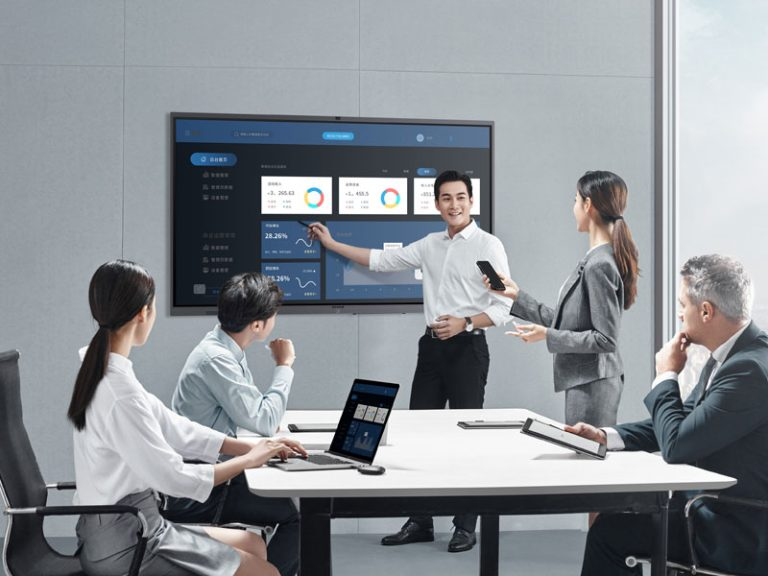
For high-end offices and design studios, P-Cap touch is the gold standard:
- Professional Aesthetics: The edge-to-edge flat glass looks modern and premium—perfect for making an impression on clients.
- Natural Brainstorming: P-Cap’s Palm Rejection allows you to rest your hand on the screen while writing, making digital whiteboarding feel as natural as using a legal pad.
- Pixel-Perfect Precision: If your team works with architectural blueprints or complex spreadsheets, the high-touch precision of P-Cap ensures every tiny click is accurate.
Pre-Purchase Checklist
Before you sign the PO, verify these three expert-level criteria:
- Eye Care Certification: Check for TÜV Rheinland or SGS Low Blue Light and Flicker-Free certifications. This is non-negotiable for long-term health.
- Glass Quality: Ensure the display uses Chemically Etched Anti-Glare (AG) Glass. Avoid “anti-glare films,” as they peel and bubble over time under heavy use.
- Future-Proofing: Ask if the display has an OPS (Open Pluggable Specification) slot. This allows you to upgrade the built-in computer in 3 years without replacing the entire screen.
Contact Tenfly today for a free consultation.
