
The Hidden Cost of Digital Signage Downtime: Why Many Integrators Are Choosing Mini PCs to Improve Reliability?

Daisy Li
Display Solutions & Product Technology Expert
Specializing in OEM/ODM smart display solutions from 21.5″ monitors to 110″ interactive flat panels, with expertise in product configuration, system integration, quality control, and bulk project delivery for global B2B markets.
Follow me:
Imagine that it’s a busy Saturday afternoon and half the screens in a 20-location retail chain have gone dark. No marketing, no adverts, just empty spaces. The ops team kicks into overdrive but the harm is done. A single hardware failure can leave multiple displays offline and disrupt scheduled content delivery.
This kind of thing is more common than most people realize. As digital signage networks get bigger and more connected, the stakes for hardware reliability are higher than ever. Whether you’re running a handful of screens or hundreds, the digital signage hardware you select impacts uptime, operational expenses and your reputation with clients.
In this guide, we’ll explore why digital signage hardware downtime is becoming a more costly issue, and why more integrators are looking to mini PCs as a viable, long-term solution.
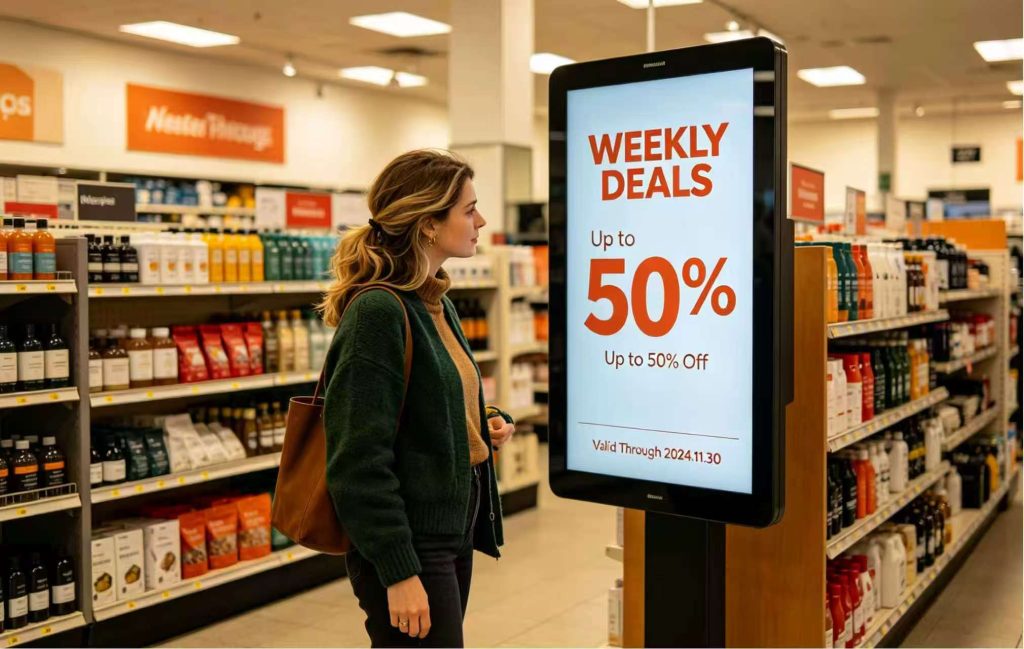
The Ripple Effect: What Really Happens When Your Screens Go Dark?
A hardware breakdown rarely just impacts one screen. With more and more ad networks going online, more remote management configurations, more franchise-wide deployments and tougher SLA requirements, a single device failure can have a cascading effect on the entire operation.
The amount showing on the repair invoice is usually only a fraction of the real cost of digital signage device downtime. So the cost of downtime is increasing, and the need to prevent downtime is increasing with it.
When we talk to integrators who have suffered unforeseen outages, the financial impact is multi-dimensional:
| Cost Category | Typical Scenarios | Estimated Financial/Brand Impact |
| Direct Costs | Emergency on-site tech dispatches, hardware replacement | High (Labor + Parts + Travel) |
| Opportunity Costs | Unplayed ad spots, lost promotional sales | Moderate to High (Varies by industry) |
| SLA Penalties | Failing to meet 99.9% uptime guarantees with clients | Direct revenue deduction |
| Reputational Damage | Blank screens reflecting poorly on both the brand and the integrator | Long-term loss of client trust |
The Myth of “Consumer-Grade” Savings
It’s tempting to save money at the beginning with consumer-grade devices, such TV sticks, basic media boxes or re-purposed home PCs. The figures look good on the surface. In practice the story is different.
Consumer-grade devices are okay for one screen with casual content, but they often fall short in multi-screen installations, 24/7 situations, or anywhere reliability is needed. The support calls, replacement cycles and service visits add up rapidly. It is the premium choice for professional digital signage gear and more. It’s what keeps your total operating costs predictable over time.
Breaking Down the Hardware Bottleneck: Why Traditional Setups Fail?
Even integrators who steer clear of the cheapest solutions get into difficulty when using gear that’s not signage friendly. There are two difficulties which always crop up:
Thermal Throttling in Tight Spaces: Display housings tend to be compact and not well ventilated. The thermal challenges for a digital signage media player behind a screen in a south-facing retail window are considerably different from a desktop PC in an air-conditioned workplace. Without effective thermal management, active or passive, devices tend to overheat, throttle performance and eventually fail.
24/7 Operational Fatigue: Most consumer and mid-range commercial technology isn’t designed to run 24/7. Eventually, the persistent consumption of storage wear from relentless read/write cycles, power fluctuation, ongoing thermal stress, and slow component deterioration discreetly eats away at reliability until something breaks at the worst possible time.
The bottom line is simple. For demanding 24/7 deployments, industrial-grade hardware often provides greater long-term reliability.
Why Mini PC Is Becoming Popular in Digital Signage?
Experienced integrators are clearly changing the way they think. Rather than reacting to failures after they occur, the goal is to prevent problems before they happen. Enter the mini PC. A mini PC that can support signage environment addresses the most common hardware failure spots before they become a field problem.
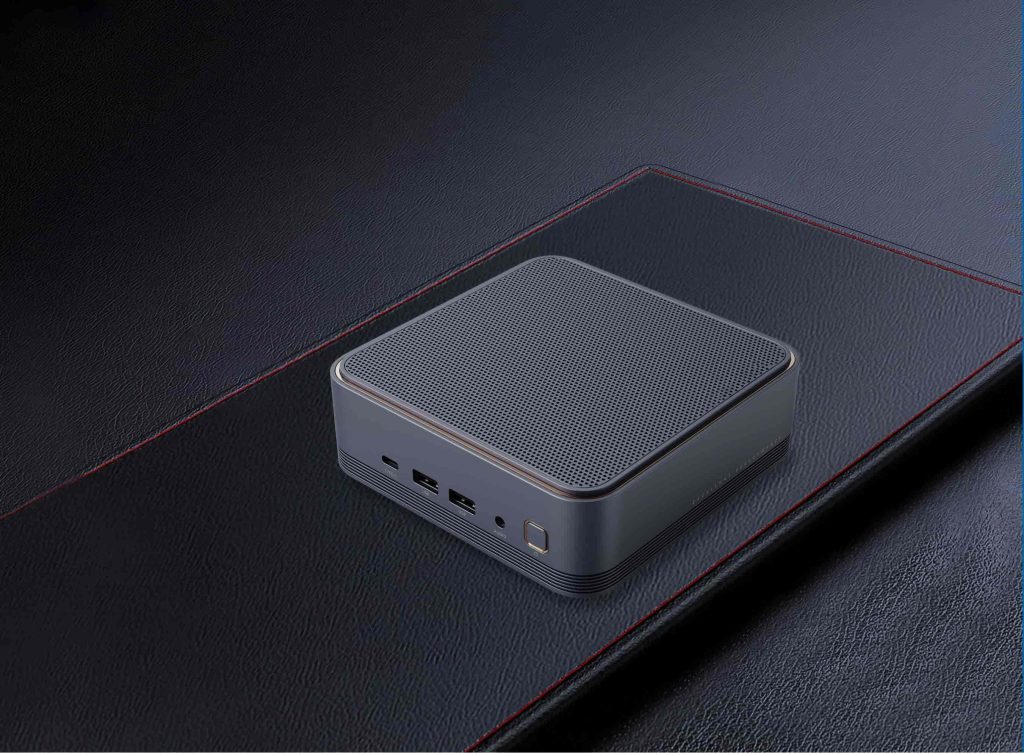
Key Advantages of Using a High-Performance Mini PC for Digital Signage
- Fanless & Dustproof Design: Eliminating moving mechanical components reduces the most common failure point on any computing device. Dust accumulation is a real problem in places such as fast food restaurants, store floors, or semi-outdoor kiosks. Fanless designs help reduce maintenance requirements, without requiring frequent maintenance When paired with proper thermal engineering.
- Robust I/O Connectivity: Stable connections with touch overlays, cameras, sensors, legacy devices and other peripherals assist eliminate compatibility difficulties that can result in unexpected system interruptions. For integrators deploying at scale, fewer connectivity issues imply fewer support tickets, fewer site visits.
- Auto-Boot & Watchdog Timers: When power failures occur and system hangs, a mini pc for digital signage with auto-boot and a hardware watchdog can recover itself without someone having to drive to the spot. It’s a feature that pays off when you’re juggling deployments in several regions or cities.
- Compact Form Factor: A clean VESA-mount profile sits behind the display for professional-looking installs and easy long-term maintenance without cluttering the environment.
Reliability Starts Before Deployment
Choosing the proper digital signage player is not just a matter of spec sheets. It is worth running through a practical checklist before committing to a hardware platform:
- Look for Wide Temperature Tolerance: Signage hardware often finds itself in places not intended for electronics—near windows, in industrial kitchens, or outdoors. Devices with broad operational temperature ratings provide you substantial headroom against environmental stress.
- Prioritize Component Quality: An industrial grade motherboard and quality solid-state storage make a big difference in digital signage player reliability over time. Storage durability genuinely matters, because a device is creating logs and caching content 24/7.
- Verify VESA Mounting Compatibility: A mounting option that actually fits that display will speed up installation, keep it cleaner, and more secure, and lower the chances of physical vibration causing connection issues down the line.

Next Steps
Digital signage reliability is not a luxury. This is a basic expectation that will only grow more crucial as networks scale and SLA standards tighten. The correct digital signage gear doesn’t only cut downtime, it alters the way you plan deployments, establish client commitments and maintain profitability over the long term.
At Tenfly we design mini PCs for these exact needs, with industrial-grade components, fanless thermal management, and customisable solutions for integrators needing hardware that operates as consistently as they do. If you’re evaluating your next signage deployment, explore mini PCs lineup and OEM service to find the right fit.
Contact Tenfly today for a free consultation.
