
How to Choose the Right Interactive Flat Panel for Your Classroom – Beyond the Screen Size

Daisy Li
Display Solutions & Product Technology Expert
Specializing in OEM/ODM smart display solutions from 21.5″ monitors to 110″ interactive flat panels, with expertise in product configuration, system integration, quality control, and bulk project delivery for global B2B markets.
Follow me:
So you‘ve decided an interactive flat panel (IFPD) is the way to go. Good call. But now you’re staring at a wall of specs – 65 vs 75 vs 86 inches, infrared vs capacitive touch, OPS modules, Android versions – and honestly, it‘s a lot to untangle.
Don’t worry. This guide walks you through the six key decisions you‘ll need to make. By the end, you’ll know exactly what fits your classroom, your teachers, and your budget.
Let‘s jump in.

Step 1: Nail the Size – Bigger Isn’t Always Better
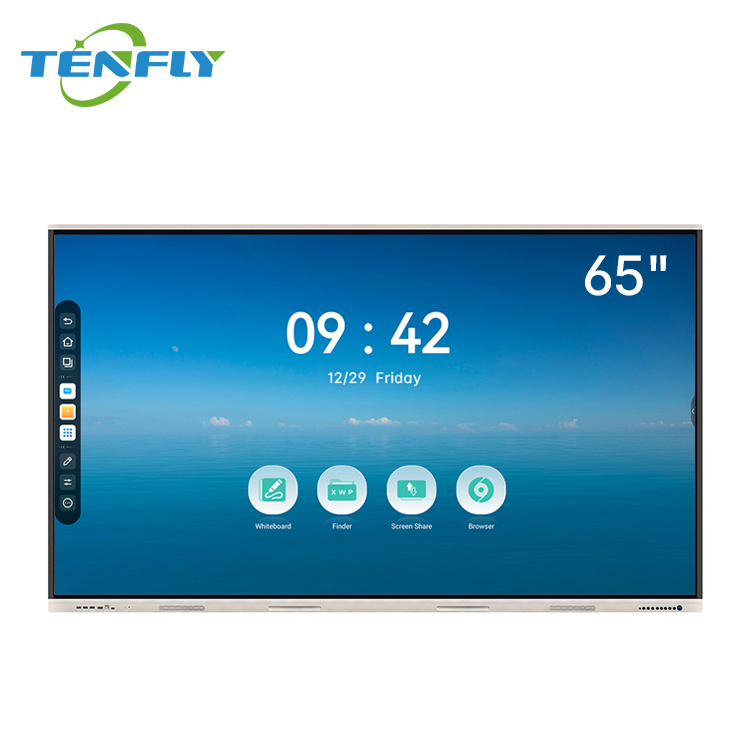
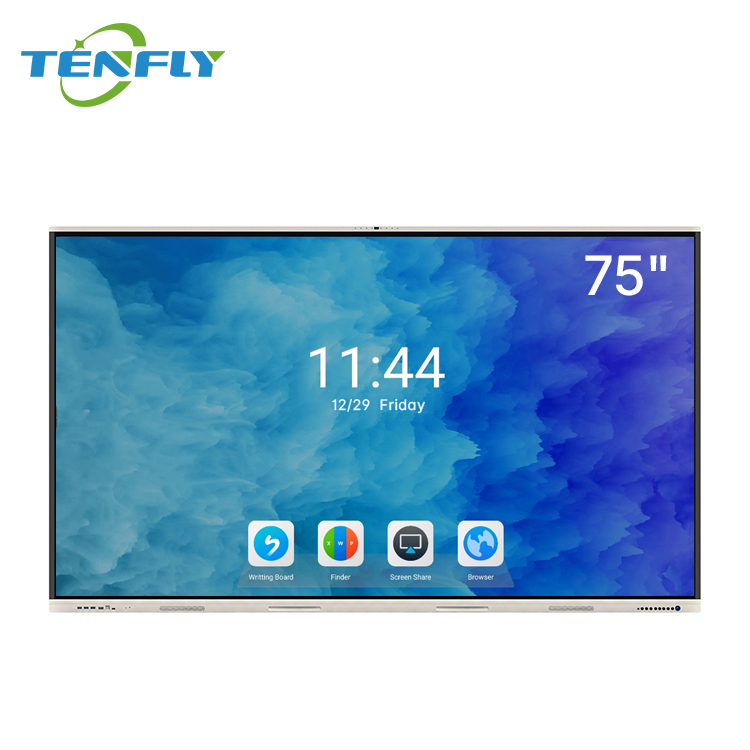
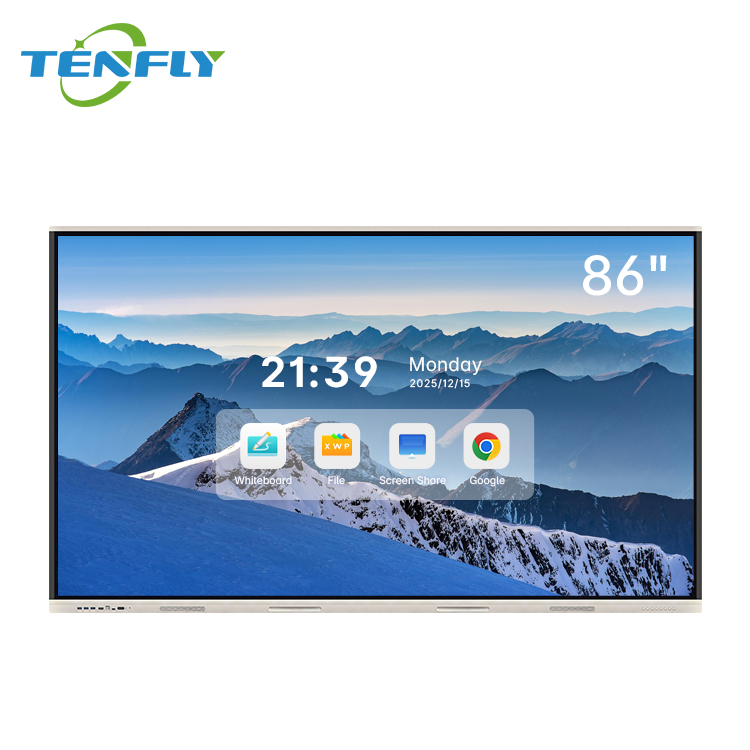
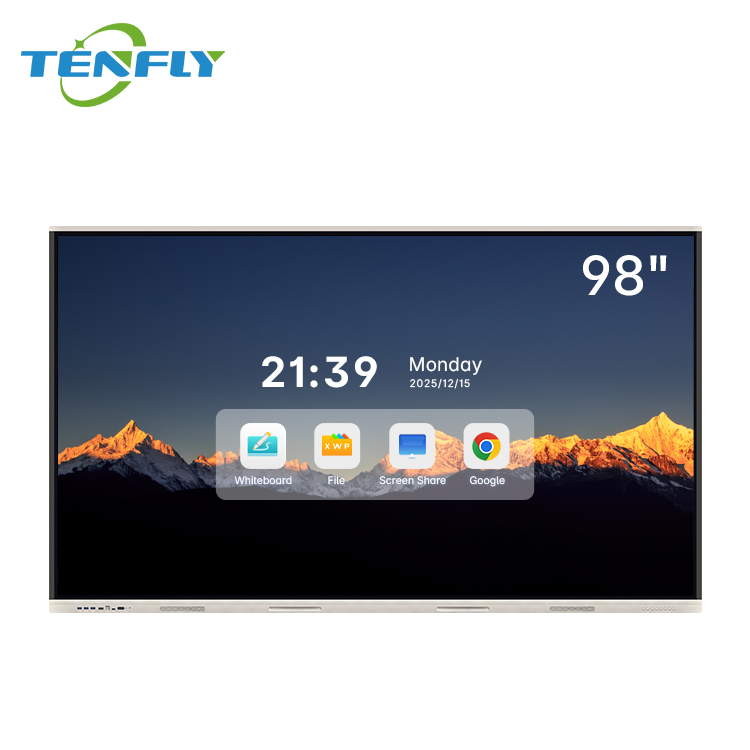
Screen size is usually the first question, but we‘ve already written a detailed guide on exactly that. Instead of repeating ourselves here, check out our dedicated article: 65, 75, or 86 inches – how to choose the right interactive panel size for your classroom. It covers the 4-6-8 rule, real classroom fit, and why bigger isn’t always better.
Once you‘ve settled on the right size, come right back – the rest of this guide will help you nail every other important decision.

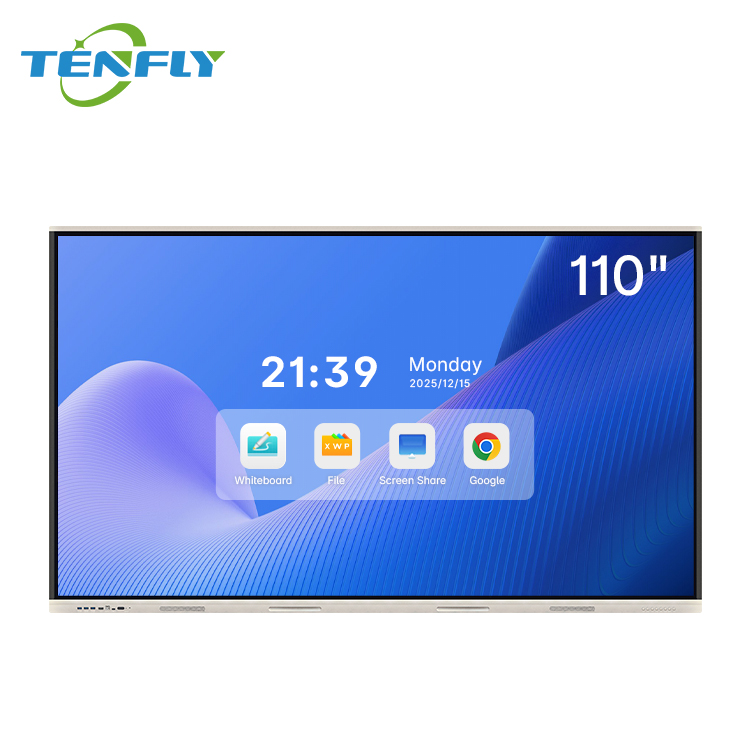
Step 2: Choose Your Touch Technology – Infrared vs Capacitive
Two main touch technologies dominate the classroom market: Infrared (IR) and Capacitive (PCAP) . Each has strengths.
Infrared (IR) works by projecting an invisible grid of light beams across the screen. When you interrupt the grid – with a finger, a stylus, even a gloved hand – the system detects the IR is the workhorse of education:
- Durable: Withstands scratches, impacts, and daily classroom abuse.
- Versatile: Works with any object – gloves, dry-erase markers, even chopsticks. No conductivity required.
- Cost-effective: Generally less expensive for large sizes.
- Environmentally resilient: Functions reliably in humid, dusty, or brightly lit conditions.
Capacitive (PCAP) – the technology in your smartphone – detects touch through the electrical properties of your finger. It offers:
- Superior precision: Accuracy under 5mm, ideal for fine handwriting and detailed diagrams.
- Faster response: Latency under 10ms, matching natural writing speed.
- Palm rejection: Distinguishes between intentional touch and accidental palm contact – great for students who rest their hand on the screen while writing.
Which to pick? For most K-12 classrooms, IR is the practical choice. It‘s durable, cost-effective, and works in any environment – including schools where students might use gloves in winter or markers during science experiments. Tenfly’s IFPDs use IR touch with 20-point support and ≤8ms response time, balancing precision with classroom-ready durability.
If your focus is art, design, or very fine handwriting (and you have the budget), capacitive is worth the premium. But for day-to-day teaching across multiple subjects, IR gets the job done beautifully.
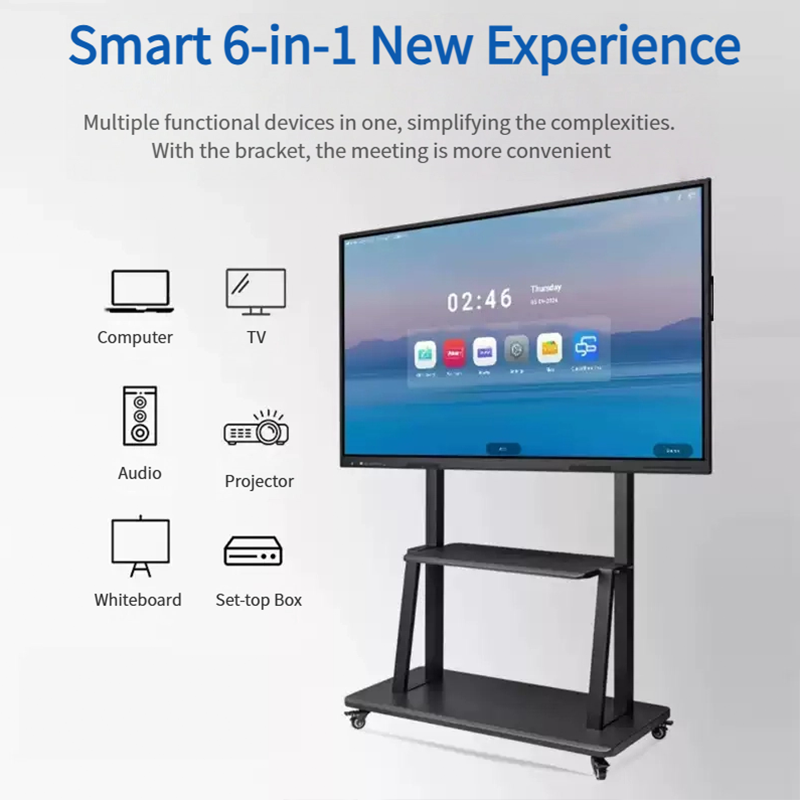
Step 3: Understand What‘s Inside – The OPS Module
Here’s a detail that many first-time buyers overlook: the OPS module is the brain of your interactive flat panel. And it‘s removable.
OPS (Open Pluggable Specification) is an industry standard that separates the display hardware from its computing core. Think of it like this: the screen is the body, and the OPS module is the brain. When the brain gets slow, you don’t throw away the body – you just replace the brain.
Why this matters for schools:
- Lower total cost of ownership: Instead of replacing a $2,000–3,000 display every 3–5 years, you swap a $300–500 OPS module and get current-gen performance.
- Easy upgrades: Slide out the old module, slide in a new one – typically without even removing the display from the wall.
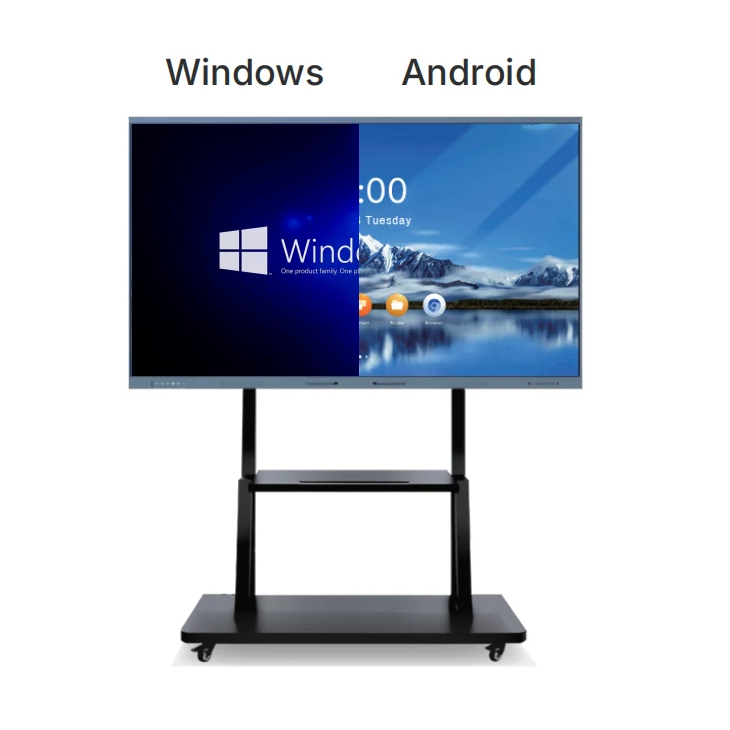
- Flexible OS choices: Choose Android for simplicity and app access, or Windows for specific software requirements.
Tenfly‘s IFPDs support OPS-C specifications with options for Intel i3, i5, or i7 processors. That means you can start with an i3 for general use, then upgrade to i7 down the road if teachers start running more demanding applications – all without touching the screen.
When you evaluate suppliers, always ask: Is the OPS module included? Is it user-replaceable? What OS options are available? These questions separate serious manufacturers from budget assemblers.
Step 4: Verify Safety and Compliance Certifications
This step isn‘t glamorous, but it’s critical – especially if you‘re importing or bidding on government tenders.
Three certifications matter most:
- CE (Conformité Européenne) : Mandatory for products sold in the European Economic Area. Confirms electrical safety and that the device won‘t interfere with other electronics. For schools, this means teachers and students are protected from shock hazards.
- FCC (Federal Communications Commission) : Required for the U.S. market. Ensures the device doesn’t emit harmful electromagnetic interference that could disrupt other classroom tech.
- RoHS (Restriction of Hazardous Substances) : Limits toxic materials like lead, mercury, and cadmium. RoHS compliance is often a mandatory condition for school procurement contracts.
A CE-marked interactive whiteboard ensures safe operation under normal classroom conditions – which is particularly important in educational environments where students interact directly with the screen every day.
Tenfly‘s interactive displays are designed and manufactured in accordance with major international standards including CE, FCC, and RoHS, helping global buyers reduce import risks and ensure smooth market entry.
One more check: Low blue light certification (like TÜV) is worth looking for. It reduces eye strain during long lessons – a genuine health benefit for both teachers and students.
Step 5: Think Beyond the Purchase Price – Total Cost of Ownership
The upfront price is only part of the story. Over 5–7 years, the total cost of ownership (TCO) tells the real picture.
Here‘s what a quality IFPD typically includes with no hidden extras:
| Cost Factor | Cheap Projector Setup | Quality IFPD |
| Upfront hardware | $800–1,500 | $1,500–2,500 |
| Bulb replacements (5 years) | $450–900 | $0 |
| Calibration (IT staff time) | ~$200–400/year | $0 |
| Software subscriptions | Variable | Built-in |
| OPS upgrades (optional) | / | $300–500 (every 3–5 years) |
LED/LCD backlights on quality IFPDs are rated for 50,000+ hours of operation. That‘s 10 years of daily classroom use. Traditional projectors, by contrast, often need lamp replacements every 2,000–5,000 hours.
Some OPS units can be purchased for significantly less than a new board, making them a more economical option for schools. A non-operating system board paired with modular OPS units can be an affordable and scalable alternative to costly replacements.
The bottom line: A slightly higher upfront investment in a quality IFPD often pays for itself within 2–3 years through eliminated maintenance and longer lifespan.
Step 6: Don‘t Forget the Software and Teaching Tools
Hardware matters, but teachers don’t buy screens – they buy tools that help them teach.
Look for displays that include:
- Built-in whiteboard app with features like shape recognition, handwriting conversion, and screen recording
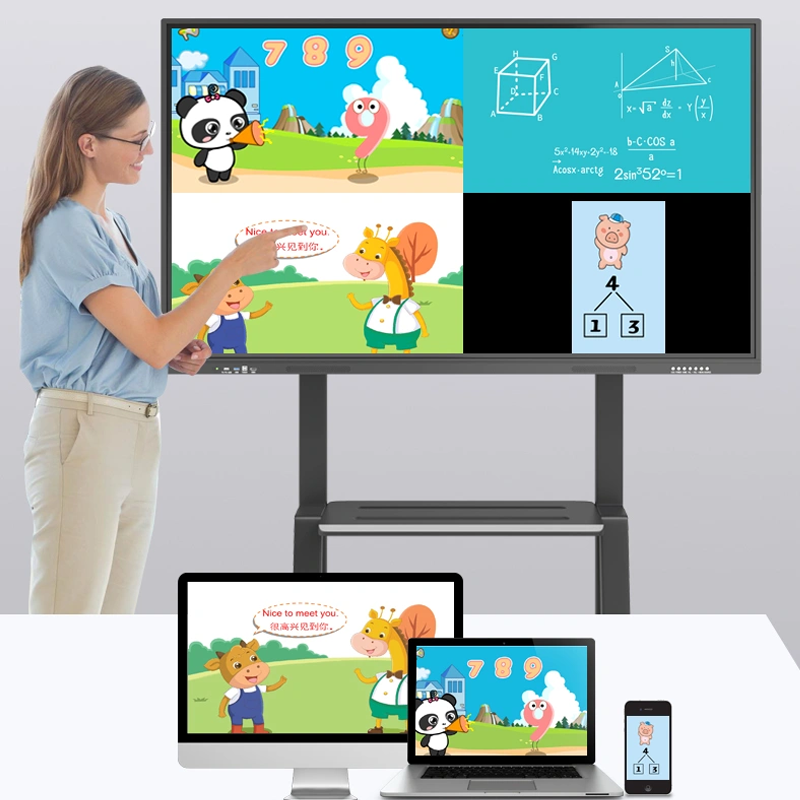
- Wireless screen sharing so students can present from their own devices
- Compatibility with your existing LMS (Google Classroom, Microsoft Teams, Canvas)
- Split-screen capability for showing multiple content sources at once
Tenfly‘s IFPDs run Android 13 or 14 with octa-core processors and 4–8GB of RAM, giving teachers direct access to the Google Play Store and thousands of educational apps. No external computer required.
Before you commit, ask the supplier for a demo or video walkthrough of the software interface. If it’s not intuitive for a non-tech-savvy teacher, keep looking.
Final Checklist for Buyers
Before you sign that purchase order, run through these questions:
☐ Screen size matches my classroom‘s dimensions and student count
☐ Touch technology (IR for most schools, capacitive for specialized needs)
☐ OPS module is included and upgradeable – OS options are clear
☐ Certifications (CE, FCC, RoHS) are in place for my target market
☐ Low blue light / eye protection features are included
☐ Built-in software meets my teachers’ actual needs
☐ Warranty is at least 3 years (5 is better)
☐ Supplier can provide references or case studies from similar schools
Still unsure? Tenfly offers interactive flat panels from 55 to 110 inches, all built with 4K displays, 20-point infrared touch, and Android 13/14. Whether you need a single panel for a pilot program or a hundred for a district-wide rollout, we‘ve helped hundreds of schools find the right fit.
Contact us for a free classroom consultation or a personalized quote →
