
What Makes a Business Computer Last Longer? It’s Not Just the Hardware

Daisy Li
Display Solutions & Product Technology Expert
Specializing in OEM/ODM smart display solutions from 21.5″ monitors to 110″ interactive flat panels, with expertise in product configuration, system integration, quality control, and bulk project delivery for global B2B markets.
Follow me:
Most companies throw their computers away because they slow down or become unreliable, not because they actually wear out. That is worth thinking about, because it means the lifespan of a business computer is as much about how it is managed as what is inside it.
This article basically goes through what the normal lifespan of business computers tends to be, what factors push that figure higher or lower, practical care habits that are actually useful to adopt, and also how to recognize when an upgrade is enough versus when a replacement is the smarter move.
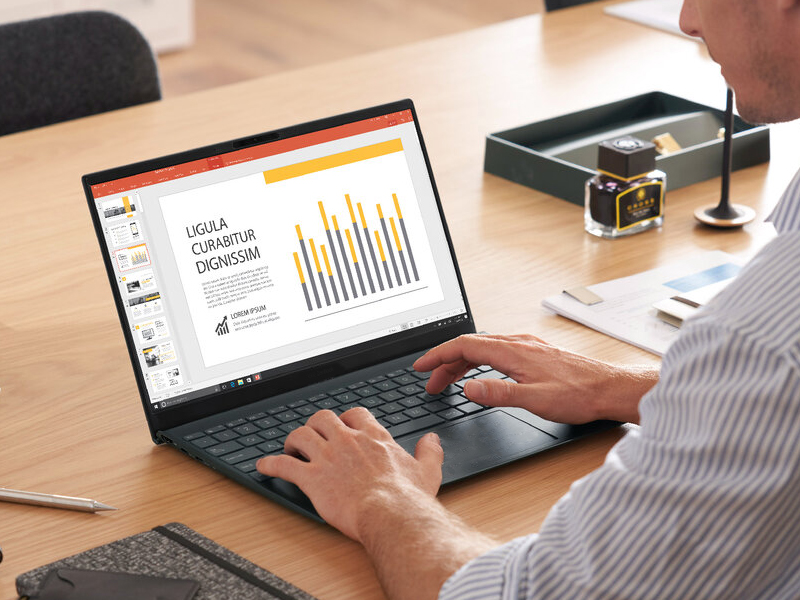
How Long Do Business Computers Really Last?
The corporate computer replacement cycle is more diverse than most people think. The average for most businesses is 3-5 years to renew hardware . That number varies depending on the size of the business and the sort of work being done. It’s not uncommon to have small businesses doing the day-to-day office functions on equipment that’s been operating reliably without major concerns for 5 to 7 years. Organizations that run resource-intensive software or operate computers continuously prefer to rotate hardware closer to every 3 years.
Two computers with almost identical specs can have quite varied lifespans, and that disparity usually comes down to how they were configured from the beginning, how they are used day to day, and whether anyone is paying attention to their health along the way.
Also, it’s worth differentiating between usable lifespan and supported lifespan. When the operating system is no longer supported, the machine can still do basic activities, but without the security upgrades and software compatibility it’s more of a liability than a working asset. For most firms, the more significant figure to observe is supported lifespan.
What Actually Determines a Computer’s Lifespan?
Hardware is important but how you use and manage your business computer on a day-to-day basis can make a significant difference to how long it remains productive. No amount of faster chips or more storage will make up for bad maintenance habits or a setup that doesn’t match the actual workload.
- Right configuration: Matching hardware specifications to actual workloads helps avoid unnecessary resource bottlenecks and sustained high utilization. Seriously, Running office-oriented systems on consistently demanding workloads can shorten their useful life.
- Thermal management: Heat is one of the most consistent causes of premature component failure. Machines that operate at high temperatures tend to wear out quicker, even if they never reach a technically critical point. Many people don’t know how important airflow and physical placement is.
- Daily workload and user habits: Constant high-load operation without regular restarts may reduce system stability over time. It’s the kind of thing you might not see, habit by habit, but over months and years these habits shave years off the useable life of a computer, in the form of unexplained slowdowns or random failures.
- IT maintenance and monitoring: Businesses that check in on their machines regularly rather than waiting for something to break tend to catch small problems early. Proactive monitoring is one of the most reliable ways to extend business computer lifespan without spending anything on new hardware.
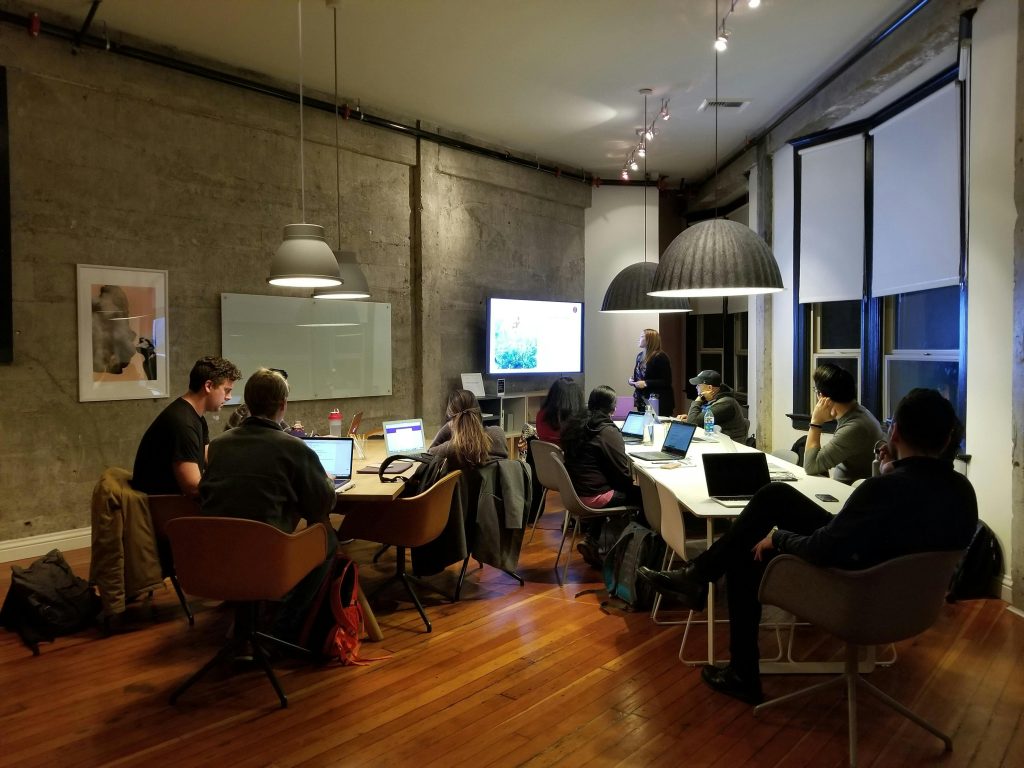
Simple Maintenance Habits That Make a Real Difference
Good computer maintenance is not a unique area of knowledge. A few regular habits, practiced consistently, produce a meaningful change.
- Keep it clean: Dust build-up inhibits airflow, causing components to run hotter than they should. Clearing it out takes minutes and removes one of the most common causes of premature wear every few months.
- Stay up to date: Regularly update your operating systems, drivers, and firmware. This helps you fix instability, patch security holes, and avoid software compatibility problems as the rest of your tools change.
- Monitor system health: Keep an eye on storage capacity, temperature readings and fan behaviour to get early notice of potential problems. There are a lot of free programs that surface this information without needing any technical experience.
- Replace small parts early: Batteries (for laptops), cooling fans and SSDs tend to often fail earlier than the rest of the machine. If caught early, replacement is much less expensive than a total system failure down the road.
These practices may seem like routine but collectively they provide a pragmatic approach on how to make a computer last longer without big expenditure. The following table outlines the suggested chores and their frequency.
| Task | Frequency | Benefit |
| Dust cleaning | Every 3-6 months | Better cooling |
| System updates | Monthly | Stability & security |
| Storage health check | Every 6 months | Early issue detection |
| Fan inspection | Yearly | Prevent overheating |
However, even with good maintenance, every computer eventually reaches a point where upgrades or replacement become necessary.
Upgrade or Replace? Make the Right Decision
Every business computer eventually reaches a point where the question isn’t whether to act, but what kind of action makes sense.
Signs an upgrade is enough
- Slow multitasking: Adding RAM is often the fastest fix for a machine that struggles when several applications are open at once.
- Insufficient RAM: Many machines only had as much memory as was needed to run the applications available at the time. You can upgrade the RAM without touching anything else to extend usability.
- Storage limitations: Replacing an older hard drive with an SSD is one of the most noticeable performance improvements available and typically costs very little relative to the result.
Signs replacement is the smarter investment
- Hardware failures become frequent: Once repairs are happening regularly, costs add up quickly and reliability becomes unpredictable.
- Operating systems are no longer supported: A machine running an end-of-life OS is a security risk regardless of how smoothly it runs otherwise.
- New software exceeds hardware capabilities: When the tools a business needs can no longer run properly on existing hardware, component upgrades rarely solve the problem entirely.
- Repair costs keep climbing: When ongoing repair expenses approach the cost of a new machine, replacement typically offers better long-term value.
| Situation | Upgrade | Replace |
| Needs more memory | ✅ | |
| SSD upgrade needed | ✅ | |
| Frequent hardware failures | ✅ | |
| Unsupported operating system | ✅ | |
| Multiple aging components | ✅ |
If replacement is the better way to go, the next concern is how to find a system that will continue to be reliable well into the future.
Choosing Business Computers That Stay Reliable for Years
Specifications tell only part of the story. A computer that looks good on paper but is neither maintainable or upgradable will ultimately cost more during its lifetime than one that was built with the long haul in mind.
- Balanced specifications: A business computer doesn’t need to be the most powerful option available. It needs to fit actual workloads well, with enough capacity to handle reasonable growth without being routinely pushed to its limits.
- Upgrade potential: Systems that allow RAM expansion, storage replacement, or other component changes give businesses room to adapt as needs evolve, without being forced into full replacement on a fixed cycle.
- Long-term support: Consistent hardware platforms simplify both ongoing maintenance and eventual transition. Standardizing across a fleet also makes IT management more predictable over time.

Longer Lifespan Means Lower Costs Over Time
Business computers last longer, keeping teams working on the platforms they know, while saving on hardware and disposal costs. The real cost of a computer goes beyond the price you pay for it. It also takes into account maintenance, downtime, upgrades and productivity over years of use.
This is the approach Tenfly takes when designing business computers for more than 30 years. Our solutions are designed for real-world workload optimization, upgrade flexibility and manufacturing requirements that emphasis on long-term reliability. If you’re planning your next deployment, reach out to our team to find a configuration that meets your present needs and grows with you.
Contact Tenfly today for a free consultation.