
First Impressions Matter: Why Banks and Premium Retailers Are Choosing All-in-One PCs

Daisy Li
Display Solutions & Product Technology Expert
Specializing in OEM/ODM smart display solutions from 21.5″ monitors to 110″ interactive flat panels, with expertise in product configuration, system integration, quality control, and bulk project delivery for global B2B markets.
Follow me:
Walk into a well-run bank branch, or a premium retail establishment, and before a word is said, something feels different. The counter’s wiped down. The screen is at the correct angle for you to face it. No cords sprawled across the desk. That sense of order is not accidental. That’s the result of thoughtful hardware choices.
Customers typically get an impression at banks and premium retail outlets before they speak to an employee. The workstation at the counter is part of the experience and that’s why more companies are opting for all-in-one PCs.
This article examines why the all-in-one PC is a good fit for customer-facing locations where traditional desktops fall short, the true business benefits of all-in-one PCs, and the must-have features to look for when picking the ideal model for a bank or retail environment.
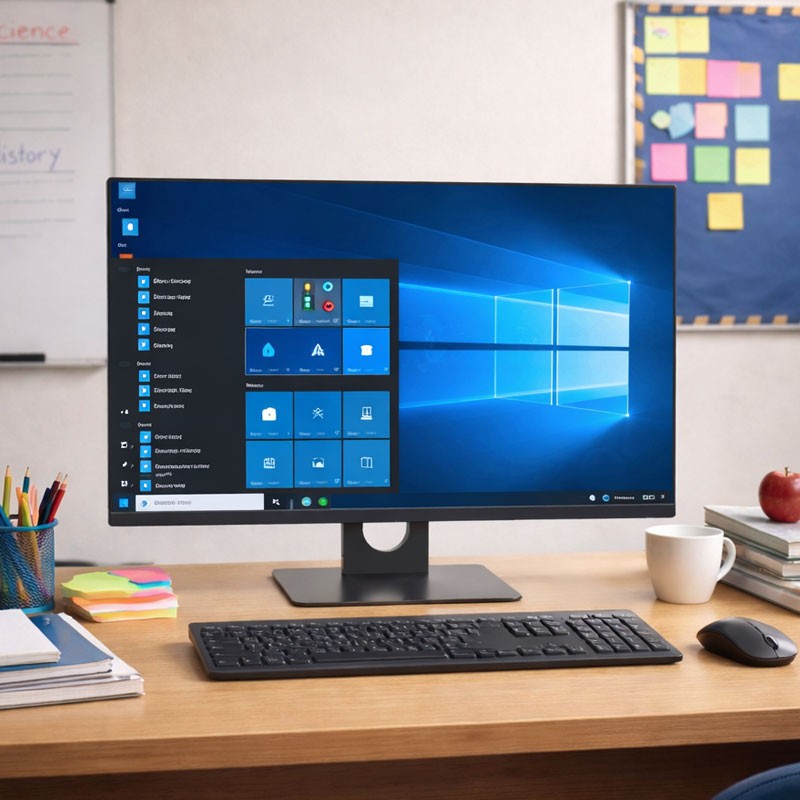
Customer Experience Starts at the Counter
The workstation is often one of the first physical touchpoints customers notice. A clean, modern work area tells the customer that the business is organized and professional. A workstation that’s piled high with wires and heavy machinery can have the opposite effect, even if the service is great.
A Cleaner Workspace Builds Trust
- Less visible cable clutter: One-piece design cuts down wiring and offers a much cleaner look at service counters.
- Compact footprint: Smaller workstations make the space look more open and welcoming which is important in circumstances where customers are standing or sitting close to the counter.
- Better eye contact: The workstation doesn’t overwhelm the workspace, allowing personnel to connect with clients in a more natural, face-to-face way.
Consistent Workstations Create Consistent Customer Experiences
Of course, standardized hardware isn’t just easier to maintain for IT in multi-location firms. It improves brand identity. When customers go into any branch or store, they should see the same environment.
Uniform all-in-one PC setups make this easier to achieve, and they also simplify store layout and future renovations.

Why Traditional Desktop PCs Are Becoming a Weak Link
Traditional desktop computers have served banks and retailers well for years.
Today’s service counters need to accommodate more devices, offer a cleaner customer-facing environment and work smoothly at several locations. As these expectations increase, the constraints of traditional desktop settings become increasingly evident.
The upfront cost of a traditional desktop is only part of the picture:
- Cable management: A multitude of power cords, display cables and peripheral connections demand constant attention and can become a genuine maintenance nightmare over time.
- Larger footprint: A separate tower, monitor and accessories take up a lot more desk space than a single integrated unit.
- Installation complexity: It’s hard enough to add peripherals like printers, card readers, or scanners to an already congested system.
Traditional desktop arrangements are more difficult to manage at scale from an IT perspective:
- Longer deployment time: Setting up multiple separate components at each workstation takes considerably more time than deploying a single unit.
- More hardware to inventory: Each component needs to be tracked, maintained, and eventually replaced on its own schedule.
- Higher failure risk: More cable connections mean more points of potential failure, which increases the likelihood of unexpected downtime.
| Feature | Traditional Desktop | All-in-One PC |
| Counter Space | Large footprint | Compact design |
| Cable Management | Multiple cables | Minimal cables |
| Installation | Multi-device setup | Single-unit deployment |
| Appearance | Functional | Modern and clean |
| Daily Maintenance | Higher | Lower |
| Peripheral Integration | External devices require additional setup | Built-in ports simplify POS and banking peripherals |
The Business Benefits of All-in-One PCs
The all-in-one computer integrates the display, processor, and core components into a single unit, which changes the math on space, maintenance, and deployment in meaningful ways.
1. Create a More Professional Customer Experience
A consistent, polished workstation reinforces the image a brand wants to project. For premium retailers especially, the equipment on the counter is part of the store’s overall aesthetic.
The result is a better perception of your brand at every customer touchpoint, and a more inviting service environment that puts consumers at ease before a discussion ever starts.
2. Improve Operational Efficiency
One of the most practical benefits of an all-in-one PC for corporate use is the simplicity it brings to deployment and day-to-day management.
Setup time per workstation is significantly reduced, installation is simpler with fewer components to connect, and when issues do arise, maintenance is far less time-consuming than dealing with a multi-device desktop configuration.
3. Reduce Long-Term IT Costs
Fewer moving parts, fewer potential points of failure, and these efficiencies can reduce overall IT operating costs over time.
IT personnel can spend less time on normal support, hardware components don’t need to be replaced as often and connection-related downtime becomes significantly less likely. If a unit requires servicing, organizations can often replace the entire system quickly, minimizing downtime while repairs are handled separately.
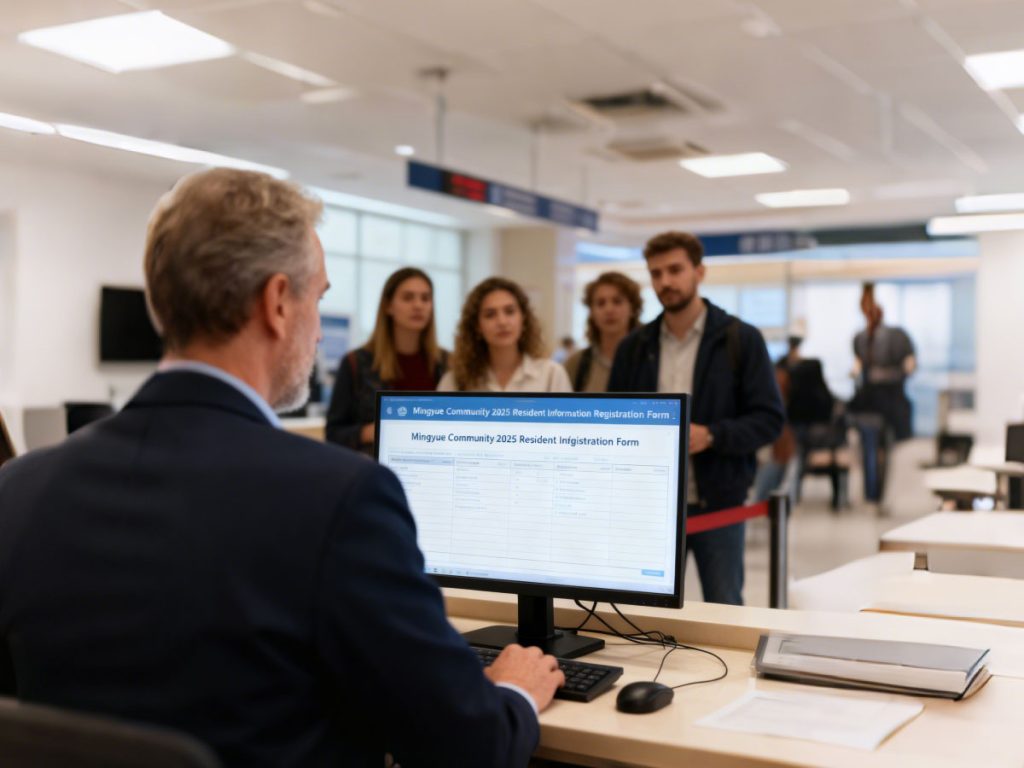
Choosing the Right All-in-One PCs for Banks and Premium Retail Stores
Not all-in-one PCs are for customer-facing business use. All-in-one PCs are good for many service situations, but the optimal model depends on your workflows, peripherals, and deployment needs.
What Banks Should Prioritize
Bank computer systems handle sensitive transactions and run continuously throughout business hours. When evaluating the best computer for a bank teller workstation, look for:
- Reliable daily operation: Hardware that operates reliably for the entire day of high-volume service counters without slowing down or stopping.
- Security features: Support for encrypted connections and secure login options is essential when handling customer financial data.
- Stable wired network connectivity: In environments where connection reliability cannot be compromised, wired ethernet support is a practical requirement.
- Multiple peripheral ports: Bank tellers regularly work with printers, scanners, signature pads, and card readers, so port availability matters more than it might seem.
- Appropriate display size: A screen large enough for employees and customers to review documents together makes the service interaction feel less transactional.
What Retailers Should Prioritize
For premium retail environments, the best computer for a retail store balances aesthetics with function:
- Compact footprint: In many cases modern service counters are space limited and a slim all-in-one fits perfectly without disturbing the arrangement.
- Stylish appearance: In a premium store, every visible element contributes to the overall presentation, and hardware is no exception.
- Touchscreen support: If retailers are looking for interactive customer-facing displays or self-service options, they should evaluate touchscreen capability during the selection process.
- POS integration: Easily compatible with point-of-sale software and barcode scanners for checkout operations.
- Durable design: Retail locations have extensive operation hours and hardware dependability over the long-term is a requirement, easily overlooked when specs are compared.
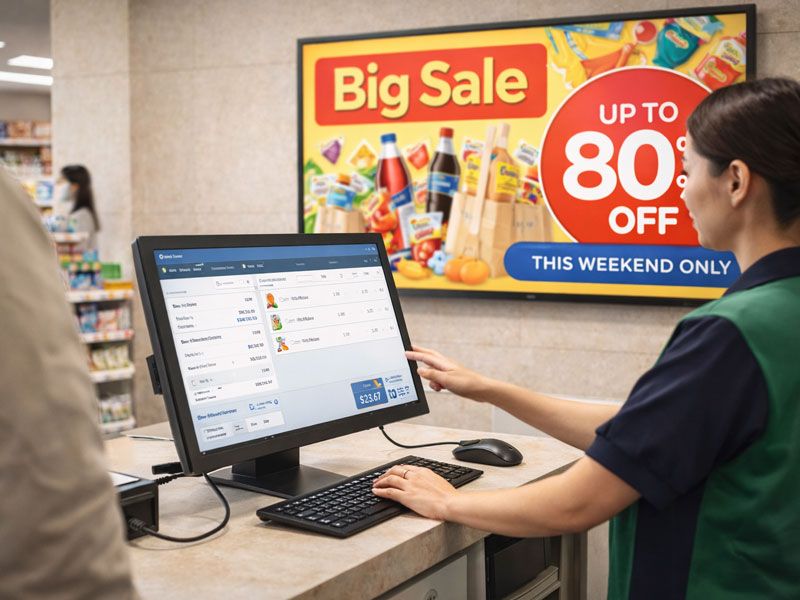
Questions Worth Asking Before You Buy
Before committing to a model, a few questions can help prevent issues down the line:
- Will existing peripherals remain compatible with the new units?
- How straightforward is future maintenance or component replacement?
- Is the display size appropriate for counter-level customer interaction?
- Can the same model be deployed consistently across every branch or store location?
A Better Customer Experience Begins with Better Workstations
Hardware choices at the service counter have a real impact on how customers experience a business, even before any conversation takes place.
Switching to all-in-one PCs is one of the more practical steps a bank or premium retailer can take to improve that first impression, while also making things easier for IT teams managing hardware across locations.
Tenfly has been manufacturing all-in-one PCs for over 30 years, supplying OEM and ODM partners across global markets. If you’re looking into hardware for a customer facing deployment, contact us to discuss the right configuration for your banking or retail deployment.
Contact Tenfly today for a free consultation.
