
A Practical Checklist for Deploying 100+ Mini PCs Across Multiple Locations

Daisy Li
Display Solutions & Product Technology Expert
Specializing in OEM/ODM smart display solutions from 21.5″ monitors to 110″ interactive flat panels, with expertise in product configuration, system integration, quality control, and bulk project delivery for global B2B markets.
Follow me:
In theory, it’s straightforward enough to roll out a hundred or more mini PCs throughout a number of offices or retail shops. But then the first shipment comes to a locale where there are no available switch ports and somebody figures out that the local screens only have VGA inputs. These little shocks pile up rapidly and convert a two-week deployment into a two-month project.
The good news is that most of these problems are easily avoidable. Here’s a practical IT hardware deployment checklist: how to prepare each site before the hardware arrives, how to stage and kit devices in a central location, and how to enable remote device management so your team stays in charge once everything goes live.
Prepare Each Site Before the Hardware Arrives
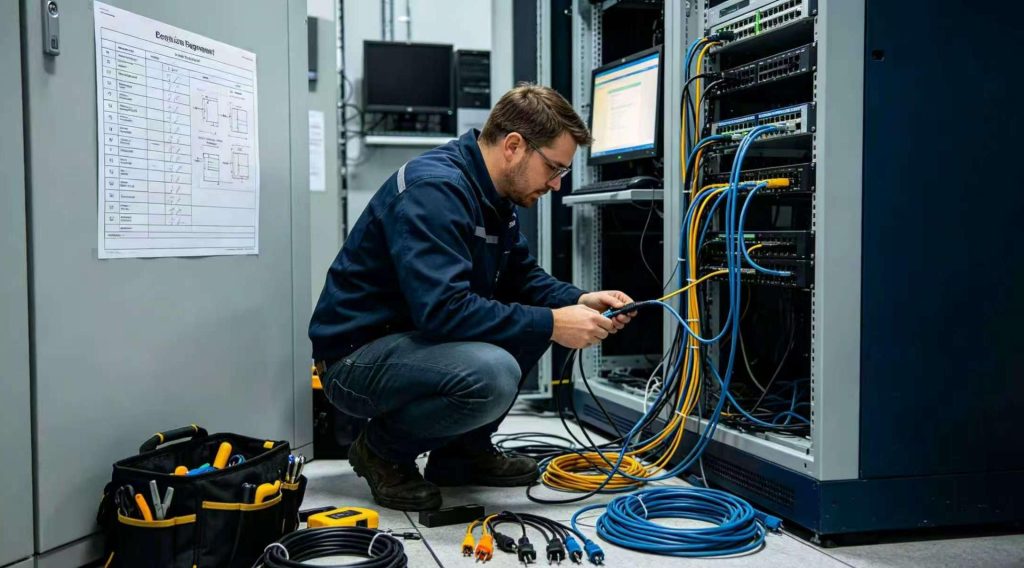
Getting Your Network and Infrastructure Ready
Sending hardware to unprepared sites is one of the most common and costly mistakes in large-scale mini PC deployments. Before a single box leaves your warehouse, every remote location needs to pass a basic readiness check.
- Site Audits: Physically or remotely verify that each location has enough active cabling, available switch ports, and accessible power outlets. A quick structured checklist sent to a local contact can catch issues like full patch panels or unstable electrical circuits well before delivery day.
- Peripherals Compatibility: Not every monitor, keyboard or barcode scanner on the market today will fit smoothly on a new compact PC for business. Ensure the port configuration on each site matches the actual hardware you’ve selected (HDMI, DisplayPort, USB-C, etc).
- Bandwidth Checks: When 20 devices in one branch all download OS updates and software packages simultaneously on day one, a weak internet connection becomes a real bottleneck. Confirm each location’s bandwidth capacity ahead of time, and consider staggering initial update schedules if connectivity is limited.
Pre-Deployment Site Readiness Checklist
The Device Deployment Checklist
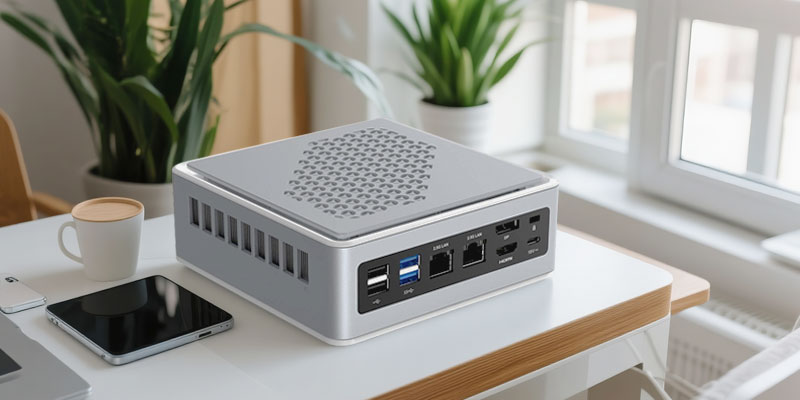
Staging and Imaging the Hardware
Once your sites are ready, handle all the time-consuming configuration work centrally before devices ever ship out. This is where most of the real efficiency in enterprise mini PC deployment gets built in.
- Golden Image Creation: Build one clean, standardized OS image containing all necessary business applications, security settings, and company configurations, with no bloatware. Every unit gets flashed with this same image, which means no manual software installation at the remote end and far fewer support calls in the weeks after go-live.
- Asset Tagging: Before any device leaves the staging area, apply a scannable asset tag and log the MAC address against that tag in your IT asset management system. This pays off immediately the first time you need to identify exactly which unit at which branch has a problem.
- Kitting: Pack each business mini PC with its correct power adapter, VESA mount if applicable, and a simple one-page plug-in guide written for non-technical staff. Everything for one workstation goes in one labeled box. So fewer things get lost, and local staff can handle setup without needing IT hand-holding.
Coordinating the Physical Rollout
When deploying mini PCs across multiple locations, the temptation is to ship everything at once and get it over with. Resist that temptation.
A wave-based rollout is almost always the smarter approach. Start with one low-risk pilot location. For example, a smaller branch or an internal office where a configuration mistake won’t cause serious disruption. Run the full deployment there first. If there’s a problem with the golden image, or if the kitting instructions are confusing folks, you find out at one site instead of fifty.
Don’t push forward to all the other sites until you have a clean pilot and generally in batches of 10 to 20 branches at a time. This pacing allows your IT personnel to absorb and resolve issues as they come up, instead than getting overloaded all at once.
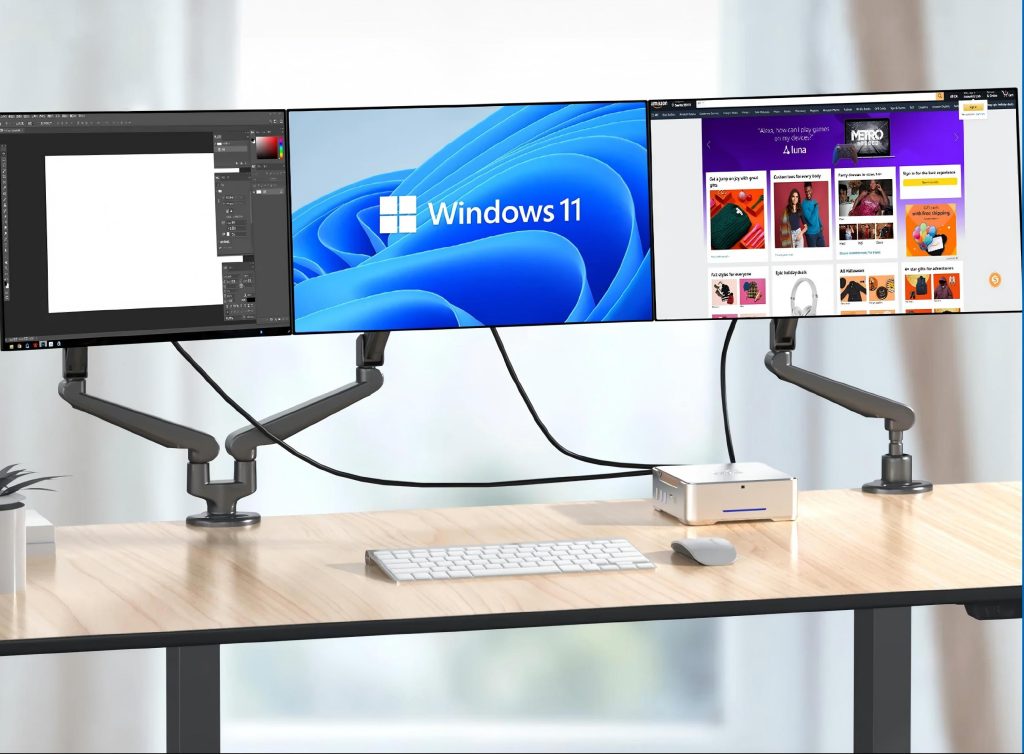
How to Manage Hundreds of Mini PCs Remotely
Deploying devices is only half the story . The other half is keeping them functioning, updated and secure without sending out a tech every time something breaks. This is where remote mini PC management tools make the real difference.
Establishing Remote Device Management
| Tool / Technology | Primary Use | Key Benefit |
| Windows Autopilot | Zero-touch initial provisioning | Device self-configures on first internet connection |
| MDM / UEM Platform | Ongoing patch and policy management | Push updates and security settings globally from one console |
| Intel vPro (out-of-band) | BIOS-level remote access | Access and restart devices even when the OS won’t load |
- Zero-Touch Provisioning: With solutions such as Windows Autopilot, devices may be configured in no time as soon as an end user connects to the internet. No on-site IT staff needed. The device automatically receives its assigned policies, settings, and applications from the cloud. This alone can save days of effort for a deployment of mini PCs in dozens of places.
- Unified Endpoint Management (UEM): One Mobile Device Management (MDM) platform enables your IT team to push software patches, enforce security policies and remotely lock or delete devices from a single central panel. When your fleet has grown to the point that managing individual updates becomes unmanageable, a UEM solution goes from “nice-to-have” to “must-have.”
- BIOS-Level Access: Certain enterprise mini PCs offer out-of-band management solutions like Intel vPro which allow IT teams to remotely access a device’s BIOS settings and reboot or repair the device even when the operating system won’t boot. This feature can considerably minimize the need for on-site troubleshooting visits.
Putting Your Deployment Plan into Action
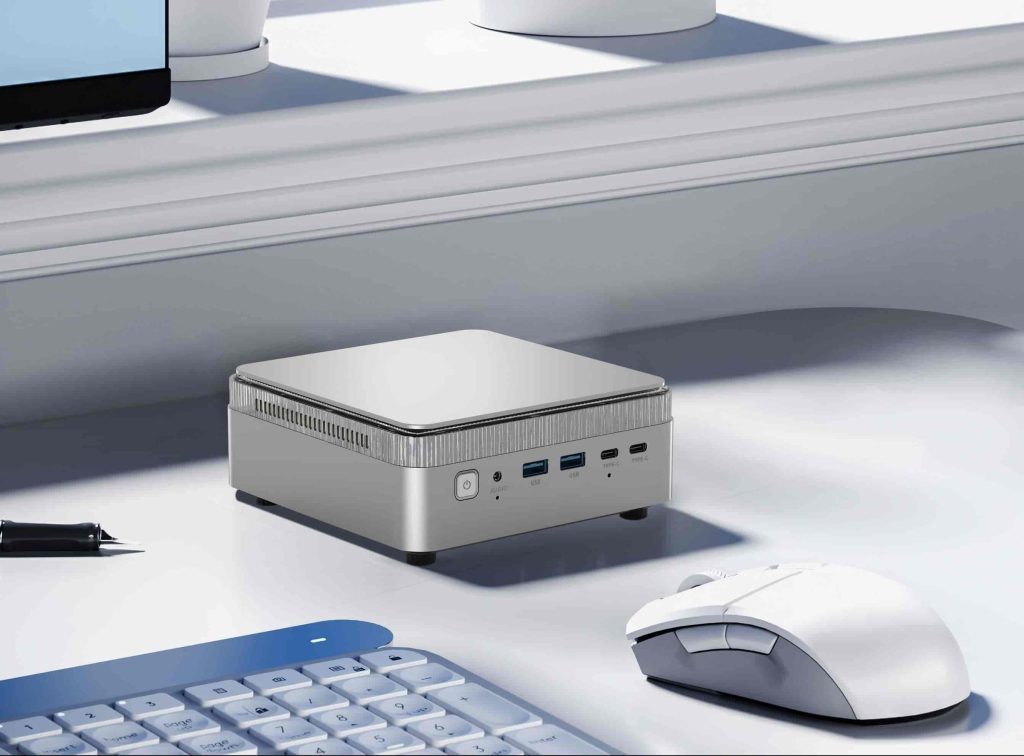
Deploying 100+ mini PCs is totally doable if you tackle it in these three steps: good site prep, centralized staging of the devices with staggered rollout, and good remote management plan from the start. Each stage builds on the preceding one, and this is where projects often go wrong if you skip one.
The hardware you choose matters too. A business mini PC that supports zero-touch provisioning, offers the right port mix for your existing peripherals, and is built for continuous commercial use will make every step of this checklist smoother to execute.
Tenfly builds business mini PCs with various port combinations and the ability to customize for OEM for enterprises with special needs. If you are planning a rollout and would want to discuss your hardware needs, please feel free to contact our team.
Contact Tenfly today for a free consultation.
