
240Hz vs 360Hz Gaming Monitors: Do Esports Hotels & Cyber Cafes Really Need the Upgrade?

Daisy Li
Display Solutions & Product Technology Expert
Specializing in OEM/ODM smart display solutions from 21.5″ monitors to 110″ interactive flat panels, with expertise in product configuration, system integration, quality control, and bulk project delivery for global B2B markets.
Follow me:
If you manage a cyber cafe or an esports hotel, the refresh rate debate has probably come up more than once. Players notice specs. Some will even ask whether your stations are equipped with 240Hz or 360Hz monitors, and a few may choose a venue based on that alone.
It really varies, to be honest. There is a significant difference between a 240Hz gaming monitor and a 360Hz gaming monitor, but how much it counts in a commercial environment depends on your audience, your hardware and how you want to market your business.
Before you go ahead and order a bulk load, it’s worth knowing what the numbers actually imply and when the line between genuine performance improvement and spec-sheet marketing starts to blur.
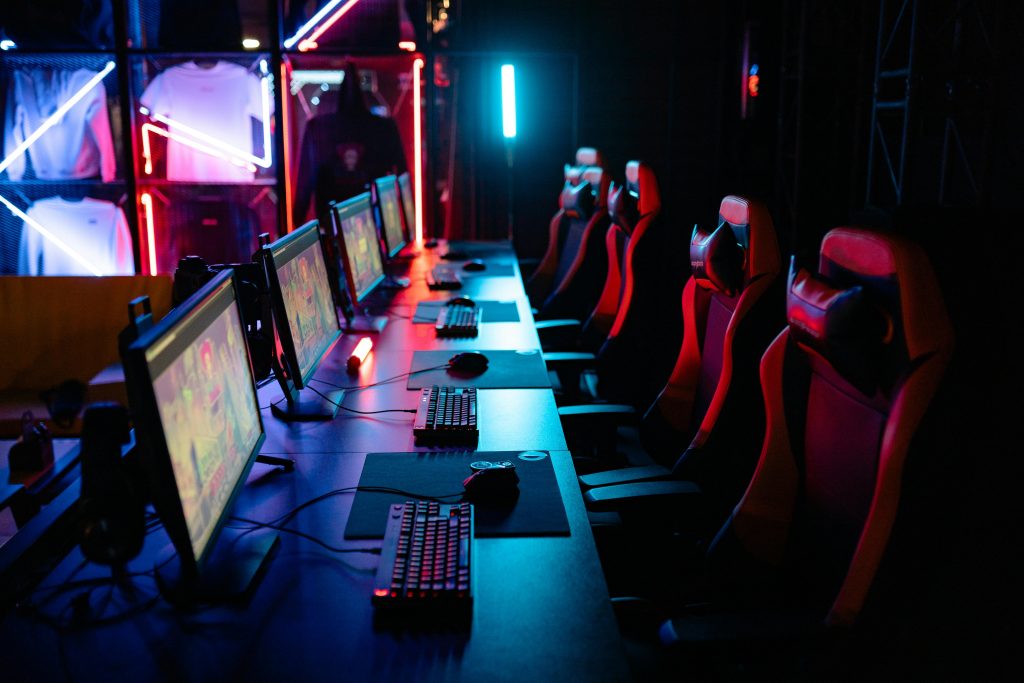
What is the real difference between 240Hz and 360Hz Gaming Monitors?
The refresh rate is how many times per second a monitor updates the image on the screen. Higher refresh rates improve smoothness, but the gains become smaller as refresh rates increase.
The Numbers Behind the Upgrade
240Hz (4.17ms per frame): Already way beyond what most human perception can keep up with in day-to-day gaming situations.
360Hz (2.78ms per frame): An obvious gain, however the difference is far less than the previous leap from 144Hz to 240Hz (6.94ms → 4.17ms).
And the frame rate is equally important. To benefit from a 360Hz panel, the PC needs to regularly run very high FPS. And if the system can’t keep up, the advantage in the actual world is severely reduced.
Who Is Most Likely to Notice the Difference?
Not every gamer will notice the difference between these two refresh rates. The discrepancy is especially pronounced for:
- Competitive FPS players: Those who play at a level where a 1.4ms reduction in frame time might translate into a noticeable advantage.
- Professional and semi-professional esports players: Players who practice daily and have developed a higher sensitivity to motion clarity.
- High-level Valorant and CS2 players: Fast-paced games with frequent flick shots and high-speed tracking, where motion resolution is the top priority.
And for casual and mid-level players, the visual difference is unlikely to be significant in practice. To put it simply, here’s how the two options stack up side by side:
Comparison Table
| Specification | 240Hz Gaming Monitor | 360Hz Gaming Monitor |
| Refresh Rate | 240Hz | 360Hz |
| Frame Time | 4.17 ms | 2.78 ms |
| Typical User | Most Competitive Gamers | Elite Competitive Players |
| Investment Cost | Lower | Higher |
Which Games Benefit Most from 360Hz?
Some games are not equal in terms of high refresh rates. The value is directly connected to how fast-paced the gameplay is and if the GPU is able to continually push the frame rates required to properly make use of a 360Hz panel.
Games That Can Take Advantage of Higher Refresh Rates
These titles are well-suited to a 360Hz gaming monitor, providing the hardware is capable of very high FPS:
- Counter-Strike 2: High frame rates have been a competitive benchmark in the CS scene for a long time.
- Valorant: The clarity of motion can be quite helpful for precise aim duels and fast tracking.
- Overwatch 2: Fast character movement and aiming mechanics reward crisp display output.
- Rainbow Six Siege: Fast-paced, tactical combat where every split second counts.
Games Where 240Hz Is Usually Enough
Many popular titles simply don’t require or can’t consistently reach the frame rates needed to justify 360Hz:
- League of Legends and Dota 2: The slower pace of these games means higher refresh rates rarely provide a meaningful competitive advantage.
- PUBG and Apex Legends: These games can technically run at higher frame rates, but most players see diminishing returns beyond 240Hz, and the difference is rarely reflected in match outcomes.
- Most AAA titles: Often GPU-bound at high settings, therefore 360Hz output can’t be regularly maintained.
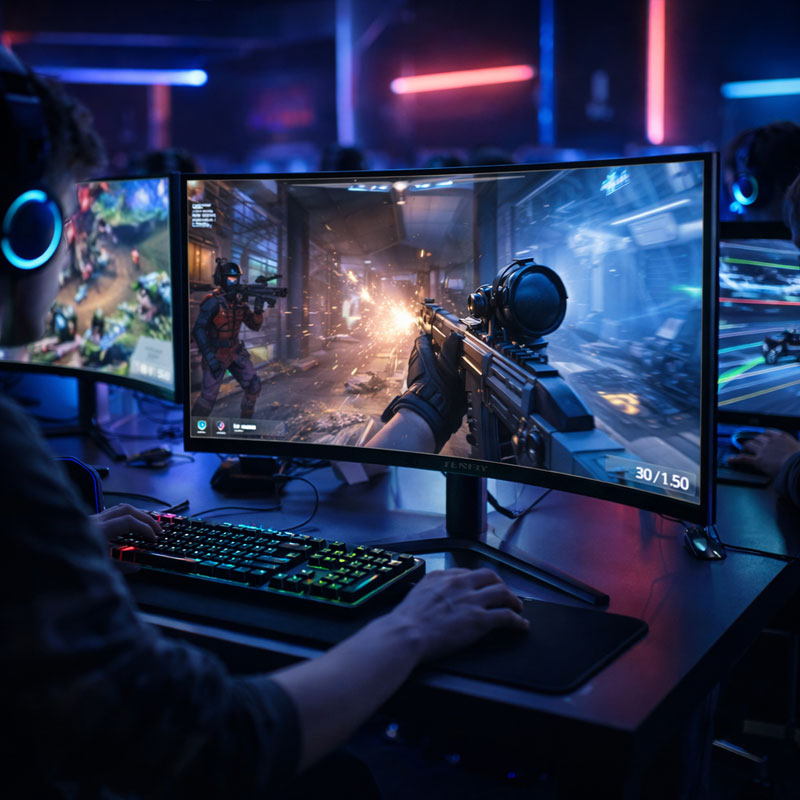
What Makes Sense for Esports Hotels and Cyber Cafes?
When you distribute monitors throughout many stations, it’s not a matter of “which spec is better?”. The goal is to match monitor investment with player expectations, hardware capabilities and real business objectives, not to chase the highest number on a spec sheet.
When 240Hz Is the Smarter Investment?
- Large-scale cyber cafe deployments: The cost savings on dozens or hundreds of seats are significant and can be used to purchase better peripherals, faster CPUs, or a larger game library.
- Mixed gaming audiences: If your venue serves a broad player demographic, including casual gamers, students, and groups, then a 240Hz gaming monitor easily caters to the needs of the vast majority.
- Maximizing seat count within budget: Typically, more well-equipped seats generate better overall income than fewer ultra-premium seats.
When 360Hz Can Create Additional Value?
- VIP gaming zones: Premium seating with higher per-hour pricing is a natural fit for 360Hz.
- Tournament and training areas: Serious players will notice the spec and appreciate it, and it lends real credence to competitive tournaments.
- Esports hotel private rooms: A 360Hz esports gaming monitor is an attractive amenity for rooms targeted for competitive play, and offers both premium price potential and upsell chances.
- Brand differentiation: Advertising 360Hz stations is a genuine talking point that attracts the competitive crowd and strengthens your esports-focused identity.
However, operators should also consider the additional system requirements needed to consistently drive 300+ FPS, as monitor upgrades alone do not guarantee a competitive advantage.
If you’re not sure where to draw the line, this breakdown can be a sensible starting point for planning your deployment:
| Venue Area | Recommended Refresh Rate |
| Standard Gaming Stations | 240Hz |
| VIP Gaming Zone | 360Hz |
| Tournament Area | 360Hz |
| Private Esports Rooms | 240Hz or 360Hz |
Key Factors Beyond Refresh Rate When Choosing a Cyber Cafe Gaming Monitor
Refresh rate gets a lot of the attention but it’s rarely the only criterion that’s important in a commercial deployment. They are equally important to think through:
1. Panel Quality and Color Consistency
IPS screens have wider viewing angles and more stable colors for long periods. It’s good for different seating configurations or for players who sit at a station for four to six hours. VA panels can give better black levels but can shift colour at greater angles.
2. Response Time and Motion Handling
Refresh rate alone doesn’t reveal the whole story. A 360Hz monitor with a poor grey-to-grey response time isn’t going to provide you the motion clarity the spec would suggest. “Always compare these two numbers together.
3. Reliability for Long Daily Operating Hours
Home monitors are for use on an as-needed basis. Gaming monitors at cyber cafes often run 12 to 16 hours a day, 7 days a week. In the commercial context, the longevity of the panel, the endurance of the backlight and the thermal performance are more important than in the consumer market.
4. Supplier Support and Product Availability
Multi-location rollouts require steady supplies. A monitor that is hard to resupply, or has no dependable warranty mechanism, quickly becomes a logistical nightmare at scale.
Smart Upgrades Start with Knowing What Your Players Actually Want
For the most venue, 240Hz remains the practical norm for gaming facility deployments. It’s where most players find a meeting point for performance and value.
360Hz makes a lot of sense for premium zones and tournament focused regions where the cost can be justified by positioning and pricing strategy.
For most operators, a mixed deployment delivers better ROI than a full across-the-board upgrade.
As an authorized manufacturing partner for Envision, Tenfly provides Envision gaming monitors and our own monitor selection, suitable for setups ranging from normal gaming floors to dedicated esports venues.
If you’re planning a deployment and want a straightforward conversation about what makes sense for your venue, explore our OEM/ODM services or browse the gaming monitor series and request a custom recommendation based on your needs. based on your needs.
Contact Tenfly today for a free consultation.
