
High Spec, Low Budget: The Best Value Monitors to Buy in 2026

Daisy Li
Display Solutions & Product Technology Expert
Specializing in OEM/ODM smart display solutions from 21.5″ monitors to 110″ interactive flat panels, with expertise in product configuration, system integration, quality control, and bulk project delivery for global B2B markets.
Follow me:
What is the biggest mistake when buying a monitor? Spending hard-earned money on a screen that is “massive but blurry,” or getting a panel that turns video games into a smeary, ghosting mess. In 2026, the display market is incredibly competitive. You can get top-tier specs, high performance, and reliable build quality without breaking the bank.
Before diving into the exact model recommendations, take 2 minutes to memorize these 7 golden rules to avoid buyer’s remorse:
- Gamers, Avoid Standard VA Panels: If you play games frequently—especially fast-paced FPS or MOBA titles—stay away from standard VA panels due to severe motion ghosting (unless it specifically uses a modern Fast-VA / HVA panel).
- Match Resolution to Your GPU: Smooth frame rates trample high resolution every single time. “Laggy gameplay” feels significantly worse than “slightly softer graphics.”
- Entry-Level (RTX 4060 / RTX 5050 and below): Stick to 1080p.
- The Sweet Spot (RTX 4060 Ti to RTX 5070): Aim for 2K (1440p) High Refresh Rate.
- High-End Enthusiast (RTX 5070 Ti, RTX 5080, and above): Go straight to 4K High Refresh Rate.
3. Understand Color Gamut by Need: Unless you are a professional designer or video editor, do not overspend on extreme wide-color gamuts. For 95% of mainstream users and gamers, 100% sRGB coverage is perfectly fine, as most web content and images are encoded in sRGB anyway.
4. Coding & Spreadsheets Need Pivot/VESA: If you read academic papers, write code, or manipulate massive Excel sheets, look for a monitor that supports 90-degree vertical rotation, or ensure it has a VESA mount hole pattern to add a custom monitor arm later.
5. Double-Check Ergonomics: Note that “Tilt” (angling up/down), “Height Adjustment” (moving up/down), “Swivel” (pivoting left/right), and “Pivot” (rotating into vertical mode) are entirely different features. Read the spec sheet carefully.
6. Pixel Pitch Dictates True Clarity: Display sharpness is not a game of “tiling floor bricks.” Resolution must be matched with physical screen size. A 24-inch 2K monitor and a 27-inch 2K monitor look completely different because their pixel pitch (the density of the dots) varies. Buying a larger screen with a low resolution is a trap.
7. The Golden Resolution-to-Size Rules:
- 1080p: Best at 24 inches or smaller (never buy a 27-inch 1080p monitor; the text looks pixelated and blurry).
- 2K (1440p): Best under 28 inches (27 inches is the absolute sweet spot).
- 4K (2160p): Looks sharp on almost all mainstream sizes (27 inches and above).
1080p Monitors: Best for Budget Setups & Competitive Esports
Recommended GPUs: RTX 4060, RTX 5050, GTX 1660S, RTX 3050, RX 6500XT, or older budget cards.
Target Audience: Budget-conscious students, office workers, or hard-core FPS players (Valorant, CS2, Apex Legends) who want maximum frames per second over resolution.
1080p Office & Everyday Productivity
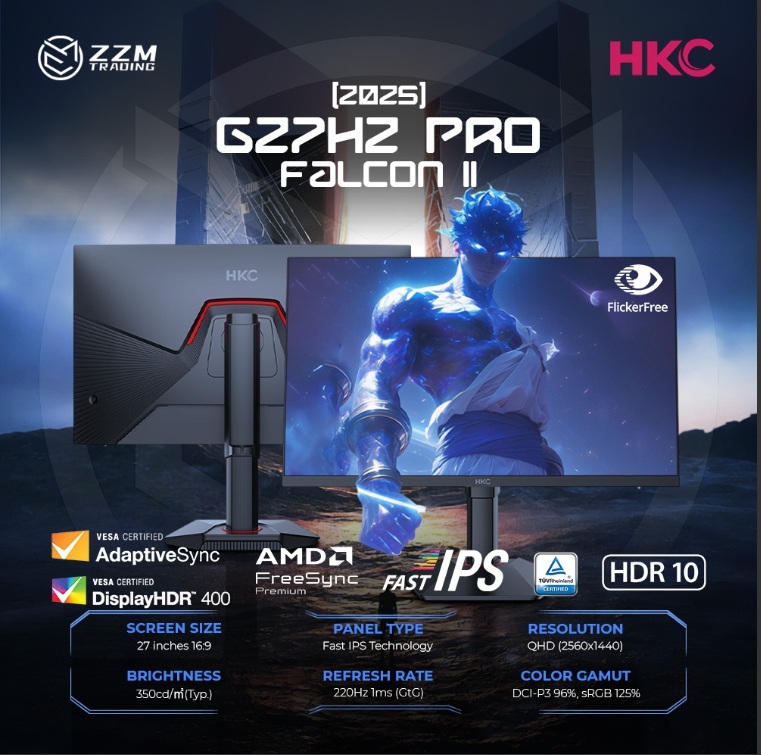
Product Name: HKC G24H3Max
- Why We Recommend It: Extreme value for the price. It breaks the budget barrier by offering a blistering 260Hz refresh rate on a Fast IPS panel. It packs 125% sRGB color volume, HDR400 support, and crucially, a hardware-level low blue light filter to protect your eyes during long study or work sessions.
- Best Suited For: Daily office work, student writing, coding, and casual web browsing, where you still want high-refresh fluid scrolling.
- The Catch: The industrial design leans heavily into the “gaming aesthetic” (hexagonal base), which might not blend seamlessly into a strict corporate office environment.
1080p High-Refresh Gaming
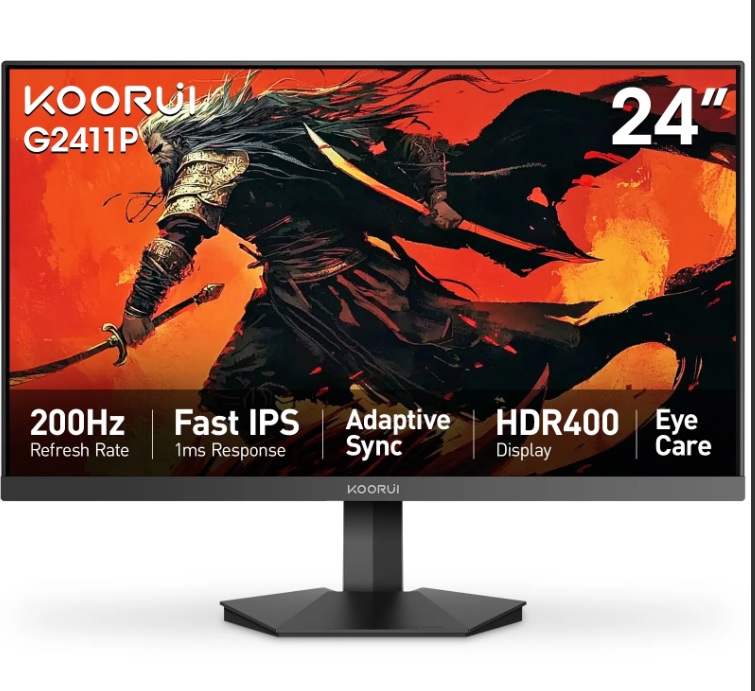
Product Name: Koorui X5
- Why We Recommend It: An absolute budget executioner. Utilizing a premium panel, it drives a native 260Hz refresh rate paired with a 1ms GTG response time for under $150. It features built-in DIC (Dynamic Image Clarity) motion blur reduction technology to completely eliminate ghosting in competitive shooters.
- Best Suited For: Hardcore FPS players on a strict budget who prioritize ultra-low input lag and lightning-fast frame transitions.
- The Catch: To hit this insane price-to-performance ratio, the outer chassis relies on lightweight plastics, and the stand only supports basic tilting.
“Category Verdict: If you play competitive multiplayer games on a budget, buy the Koorui X5 for raw speed. If you need a dual-purpose screen for long study sessions, office work, and casual gaming, spend a fraction more for the hardware low-blue-light features of the HKC G24H3Max.”
2K (1440p) Monitors: Price-to-Performance Sweet Spot
Recommended GPUs: RTX 4060 Ti up to the newer RTX 5070 class.
Target Audience: The vast majority of mainstream gamers and work-from-home professionals who want crisp text and immersive graphics.
24-Inch 2K Gaming (Ultra-Dense Sharpness)
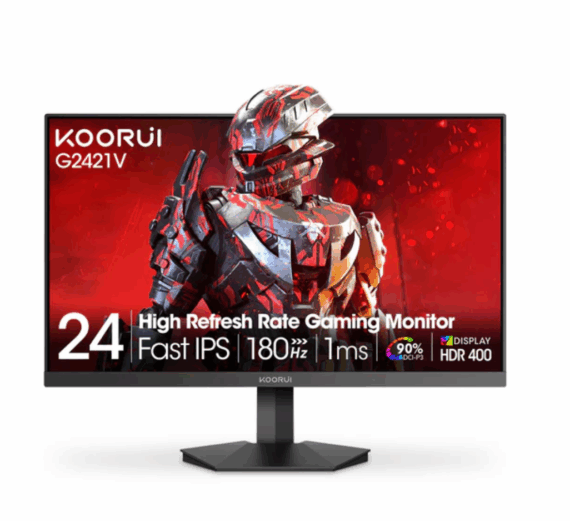
Product Name: Koorui X3
- Why We Recommend It: Packing a 2560×1440 resolution into a compact 23.8-inch frame creates an exceptionally small pixel pitch. The result is a retina-level text clarity that punches way above its price class. Paired with a 180Hz refresh rate, 10-bit color depth, and professional-grade color accuracy (△E≤2), it handles everything beautifully. It even comes with a tiny external power brick to save desk space.
- Best Suited For: Users with limited desk space or students in dorms who refuse to compromise on high pixel density and razor-sharp text.
- The Catch: Because the screen is physically smaller, Windows UI text can look tiny at native scale. You will likely want to set your OS scaling to 125%.
27-Inch 2K Mainstream Gaming (The Crowd Favorite)
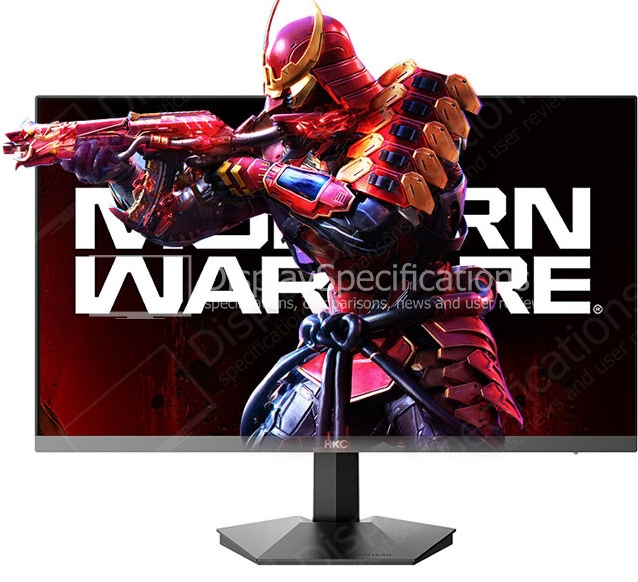
Product Name: HKC G27H2Max (or HKC Galaxy V7 for enthusiasts)
Why We Recommend It:
- G27H2Max: The absolute value king. It utilizes a Fast-IPS panel clocked at an upgraded 220Hz refresh rate, offering incredible response times, color accuracy, and wide viewing angles at a rock-bottom price.
- Galaxy V7: If you want to push the limits, the V7 hits a monstrous 340Hz refresh rate and includes a fully ergonomic stand (height, swivel, pivot) without breaking the bank.
- Best Suited For: General-purpose use. Perfect for AAA open-world titles (Cyberpunk, Elden Ring, Genshin Impact), movie watching, and professional multitasking.
The Catch: The base G27H2Max model ships with a basic tilt-only stand, requiring a third-party VESA mount arm if you need height adjustment.
Premium 2K OLED Gaming
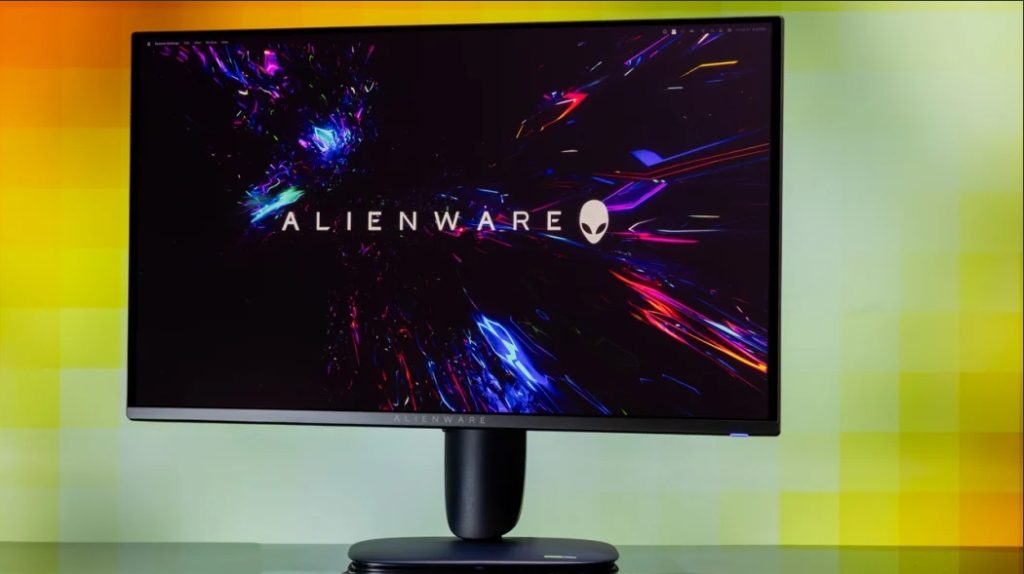
Product Name: Alienware 27 QD-OLED (AW2725D)
- Why We Recommend It: OLED pricing has drastically matured. Offering a 0.03ms response time and a near-infinite contrast ratio (pixels turn completely off for true blacks), it provides a visual depth that no traditional IPS monitor can mimic. It easily pushes a flawless 240Hz–280Hz refresh rate.
- Best Suited For: Hardcore gaming enthusiasts with a flexible budget who want flawless motion clarity and unmatched HDR visual performance.
- The Catch: Static desktop elements (like permanent Excel borders or code editor window bars) require mindful usage habits to prevent long-term burn-in.
“Category Verdict: For 90% of people, a 27-inch 2K Fast-IPS monitor (like the HKC G27H2Max) is the absolute best value item you can buy across the entire hardware market. If desk space is tight but you read a lot of text, opt for the Koorui X3 for its high density.”
4K Monitors: The Ultimate Level of Detail
Recommended GPUs: Premium Tier Cards (RTX 5070 Ti, RTX 5080, or RTX 4090).
Target Audience: Creative professionals, productivity power-users, and media enthusiasts using high-end PCs or next-gen consoles (PS5 / Xbox Series X).
4K Creative Design & Productivity
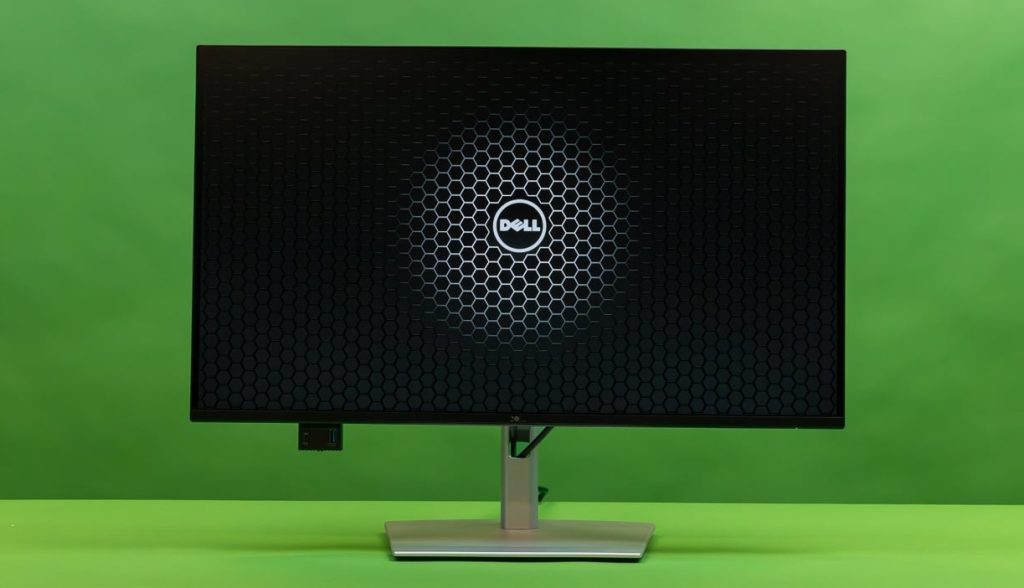
Product Name: Dell UltraSharp P2725QE
- Why We Recommend It: Features a pristine 4K resolution with excellent factory color calibration (△E < 2) and wide color gamut coverage. It includes a built-in USB-C Hub with 90W Power Delivery, allowing you to transfer 4K video signals and charge your MacBook or Windows laptop through a single cable.
- Best Suited For: Photo editors, video creators, programmers, and laptop users who require color precision and clean desktop setups.
- The Catch: It is strictly locked to a 60Hz/120Hz office refresh rate (depending on exact configuration variants). It lacks the aggressive responsiveness required for competitive gaming.
4K Premium Gaming & Entertainment
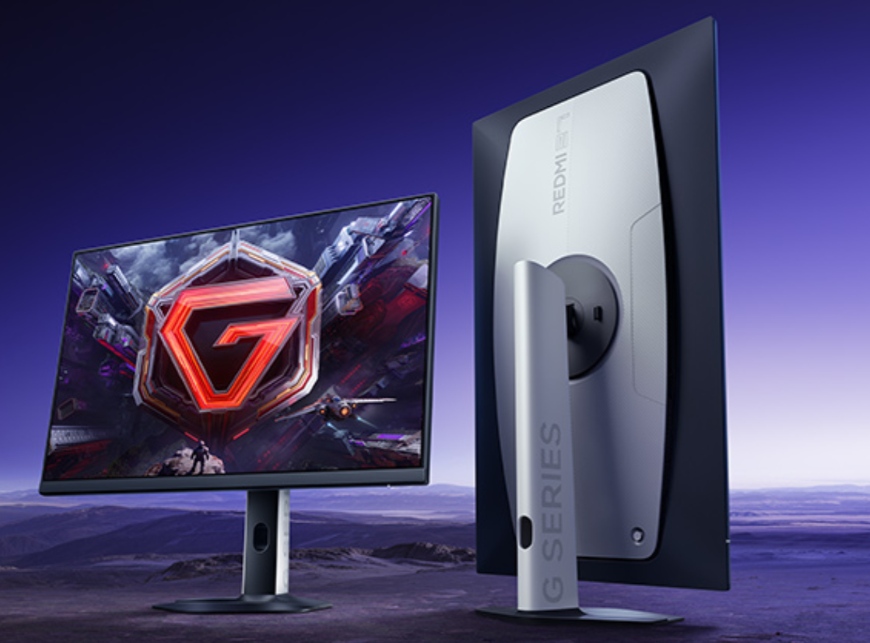
Product Name: Redmi G27U (or Titan Army P27A2V Mini-LED)
- Why We Recommend It: These models successfully democratized 4K 160Hz gaming. They allow high-end GPU owners to enjoy breathtaking 3840×2160 details alongside fluid high-refresh frame rates. The Titan Army variant introduces a Mini-LED backlight layer, creating blindingly bright HDR highlights and deep shadow details.
- Best Suited For: High-end PC rigs, cinematic 3A games, or players who split their screen time between a desktop computer and a console.
- The Catch: Driving games at 4K High Refresh requires massive graphics card power. If your GPU can’t keep up, your gaming experience will suffer from heavy frame drops.
“Category Verdict: True 4K is an investment in your eyes. If you do not play high-speed multiplayer games and value clean text and accurate color connectivity, the Dell UltraSharp line is unmatched. If you have the graphic horsepower to run games natively at 4K, picking up an affordable 4K high-refresh option like the Redmi G27U will future-proof your desk setup for years to come.”
Contact Tenfly today for a free consultation.
