Portable Interactive Displays vs. Wall-Mounted: How to Choose for Classrooms and Offices in 2026?

Daisy Li
Display Solutions & Product Technology Expert
Specializing in OEM/ODM smart display solutions from 21.5″ monitors to 110″ interactive flat panels, with expertise in product configuration, system integration, quality control, and bulk project delivery for global B2B markets.
Follow me:
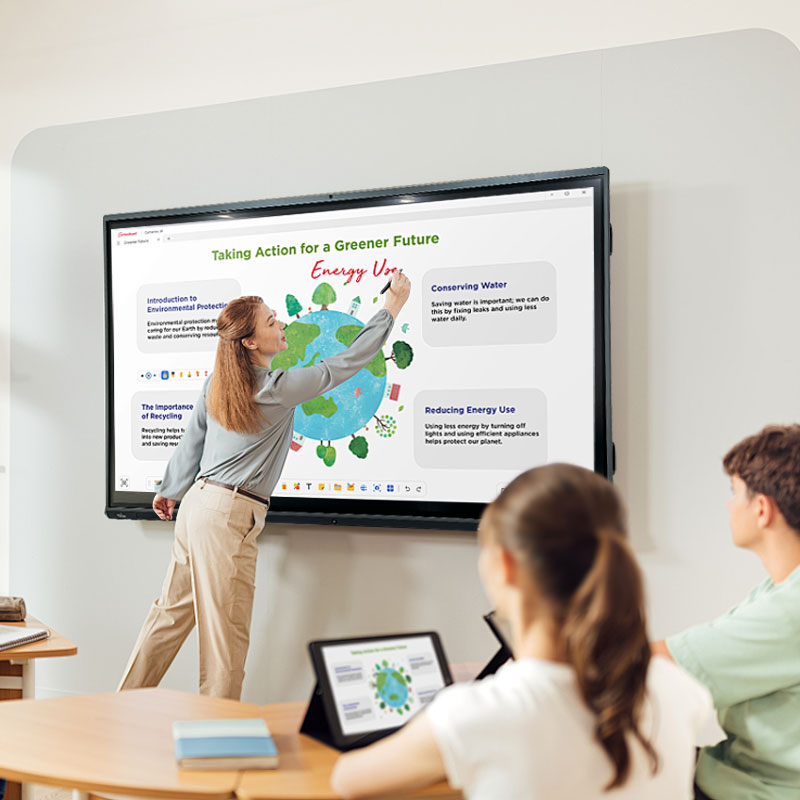
You’ve just unboxed a 75-inch interactive flat panel. It’s heavy – over 50 kilograms. You’re excited to get it up and running. But before anyone starts tapping on that gorgeous screen, there’s one decision you absolutely have to make: Do you bolt it to the wall, or put it on wheels?
It sounds like a minor detail. It’s not. The choice between a wall mount and a mobile stand determines where your interactive whiteboard lives, how often it gets used, and whether your investment actually pays off. In 2026, with education budgets tightening and hybrid work here to stay, a portable smart board can stretch your technology dollars further than a fixed installation ever could.
Here’s how to make the right call for your specific situation – whether you’re outfitting a K-12 classroom, a university lecture hall, or a modern corporate office.
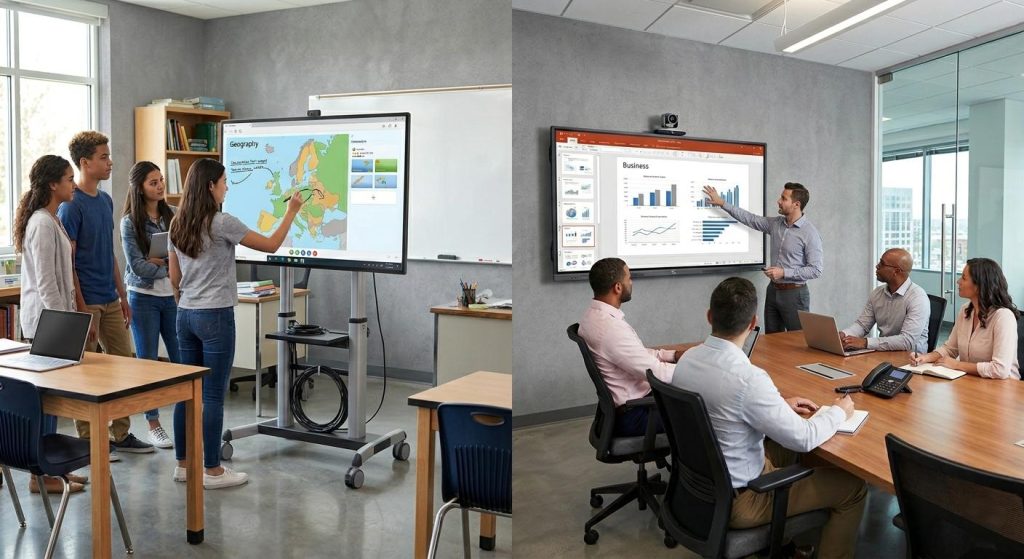
At a Glance: Portable Stand vs. Wall-Mounted Installation
Before we dive into the details, let’s get the big picture. According to industry data, the global interactive flat panel market grew from $5.67 billion in 2025 to an estimated $6.2 billion in 2026, with a CAGR of 9.5%. The education segment remains the largest user base, accounting for roughly 45–50% of total market revenue. Within this growing market, both wall-mounted and mobile configurations serve distinct purposes. The table below lays out the key differences side by side.
Comparison Table
| Factor | Wall-Mounted (Fixed Installation) | Portable Stand (Mobile Cart) |
| Installation Cost | Wall bracket often included in box, but requires professional installation, wall reinforcement, and cable concealment | Separate cart purchase required; near-zero installation labor cost |
| Hardware Investment Efficiency | One display per room – no sharing possible | One portable smart board can serve 3–5 different spaces |
| Space Footprint | Zero floor space; ideal for small rooms | Requires floor clearance for cart base and wheels |
| Flexibility | Fixed position; cannot be moved once installed | Mobile interactive whiteboard with lockable casters moves anywhere in minutes |
| Safety & Stability | Bolted to wall studs; extremely secure; recommended for younger students | Requires locking casters and wide anti-tip base; stability depends on cart quality |
| Height Adjustability | Fixed height determined at installation | Many carts offer manual or gas-spring height adjustment for different users |
| Long–Term Maintenance | Each unit serviced in place individually | Centralized maintenance; easier to rotate or upgrade panels when needed |
| Accessibility | Once mounted, wheelchair users or shorter students may struggle to reach upper areas | Height-adjustable models lower the screen for ADA-compliant accessibility |
Which One Saves More Money?
Here’s something most buyers overlook: the total cost of ownership over 3–5 years, not just the upfront price tag. When you factor in everything, the numbers often tell a different story.
An interactive whiteboard typically requires a higher initial investment than a traditional projector. The trade-off over time is lower maintenance costs and better long-term value. Wall–mounted setups are straightforward cost-wise: if you need three classrooms equipped and the rooms are used simultaneously, you buy three panels and install them once. Labor and cabling costs for fixed installations can add up, especially if your walls need reinforcement.
Portable setups are a different story. The mobile cart costs extra upfront – typically an additional $180–$250 USD depending on build quality and features. But here’s the key: instead of outfitting a brand-new interactive whiteboard in each of your three classrooms, you buy one panel and one cart. You can schedule its use across your entire lineup of multi-purpose spaces and staff meeting rooms – morning in science lab A, afternoon in history room B, and staff PD in the library after school. The math is simple: one shared portable interactive display can eliminate the need to purchase two or three additional panels, saving thousands of dollars while still delivering full interactive functionality wherever it’s needed most.
So if you have one dedicated room, fixed installation delivers the best value. If you have three or more rooms that won’t be used simultaneously, a portable smart board almost always offers superior long-term ROI.

How to Choose for Classrooms
Schools face a different set of priorities than offices: safety, classroom management, and making the most of limited technology budgets. Here’s how the decision breaks down for educators.
✅ When Wall-Mounted Makes the Most Sense
- Dedicated homeroom classrooms (K–5). When one teacher and one class use the same room all day, a wall-mounted interactive whiteboard eliminates daily setup. Walk in, turn it on, start teaching. No cables to reconnect, no calibration to redo.
- Elementary safety first. A 75-inch panel weighs over 50 kg – and while locking casters keep most mobile carts stable, young students move fast and bump into things. A fixed wall mount bolted to wall studs eliminates any possibility of tipping.
- Pre–wired smart campus projects. If your school is being purpose-built or fully renovated with power and data already run to specific wall plates, wall-mounted panels integrate cleanly into your existing infrastructure.
- Special education and accessibility needs. Some motorized height-adjustable wall mounts can be raised or lowered as needed, which is especially useful when the screen must accommodate wheelchair-bound students or serve varying grade levels throughout the day.
✅ When a Portable Smart Board Is the Better Choice
- Budget–conscious schools doing more with less. Not every school can afford a portable interactive display in every classroom. But one portable smart boards for classrooms can be shared across an entire grade level or department. Science teachers use it for lab demonstrations in the morning; math teachers annotate graphs with it in the afternoon. One panel, many classrooms – maximum utilization of limited funds.
- Multi–purpose spaces. Libraries, staff development rooms, music rooms, and auditoriums don’t need an interactive whiteboard on wheels every single period. A portable unit can be scheduled and wheeled in only when it’s actually needed.
- Schools with older buildings. Many educational facilities, particularly in developing markets, lack reinforced walls suitable for heavy display mounting. A quality smart board on wheels offers an installation-free alternative that doesn’t require structural upgrades.
- Teacher training and collaboration days. When faculty gather for professional development, a mobile smart board can be rolled into the staff lounge for group annotation sessions, then returned to its classroom home when training ends.
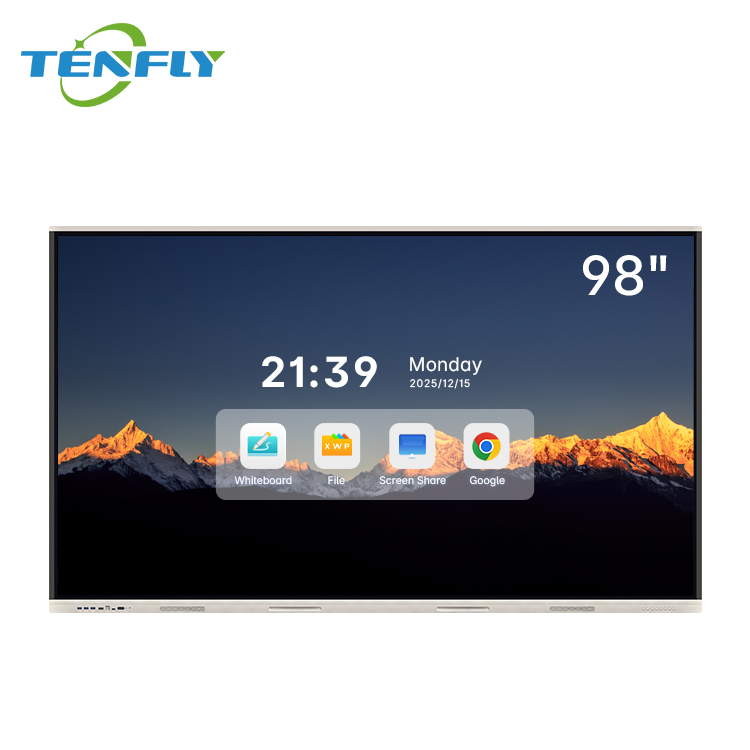
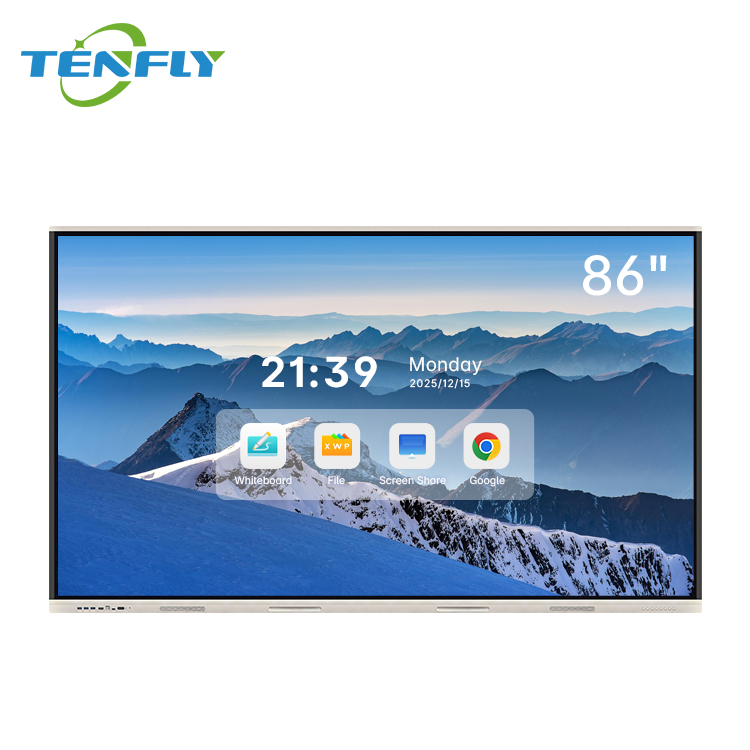
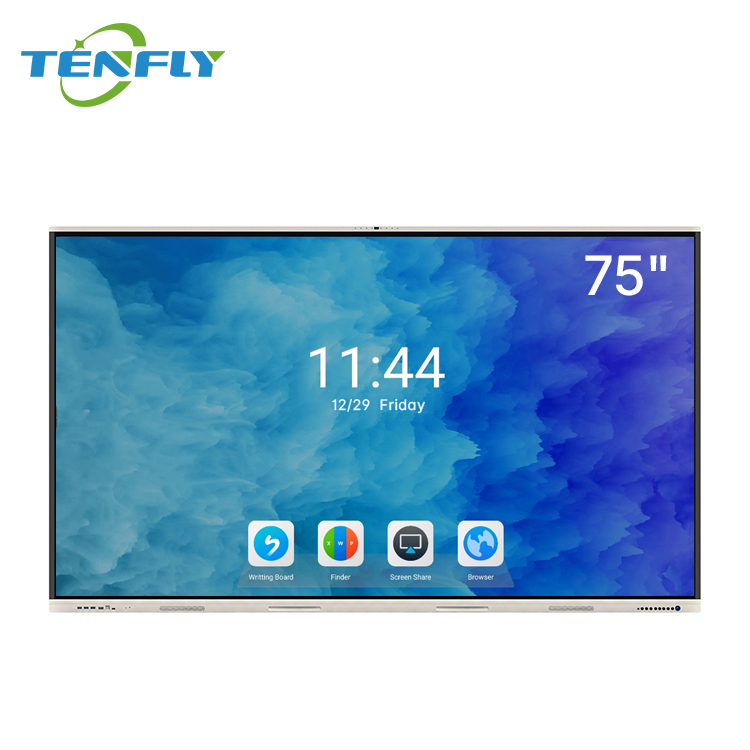
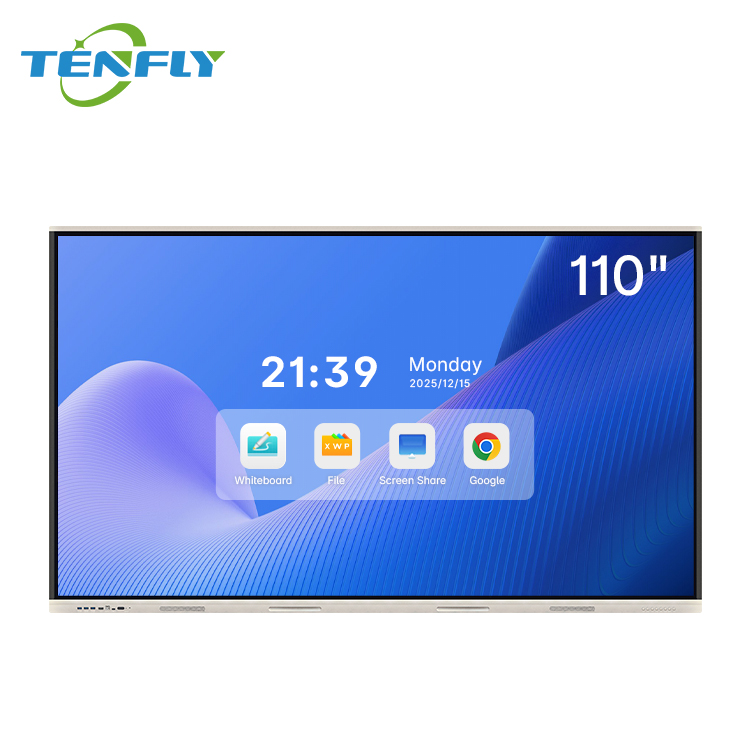
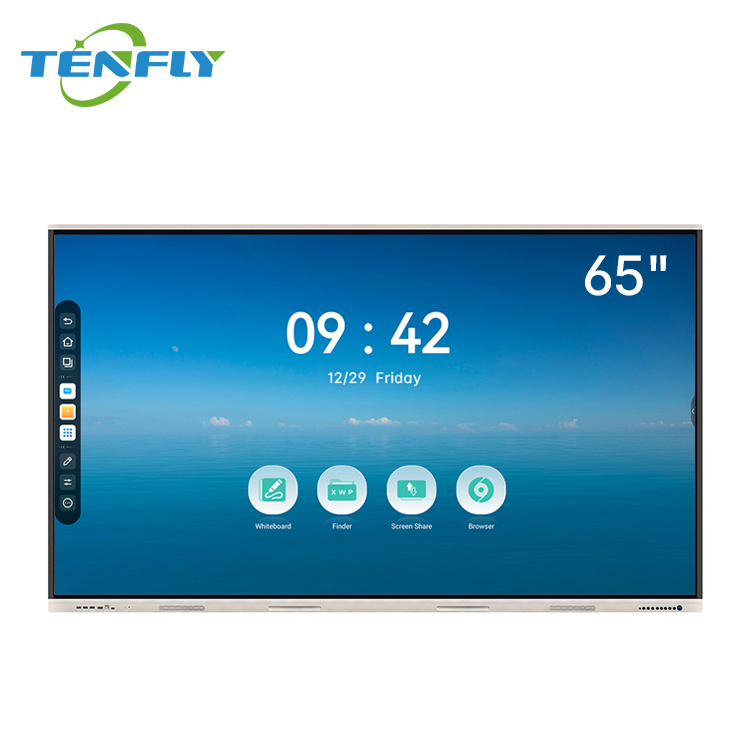
In this scenario, Tenfly’s Education Digital Classroom Solution is recommended: “75” / 86” smart teaching display, multi-touch writing with palm rejection, anti-glare tempered glass, Android-based teaching interface, mobile stand or wall–mounted installation.”

How to Choose for Businesses & Offices
Offices have different requirements: professional appearance, flexible meeting workflows, and integration with existing video conferencing infrastructure. The equation changes depending on your company size and how you collaborate.
✅ When Wall-Mounted Works Best
- Executive boardrooms and formal client meeting spaces. When the visual standard is “clean and integrated,” a flush wall mount with hidden cabling projects professionalism. Clients walk in and see a seamless, built-in interactive whiteboard – not cables dangling from a cart.
- CEO and executive private offices. Limited floor space and a desire for minimalist design favor the wall mount. The display becomes part of the room architecture rather than a piece of furniture taking up square footage.
- Corporate lobby digital signage. If the panel’s primary job is displaying company messaging to visitors, it never moves. Wall mount it once and let it run.
- Large conference rooms with fixed seating. In spaces where furniture arrangements never change, a fixed mobile interactive whiteboard offers no real advantage; wall-mounting keeps the front of the room clean and unobstructed.
.jpg)
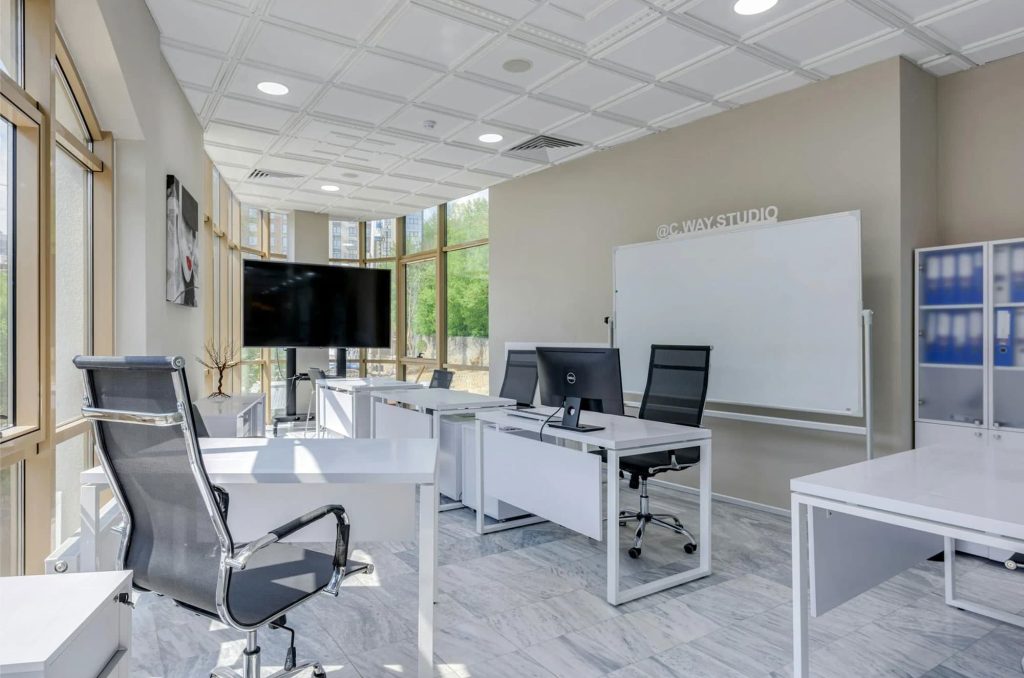
✅ When a Portable Smart Board Wins
- Hybrid and agile workspaces. The modern office has fewer assigned desks and more flexible “huddle zones.” A smart board on wheels becomes a mobile collaboration hub – use it for morning stand-ups in the open area, then roll it into a small phone booth room for a private video call. Global research indicates the commercial segment is growing nearly twice as fast as education in some regions, driven by hybrid work adoption.
- SMEs and startups with limited meeting space. Small companies rarely have enough dedicated meeting rooms. A mobile interactive whiteboard turns any corner into a brainstorming area. One unit serves as the morning scrum board, the afternoon client demo screen, and the after-hours design review canvas.
- Training rooms that morph constantly. HR training sessions require reconfiguring the room layout. A portable interactive display can be angled for a lecture in the morning and moved to the center of breakout groups in the afternoon.
- Leased office space where drilling is off–limits. If your lease prohibits wall modifications, a mobile cart isn’t just a preference – it’s the only viable option. Many corporate tenants in coworking spaces and flex offices operate with exactly this constraint.
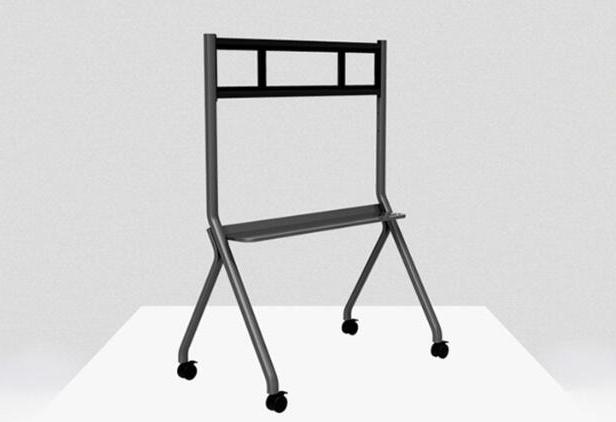
What to Look for in an Interactive Display Stand
If you’ve decided a portable smart board fits your use case, the cart you choose matters just as much as the panel itself. A cheap, wobbly stand ruins the whole experience – and worse, creates safety hazards. Here’s what to check before you buy:
| Feature | What to Look For | Why It Matters |
| Weight Capacity | Cart rated for at least 100 kg (220 lbs), with premium models supporting up to 150 kg (330 lbs). | A 75″ panel can weigh over 50 kg. A stand that’s under-spec’d risks collapse, damaging the screen and creating a serious safety hazard. |
| Locking Casters | Heavy–duty lockable casters on all four wheels – smooth-rolling for transport, secure-locking for touch use. Swivel casters make maneuvering around furniture much easier. | Mobility is the whole point, but if the screen rolls away when someone leans on it, it’s unusable. Locked wheels keep the unit steady. |
| Anti–Tip Base | Wide base of at least 650 mm (25.6 in) that passes a 10° tilt stability test. | A top-heavy interactive display can tip forward if the base isn’t wide enough. This is critical in classrooms where students may bump into the cart. |
| Cable Management | Built–in internal cable channels and a concealed shelf or compartment for power strips and adapters. | Loose cables across the floor are unsightly and a trip hazard. Clean routing keeps the setup professional and safe for everyone. |
| Height Adjustability | Manual or gas–spring height adjustment with clear locking positions. Motorized options are available for high-use environments. | Lets you lower the screen for seated collaboration or younger students, raise it for standing presentations, and meet ADA accessibility standards for wheelchair users. |
| Accessory Tray | Sturdy built–in shelf (some with locking compartments) large enough for a remote, stylus pens, and a compact wireless keyboard. | Keeps essential accessories within arm’s reach and off the floor. Locking trays add security in shared or unsupervised spaces. |
| VESA Compatibility | Standard VESA mounting patterns – typically 200×200 mm, 400×400 mm, or 600×400 mm for larger panels. Always match your panel’s spec. | Ensures the interactive flat panel bolts securely onto the cart. Tenfly interactive displays are built to standard VESA specifications, but double-check your model’s exact pattern. |
| Build Quality | All–steel construction with powder-coated finish, reinforced stress joints, and no plastic load-bearing parts. | A cart with plastic components will start wobbling within months. Commercial-grade steel stands deliver reliable stability for years. |
A well-chosen mobile stand turns a heavy interactive flat panel into a nimble teaching and collaboration tool. A poorly chosen one turns it into a hazard. Stick to these criteria, and your portable interactive display will perform reliably day in and day out.
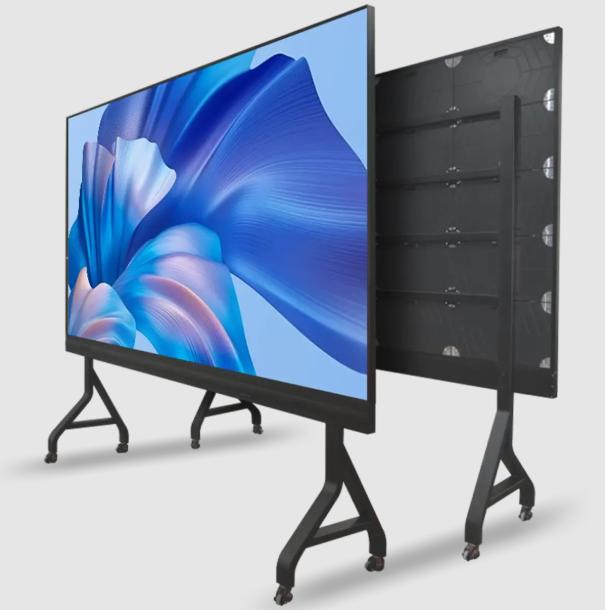
30-Second Decision Framework
Still undecided? Answer these three quick questions:
- Will this display only ever be used in a single, dedicated room?
- ✅ Yes → Choose Wall–Mounted.
- ❌ No → Go to Question 2.
- Are the primary users young children (K–5) where tip–over safety outweighs flexibility?
- ✅ Yes → Choose Wall–Mounted (or ensure the cart has an ultra-wide, trip-free base and meets commercial safety standards).
- ❌ No → Go to Question 3.
- Do you need this screen in 3+ different spaces but have limited budget, or can’t drill into the walls?
- ✅ Yes → Choose Portable / Mobile Cart.
- ❌ No → Wall–Mounted is likely your best fit.
If you answered “Yes” to Question 3: A portable smart board will give you the most flexibility and best return on investment.
If you answered “No” to Question 3: A fixed wall-mounted installation is the simplest, most permanent solution.
Next Steps
Choosing between a portable interactive display and a wall-mounted panel isn’t complicated once you know what you’re optimizing for. Wall mounts prioritize stability and a clean, permanent look – perfect for dedicated classrooms and executive boardrooms. Mobile carts prioritize flexibility and efficient resource sharing – ideal for schools with tight budgets, multi-purpose training spaces, and agile hybrid offices.
The best news? The same Tenfly interactive flat panel works perfectly in both configurations. Whether you’re outfitting an entire school district, upgrading a corporate training center, or equipping a single huddle room, your panel comes VESA–compatible and ready for either your existing wall bracket or an optional mobile stand.
Already know which direction you’re heading? Browse our full interactive display lineup or reach out for a customized recommendation tailored to your space and user needs.
Contact Tenfly today for a free consultation.