
AOC All-in-One PC Review: Is It a Good Budget Choice in 2025?

Daisy Li
Display Solutions & Product Technology Expert
Specializing in OEM/ODM smart display solutions from 21.5″ monitors to 110″ interactive flat panels, with expertise in product configuration, system integration, quality control, and bulk project delivery for global B2B markets.
Follow me:
If you’re thinking about buying an AOC All-in-One PC in 2025, you’ve probably noticed something interesting:
AOC is a well-known brand for monitors, but its All-in-One PC lineup isn’t as widely discussed as Lenovo, HP, or Dell. That often leaves buyers wondering:
“Is an AOC All-in-One PC actually a good budget choice in 2025?”
To help answer that, this review:
- Looks at the AOC AIO models available or commonly referenced in 2025
- Compares real-world performance across everyday workloads
- Tests multiple use scenarios: home, office, students, light creative, entertainment, and light gaming
- Highlights strengths, limitations, and whether the AOC AIO deserves your attention as a budget AIO choice
We’ll focus on the models most relevant for budget / all-purpose use — no more than the few that matter in the current 2025 AIO landscape.
AOC All-in-One PC Lineup in 2025
| Category | AOC AIO Model Examples |
| Entry Budget AIO | AOC 24 All-in-One PC (24″) |
| Mid-Range Budget AIO | AOC 27 All-in-One PC (27″) |
| AIO with Optional Dedicated Graphics | AOC 27 All-in-One Gaming/Enhanced Edition |
These are typical configurations you might find under AOC’s AIO lineup in 2025 — commonly with 24″ and 27″ screens, similar to how AOC names its monitors.
How to Choose an AIO PC in 2025: 5 Key Specs to Know
Before jumping into the AOC review, here are the 5 specs you must understand — especially for budget PCs.
| Core Metric | What to Aim For | Why It Matters |
| CPU | i5 / Ryzen 5 or equivalent | Great balance for most users |
| i3 / Ryzen 3 | Acceptable for basic tasks | |
| Display | 27″ best balance | Big enough for multi-tasking |
| Fast boot/responsiveness | Smaller desk, lighter use | |
| IPS panel + at least 300 nits brightness | Better visuals | |
| Graphics | Integrated OK | AIOs rarely fit strong GPUs |
| Optional discrete (e.g., GTX/RTX/Arc) | Better for light gaming | Must have for creative work |
| RAM | 16GB recommended | Smooth multitasking |
| Storage | 512GB SSD minimum | Fast boot/responsiveness |
| Ports / Webcam | USB-C, HDMI, 5MP/8MP webcam | Crucial for remote work |
Who Should Consider an AOC AIO in 2025?
AOC’s All-in-One PCs tend to focus on budget friendliness and good displays (a natural advantage given AOC’s monitor expertise) — making them suitable for:
- Students
- Home/family use (browsing, video, Zoom)
- Office productivity (Word, Excel, email)
- Secondary workstation
- Light photo editing
- Casual/light gaming (where a discrete GPU is optional)
Not ideal for:
- Heavy creative work (pro video editing / 3D)
- Hardcore gaming (AAA at high settings)
- Power users who want a future-proof powerhouse
AOC All-in-One PC Review: Is It a Good Budget Choice in 2025?
Below is an in-depth look at the most relevant AOC AIO models you’re likely to encounter.
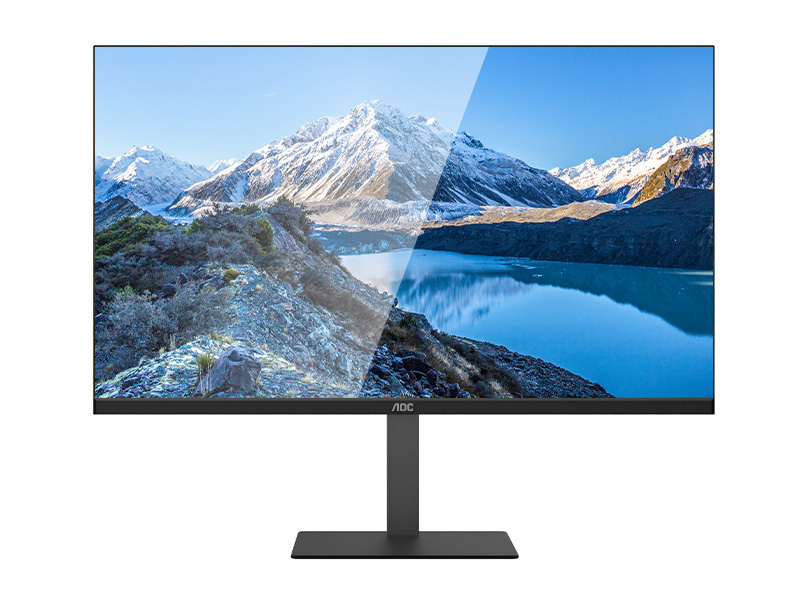
AOC 24 All-in-One PC (24″) — Best Budget AIO
The AOC 24″ All-in-One PC is the archetypical budget pick — a clean, simple, no-frills AIO with a solid panel and enough performance to handle daily tasks.
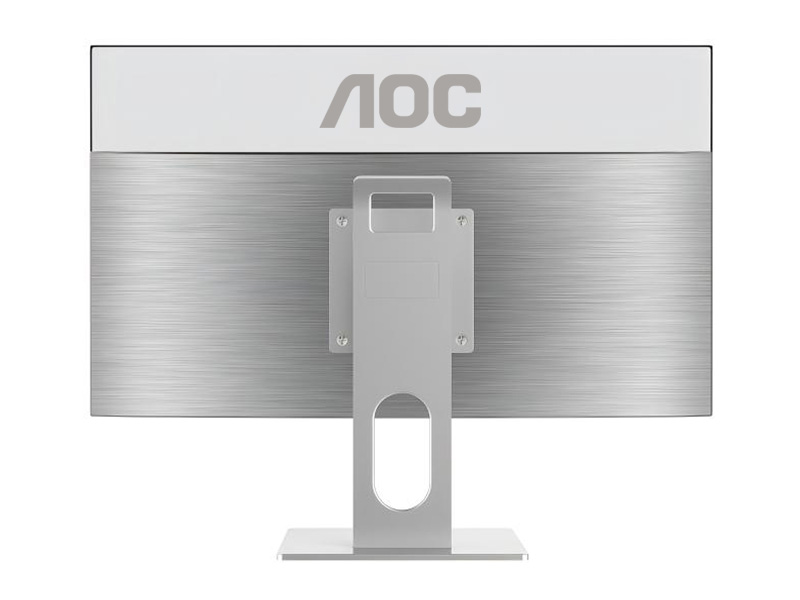
AOC 27 All-in-One PC (27″) — Mid-Range Budget AIO
This is a step up from the 24″ model with a larger screen and optional higher specs. It’s still budget-oriented but provides a more comfortable visual workspace — ideal for productivity and casual creativity.
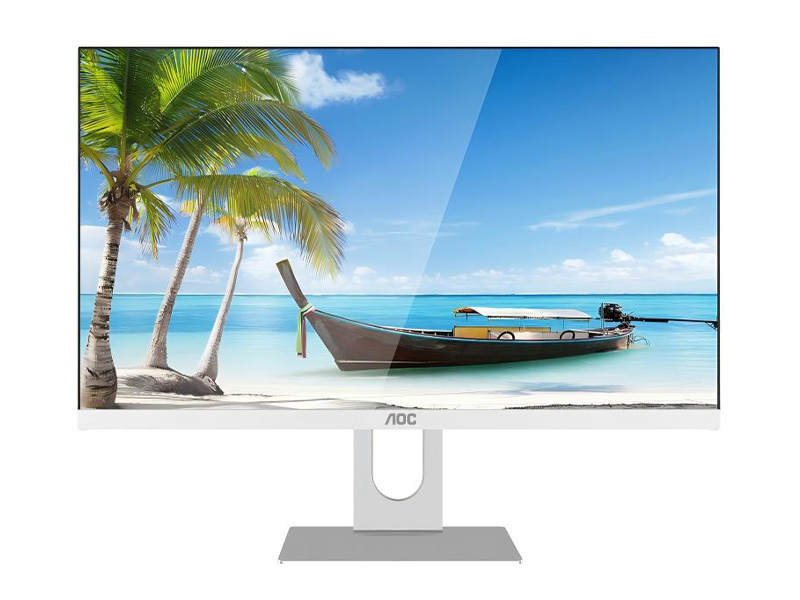
AOC 27 All-in-One Gaming/Enhanced Edition — Budget Light Gaming AIO
Some AOC AIO editions offer optional discrete graphics (e.g., entry-level GTX / Radeon / Arc) — giving you light gaming capability along with everyday productivity.
AOC AIO vs Other Budget All-in-One PCs
| Brand | Typical Strength | Typical Limitation |
| AOC AIO | Great screen quality, very budget-oriented | Limited discrete GPU/config options |
| Lenovo AIO | All-around performance + enterprise options | Slightly higher price, more configs |
| HP / Dell AIO | Reliable value + solid support | Not always the cheapest |
| Acer / ASUS AIO | Budget-balanced options | Screen or build quality can vary |
AOC AIO competes best on screen quality and overall value — especially for budget users who prioritize display and core everyday tasks.
Conclusion: Is the AOC All-in-One PC a Good Budget Choice in 2025?
Yes — AOC All-in-One PCs are a solid budget choice in 2025 if your needs are everyday computing, school/office tasks, light creative work, and casual gaming. They are typically cheaper than many competitor AIOs and often come with better-than-average screens for the price.
When to Consider AOC AIO
- You want a clean, minimal desktop setup
- You primarily do office, browsing, streaming, Zoom, and basic editing
- You value display quality on a budget
