
Esports & Gaming Cafés
|

What monitor do esports players use?

For professional esports athletes, every single millisecond counts. As a result, high refresh rate, fast-responding, and low input-lag competitive displays are their standard choice. Esports Monitor vs. OLED Monitor: Key Differences Core Distinction Key Metrics Professional Esports Monitor (TN / Fast-IPS) OLED Monitor Optimal Size / Resolution 24.5″ / 1080p (Scan full screen with peripheral…

Infrared vs Capacitive Touch: Which Is Better for Interactive Displays?
|

Why NFC Login Makes Shared Interactive Displays Easier to Use?

Imagine a teacher stepping into a classroom, tapping their ID card on the display and they are ready to teach within seconds. No password to enter, no shared login to remember, no waiting. That is what NFC login brings to shared interactive displays, and it is a change that more schools and businesses are beginning…

interactive flat panels for education
|

Why USB-C Is Becoming Increasingly Important for Interactive Displays

You enter into a conference room ready to present and the last thing you want is to spend the first few minutes looking for the right cable. But this is exactly what is happening in many communal places. Someone has a modern laptop that doesn’t have a full size HDMI connector, the USB cable for…

interactive flat panel
|

What Size Interactive Flat Panel Do You Need for a 12-Person Meeting Room?

When outfitting a 12-person meeting room, seating capacity is only part of the equation. While 75″ to 86″ is the sweet spot, choosing the perfect size comes down to viewing distance and content density. In modern corporate setups, an 86-inch screen is the benchmark for 10–14-person rooms. If your budget permits, always lean toward 86…

Dual Monitors
|

Are Dual Monitors Worth It for Office Productivity? How to Choose the Right Setup for Your Work

If you spend a lot of your workday bouncing between spreadsheets, email threads, and reference pages, you’ve probably asked yourself if another monitor would really do anything. It’s a real game changer for certain people. For others, it adds hardware without adding much value. The difference is almost always one thing: how you work. This article…

Best for Creators — Yoga AIO 9i (32", 4K)
|

Thermal throttling in slim AIOs: Can they handle 4K video editing?

Strictly speaking, 4K ultra-slim All-in-Ones (AIOs) can be used for 4K video editing, but only to the extent that they are “usable.” If you are handling light to moderate 4K editing (short videos, basic cuts/stitching, using efficient codecs like ProRes), it is completely fine and no problem. However, when facing long video exports, multi-layer color…

Business Mini PCs
|

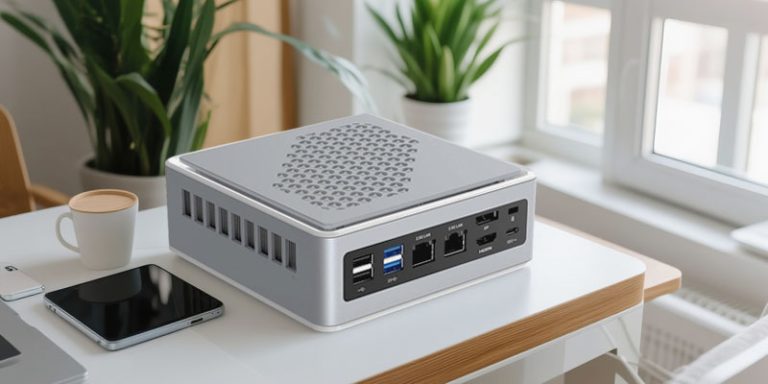
Can Mini PCs Handle 24/7 Business Operations? What Buyers Should Know

If you have ever been to a retail establishment and seen a self-service kiosk running all day, or strolled past a digital display board that never appears to turn off, it is very likely powered by a mini PC. These little boxes have quietly become a go-to for companies that need always-on computing without the…

IP65 vs IP67
|

What is the actual difference between an IP65 and an IP67 waterproof rating for an embedded panel mount display?

Since both IP65 and IP67 begin with the digit 6, they provide the same maximum level of dust protection. The difference lies entirely in the second digit. The real distinction is their water resistance: IP65 protects against dust and water jets, whereas IP67 offers the same dust resistance but adds protection against temporary immersion. This…

End of content

End of content