
Can a Lenovo All-in-One PC Be Used for Gaming in 2025?
Yes — you can game on a Lenovo All-in-One PC, but only if you choose the right model and manage your expectations. Modern AIOs like the Lenovo IdeaCentre 5i or Yoga AIO 9i are far more capable than older generations — they can easily handle games like League of Legends, Minecraft, Genshin Impact, or even Fortnite at decent frame rates.
But if you’re dreaming of ultra settings in Cyberpunk 2077 or Elden Ring, an AIO still isn’t built for that level of heat and performance.
In this guide, I’ll walk you through:
- What’s actually inside a Lenovo All-in-One PC?
- Which hardware specs matter most for gaming?
- What kind of setup do you need to play your favorite titles smoothly, and
- Whether an AIO is truly worth it for gamers in 2025.
By the end, you’ll know exactly which Lenovo AIOs can handle your gaming needs — and which ones are better left for work and Netflix.
What’s Inside an All-in-One PC?
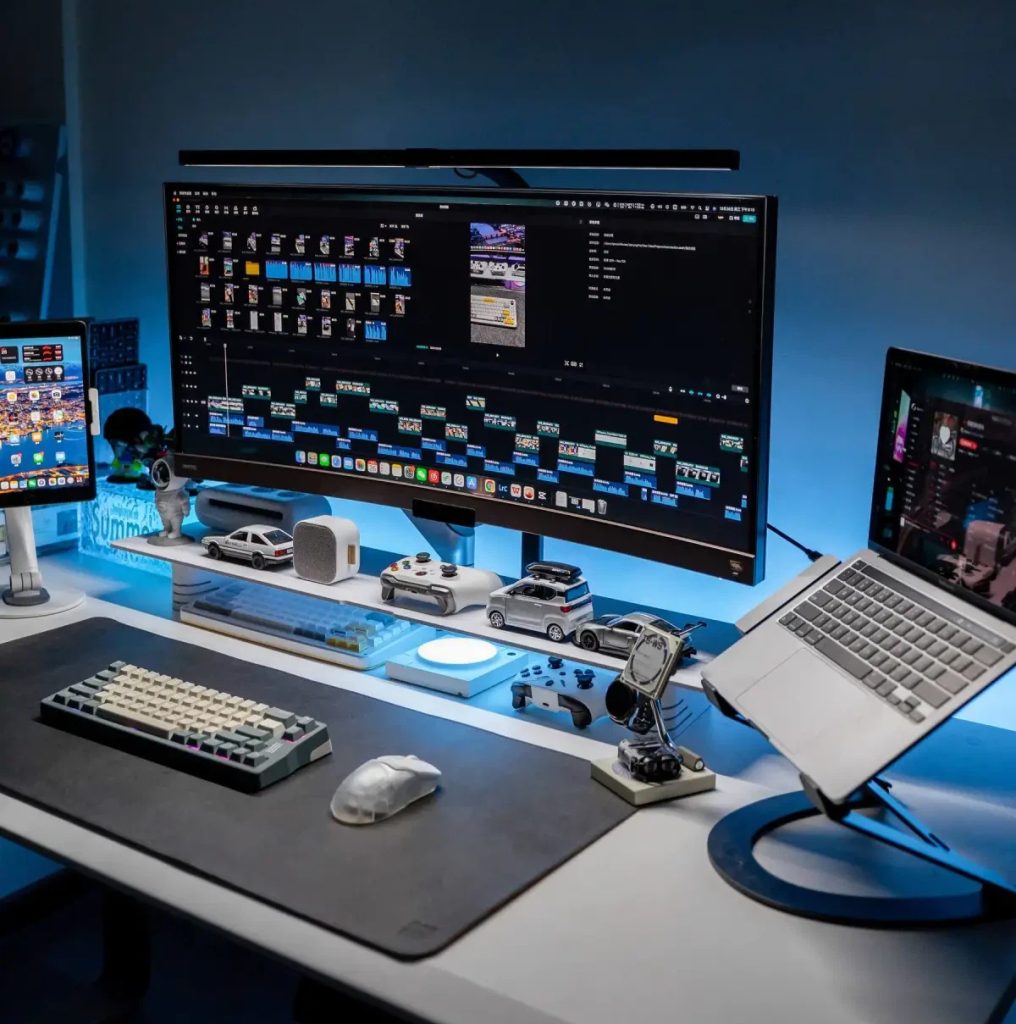
Think of an All-in-One PC as a desktop and monitor combined into one clean unit. No messy cables, no bulky tower — just plug it in and go.
But that slim, modern look also means limited internal space, which directly affects how powerful the hardware can be.
| Component | Description | Example (Lenovo AIO Series) |
| CPU (Processor) | Handles overall performance and game logic | Intel Core i7-13700H / AMD Ryzen 7 7840U |
| GPU (Graphics Card) | Renders your game’s visuals | Intel Iris Xe / NVIDIA RTX 3050–4050 (on high-end models like Yoga AIO 9i) |
| RAM (Memory) | Multitasking & texture loading | 16GB DDR5 (upgradeable to 32GB) |
| Storage (SSD) | Loading time & game boot speed | 512GB–1TB NVMe SSD |
| Cooling System | Controls heat & performance stability | Dual-fan or vapor chamber (varies by model) |
| Display | Visual quality & refresh rate | 27” QHD or 4K, usually 60Hz |
Lenovo’s newer AIOs pack laptop-grade hardware — powerful enough for daily work and light-to-medium gaming.
Which Specs Matter Most for Gaming?
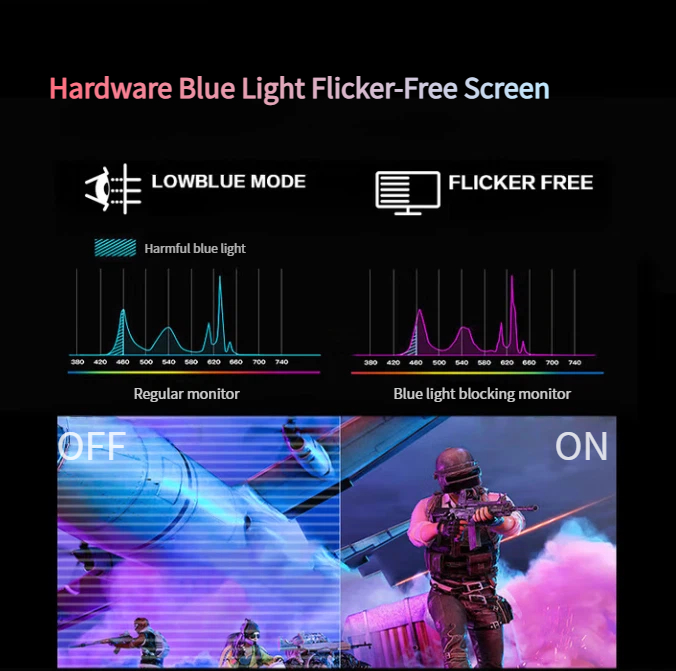
When you hit “Play,” the smoothness of your gameplay depends on a few key parts.
Here’s how each one affects your experience — and what limits to expect from an All-in-One PC.
| Component | Why It Matters | Common Lenovo AIO Limitation | Example Impact |
| GPU (Graphics Card) | Controls frame rate (FPS) and graphics detail | Entry-level AIOs use integrated GPUs (Iris Xe) | Minecraft or LOL run fine; GTA V struggles |
| CPU (Processor) | Affects how fast your system responds | Mobile-grade chips limit sustained power | Fine for Valorant, struggles in Cyberpunk 2077 |
| RAM (Memory) | Helps handle multiple tasks & larger games | Some models max out at 16GB | 16GB is sweet spot for Genshin Impact |
| Cooling System | Prevents overheating & throttling | Compact chassis = limited airflow | FPS drops after 20–30 mins in heavy games |
| Display (Refresh Rate) | Makes motion smooth & responsive | Usually 60Hz on AIOs | Fine for casual gaming, not for eSports |
If you plan to play daily, choose an AIO with a dedicated NVIDIA GPU (RTX 3050 or higher). Integrated graphics are fine for basic gaming but not built for high refresh rates or 3D-heavy games.

High-Performance AIO PC
What Specs Do You Need for a Smooth Gaming Experience?
Here’s a quick reference table showing what kind of setup you need to enjoy your favorite games — and whether Lenovo AIOs can handle them.
| Game Title | Minimum Specs | Recommended Specs | AIO Feasibility (Lenovo AIO) |
| League of Legends | i3 + 8GB RAM + Integrated GPU | i5 + 16GB + Iris Xe | Runs smoothly on most Lenovo AIOs |
| Minecraft | i3 + 8GB RAM | i5 + 16GB + RTX 3050 | Moderate settings possible |
| Genshin Impact | i5 + 8GB + GTX 1650 | i7 + 16GB + RTX 3060 | Smooth on Yoga AIO 9i only |
| Fortnite | i5 + 8GB + GTX 1050 | i7 + 16GB + RTX 3050 | Playable on mid/high-end AIOs |
| GTA V / Valorant | i5 + 8GB + GTX 1650 | i7 + 16GB + RTX 3050 | Acceptable with lower settings |
| Apex Legends / Cyberpunk 2077 / Elden Ring | i7 + 16GB + RTX 3060 | i9 + 32GB + RTX 4070 | Not recommended (AIO thermal limits) |
Bottom line:
- Light games like LOL, Minecraft, and Valorant: Yes, smooth and stable.
- Mid-tier titles like Genshin or Fortnite: Okay on high-end Lenovo AIOs (with RTX GPU).
- Heavy AAA games like Cyberpunk 2077: Better stick with a gaming laptop or tower PC.
So… Can a Lenovo All-in-One PC Be Used for Gaming?
Yes — but with realistic expectations.
If your idea of gaming is a few rounds of Valorant or League of Legends after work, a Lenovo IdeaCentre AIO 5i or Yoga AIO 9i will do just fine.
They’re powerful, stylish, and handle moderate gaming surprisingly well.
But if you’re into AAA titles or high-refresh eSports gaming, AIOs still fall short due to:
- Limited GPU options (rarely above RTX 3050)
- Compact design = weaker cooling
- No easy way to upgrade graphics
| User Type | Recommendation | Why |
| Casual Gamer | Lenovo IdeaCentre AIO 5i | Great for light games, beautiful 27” QHD display |
| Mid-Level Gamer | Lenovo Yoga AIO 9i (RTX 4050) | Can run modern games, but is limited thermally |
| Hardcore Gamer | Can run modern games, but limited thermally | Better FPS, cooling, and upgrade paths |
If you already own a Lenovo AIO, you can still enhance your experience with cloud gaming platforms (like NVIDIA GeForce NOW) or an external GPU (eGPU) dock.
Final
Yes, a Lenovo All-in-One PC can be used for gaming — but only if your expectations match its design.
They’re perfect for casual gamers, students, or anyone who values a clean, minimal setup with light gaming on the side.
But if you’re chasing 120+ FPS in Cyberpunk 2077, it’s time to look at a Lenovo Legion desktop or gaming laptop instead.
