
What Type of Computer Monitor Panel Is Best for Your Team? – A Technology Perspective
If you’re buying monitors for a team rather than for yourself, the question usually isn’t “Which panel looks best?”
It’s more like:
Will everyone be comfortable using it every day?
Is this technology stable enough for long-term deployment?
And just as important, are we paying for features we don’t actually need?
From a supplier’s point of view, most confusion around computer monitor panel types comes from mixing up display technology with panel technology. They’re related, but they solve different problems. Let’s walk through both, the way we usually explain them to procurement teams.
Display Technology: Choosing the “Foundation”
Before talking about IPS, VA, or TN, it helps to step back and look at how a monitor actually produces light. This is where display technology comes in.
Most LCD computer monitors today work the same basic way: a liquid crystal panel controls light coming from a backlight. What changes is how that backlight is generated and controlled.
1. LCD and LED: Still the Industry Workhorse
You’ll often see terms like LCD PC monitor and LED monitor used interchangeably. Technically speaking, that’s not wrong.
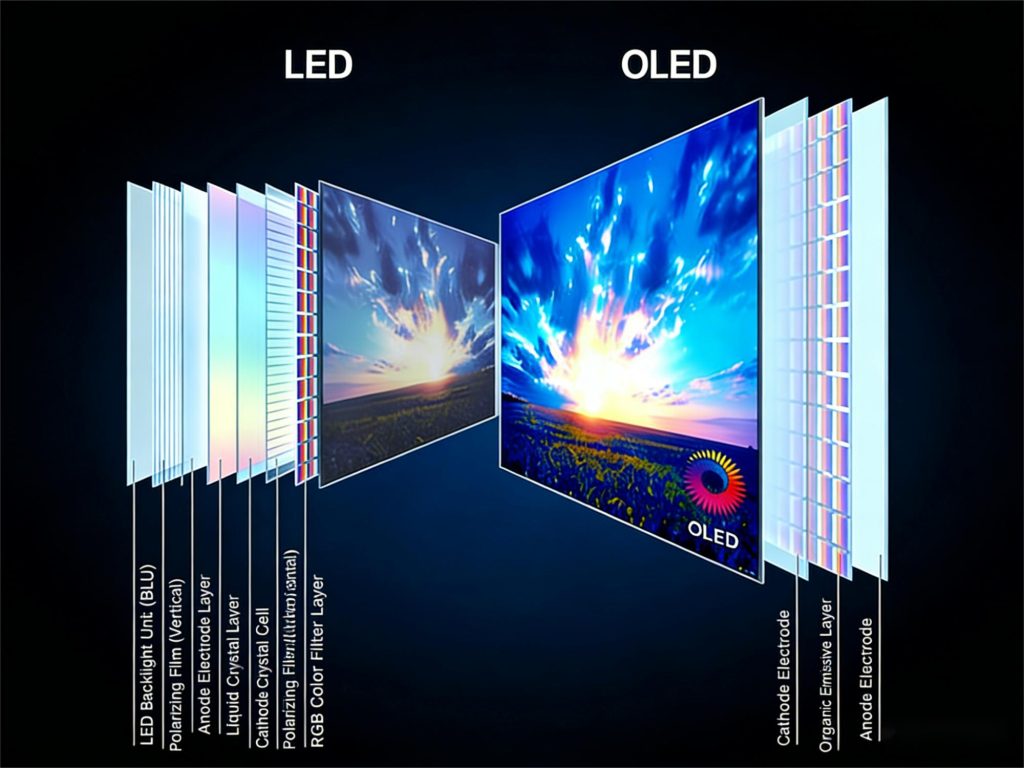
- LCD describes the image-forming layer (liquid crystal).
- LED describes the backlight source.
So when we talk about LED monitor panel types, we’re really talking about LCD panels with LED backlighting-which still make up about 90% of the commercial and enterprise displays.
Why do buyers keep coming back to LCD/LED?
- The supply chain is mature and stable
- Costs are predictable at scale
- Performance is well understood across industries
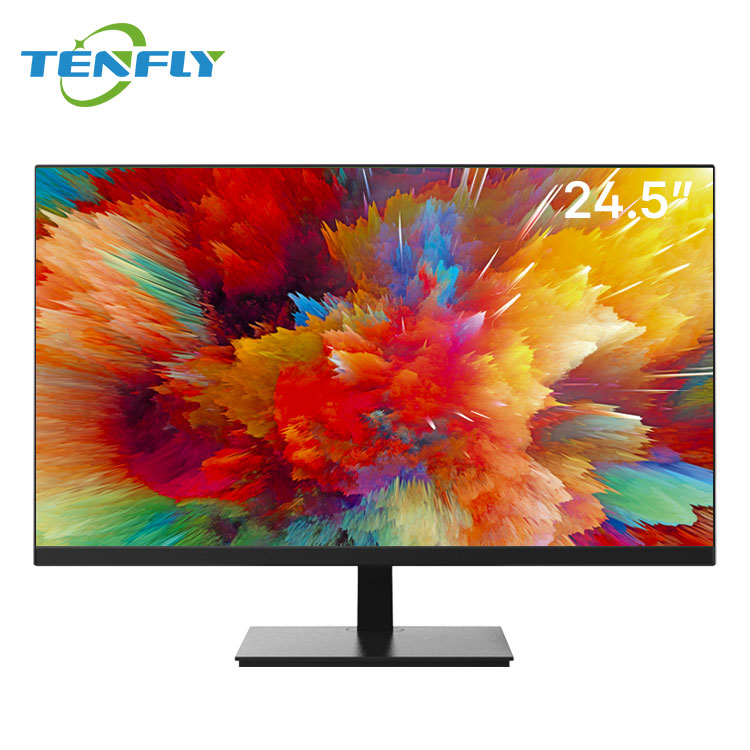
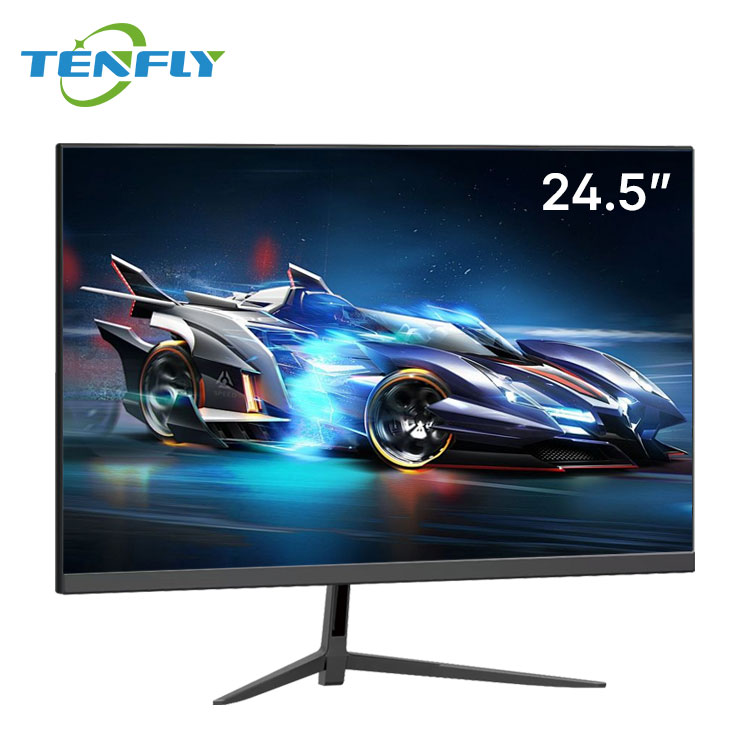
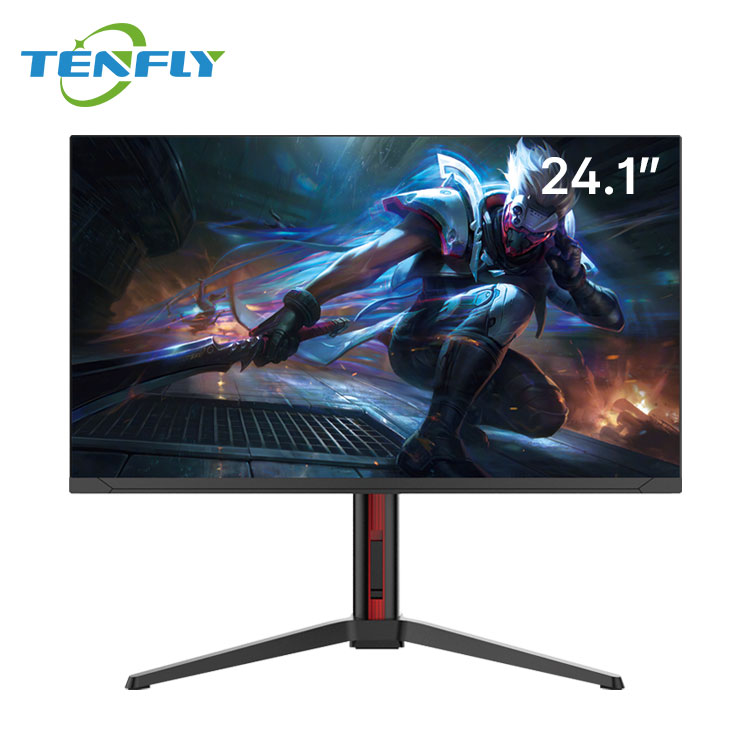
For most corporate offices, training rooms, and general use, a well-specified LCD computer monitor remains the safest and most cost-effective choice. For stable, large-scale office deployments, starting with a reliable LED-backlit monitor is the wisest move. You can explore Tenfly’s classic series for such mainstream office scenarios here: Tenfly Monitor Series.
2. Mini LED: When to Invest in “Light Control”?
When basic needs are met, scenarios demanding extreme image quality emerge. Mini LED isn’t a new panel but a “precision” revolution in LED backlighting. It replaces a single backlight sheet with hundreds, thousands, or even tens of thousands of tiny, independently controlled LED zones.
What does this mean? In short, it allows dazzling brightness where needed and perfect darkness where required. The number of zones directly determines HDR purity and screen uniformity. Mainstream Mini LED monitors easily achieve 1000-2000 nits for stunning dynamic range.
So, does your project justify the extra cost for Mini LED? Ask yourself:
- Is your team in professional video editing, high-end photo retouching, or medical imaging? These fields benefit immensely from extreme contrast and grayscale detail.
- Does your content need impactful HDR to captivate audiences, like in digital advertising or product showrooms?
- Conversely, for document processing and web browsing, mass deployment of Mini LED only brings unnecessary power consumption, procurement cost, and potential maintenance complexity.
3. OLED / QD-OLED: The “Burden” of Top-Tier Image Quality
OLED represents a different philosophy: self-emissive pixels. Each pixel turns on/off independently, enabling theoretically infinite contrast and pixel-perfect control. QD-OLED enhances this with a quantum dot layer for brighter, purer colors.
However, a procurement officer must clearly understand its “thresholds”:
- Burn-in Risk: This is the primary commercial concern for OLED. Static images (software UI, taskbars, logos) displayed long-term can cause image retention. This is a potential risk for control rooms running 24/7, retail displays with fixed menus, or desks where screens are rarely turned off.
- Lifetime & Degradation: OLED material brightness gradually degrades over time, and different color pixels degrade at varying rates, potentially affecting long-term color uniformity.
Thus, OLED’s stage is specific:
- Ideal for: High-end creative work (color grading, CG) demanding absolute color/contrast, or as a visual centerpiece in malls and showrooms where stunning image quality maximizes impact.
- Use with caution or avoid: Standard offices, surveillance, industrial control scenarios with prolonged static content.
A professional supplier’s value lies not only in offering premium products but in helping you avoid expensive, unsuitable choices based on your actual use case. For creative professionals seeking ultimate color and speed, explore performance-oriented lines like Tenfly’s solutions for design and editing: Tenfly Professional Monitors.
Panel Technology – Understanding the “Genetic Code”
Once the display technology “foundation” is set, we choose the “interior finish”-the LCD panel type. This directly dictates the color, viewing angles, and motion you see.
TN, IPS, VA: The Ultimate Procurement Comparison
For a clear overview, core differences are summarized below:
| Feature | TN Panel | IPS Panel | VA Panel |
| Color & Viewing Angles | Poor color, narrow angles. Color shifts/distorts when viewed from sides. | Accurate color, extremely wide viewing angles. Minimal shift from sides. | Good color, wide angles (but slightly less than IPS). |
| Contrast Ratio | Low (~1000:1) | Standard (~1000:1 ~ 1500:1) | High (often 3000:1 or higher). Deeper blacks. |
| Response Time | Extremely Fast (as low as 1ms) | Fast (4-5ms typical, 1ms for Fast IPS) | Slower (especially gray-to-gray; may have motion blur) |
| Key Procurement Advantage | Ultimate speed, lowest cost. | Color consistency, viewing stability, overall reliability. | High contrast, immersive visuals, cost-effectiveness. |
| Typical Use Case | Pure competitive gaming, ultra-low-budget projects. | Corporate offices, design/photo editing, medical imaging, multi-screen collaboration. | Home theater, financial reports (strong B/W contrast), curved displays. |
1. IPS: Why the “Default Answer” for Commercial Procurement?
In a procurement meeting, when unsure, IPS is often the safest starting point. Not because it’s cheapest or has the best specs, but because it offers the best balance of consistency, stability, and team adaptability.
- Viewing Angles Mean Collaboration Efficiency: In meetings, training rooms, or a trader’s multi-screen setup, IPS ensures everyone sees consistent colors and content, unlike the color shift of VA or TN.
- Color Stability Affects Output Quality: For design, publishing, or e-commerce teams, color accuracy directly impacts final products. IPS’s innate advantage reduces rework caused by device variance.
- Understanding Sub-types: You might see AH-IPS, Fast IPS, etc. AH-IPS optimizes color/power efficiency. Fast IPS drastically improves response time for gaming. For corporate buys, focus on standard IPS (best value) or AH-IPS (better color). Consider Fast IPS only for specific needs like esports.
Procurement in a sentence: IPS may not win every single category, but it’s the “all-round team player” built for enterprise environments. Its long-term stable performance often results in the lowest total cost (including training, collaboration, and repair).
2. VA: The “Specialist” in High Contrast
VA’s strength is its deep blacks and high static contrast ratio, thanks to its unique liquid crystal alignment. This makes it superb for movies and dark-scene imagery.
The key “trade-off” for procurement is:
- Motion Blur: While improved by Overdrive technology, VA’s response time can still be a weakness in fast-paced games or scrolling spreadsheets. Always test for your specific application before bulk purchase.
- The Natural Partner for Curved Screens: VA panels adapt well to being curved, offering an immersive experience, popular in gaming and entertainment setups.
Ideal Procurement Scenarios: Multimedia classrooms, employee lounge entertainment areas, finance roles primarily working with documents/spreadsheets, and bulk purchases seeking better visuals than TN at a sensitive cost point.
3. TN: The “Special Forces” Niche Player
TN hasn’t vanished. It still has value in a narrow niche: projects with extreme sensitivity to latency and extremely tight budgets. Example: a large esports cafe needing hundreds of identical units on a strict budget, where the sole priority is zero blur in titles like *Counter-Strike 2*. Here, high-end TN panels remain an option. However, for mainstream business applications prioritizing staff comfort, color quality, and teamwork, TN is no longer recommended.
The Combination Logic – Building Your Procurement Strategy
Understanding the core technologies allows us to combine them like building blocks. This is the heart of professional procurement.
- LED + IPS: The gold-standard commercial combo. Covers 80%+ of enterprise needs, from admin offices to design. Stable, reliable, adaptable. The cornerstone for bulk purchases.
- LED + VA: The cost-effective media/curved solution. Perfect for corporate theaters, lounges, or specific curved display/control room scenarios.
- Mini LED + IPS: The professional-grade productivity tool. Delivers top-tier HDR and color accuracy for video studios, photography, and R&D-a true value creator.
- OLED / QD-OLED: The ultimate visual flagship. For flagship showrooms, executive suites, or elite creative departments. Makes a powerful statement but requires strict usage protocols.
For each combination, ask:
1) Which department or scenario is it truly best for?
2) Does it match my procurement and long-term TCO budget?
3) What’s the risk of this technology becoming obsolete or hard to maintain in 3-5 years?
The Procurement Checklist: Thinking Beyond the Spec Sheet
Finally, look beyond fancy specs to factors impacting long-term use and TCO.
1. Long-Term Use & Total Cost of Ownership (TCO)
- Panel Uniformity: Do 10 monitors from the same batch show identical colors/brightness? This requires strict factory calibration and QC from the supplier.
- Aging & Color Shift: How accurate are the colors after one year? How much has brightness declined? This affects long-term reliability and brand perception.
- Pixel Defect Standard: What level of bright/dark pixels is acceptable? Understanding industry standards (like ISO) and specifying them in contracts prevents disputes.
2. Certifications & Standards: The “Badges of Trust”
In B2B procurement, these are more powerful than slogans:
- Color Space: sRGB is the baseline. DCI-P3/Adobe RGB coverage indicates professional media/design use.
- HDR Certification: Look for VESA’s DisplayHDR standards (e.g., 400, 600, 1000 True Black). The number indicates real brightness/contrast performance.
- Industry-specific Certifications: Like DICOM mode for medical grayscale accuracy, or ruggedness certifications for industrial use.
3. Your Blueprint: Scenario-Based Technology Path
- General Corporate Office: LED + IPS. Prioritize eye comfort (low blue light, flicker-free), ergonomic stands, and stable after-sales service.
- Education / Training Room: LED + IPS. Emphasize wide viewing angles, anti-glare coating, durability. Interactive features are a plus.
- Design / Video Studio: Mini LED + IPS or high-end OLED. Core needs are color accuracy (ΔE<2), wide color gamut, and reliable factory calibration.
- Control Room / Surveillance: High-stability LED + VA/IPS. Focus on 24/7 operation capability, high brightness, low latency for tiling, and advanced signal management.
- Retail / Digital Signage: High-brightness LED + IPS/VA. Choose based on content: VA for static images (contrast), high-refresh IPS for dynamic video. Specialized solutions are needed for outdoor/high-ambient light.
Final Word
Choosing monitors for your team is never just about finding the lowest price. It’s a deep dive into how your team works, what your business needs, and how you plan to grow. The most expensive technology isn’t always the best solution. The right combination of technologies is the smartest path to efficiency and reliability.
We hope this technology-focused procurement perspective helps you make confident, informed decisions. Technology specs are cold data, but the right technological fit can ignite your team’s creativity and productivity. If you have a specific scenario or challenge, a deep dive with a professional supplier can often reveal a more cost-effective, tailored solution.
