
Lenovo All-in-One PC Review 2025: Which Model Is Actually Worth Buying?
If you’re looking to buy a Lenovo All-in-One (AIO) PC in 2025, you’re probably thinking: “Lenovo has so many AIOs… which one should I actually get?” From the IdeaCentre, ThinkCentre, and Yoga AIO series to Lenovo’s Chromebook AIOs, the product line can feel overwhelming—even for tech-savvy users.
To help you make a fast, informed decision, we tested all major Lenovo AIO PCs released or still available from 2024 to 2025. We compared real-world performance and evaluated each model for different scenarios: home, office, content creation, photo/video editing, light gaming, and small business. After testing, we shortlisted the top picks (no more than 10 models) to make it easy for you to pick the right one—without drowning in specs.
|
Best for
|
Recommended Model (2025)
|
Reserve
|
|---|---|---|
|
Best Overall (90% of users) |
Lenovo IdeaCentre AIO 5i (27″) |
|
|
Best Budget |
IdeaCentre AIO 3i (24″) |
|
|
Best for Business |
ThinkCentre M90a Pro Gen 4 |
|
|
Best for Creators |
Yoga AIO 9i (32″, 4K) |
|
|
Best Big Screen |
Yoga AIO 7 (27″ / 32″) |
|
|
Best for Photo Editing |
Yoga AIO 9i |
|
|
Best for Small Business |
ThinkCentre M70a Gen 3 |
|
|
Best Light Gaming |
IdeaCentre AIO 5 Gaming Edition |
|
How to Choose an AIO: 5 Core Specs You MUST Know
| Core Spec | Recommended Choice | Who It’s For |
| CPU Performance | i5 / Ryzen 5 → most users i7 / Ryzen 7 → creators / heavy office i3 → home/students | 90% of users will find i5 sufficient |
| Screen Size & Quality | 27″ → most comfortable 32″ → creators / big screen enthusiasts IPS + 300–500 nits | Screen quality often impacts experience more than CPU |
| Graphics | RTX 3050 / 4050 → Photoshop, Lightroom, 4K editing | AIOs aren’t for hardcore gaming, but light gaming works fine |
| RAM & Storage | 16GB RAM minimum, 512GB SSD minimum | Creators should consider 32GB + 1TB SSD |
| Ports & Webcam | USB-C, HDMI, 5MP / 8MP webcam, adjustable stand | Important for remote work and video call |
Lenovo AIO Product Map 2025
| Series | Ideal Users |
| IdeaCentre AIO | Home, office, budget, all-round users |
| ThinkCentre M AIO | Business, enterprise, SMBs, schools |
| Yoga AIO | Creators, designers, premium users |
| Chromebook AIO | Students, light home use |
Lenovo All-in-One PC Review 2025: Which Model Is Actually Worth Buying?
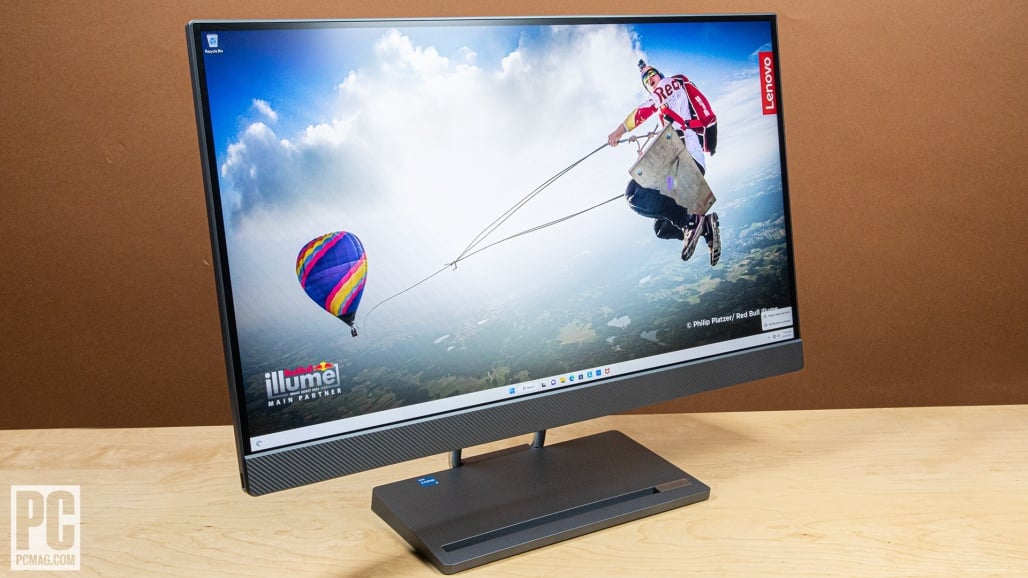
Best Overall — Lenovo Idea Centre AIO 5i (27″, 2025)
- Balances performance, display, price, and ease of use — a truly all-around machine for daily life, office, home, and light creative work.
- 27-inch QHD screen, IPS panel, optional touch — sharp enough for office, multi-tab browsing, media, and light editing.
- Optional discrete graphics (e.g., RTX 3050 / MX450 / Intel Arc depending on configuration) can cover light graphics tasks, video editing, and light gaming.
- Flexible configurations: i5 to i7 CPUs, multiple RAM/storage choices for different budgets.
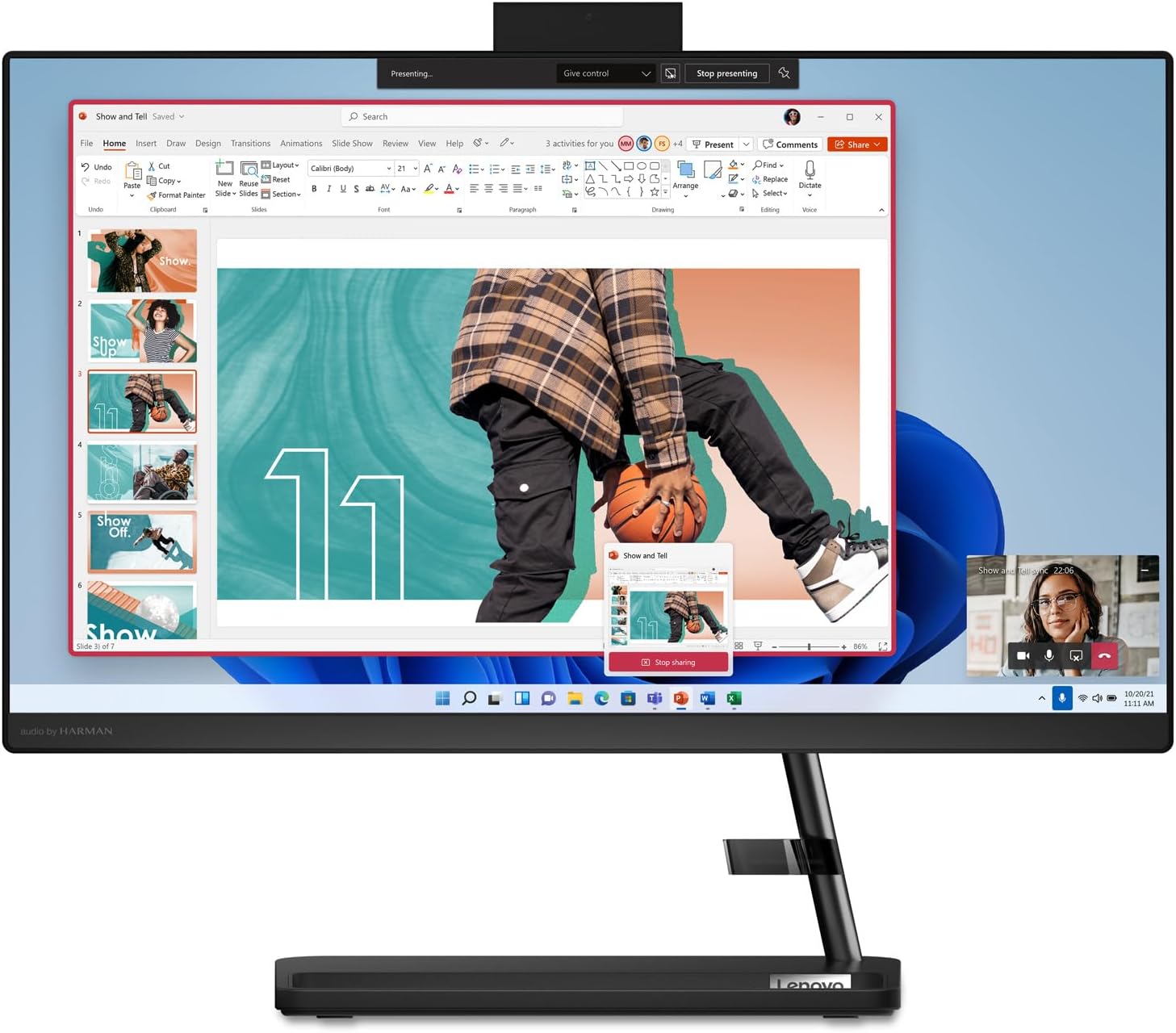
Best Budget — Lenovo IdeaCentre AIO 3i (24″)
- Generally cheaper than the AIO 5i, a friendly choice for anyone trying to spend as little as possible on an all-in-one PC.
- Good enough for office tasks, web browsing, watching videos, document work, Zoom or video calls, and basic family use.
- Fits well for students, families, light office tasks, or small retail/POS and simple business counters.
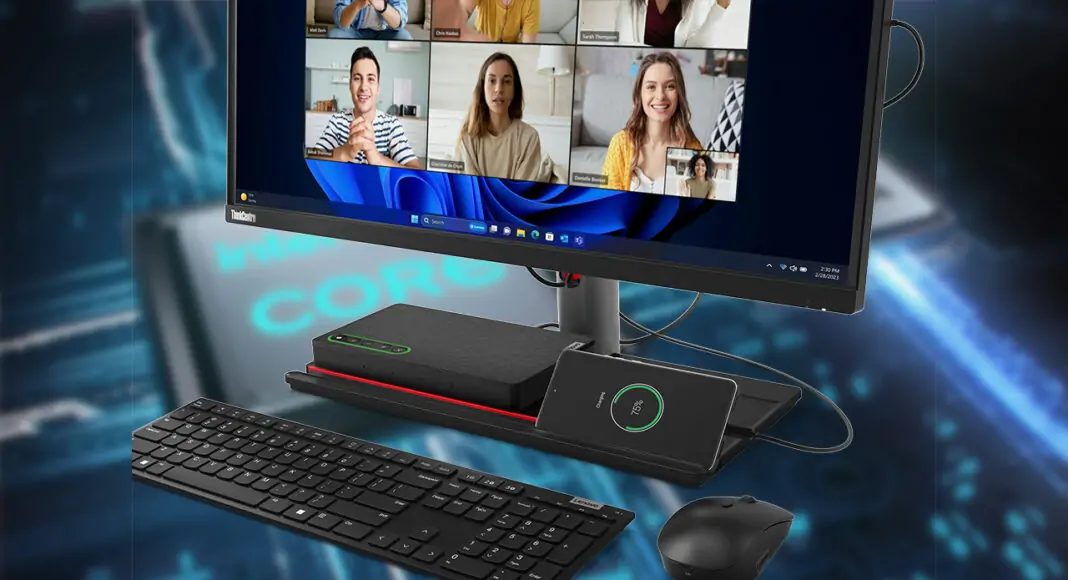
Best for Business / Office — ThinkCentre M90a Pro Gen 4
- Built for stability and durability, designed to run long hours reliably, which is exactly what offices and institutions need.
- Strong security and management features like TPM, secure boot, and enterprise support for remote IT deployment.
- Clean, space-efficient design with fewer cables, easier desk management than separate desktops + monitors.
- Handles typical office workflows well: documents, spreadsheets, video meetings, CRM, web tools, email, and collaboration.
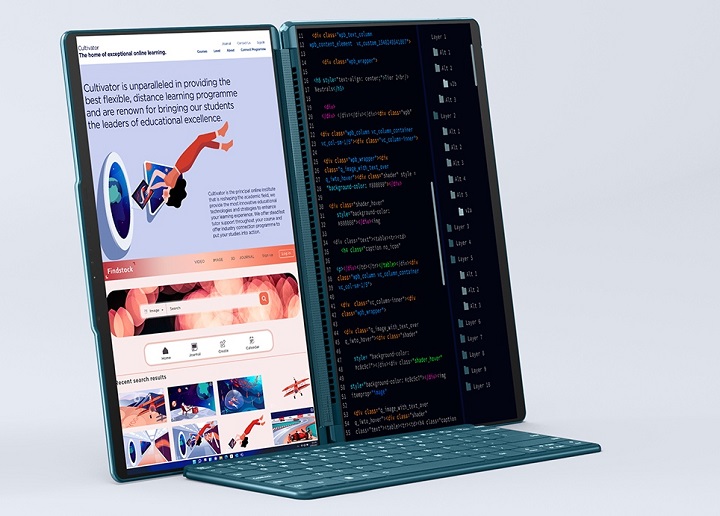
Best for Creators — Yoga AIO 9i (32″, 4K)
- A massive 32-inch 4K IPS display that’s ideal for photo editing, video editing, graphic design, color correction, and working with timelines.
- Optional discrete graphics such as NVIDIA RTX 4050 allows heavier graphics workloads, 4K video editing, light 3D, rendering, or multi-layer design.
- Premium metal build, excellent speakers, and high overall fit and finish — more than a typical office machine, closer to a studio workstation + display + sound system in one.
Best Lenovo AIO for Light Gaming — A high-end AIO like Yoga AIO 9i, or a gaming-leaning IdeaCentre AIO
- Fortnite
- Valorant
- League of Legends
- Minecraft
- Genshin Impact
- GTA V at medium settings

Quick core comparison for the Lenovo All-in-One PC in 2025
| Model | Screen | Performance | Best For | Highlight |
| IdeaCentre AIO 5i | 27″ | i5 / i7 | ~90% of users | Most balanced |
| IdeaCentre AIO 3i | 24″ | i3 / i5 | Very budget-friendly | Home/design |
| ThinkCentre M90a | 23.8–27″ | i5 / i7 (vPro) | Business | Stable + secure |
| Yoga AIO 9i | 32″ 4K | i7 + discrete GPU | Creators | Strongest color accuracy |
| Yoga AIO 7 | 27–32″ | Ryzen 7 | Home / design | Large, premium screen |
| IdeaCentre AIO Gaming | 27″ | i5 / i7 | Light gaming | Students/families |
