
Enterprise Buyers’ Checklist: Key Monitor Specifications for Bulk Office Procurement
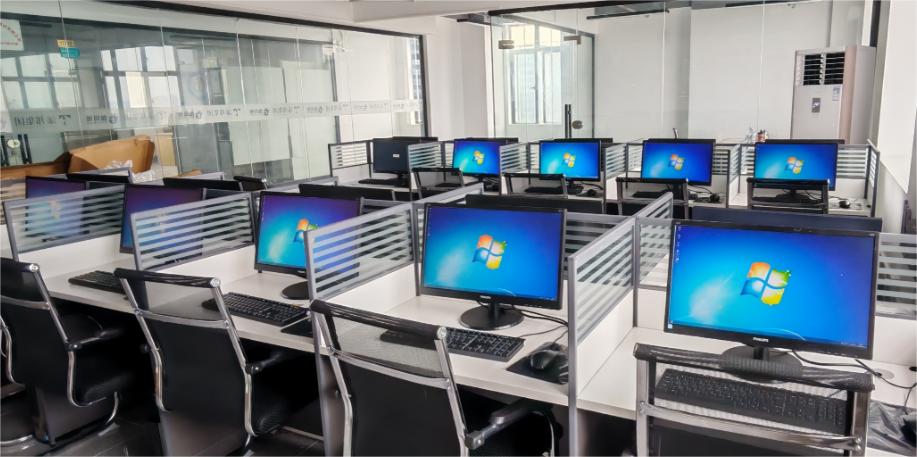
When equipping hundreds—or even thousands—of workstations across corporate offices, government agencies, or remote teams, choosing the right computer monitor for office use isn’t just about screen size or price. It’s about long-term reliability, employee well-being, total cost of ownership, and seamless integration into your existing IT ecosystem.
At Tenfly, a leading computer monitor manufacturer with over 30 years of experience and 5 million units of annual production capacity, we’ve partnered with global brands like Lenovo, ASUS, and Envision to deliver scalable, high-quality display solutions. In this guide, we’ll walk enterprise buyers through the essential specifications that matter most—and which ones you can safely deprioritize—when procuring wholesale computer monitors for office environments.
Core Parameters You Must Evaluate
Selecting a monitor for office work starts with the fundamentals. These specs directly impact daily usability, eye comfort, and productivity.
1. Panel Type: IPS Is the Gold Standard
For shared workspaces, meeting rooms, or side-by-side desks, IPS (In-Plane Switching) panels are non-negotiable. They offer wide viewing angles (up to 178°), consistent color reproduction, and minimal brightness shift when viewed off-center—critical in collaborative settings.
TN panels may be cheaper, but their narrow angles and poor color fidelity make them unsuitable for professional office use.
2. Resolution & Screen Size: Match Them Correctly
A common mistake? Pairing a large screen with low resolution. This leads to pixelated text and visual fatigue. Instead, follow this rule of thumb:
| Screen Size | Recommended Resolution | Best For |
| 23.8″ – 24″ | Full HD (1920×1080) | General clerical work, data entry, web browsing |
| 27″ | QHD (2560×1440) | Finance, programming, multitasking |
| 32″ or larger | 4K UHD (3840×2160) | Design support, dual-window workflows |
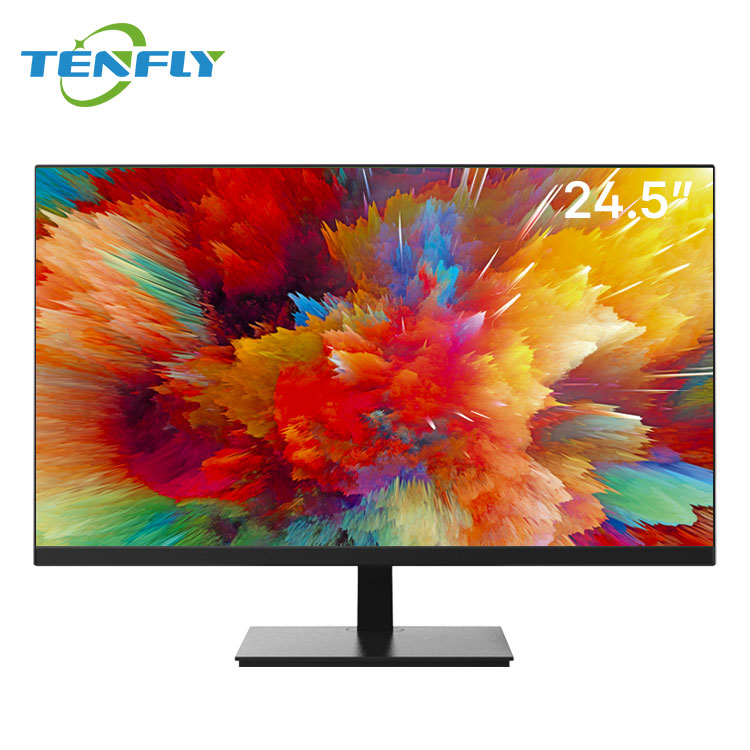
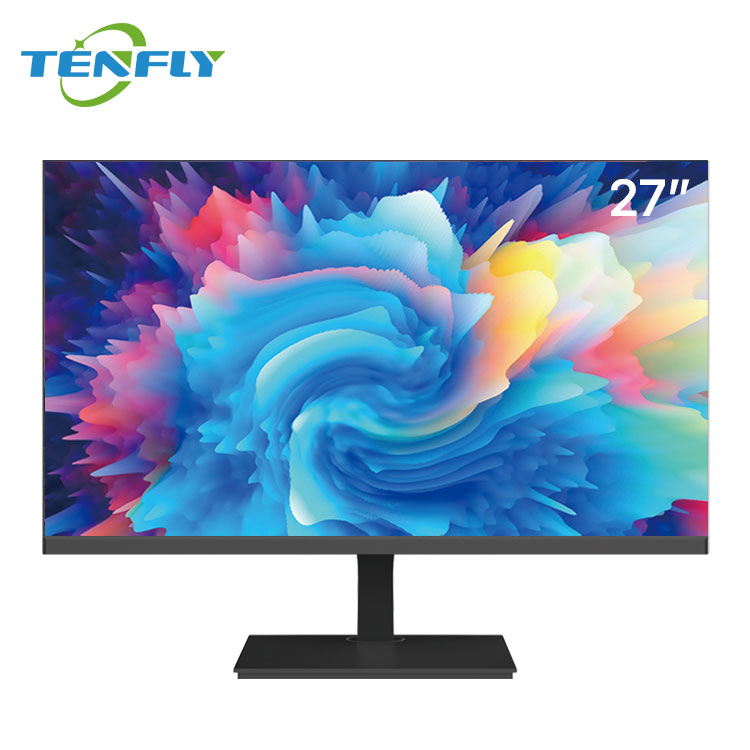
At Tenfly, our 24.5” office monitor and 27” performance model are engineered precisely for these use cases—balancing clarity, comfort, and cost-efficiency.
3. Eye Comfort Features: Not Just a Marketing Gimmick
With employees spending 6–10 hours daily in front of screens, hardware-level low blue light and flicker-free technology are essential. These reduce digital eye strain, headaches, and fatigue—improving both well-being and output.
We offer optional TÜV Rheinland-certified eye care models for clients prioritizing occupational health.
4. Brightness & Anti-Glare Finish
Indoor office lighting varies—from dim cubicles to sunlit open-plan spaces. A brightness of 250–300 cd/m² is ideal, paired with a matte (anti-glare) screen surface to minimize reflections from windows or overhead lights.
Features That Boost Enterprise Efficiency
Beyond basic display quality, these capabilities can dramatically streamline deployment and daily operations.
Ergonomic Flexibility
Look for monitors with height adjustment, tilt, swivel, and pivot (portrait mode). These allow employees to customize their setup—reducing neck strain and supporting tasks like coding or reviewing long documents.
If the monitor lacks a built-in stand, ensure it supports VESA 100×100 mounting for compatibility with third-party arms or wall brackets.
Modern Connectivity: USB-C Is a Game-Changer
For hybrid workforces using laptops, USB-C with 65W+ power delivery enables a single-cable connection for video, data, and charging. This simplifies hot-desking, reduces cable clutter, and speeds up onboarding.
Tenfly’s custom monitors support dual LAN, COM ports, VGA, and aviation-grade power connectors—ideal for industrial or legacy system integration.
Built-in USB Hub & KVM Support
Monitors with integrated USB 3.0 hubs let users connect keyboards, mice, and flash drives directly—ideal for clean desk policies. For IT teams managing multiple machines, KVM (Keyboard-Video-Mouse) switching allows one peripheral set to control two computers, cutting hardware costs.
Parameters You Can Safely Deprioritize
Not every spec needs top billing in an office context. Focusing on these can inflate costs without meaningful ROI.
- Refresh Rate: 60Hz is perfectly sufficient. You don’t need 144Hz+—that’s for gaming.
- Response Time: Anything ≤5ms (gray-to-gray) eliminates noticeable motion blur in scrolling documents.
- HDR: Most office content isn’t HDR-encoded. True HDR requires high peak brightness and local dimming—features that add cost but little value here.
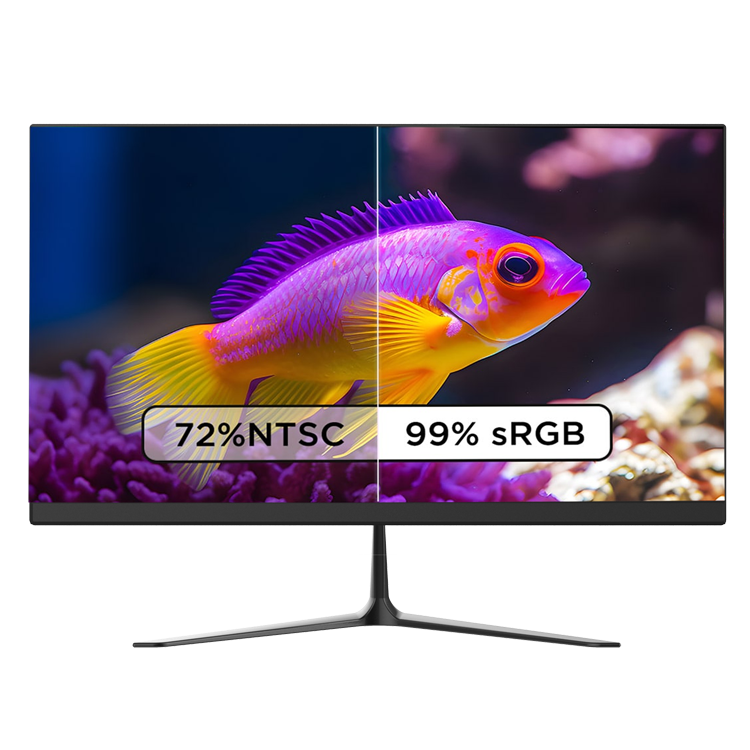
- Adobe RGB / DCI-P3 Color Gamut: Unless your team includes graphic designers, 99% sRGB coverage is more than enough.
Remember: enterprise procurement is about value, not specs for specs’ sake.

2026 Office Monitor Trends to Watch
As workplaces evolve, so do display expectations. Forward-thinking buyers are prioritizing:
Sustainability & Energy Efficiency
With ESG goals rising, demand for Energy Star-certified, RoHS-compliant, and recyclable-packaging monitors is growing. Tenfly provides China Energy Conservation Certification and supports eco-design upon request.
Hybrid Work Ready
Monitors that support plug-and-play with Mac, Windows, and ChromeOS, and include detachable stands or carry handles, are gaining traction for employees splitting time between home and office.
Custom Branding & Software Integration
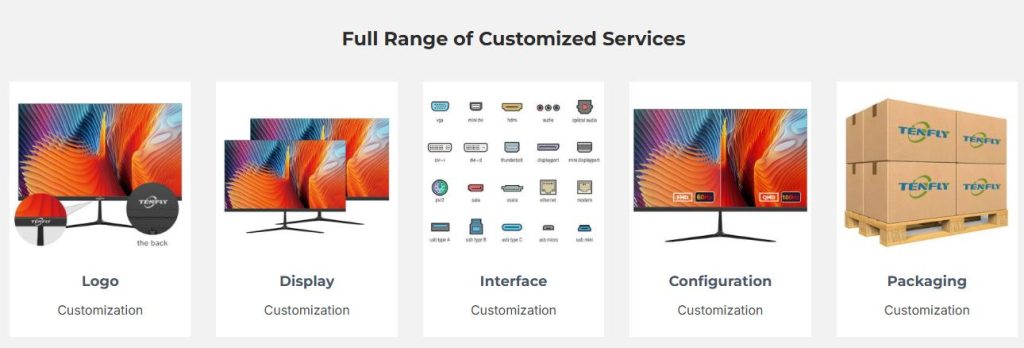
As a custom computer monitor supplier, Tenfly offers logo engraving, color-matched bezels, pre-loaded OS images (Windows/Linux/Android), and private-label packaging—helping partners strengthen their brand identity.
Remote Diagnostics & Firmware Updates
Future-ready monitors will support over-the-air (OTA) updates and remote health monitoring—reducing on-site IT visits. While still emerging, this is worth discussing with your supplier.
Final Checklist: Your Office Monitor Procurement Guide
Before finalizing your bulk order with a computer monitor wholesale supplier, run through this quick checklist:
✅ Panel: IPS only
✅ Resolution: Matched to screen size (FHD/24″, QHD/27″, 4K/32″+)
✅ Eye Care: Hardware-level low blue light + flicker-free
✅ Brightness: ≥250 nits + anti-glare coating
✅ Stand: Height/tilt/swivel adjustable or VESA compatible
✅ Ports: HDMI + DisplayPort + USB-C (65W+)
✅ Certifications: CE, FCC, RoHS, and optionally TÜV eye care
✅ Customization: Logo, color, software, packaging (via OEM/ODM)
✅ Warranty & Support: Minimum 1-year global coverage + responsive after-sales
At Tenfly, we don’t just manufacture monitors—we deliver end-to-end visual solutions tailored to your business needs. From consultation and customization to rigorous quality control and global logistics, we ensure every wholesale computer monitor we ship meets enterprise-grade standards.
→Ready to equip your team with smart, scalable, and stress-free displays?
