
Are Interactive Displays Better Than Projectors: How to Choose?
In case you are stuck between choosing the interactive display or a projector, we understand your dilemma.
This is a question that is frequently asked in schools, offices, households, and even stores. The truthful response is not just a straightforward “yes” or “no.”
Interactive displays are not always superior to projectors — they are just more advantageous in specific scenarios.
The guide highlights the main distinctions, so you can select the one that truly matches your environment, usage, and financial plan.
Interactive Displays vs Projectors: What’s the Real Difference?
- Interactive displays use LED/LCD panels, similar to large TVs, with integrated touch layers.
- Projectors rely on projected light, meaning image quality depends heavily on distance, surface, and room lighting.
| Feature | Interactive Displays | Projectors |
| Display type | All-in-one touchscreen panel | Image projected onto a surface |
| Interaction | Direct touch (finger or pen) | Requires interactive projector or add-ons |
| Brightness | Stable, not affected by room light | Heavily affected by ambient light |
| Installation | Simple wall mount or mobile stand | Ceiling mount + distance calculation |
| Maintenance | Very low | Lamp replacement & recalibration |
| Typical lifespan | Long-term | Shorter due to lamp wear |
| Initial cost | Higher upfront | Lower upfront |
Interactive display(smart touchscreen)
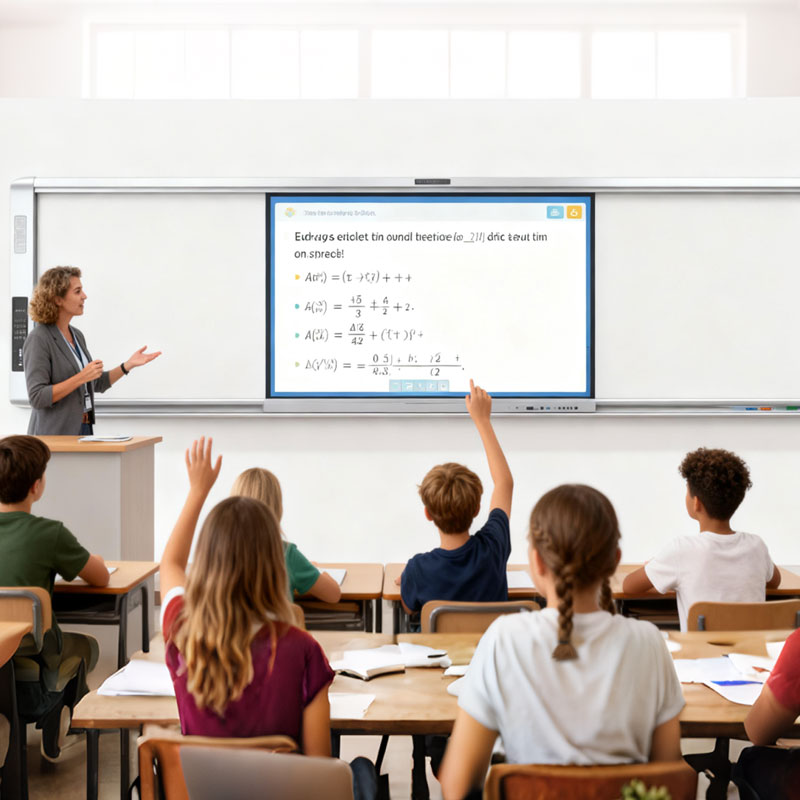
An interactive display (also called an interactive flat panel or smart board) is essentially a large touchscreen computer.
It combines:
- A high-brightness LCD/LED display
- Touch technology (finger, stylus, multi-user)
- Built-in operating systems (Android, sometimes Windows)
Common use cases
- Classrooms and training rooms
- Corporate meeting rooms
- Collaboration spaces
- Retail and exhibition environments
Key strengths
- Touch interaction feels natural and immediate
- Works well in bright room
- Very little setup or maintenance
Projector
A projector throws light onto a wall or screen to create an image.
There are different types (lamp, laser, short-throw), but they all share similar traits.
Common use cases
- Large lecture halls
- Home theaters
- Temporary events
- Budget-conscious setups needing very large images
Key strengths
- Can create extremely large images
- Lower upfront cost
- Flexible for temporary installations
Are Interactive Displays Better Than Projectors?
Yes – Interactive Displays Beat Projectors for Most of Today’s Use Cases: When it comes to classrooms, meeting rooms, and interactive spaces nowadays, the answer is straightforward: Interactive displays are by and large the better and more advanced choice compared to projectors. That being said, “better” does not quite equate to “right for everyone.” The real difference shows up when you look at how and where the screen actually gets used.
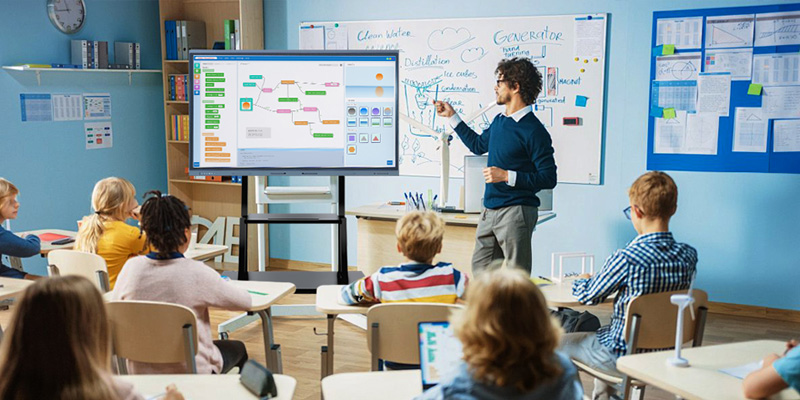
Usage Scenarios: Interactive Displays Are Better for Interaction-First Spaces
| Use case | Choose an interactive display if… | Choose a projector if… |
| Classrooms / Training rooms | Students or trainees need to write, annotate, or collaborate in real time; the room is bright with windows or no blackout curtains — the image stays clear without washing out | You’re teaching large groups (30+ people), want a very large image (100″+), have a limited budget, and can control room lighting |
| Meeting rooms | Home use (movies/gaming) | It’s a large boardroom where people sit far back; usage is infrequent; you want the wall to stay clean when the system isn’t in use |
| Home use (movies / gaming) | You want one screen for gaming, streaming, and even remote work; space is limited; you don’t want to worry about projection distance | Immersive viewing matters most; you have room for an 80″+ image; you can darken the room; you want the biggest screen at the lowest price |
| Exhibitions / retail spaces | You want customers to interact — browsing catalogs, playing demos, signing up; the space is brightly lit and visibility matters | You only need large, static visuals or videos; the setup is temporary; mobility matters more than interaction |
Interaction Experience: Interactive Displays Are Clearly More Advanced
Interactive Displays
- Touch with fingers or a stylus
- Multiple users can interact at the same time
- Write, erase, and move content instantly
- No external whiteboards, sensors, or calibration
Projectors
Standard projectors don’t support interaction
Interactive models require:
- Special pens or sensors
- Careful calibration
Shadows and alignment issues often break the experience
Display Quality: Interactive Displays Deliver More Consistent Visuals
When comparing real-world image quality, consistency matters more than specs on paper.
Interactive Displays
- High brightness that works in daylight
- Stable contrast and color
- No shadows when someone stands near the screen
- No image distortion over time
Projectors
- Image quality drops quickly in bright rooms
- Shadows appear when presenters stand in front
- Glare and uneven brightness are common
- Performance depends heavily on room conditions
In everyday environments, interactive displays are simply easier to see and easier to trust.
Ease of Use: Interactive Displays Are Easier for Shared Spaces
In schools and offices, many different people use the same screen.
Interactive Displays
- Power on and start using
- Familiar touchscreen experience
- Built-in apps and wireless screen sharing
- Minimal training required
Projectors
- More steps to get started
- External devices and cables are often needed
- Interaction features are harder to learn
Less setup means fewer interruptions and better adoption.
Interactive Displays VS Projectors: Which is Better For You
| Area | Interactive Displays | Projectors |
| Best for | Daily use, collaboration, bright rooms | Large images, dark rooms, tight budgets |
| Interaction | Native, multi-touch | Limited or add-on based |
| Image quality | Consistent | Environment-dependent |
| Setup & maintenance | Simple, low | More complex, ongoing |
| Long-term value | High | Situational |
| Which One Should You Choose? | Classrooms and training roomsCollaborative meetingsBright environmentsDaily, long-term useUsers who value simplicity and interaction | Very large image needsHome theatersTemporary setupsTight budgetsLow-interaction presentations |
Common Pitfalls to Avoid
- Choosing based on screen size alone
- Ignoring long-term maintenance costs
- Underestimating room lighting conditions
- Paying for interactivity you’ll never use
Final Thoughts
Thus, are interactive displays preferable to projectors?
They are best where interaction, clarity, and usability are of prime importance.
Projectors remain relevant even when considering size and budget.
This is not about what’s trending, but rather how well it integrates with what you’re doing.
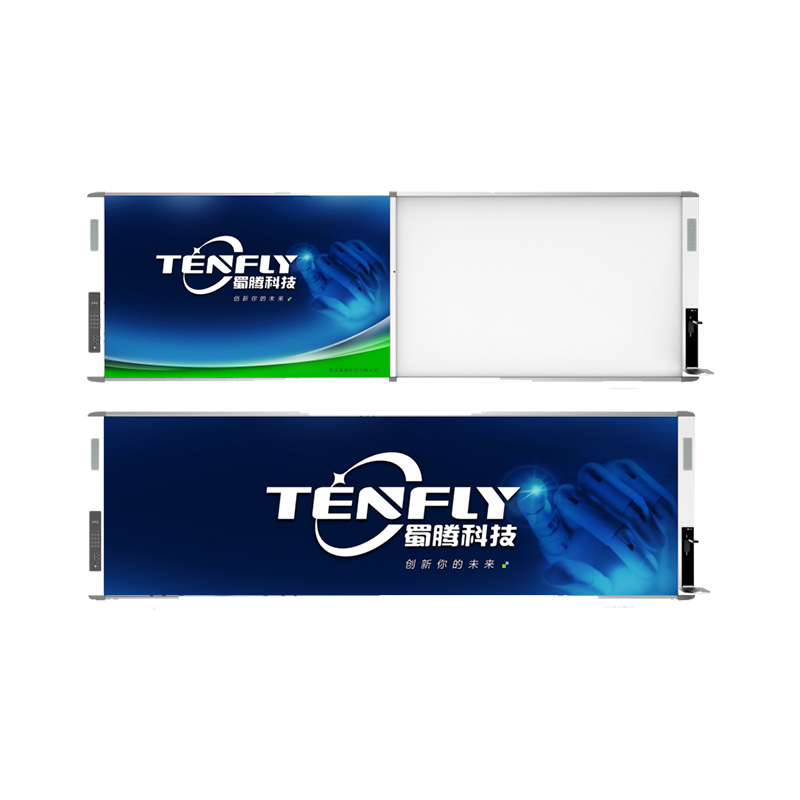
Tenfly Interactive Whiteboard
A Smart Interactive Whiteboard, also known as Interactive Board or Smart Board, is a large interactive display board in the form factor of a whiteboard. It combines smart pen and touch interaction technology to transform a traditional whiteboard into a dynamic digital workspace. It can function as a standalone touchscreen all-in-one pcs, independently performing tasks and operations, or as a connected device, acting as a touch display and controlling the computer via a projector. Designed for modern classrooms and meeting rooms, it provides an intuitive interactive platform.
