
AOC All-in-One PC Review: Is It a Good Budget Choice in 2025?
If you’re thinking about buying an AOC All-in-One PC in 2025, you’ve probably noticed something interesting:
AOC is a well-known brand for monitors, but its All-in-One PC lineup isn’t as widely discussed as Lenovo, HP, or Dell. That often leaves buyers wondering:
“Is an AOC All-in-One PC actually a good budget choice in 2025?”
To help answer that, this review:
- Looks at the AOC AIO models available or commonly referenced in 2025
- Compares real-world performance across everyday workloads
- Tests multiple use scenarios: home, office, students, light creative, entertainment, and light gaming
- Highlights strengths, limitations, and whether the AOC AIO deserves your attention as a budget AIO choice
We’ll focus on the models most relevant for budget / all-purpose use — no more than the few that matter in the current 2025 AIO landscape.
AOC All-in-One PC Lineup in 2025
| Category | AOC AIO Model Examples |
| Entry Budget AIO | AOC 24 All-in-One PC (24″) |
| Mid-Range Budget AIO | AOC 27 All-in-One PC (27″) |
| AIO with Optional Dedicated Graphics | AOC 27 All-in-One Gaming/Enhanced Edition |
These are typical configurations you might find under AOC’s AIO lineup in 2025 — commonly with 24″ and 27″ screens, similar to how AOC names its monitors.
How to Choose an AIO PC in 2025: 5 Key Specs to Know
Before jumping into the AOC review, here are the 5 specs you must understand — especially for budget PCs.
| Core Metric | What to Aim For | Why It Matters |
| CPU | i5 / Ryzen 5 or equivalent | Great balance for most users |
| i3 / Ryzen 3 | Acceptable for basic tasks | |
| Display | 27″ best balance | Big enough for multi-tasking |
| Fast boot/responsiveness | Smaller desk, lighter use | |
| IPS panel + at least 300 nits brightness | Better visuals | |
| Graphics | Integrated OK | AIOs rarely fit strong GPUs |
| Optional discrete (e.g., GTX/RTX/Arc) | Better for light gaming | Must have for creative work |
| RAM | 16GB recommended | Smooth multitasking |
| Storage | 512GB SSD minimum | Fast boot/responsiveness |
| Ports / Webcam | USB-C, HDMI, 5MP/8MP webcam | Crucial for remote work |
Who Should Consider an AOC AIO in 2025?
AOC’s All-in-One PCs tend to focus on budget friendliness and good displays (a natural advantage given AOC’s monitor expertise) — making them suitable for:
- Students
- Home/family use (browsing, video, Zoom)
- Office productivity (Word, Excel, email)
- Secondary workstation
- Light photo editing
- Casual/light gaming (where a discrete GPU is optional)
Not ideal for:
- Heavy creative work (pro video editing / 3D)
- Hardcore gaming (AAA at high settings)
- Power users who want a future-proof powerhouse
AOC All-in-One PC Review: Is It a Good Budget Choice in 2025?
Below is an in-depth look at the most relevant AOC AIO models you’re likely to encounter.
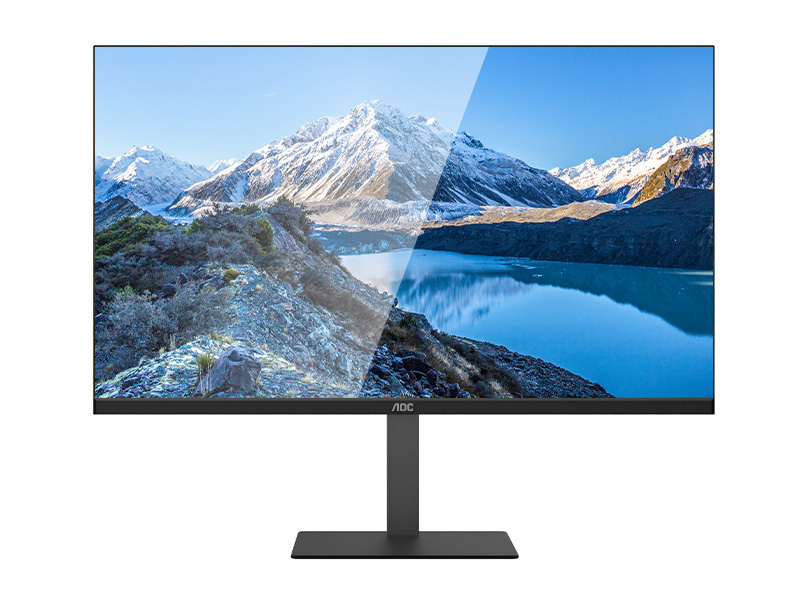
AOC 24 All-in-One PC (24″) — Best Budget AIO
The AOC 24″ All-in-One PC is the archetypical budget pick — a clean, simple, no-frills AIO with a solid panel and enough performance to handle daily tasks.
AOC 27 All-in-One PC (27″) — Mid-Range Budget AIO
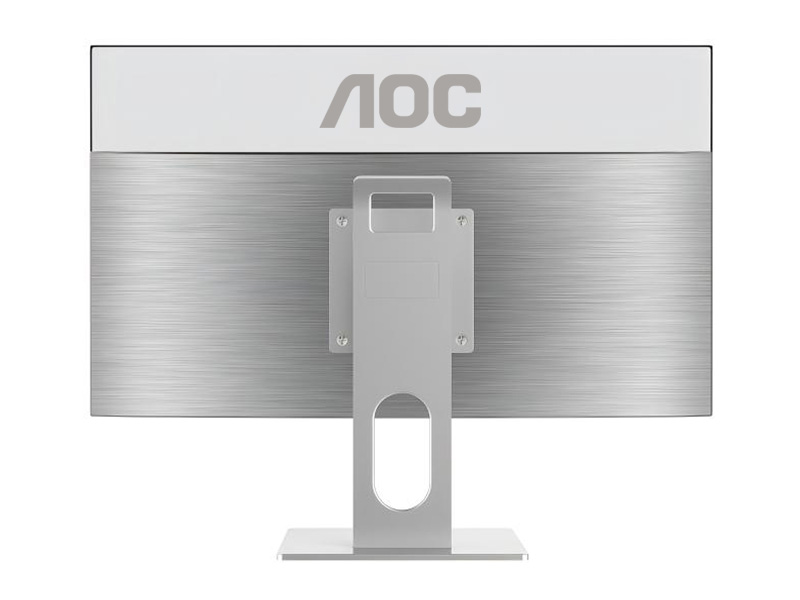
This is a step up from the 24″ model with a larger screen and optional higher specs. It’s still budget-oriented but provides a more comfortable visual workspace — ideal for productivity and casual creativity.
AOC 27 All-in-One Gaming/Enhanced Edition — Budget Light Gaming AIO
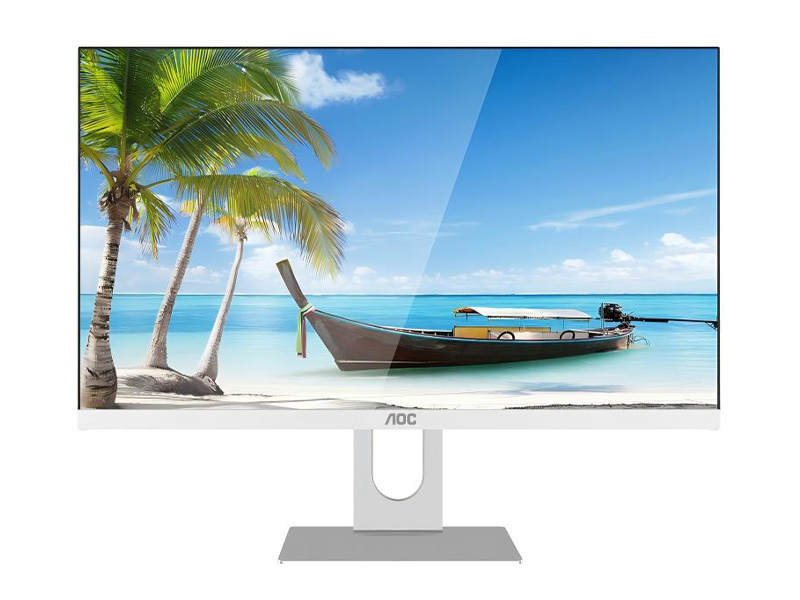
Some AOC AIO editions offer optional discrete graphics (e.g., entry-level GTX / Radeon / Arc) — giving you light gaming capability along with everyday productivity.
AOC AIO vs Other Budget All-in-One PCs
| Brand | Typical Strength | Typical Limitation |
| AOC AIO | Great screen quality, very budget-oriented | Limited discrete GPU/config options |
| Lenovo AIO | All-around performance + enterprise options | Slightly higher price, more configs |
| HP / Dell AIO | Reliable value + solid support | Not always the cheapest |
| Acer / ASUS AIO | Budget-balanced options | Screen or build quality can vary |
AOC AIO competes best on screen quality and overall value — especially for budget users who prioritize display and core everyday tasks.
Conclusion: Is the AOC All-in-One PC a Good Budget Choice in 2025?
Yes — AOC All-in-One PCs are a solid budget choice in 2025 if your needs are everyday computing, school/office tasks, light creative work, and casual gaming. They are typically cheaper than many competitor AIOs and often come with better-than-average screens for the price.
When to Consider AOC AIO
- You want a clean, minimal desktop setup
- You primarily do office, browsing, streaming, Zoom, and basic editing
- You value display quality on a budget
