
Chromebase vs Windows AIO: Which Is Better for Google Classroom?
If you’re staring at a purchase order or a shopping cart, wondering which All-in-One (AIO) desktop will actually make Google Classroom run like a dream,
Chromebase is the undisputed king of the Google ecosystem.It’s built around ChromeOS, integrates directly with Google Workspace, requires far less IT maintenance, and is easier for students to use.
However, if your curriculum requires “real” software—think the full Adobe Creative Cloud, specialized coding environments, or high-end video editing—the Windows AIO is your only move.
Chromebase vs Windows AIO for Google Classroom: Which Is Better
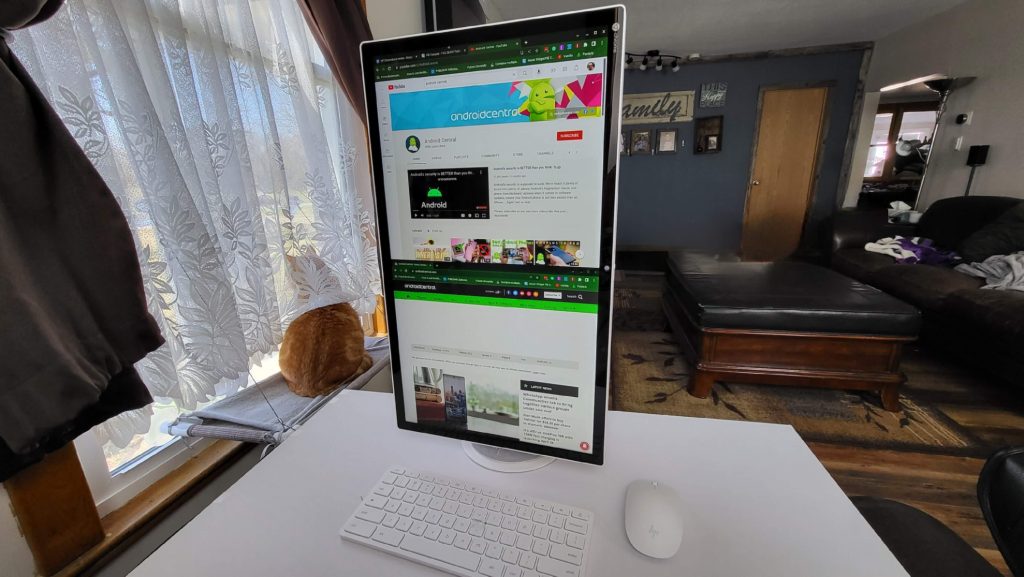
The biggest difference is how naturally each system works with Google Classroom.
- Chromebase was essentially built for this ecosystem.
- Windows can run Google Classroom just fine, but it does so through the browser rather than the operating system itself.
| Feature | Chromebase | Windows AIO |
| Google Classroom integration | Native environment | Accessed through browser |
| Device management | Google Admin Console | Windows management tools |
| Startup speed | Very fast | Slower depending on system |
| Maintenance | Very low | Moderate to high |
| Security | Built-in sandboxing & verified boot | Requires antivirus & patches |
| Software flexibility | Web & Android apps | Full desktop software |
| Ideal environment | Google Workspace schools | Mixed software environments |
Why Chromebase is the “Easy Button” for Google Classroom
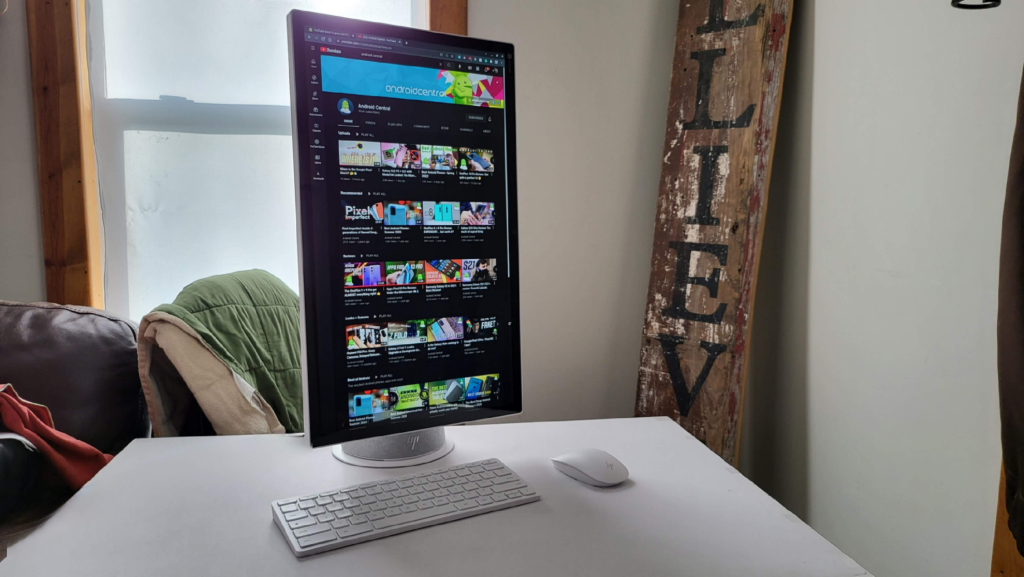
For 90% of K-12 students, a Chromebase isn’t just a computer; it’s a dedicated portal to their schoolwork. Since Google Classroom lives in the cloud, ChromeOS treats it like a native VIP. Students log in once with their Google account. No additional setup is usually required; immediately, they can access. This reduces classroom downtime and keeps lessons moving. And, Chromebase devices can be controlled through Google Admin Console, which means less hands-on device maintenance.
- Zero-Lag Sign-ins: Students can hop from one machine to another, sign in, and their entire desktop—tabs, docs, and settings—appears in seconds. No “Cleaning up Windows” screens.
- The “Set It and Forget It” Factor: For IT directors or busy parents, the Google Admin Console is a lifesaver. You can push updates or restrict sites to an entire fleet of Chromebases while sipping your morning coffee.
- Built-in Security: You don’t need to buy (or slow down the system with) heavy antivirus software. ChromeOS uses “sandboxing,” meaning if a student clicks a dodgy link, the threat is trapped in that one tab and can’t infect the whole machine.
When to Stick with Windows AIO

Windows isn’t the “bad guy” here; it’s just a different tool for a different job. It thrives when the “Cloud” isn’t enough.
- The Powerhouse Needs: If your students are diving into AutoCAD, heavy Photoshop work, or competitive Esports, a Chromebase will hit a wall. Windows AIOs offer beefier GPUs and the ability to run .exe files that ChromeOS simply can’t touch.
- Offline Capability: While Google Docs has an offline mode, it’s nowhere near as robust as the full desktop version of Microsoft Word or Excel. If your internet is spotty, Windows keeps the gears turning
Chromebase vs Windows AIO: Which One Fits Your Vibe?
| Classroom Type | Recommended Device | Reason |
| Google Classroom-focused schools | Chromebase | Seamless Google integration |
| Shared student workstations | Chromebase | Easy login and low maintenance |
| Schools with limited IT staff | Chromebase | Automatic updates and simple management |
| Design or engineering labs | Windows AIO | Professional desktop software support |
| Coding and development courses | Windows AIO | Flexible development environments |
If 90% of classroom activities happen inside Google Classroom, Chromebase is usually the smarter investment.
But if students rely on specialized applications, Windows systems remain important.
