
Buying Office Monitors in 2026? Start With 3 “Dumb Questions”
You’re the IT manager, and you’ve just spent weeks comparing specs, haggling prices, and finally rolling out 50 new monitors. Day one, the complaints roll in. “My eyes feel tired.” “This doesn’t work with my Mac.” “Why does my screen look different than hers?” The finance team is asking about the budget overrun, and the boss is wondering why the company down the street got a better deal.
Sound familiar? Buying office monitors looks simple. It’s not. It’s one of those purchases where the real cost—and the real headaches—don’t show up on the invoice. At Tenfly, we’ve worked with hundreds of businesses, from startups to multinationals, and we’ve seen every pitfall you can imagine.
This guide isn’t a textbook. It’s a conversation about the three questions most people forget to ask, and how asking them first can save you money, time, and a lot of unwanted IT tickets.
Before You Even Look at Specs, Ask These Three “Dumb Questions”
Most procurement cycles start with an email: “Need 24-inch monitors, 1080p, 50 units. Quote please.” This is the fastest way to get a quote that looks good on paper but fails in real life. Before you type that email, pause and answer these three questions.
Question 1: Who’s Actually Using This, and Where?
This sounds too simple, but you’d be shocked how often it’s overlooked. The monitor in your lobby and the one on your developer’s desk have completely different jobs.
- The Lobby/Reception Area: This screen needs to impress. It needs high brightness to fight glare from windows, wide viewing angles so people see the same thing from the side, and a sleek design that doesn’t look out of place. A standard office monitor here will look dim and cheap.
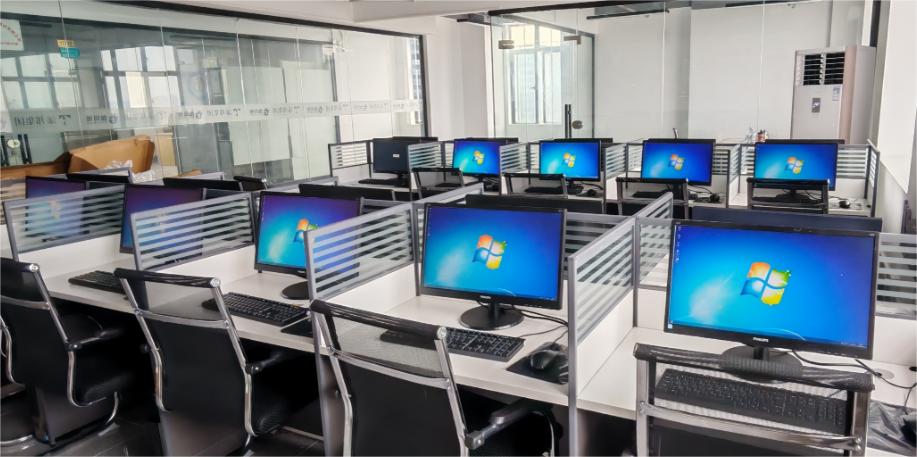
- The Open Office/Workstations: This is about comfort and reliability. Employees stare at these for eight hours. Priority one is eye health: flicker-free, low blue light, and good ergonomics (height-adjustable stands are non-negotiable in 2026). Priority two is durability. These screens run 10+ hours a day, five days a week.
- The Conference Room: This is the trickiest. Does it need to be an interactive whiteboard? Does it need to seamlessly integrate with your Microsoft Teams, Zoom, or Google Meet? Is it just for presenting, or for active collaboration? A beautiful monitor that doesn’t play nice with your existing meeting setup is worse than useless.
- The Finance/Data Desk: Ever seen someone with a massive spreadsheet on a tiny screen? Or worse, someone with a 32-inch flat screen who has to turn their head like a tennis match? For number crunchers and analysts, a curved monitor can be a game-changer, reducing head movement and making those endless Excel rows easier to track.
💡 Tenfly Insight: We often see companies buy one model for everyone. It’s administratively easy, but it rarely makes the users happy. Before you decide on one size or type, walk the floor. Talk to the team leads. Ask them: “What’s wrong with your current screen?” The answers will tell you everything.
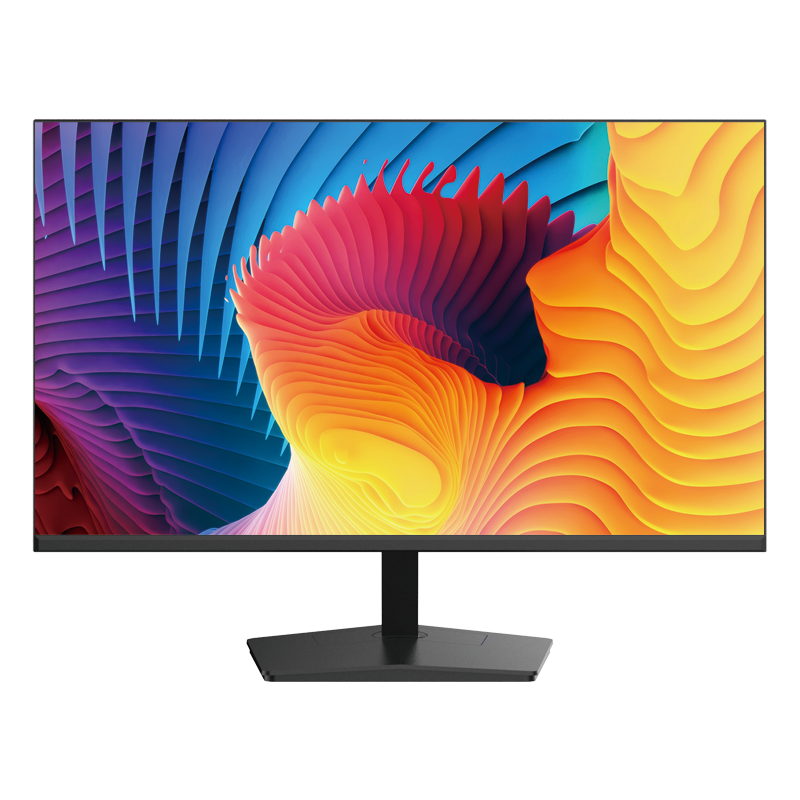
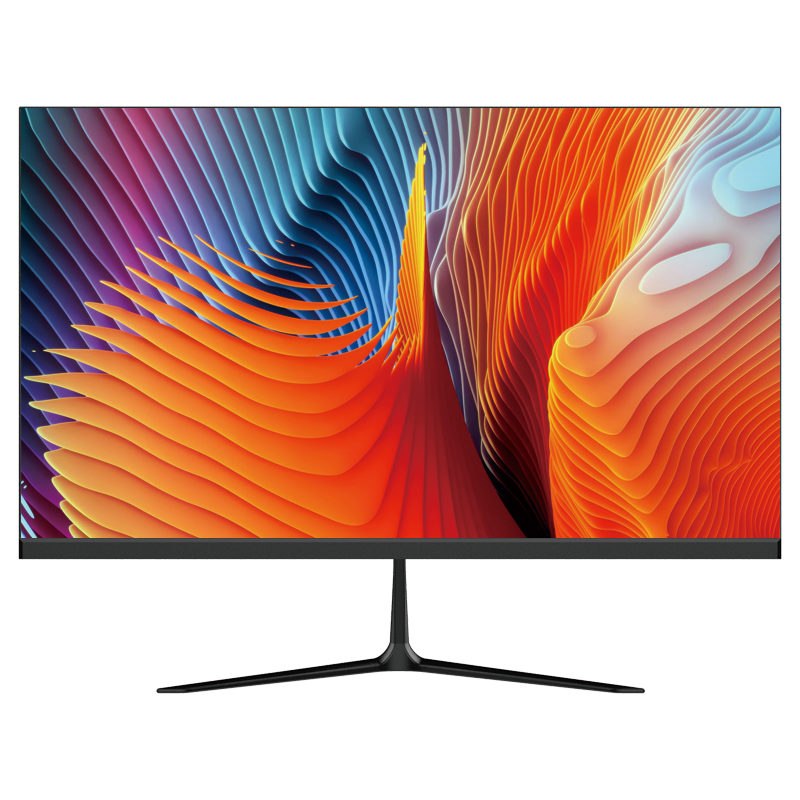
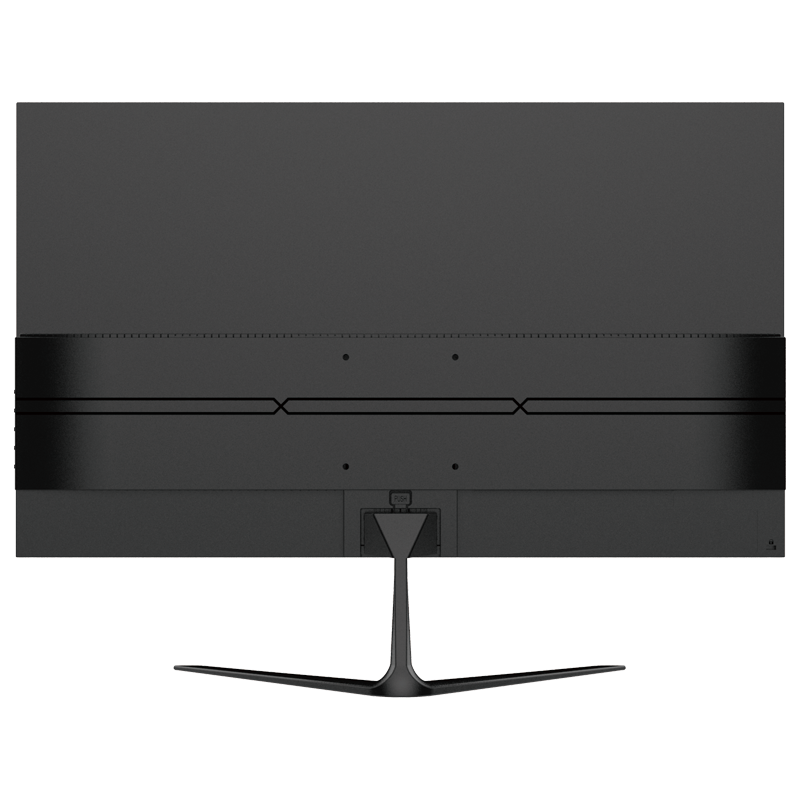
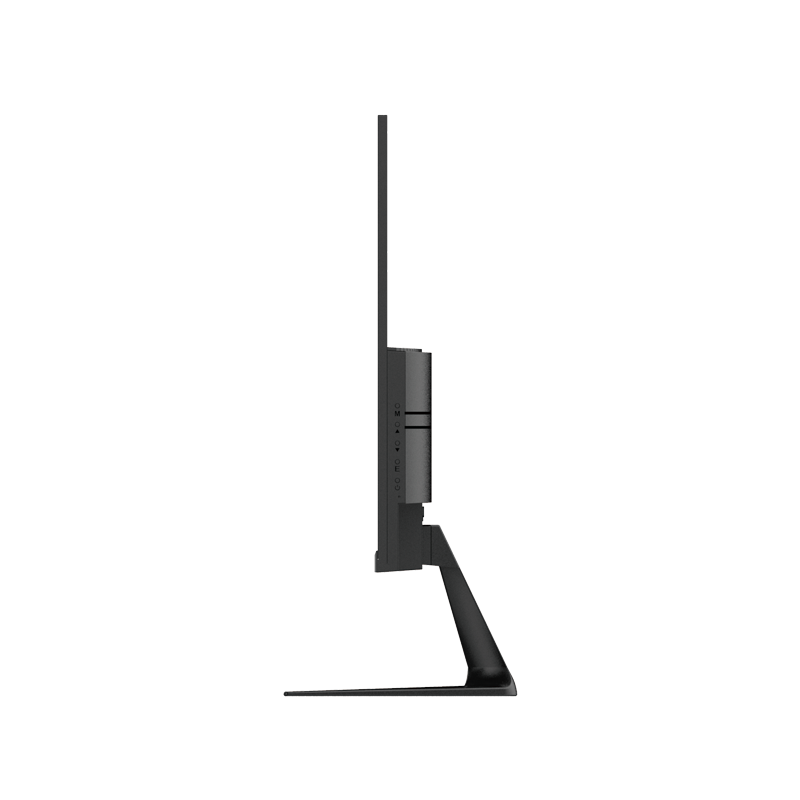
Available Sizes:
21.5” | 24.5”
Key Features:
- Low Blue Light Technology
- 75Hz / 100Hz Options
- Energy Efficient Design
- Logo Branding Available
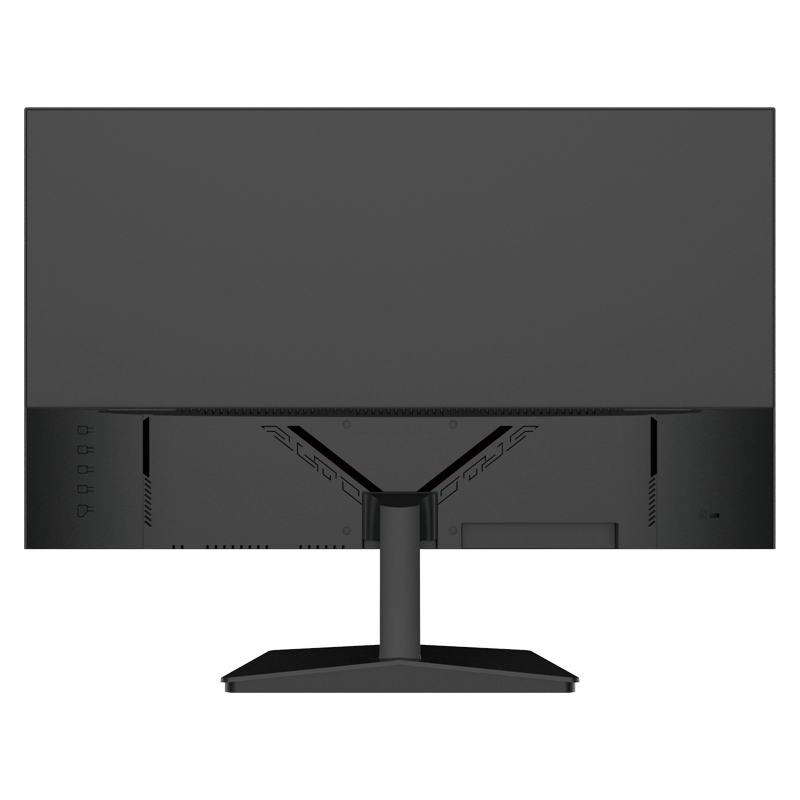
Available Sizes:
23.8”
Key Features:
- Slim & Minimalist Appearance
- IPS Panel
- VESA Compatible
- Government Project Ready
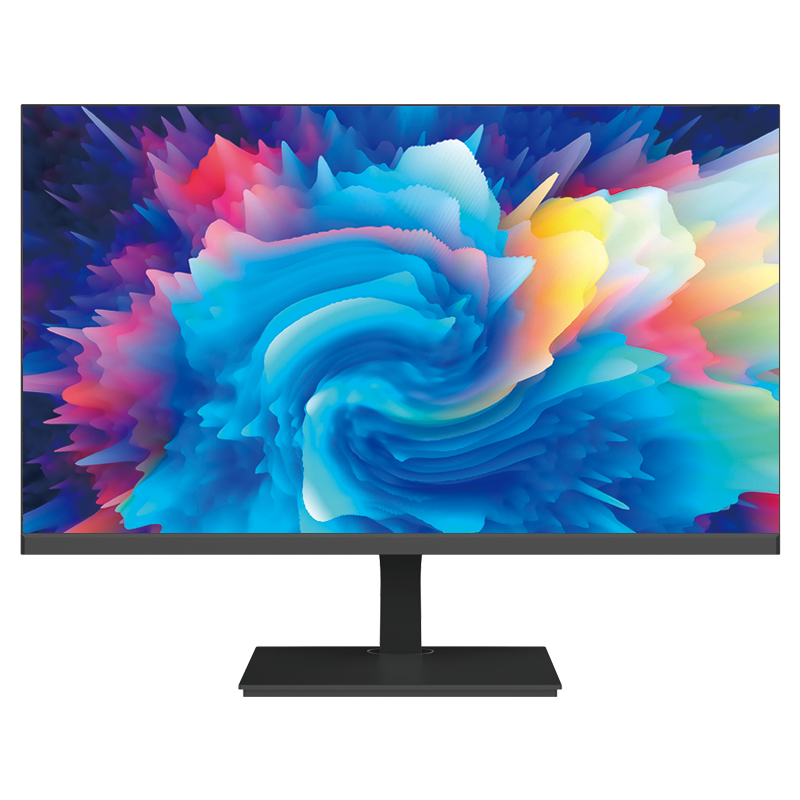
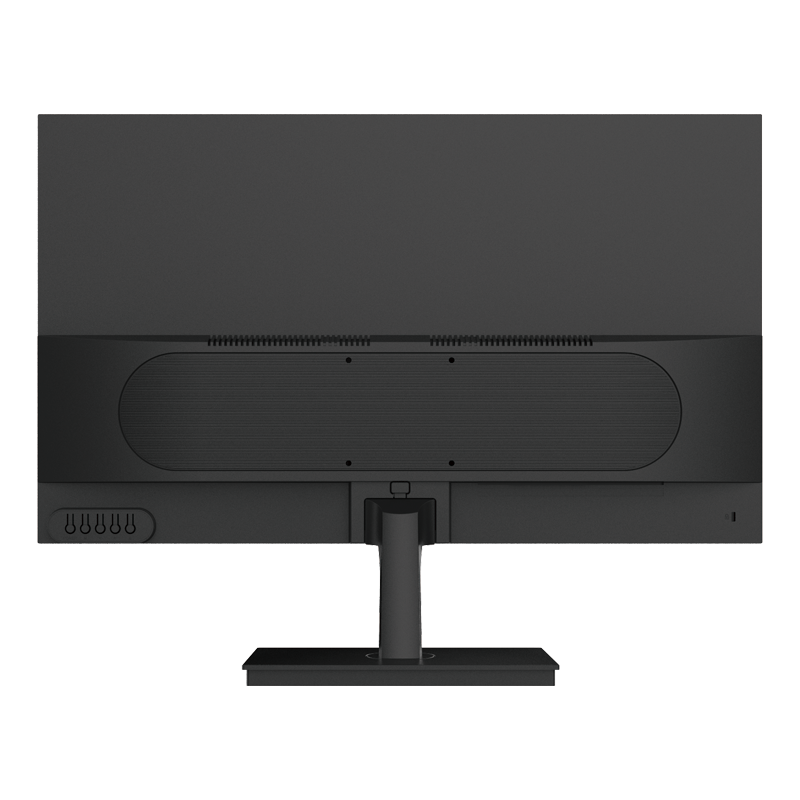

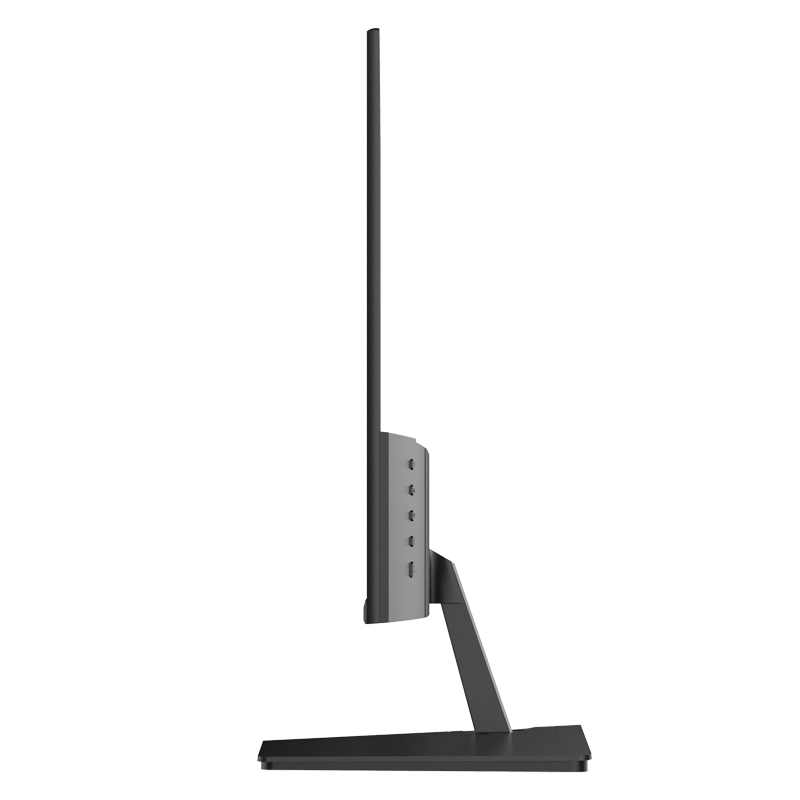
Available Sizes:
27”
Key Features:
- Cost-effective solution
- Standard mold ready
- Supports bulk orders
- Fast lead times
Question 2: How Long Do You Plan to Keep These?
This isn’t about how long the panel will physically glow. It’s about how long the solution will work for you. This question separates a casual buyer from a smart investor.
- The 3-Year Plan: Maybe your company grows fast, or technology changes fast. You need a monitor that’s flexible. Think USB-C with power delivery (so it works with the next generation of laptops), and a solid warranty that matches your planned usage. A 3-year onsite warranty is the baseline here.
- The 5-Year+ Plan: Now you’re thinking about total cost of ownership. You need a monitor built on an industrial-grade platform, not a consumer one. This means higher-quality components designed for longer run times, better thermal management, and most importantly—a supplier who guarantees long-term product availability and spare parts. You want the same model to be available, or a clear upgrade path, when you need to expand your setup in two years. Buying consumer-grade for a 5-year plan is asking for inconsistent screens and early failures.
💡 Tenfly Insight: One of the biggest “dumb” mistakes is buying a monitor without asking the vendor about its product lifecycle. Is this an “Active” model, or is it “NRND” (Not Recommended for New Designs)? If it’s the latter, you might not be able to buy a matching one next year. Always ask.
Question 3: Is This a “Firefighting” Buy or a “Blueprint” Buy?
This is about your business situation, not the monitor itself.
- Firefighting: Someone quit, you need a replacement now. The new hire starts Monday. Speed is everything. You might grab whatever’s in stock at a local retailer. It’s okay for one-off situations, but don’t let this become your habit. It creates a zoo of mismatched screens and complicates IT support.
- Blueprint: You’re fitting out a new office. You’re standardizing for 50 new hires over the next six months. This is where you build for efficiency. You choose one primary model for everyone. You negotiate a volume price. You ask for a consistent batch so all screens look identical. You plan for how you’ll buy the next 20 in three months. This approach saves time, money, and support calls in the long run.
💡 Tenfly Insight: We work with clients on both ends. If you’re doing a blueprint buy, we can help you lock in pricing and availability for phased deliveries, ensuring every screen matches, even if they arrive months apart. Feel free to contact us for your needs.
