
Are All-in-One PCs Good for AutoCAD?YES, but…
If you’re planning to use AutoCAD for drafting, engineering, or design work, choosing the right computer is essential. Many users wonder whether all-in-one PCs (AIOs) are powerful enough for professional CAD software.
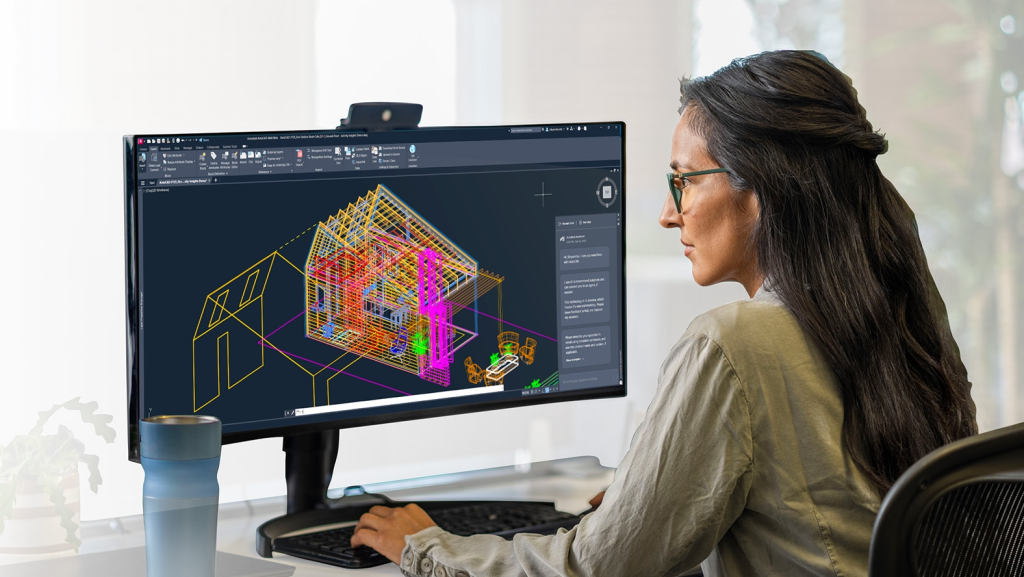
So, are all-in-one PCs good for AutoCAD? Here it is: Yes, you can run AutoCAD on an AIO, but only if the hardware specifications are strong enough.
Most modern all-in-one computers can run AutoCAD smoothly for 2D drafting and moderate 3D modeling, but performance depends heavily on the CPU, RAM, graphics card, and storage. For large projects or intensive 3D rendering, traditional desktop workstations are still the better option.
| If your work is… | Risk Level | The AIO Experience |
| 2D Drafting & Redlines | Low | Totally fine. It feels like working on a giant tablet. Very clean. |
| Large Xrefs & Layering | Medium | Needs 32GB RAM. If the AIO isn’t cooled well, it might lag by 3 PM. |
| 3D Modeling & Rendering | High | Risky. AIOs get hot fast. Heat triggers “throttling,” which slows your CPU to a crawl to prevent melting. |
First Off, Best All-in-One PCs for AutoCAD
If you’re specifically looking for an AIO computer capable of running AutoCAD smoothly, consider models with:
- Intel Core i7 / Ryzen 7 CPUs
- 16 GB RAM or more
- SSD storage
- Dedicated graphics if possible
- Examples include popular systems like:
- Apple iMac series
- Dell Inspiron All-in-One
- HP Envy All-in-One
These models typically provide enough performance for light to moderate CAD workloads.
Ok, next, let’s cut through the marketing fluff and get into the nitty-gritty of whether an AIO is a pro move or a massive headache for CAD work.
Can AutoCAD Run on an All-in-One PC? And Why
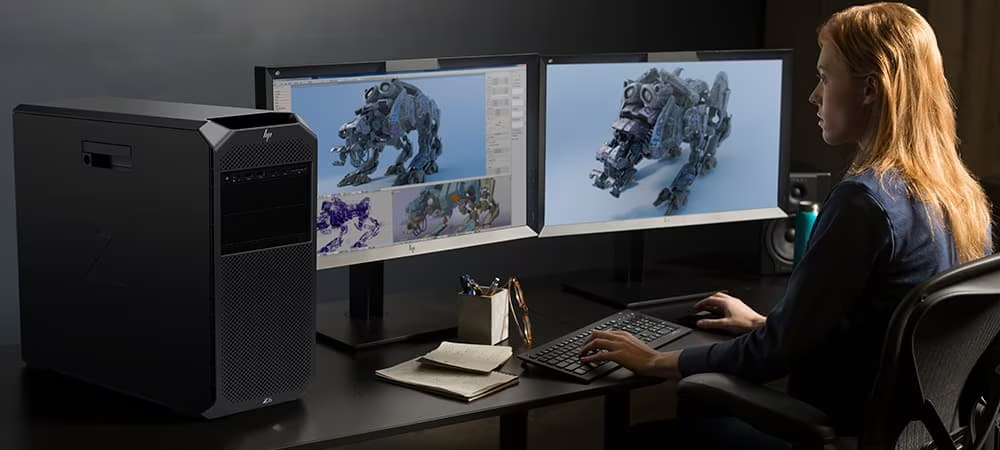
Yes, AutoCAD is a bit of a weird beast. It doesn’t care how many “cores” your CPU has as much as it cares about how fast a single core can go.
AutoCAD’s official requirements are relatively modest:
- CPU: 2.5 GHz minimum (3+ GHz recommended)
- RAM: 8 GB minimum (32 GB recommended for heavy workloads)
- GPU: 2 GB VRAM minimum (8 GB recommended)
- Storage: SSD recommended for faster file access
Because many modern all-in-one PCs include powerful processors and sufficient memory, they can handle typical CAD tasks such as:
- 2D drafting
- Basic architectural drawings
- Engineering diagrams
- Light 3D modeling
However, performance may struggle when working with:
- Large assemblies
- Complex 3D models
- Heavy rendering tasks
This is mainly due to limited upgradeability and cooling capacity in most all-in-one designs.
AutoCAD System Requirements: What Hardware Matters Most?
To keep your lines smooth and your crosshairs from lagging, you need to hit these specific specs:
- The Brain (CPU): Look for an Intel Core i7 or i9 (14th Gen or newer). You want a high clock speed (GHz). Don’t settle for “U” series processors meant for thin laptops; you want the “H” or “K” series power.
- The Memory (RAM): 32GB is the new 16GB. While 16GB technically works, AutoCAD eats RAM for breakfast, especially when you have Chrome tabs and PDFs open in the background.
- The Eyes (GPU): Most cheap AIOs use “Integrated Graphics.” Hard pass. You need a Dedicated NVIDIA RTX card (even an entry-level 4050 or 4060) to handle 3D orbiting and hardware acceleration without the screen stuttering.
- The Hustle (SSD): Don’t even look at a machine without an NVMe SSD. It’s the difference between AutoCAD opening in 5 seconds versus 50.
Pros and Cons of Using an All-in-One PC for AutoCAD
Pros
- Space-Saving Design: All-in-one PCs combine the computer and monitor into one device, reducing desk clutter and saving office space.
- Large Displays: Many AIO systems feature 24-inch or 27-inch displays, which provide more workspace for drafting and editing designs.
- Clean and Minimal Setup: Fewer cables and components make them ideal for offices or studios with limited space.
Cons
- Limited Upgrade Options: Most all-in-one computers allow limited upgrades, usually only RAM or storage.
- Weaker Cooling: Because components are packed behind the display, heat management can be less efficient than in desktop PCs.
- Lower Performance-to-Price Ratio: Compared with desktops, AIO systems often cost more for the same level of performance.
Laptop vs Desktop vs All-in-One PCs for AutoCAD
Many CAD users also compare different computer types before buying. Each option has its strengths and weaknesses.
| Feature | Laptop | All-in-One PC | Desktop PC |
| Portability | Excellent | Poor | None |
| Performance | Moderate | Moderate | Excellent |
| Upgradeability | Limited | Very limited | Excellent |
| Cooling | Moderate | Moderate | Best |
| Screen Size | Small-Medium | Large | Depends on monitor |
| Best For | Students / Mobile work | Office design work | Professional CAD work |
Recommended All-in-One PC Specs for AutoCAD
| Component | Minimum | Recommended |
| CPU | Intel Core i5 / Ryzen 5 | Intel Core i7 / Ryzen 7 |
| RAM | 8 GB | 16 GB – 32 GB |
| GPU | Integrated Graphics | NVIDIA RTX / Professional GPU |
| Storage | 256 GB SSD | 512 GB – 1 TB NVMe SSD |
| Display | 21.5 inch | 27 inch or larger |
