
65, 75, or 86 Inch? How to Choose the Right Interactive Panel Size for My Classroom
Walking into a modern classroom today, the first thing that catches your eye isn’t the rows of desks—it’s the massive, glowing screen at the front. But here’s the million-dollar question: Is bigger always better? Choosing the wrong interactive panel size can lead to squinting students in the back row or a cramped, overwhelming display in a small seminar room.
At Tenfly, we’ve helped hundreds of schools navigate this decision. It’s not just about the screen; it’s about the viewing experience. Let’s break down how to find that “Goldilocks” fit for your students.
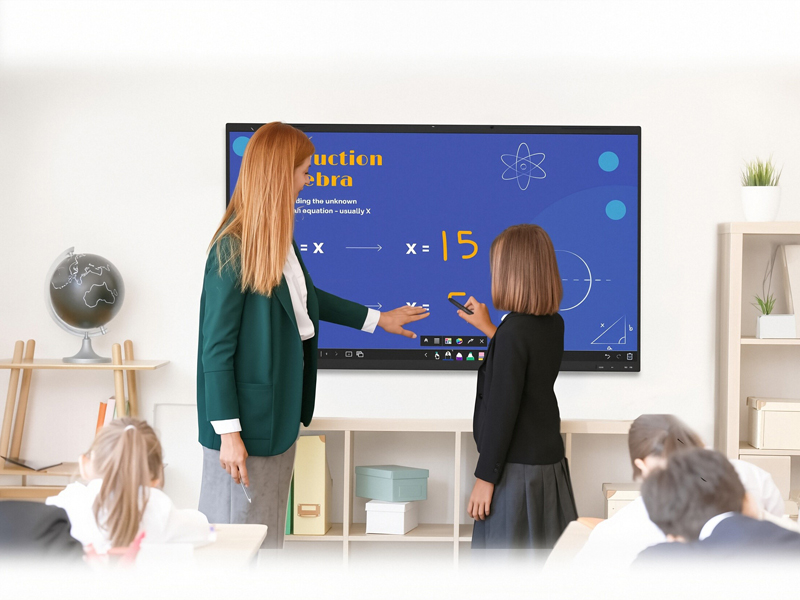
The “Golden Rule” of Classroom Viewing
Before we look at specific inches, you need to understand the 4-6-8 Rule. This is a long-standing audiovisual standard (often cited by groups like AVIXA) which suggests that for “passive viewing,” the distance to the farthest student should be about 6 times the screen height.
However, in a modern interactive environment where students need to read small text or solve math problems, we recommend a 4x factor. If your classroom is 30 feet deep, you need a screen that allows everyone to see clearly without leaning forward.
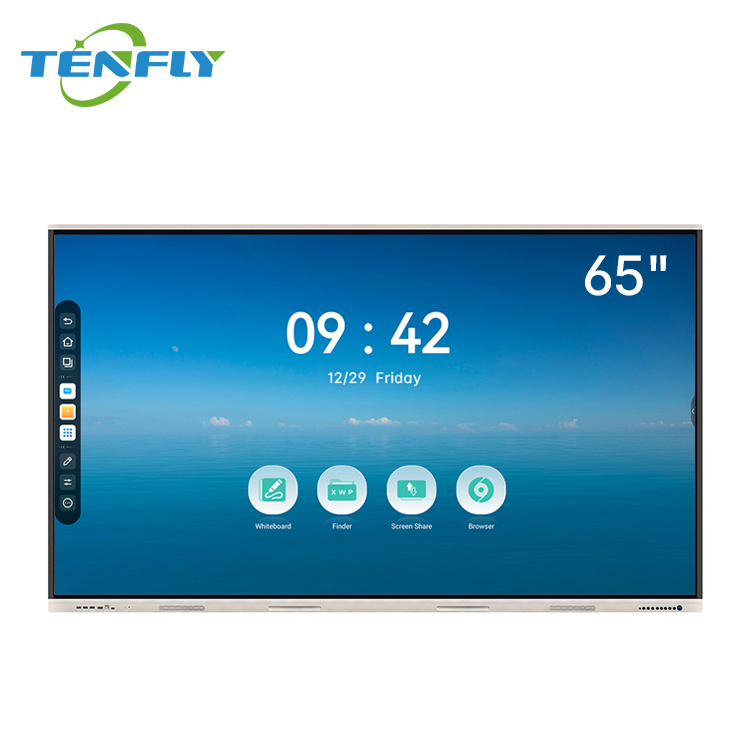
65 Inch: The Small Group Specialist
The interactive panel 65 inch is the “compact SUV” of the EdTech world. While it might feel small for a standard 30-student classroom, it excels in specific environments.
Best For: Huddle spaces, small meeting rooms, or “breakout” corners in a library.
Why Choose It: It’s incredibly cost-effective and fits into tight spaces where a larger board would feel claustrophobic. Many preschools also prefer this size because it’s easier for smaller children to reach the top of the touch interface.
Pro Tip: If you are building a “collaboration station” where only 4–6 students work together at a time, this is your winner.
75 Inch: The Classroom “Sweet Spot”
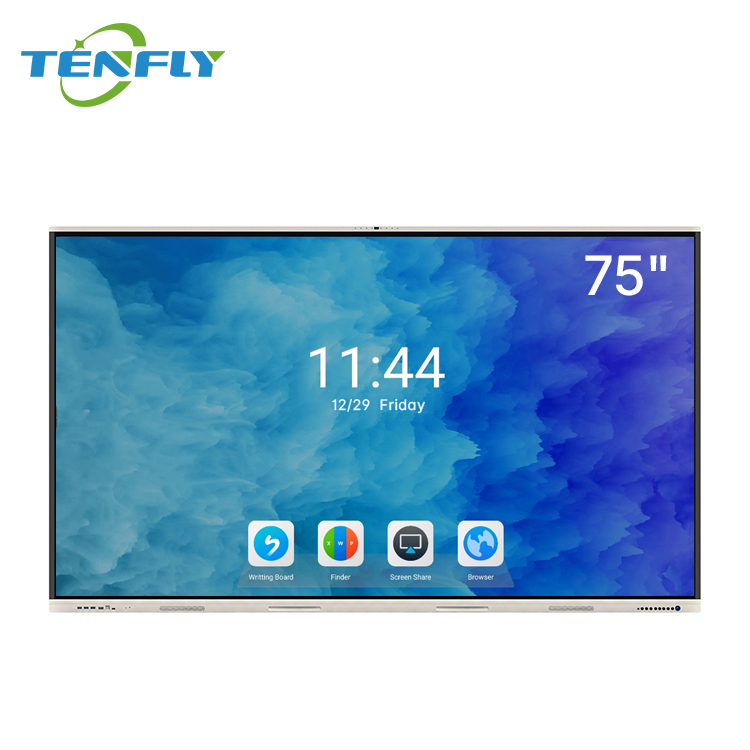
There is a reason why the 75 inch interactive flat panel is our most requested model. It hits the perfect balance between high visibility and classroom ergonomics.
| Feature | Why It Works for K-12 |
| Visibility | Easily readable for up to 25–30 students in a standard rectangular room. |
| Touch Area | Provides enough “real estate” for two students to stand side-by-side and collaborate. |
| Value | The interactive flat panel 75 inch price is often the most competitive in terms of “cost per square inch.” |
For most standard classrooms, we recommend the interactive panel 75 inch as the default choice. It’s large enough to be the primary teaching tool without requiring you to reinforce your walls excessively.
86 Inch: The Lecture Hall Powerhouse
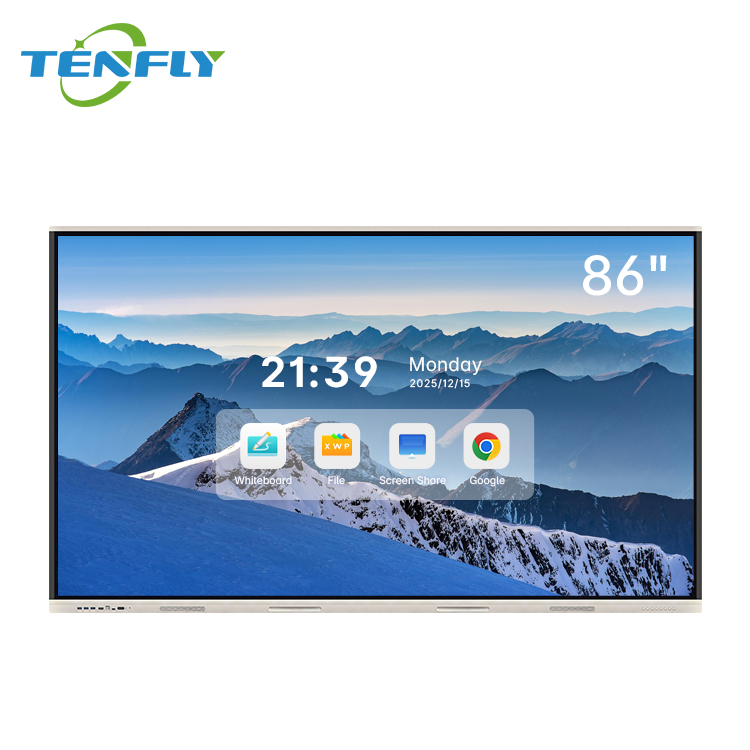
When you step into a large science lab or a tiered lecture hall, a 75-inch screen can start to look like a postage stamp. This is where the interactive flat panel 86 inch takes center stage.
- Unmatched Clarity: With 4K resolution standard across Tenfly models, an 86-inch screen ensures that complex diagrams and spreadsheets are crisp, even for the student sitting in the very last row.
- Multi-User Interaction: This size is a dream for collaborative brainstorming. You can comfortably have 3 or 4 students working on the board simultaneously without them bumping elbows.
- Budgeting: Note that the interactive flat panel 86 inch price is higher due to the specialized glass and shipping logistics, but for a room seating 40+ people, it is a necessary investment for equity in learning.

Beyond the “Big Three”: 55 Inch and Custom Needs
While 65, 75, and 86 are the industry standards, learning spaces are becoming more diverse.
- The 55 Inch Option: We often see the 55 inch interactive flat panel used as a mobile “teacher’s assistant.” Mounted on a cart, it can be wheeled between classrooms or used for specialized 1-on-1 tutoring.
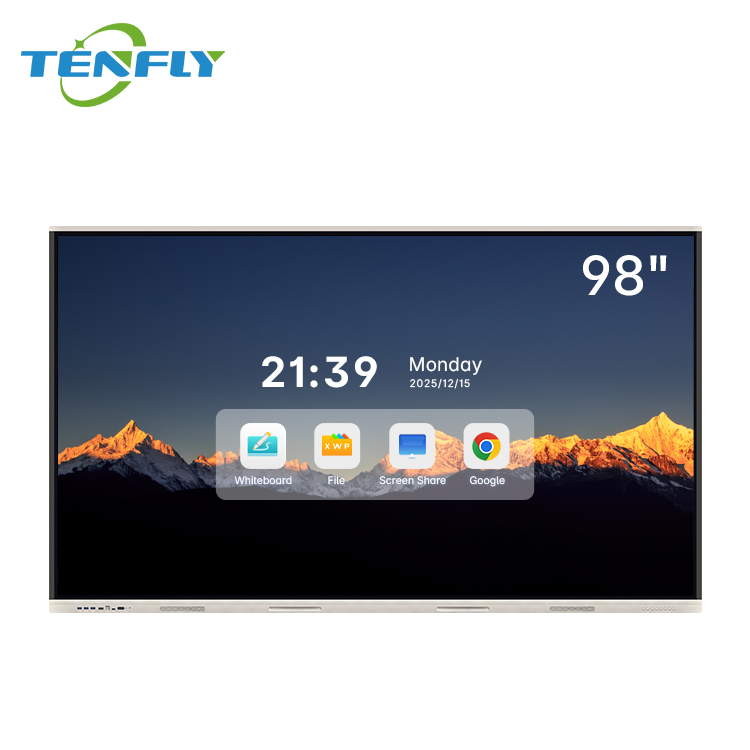
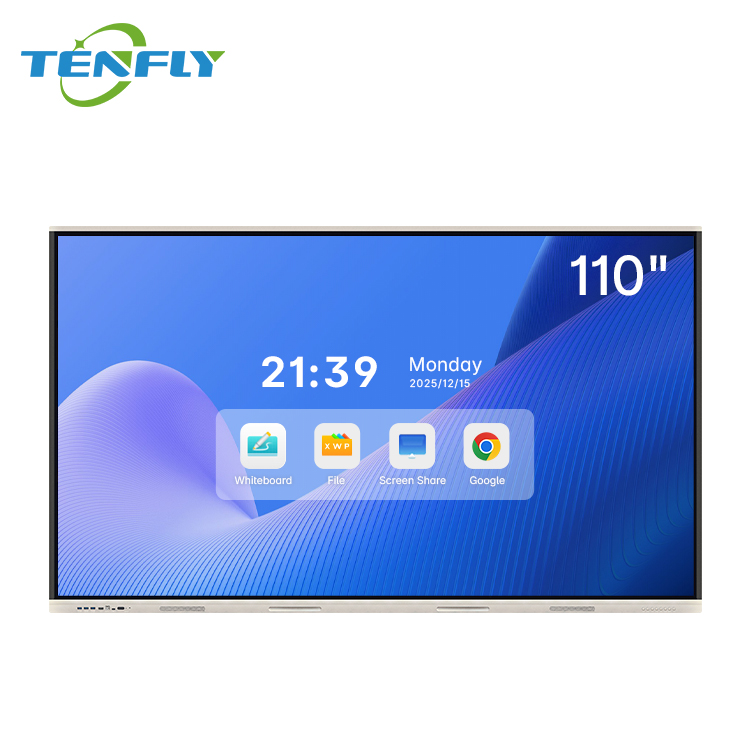
- Customization: At Tenfly, we understand that some spaces are unique. Whether you need non-standard aspect ratios, ultra-large 98-inch or even 110 inch displays, or specific mounting hardware for glass walls, we offer tailored solutions to fit your architectural needs.
Making the Final Call
Choosing a screen is a long-term commitment—usually 5 to 7 years. If you are torn between two sizes, we almost always suggest “sizing up.” You will never regret having extra space for a student’s handwriting, but you will regret it if the kids in the back can’t see the lesson.
Ready to transform your classroom? Explore our full range of interactive flat panels or contact our team for a personalized quote. Whether you are looking for the best interactive flat panel 75 inch price or a bulk deployment of 86-inch displays, Tenfly has the expertise to get your school future-ready.
Contact Tenfly Today for a Consultation.
