
6 Considerations to Choose the Right Computer Monitor Size
In today’s digital-first world, the computer monitor size you choose directly impacts productivity, visual comfort, and even long-term operational costs—especially when purchasing for offices, classrooms, or creative studios. At Tenfly, a trusted OEM/ODM monitor manufacturer with over 30 years of industry experience, we’ve helped global businesses—from Fortune 500 companies to government departments—optimize their visual workflows through smart, size-aware display solutions.
But how do you know which computer monitor size is truly right for your needs? It’s not just about “bigger is better.” Below, we break down six essential considerations that go beyond inches on a spec sheet—helping you make a confident, cost-effective decision that aligns with real-world use.

1. Diagonal Size ≠ Actual Viewing Area
When you see a “27-inch monitor,” that number only tells half the story. The actual viewing area—the part of the screen you truly see and use—depends on two key factors: aspect ratio and panel precision.
Why it matters:
Same diagonal, different area: A 27-inch 16:10 monitor gives you more vertical space than a 16:9 model—ideal for coding or spreadsheets. An ultrawide 21:9 screen (like Tenfly’s 34-inch curved monitor ) offers a panoramic view but less height.
Not all “27 inches” are equal: The actual viewable area can vary slightly based on bezel design and manufacturing tolerances.
How to tell the real size:
Look for the “Viewable Area” spec in millimeters (W × H) on the product datasheet—not just the diagonal inch rating. For example:
- Tenfly’s 27-inch Performance Monitor (16:9) has a precise viewable area of 596.7 mm × 335.6 mm.
- Our 24.5-inch Office Monitor (also 16:9) offers 531.3 mm × 298.9 mm—perfect for tight desks without sacrificing clarity.
Pro Tip: At Tenfly, every monitor undergoes strict consistency control, ensuring the viewable area matches specifications within ±1 mm—critical for bulk deployments in offices, classrooms, or control rooms.
So remember: Don’t just compare inches—compare usable screen space. The right computer monitor size balances diagonal measurement, aspect ratio, and actual viewable dimensions to fit your workflow—not just your spec sheet.
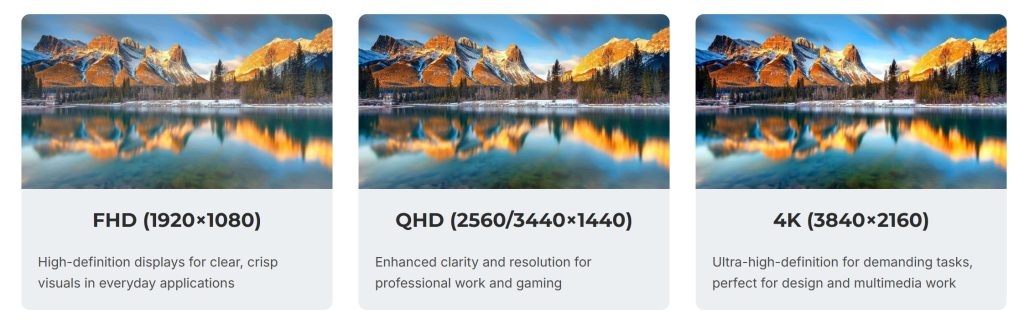
2. Resolution & Pixel Density (PPI) Must Scale with Size
A larger screen demands higher resolution to maintain sharpness. Otherwise, text and images appear blurry or pixelated—a major productivity killer.
This is where Pixels Per Inch (PPI) comes in. Compare these common pairings:
| Monitor Size | Ideal Resolution | Approx.PPI | Best For |
| 21.5″–24″ | FHD (1920×1080) | 92–96 | Basic office tasks, customer service |
| 27″ | QHD (2560×1440) | 109 | Programming, data analysis, design |
| 32″+ | 4K (3840×2160) | 138+ | Photo/video editing, CAD, medical imaging |
At Tenfly, we engineer displays like our 27-inch performance monitor with QHD resolution and IPS panels to ensure crisp text and accurate colors—even during extended use.
Warning: Pairing a 32-inch screen with only 1080p resolution results in a PPI of just ~69—making everything look stretched and fuzzy. Always match resolution to size.
3. Match Monitor Size to Your Use Case
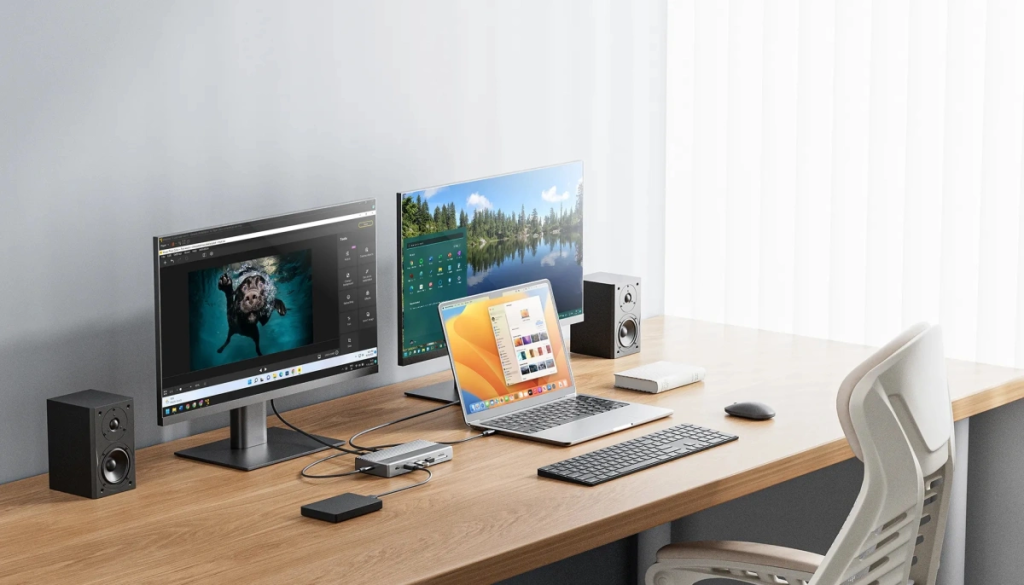
Not all roles need the same screen. At Tenfly, we segment recommendations by job function to maximize ROI:
| User Type | Recommended Size | Key Features |
| Admin / Clerical Staff | 23–24″ | FHD, IPS panel, hardware-level blue light reduction (like our 24.5-inch office monitor) |
| Programmers / Analysts | 27″+ | QHD/4K, adjustable stand, multi-window support |
| Designers / Video Editors | 27–34″ Ultrawide | 4K, **99% sRGB**, ΔE < 2 color accuracy, HDR |
For creative professionals, our ultra-wide professional monitors offer factory-calibrated color consistency—critical for brand-sensitive deliverables.
4. Viewing Distance Affects Comfort & Efficiency
Even the perfect computer monitor size becomes uncomfortable if placed too close or too far.
General guidelines:
- 24″: Sit 50–70 cm (20–28 inches) away
- 27″–32″: Sit 70–100 cm (28–40 inches) away
- 34″+ ultrawide: Minimum 90 cm (35 inches), ideally with slight curvature for peripheral focus
Tenfly’s ergonomic designs—including height-adjustable stands and tilt/swivel functionality—help users maintain ideal posture, reducing neck strain and eye fatigue during long sessions.
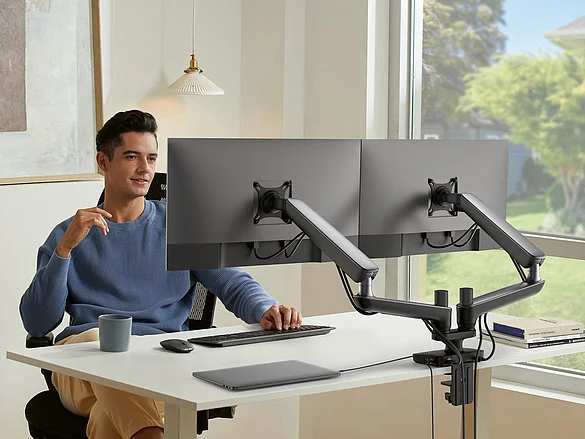
5. Desk Space & Mounting Compatibility Matter
Before ordering 100 units of 32-inch monitors, ask: Will they fit?
Consider:
- Depth: A 32-inch monitor may require ≥60 cm of desk depth.
- VESA compatibility: Tenfly displays support standard 75×75mm or 100×100mm VESA mounts, enabling wall or arm installation—freeing up desk space and improving cable management.
For space-constrained environments (e.g., call centers, classrooms), our compact 21.5-inch model delivers full FHD clarity in a footprint-friendly form.
6. “Bigger Is Better” Is a Costly Myth
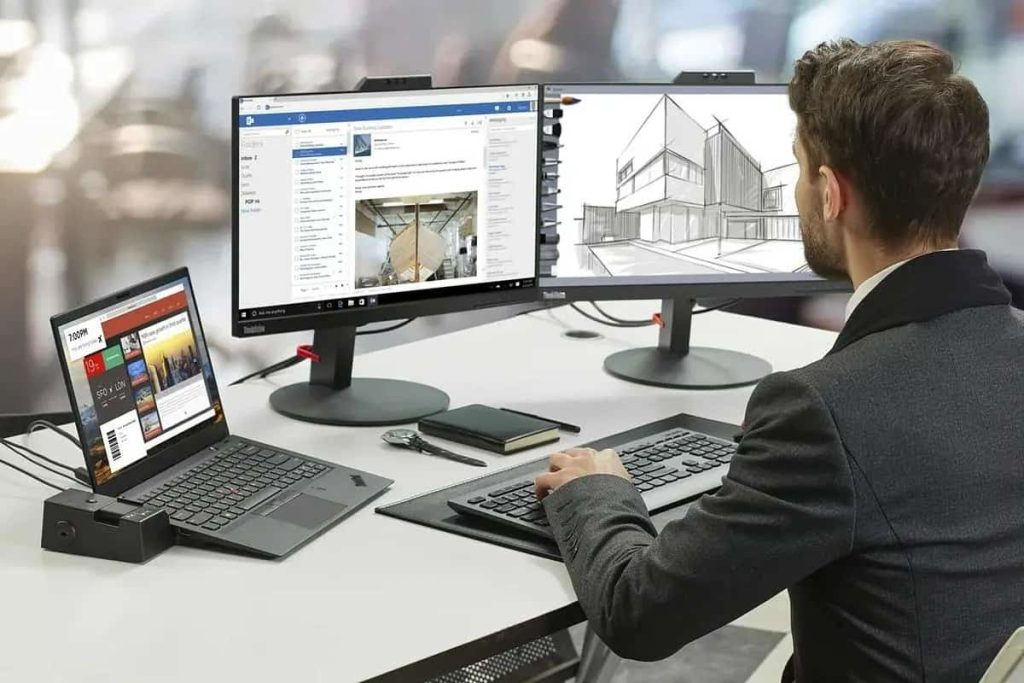
More screen ≠ more value. Oversized monitors with mismatched resolution, poor panel quality, or inadequate ergonomics can:
- Increase eye strain and fatigue
- Raise power consumption and TCO (Total Cost of Ownership)
- Waste budget on unused screen real estate
At Tenfly, we advocate for purpose-driven sizing. By analyzing your workflow, space, and budget, we help you avoid over-spec’ing—delivering the optimal monitor, not the biggest.
✅ Tenfly Advantage: Our end-to-end service—from consultation to global delivery—ensures every monitor aligns with your operational goals, backed by 99.8% production yield and strict QC across all units.
Right Size, Right Value
Choosing the ideal computer monitor size isn’t about chasing specs—it’s about harmonizing screen dimensions with human needs, workflow demands, and long-term reliability.
As a global monitor supplier trusted by brands like Lenovo, Envision etc., Tenfly combines precision engineering, custom OEM/ODM capabilities, and rigorous certification (CE, RoHS, ISO9001) to deliver displays that perform—and last.
Ready to optimize your display strategy?
Explore our full range of commercial monitors by size and resolution —or contact our team for a tailored bulk solution that balances performance, comfort, and cost.
Because at Tenfly, we don’t just sell monitors. We deliver clarity, efficiency, and confidence—one pixel at a time.
