Monitor Solutions for Global Brands
Explore our full range of professional display solutions for gaming, office, and commercial applications
Gaming Monitor Series
High-Refresh Displays Engineered for Competitive Performance
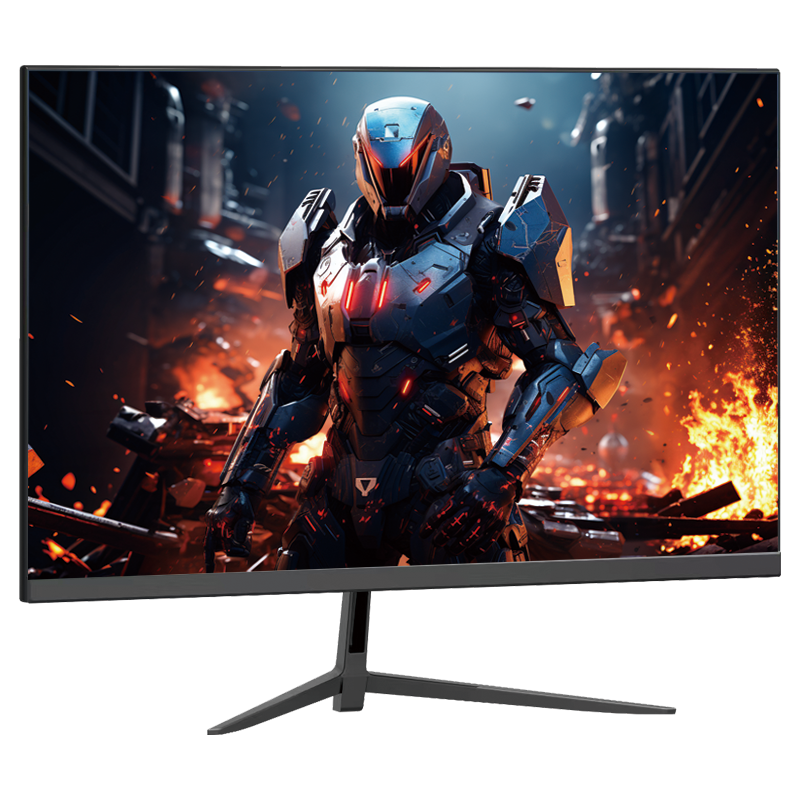
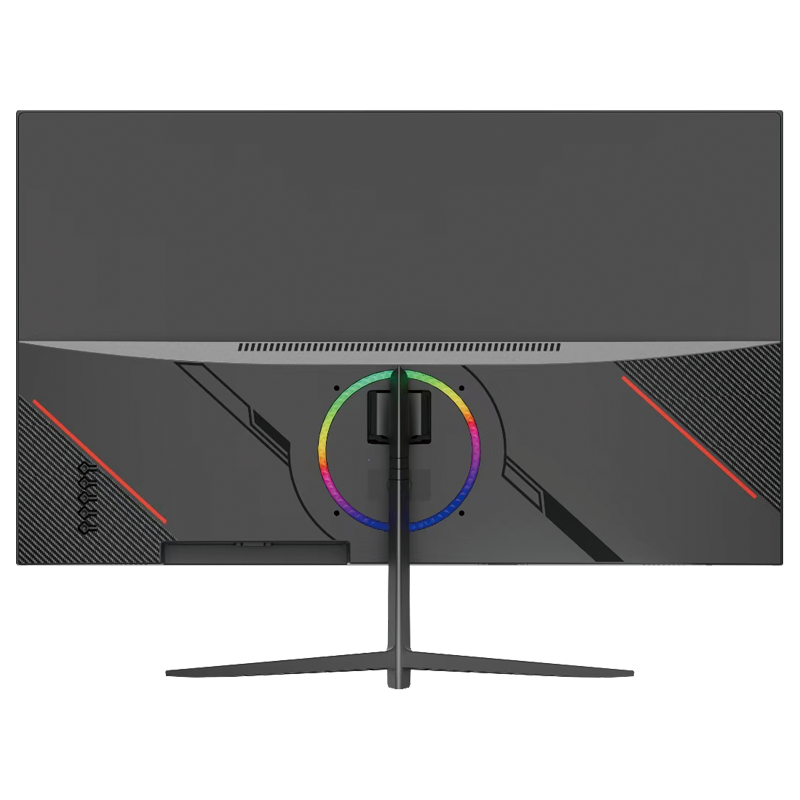
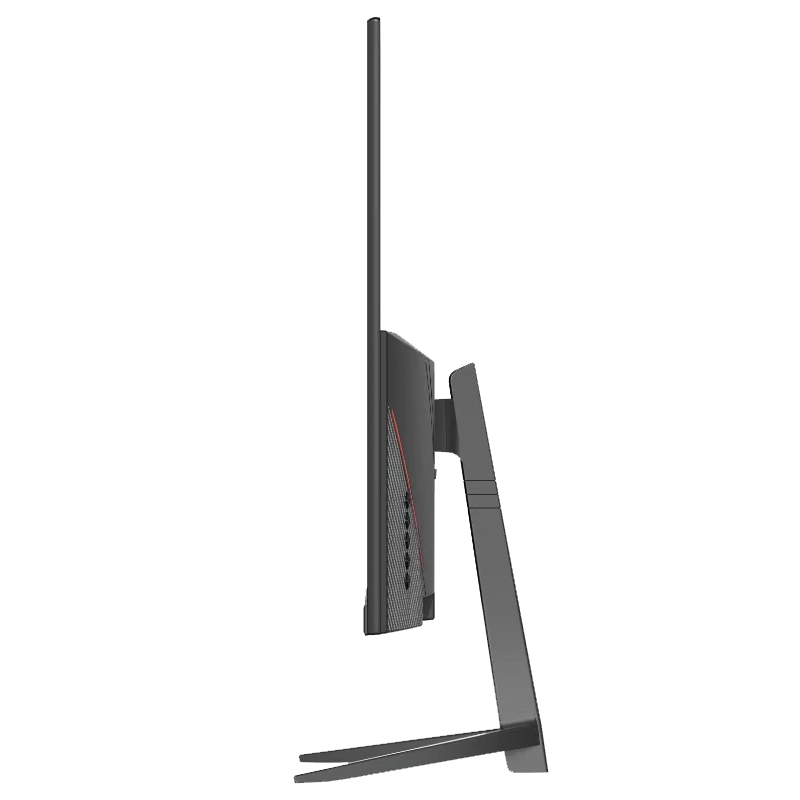
Available Sizes:
23.8” | 24.5” | 27”
Key Features:
- 144Hz–300Hz Refresh Rate
- 1ms Response Time
- IPS / VA Panel Optional
- FreeSync & G-Sync Compatible
- Custom Logo & Housing Available
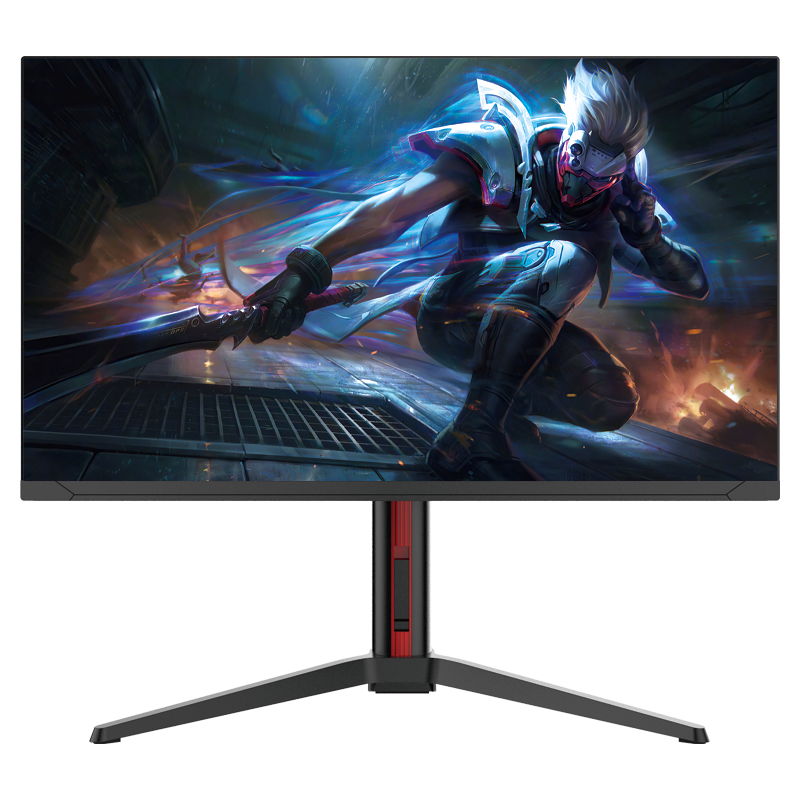
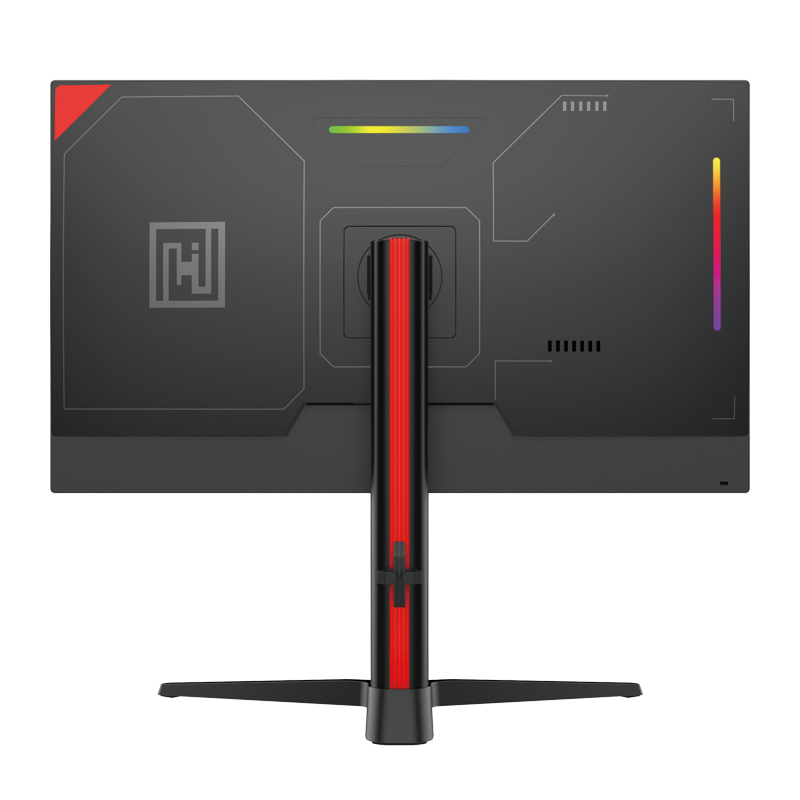
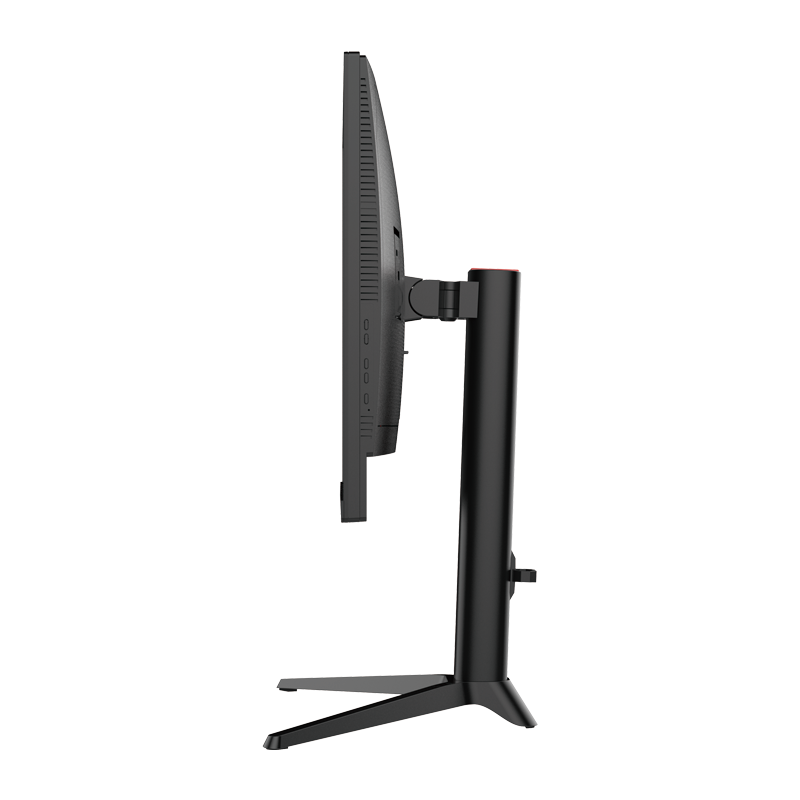
Available Sizes:
24.1” | 27”
Key Features:
- Ultra-High Refresh Rate 320Hz–540Hz
- 0.5ms–1ms Response Time
- Fast IPS / TN Esports Panel
- RGB Lighting Optional
- OEM Logo & Private Mold Support
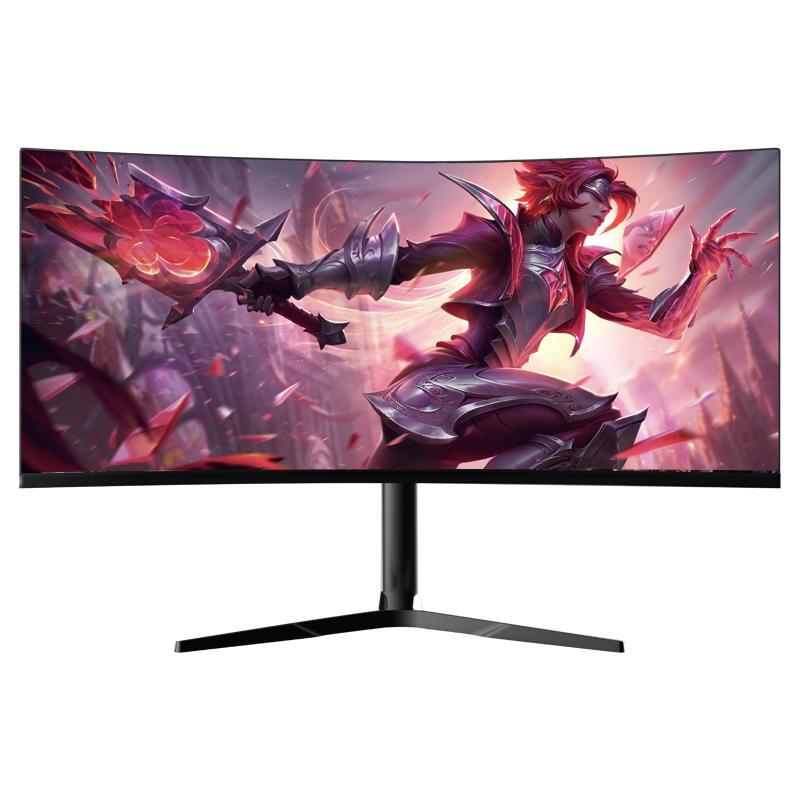
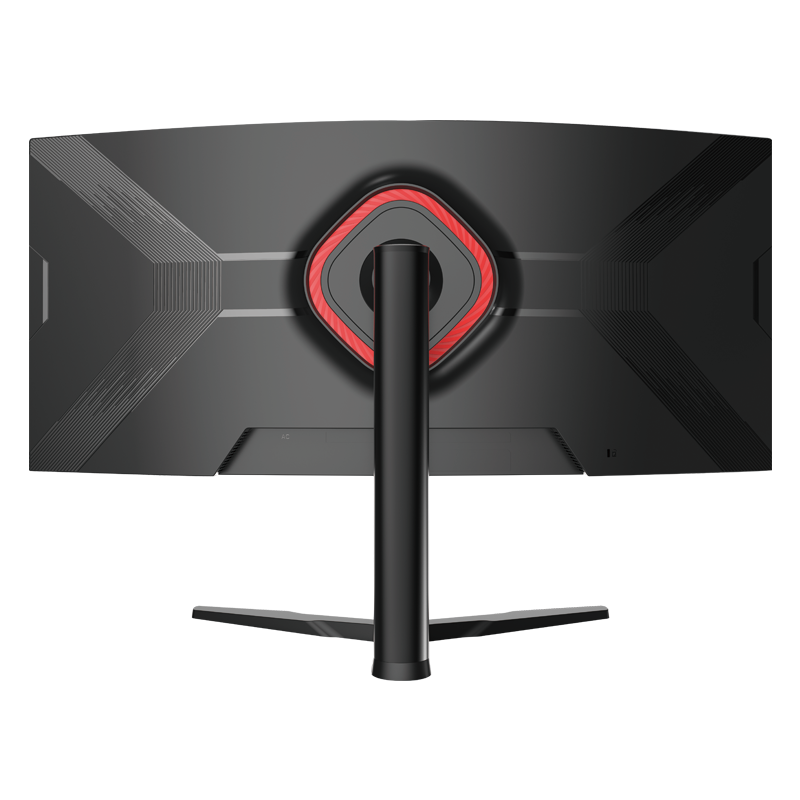
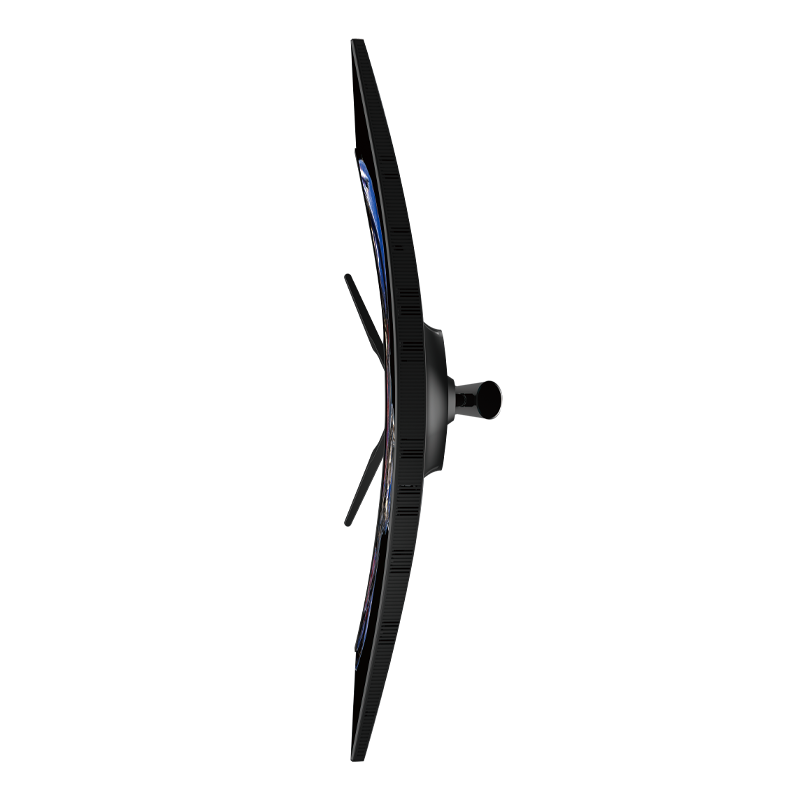
Available Sizes:
31.5”| 34”
Key Features:
- 1500R / 1800R Curved Panel
- 165Hz–240Hz
- RGB Backlight Optional
- Frameless Design
- Private Mold Support
Office & Business Monitor Series
Professional Displays for Productivity & Long-Term Comfort
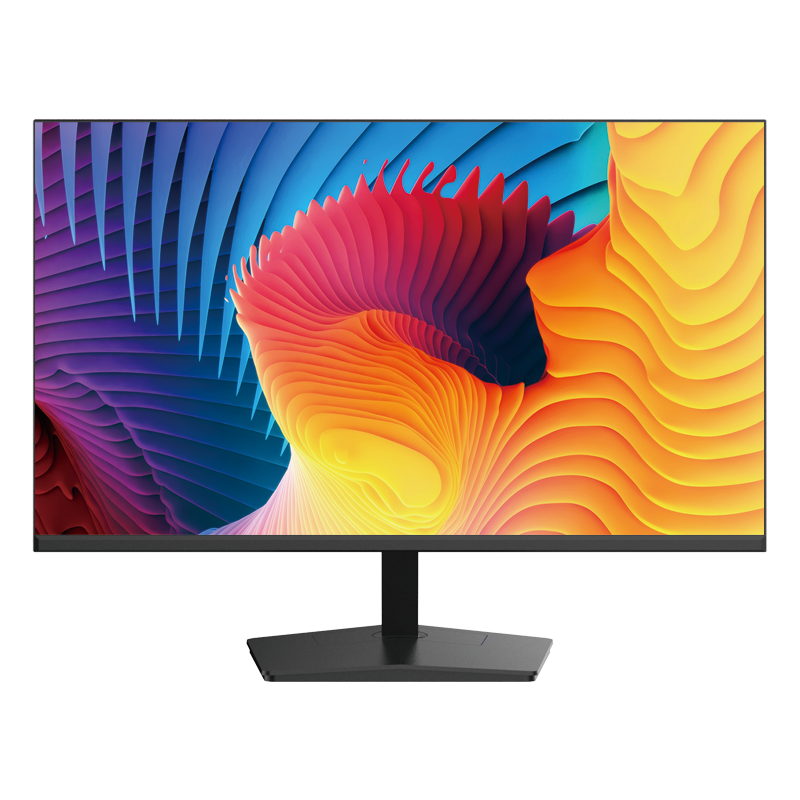
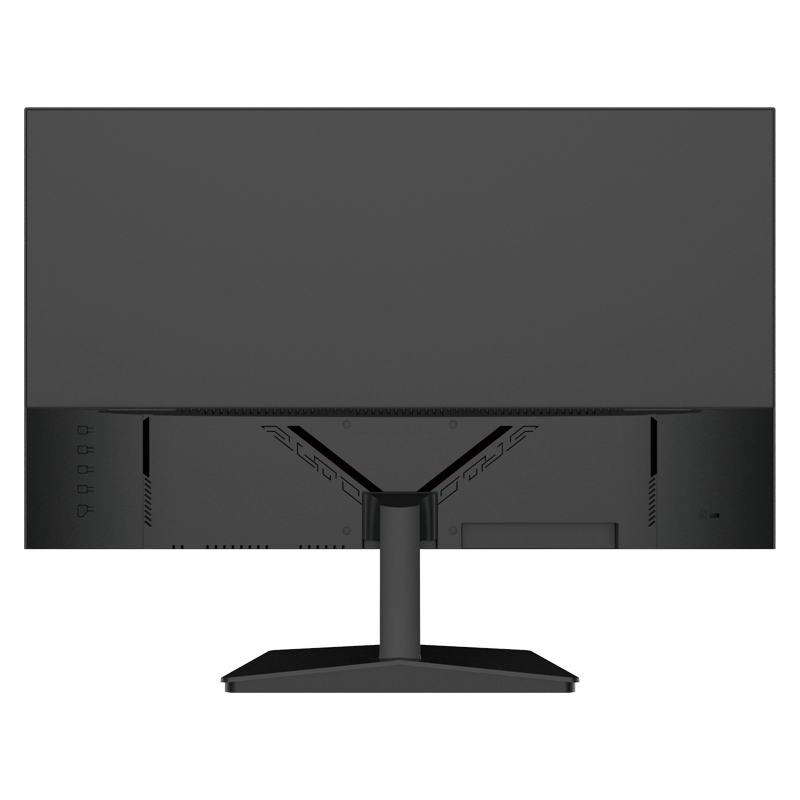
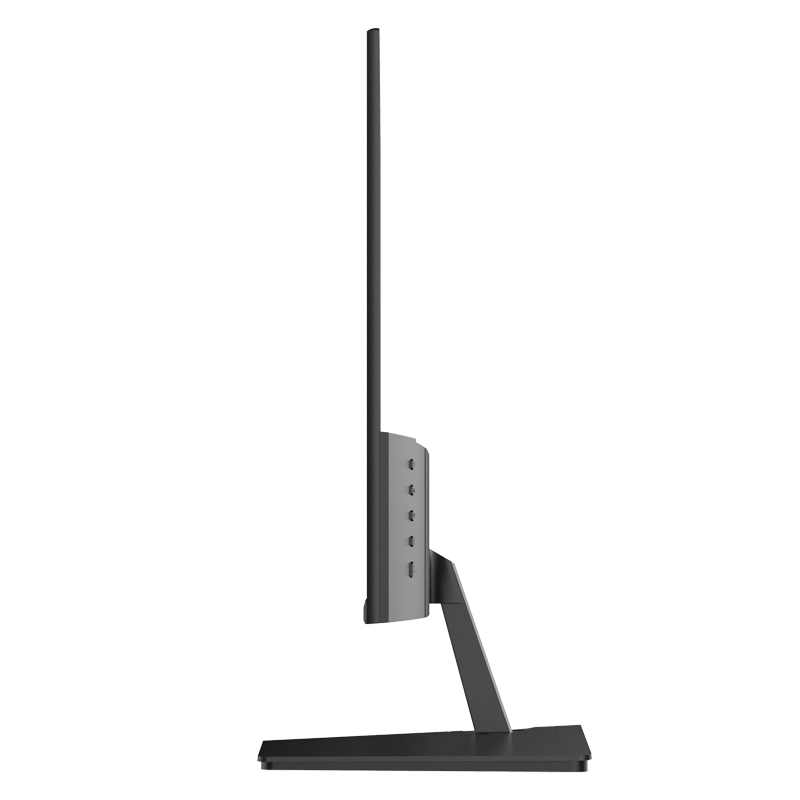
Available Sizes:
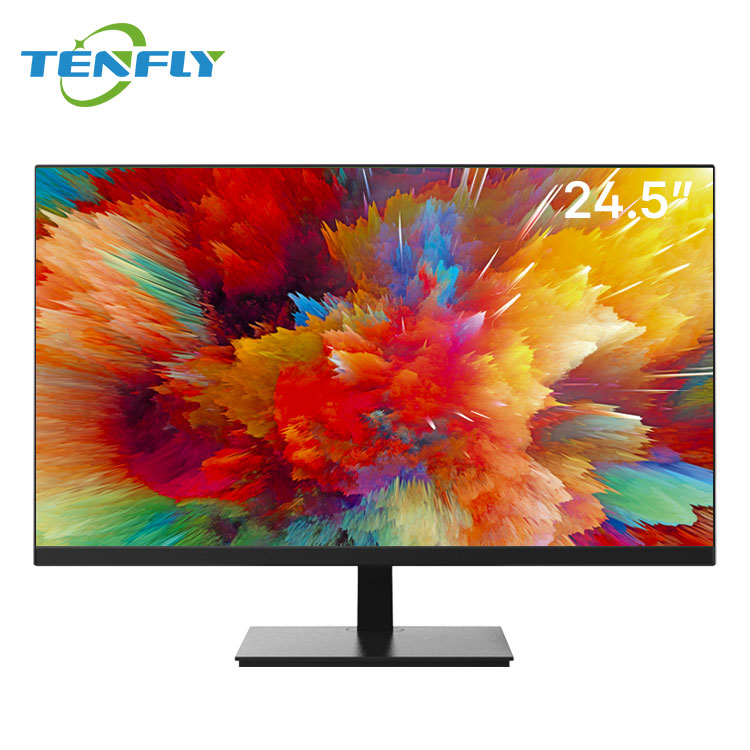
21.5” | 24.5”
Key Features:
- Low Blue Light Technology
- 75Hz / 100Hz Options
- Energy Efficient Design
- Logo Branding Available
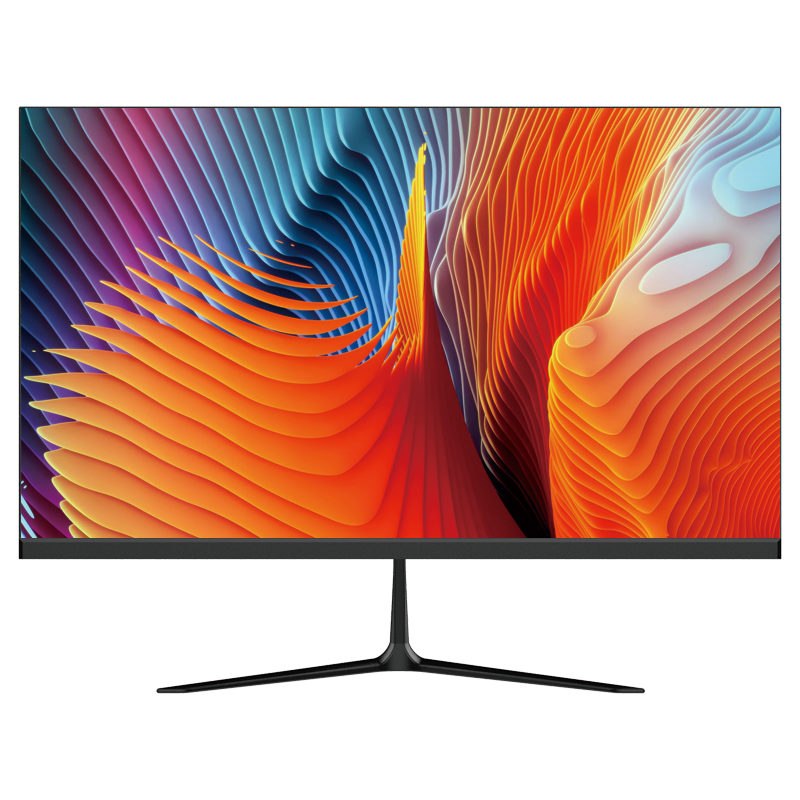
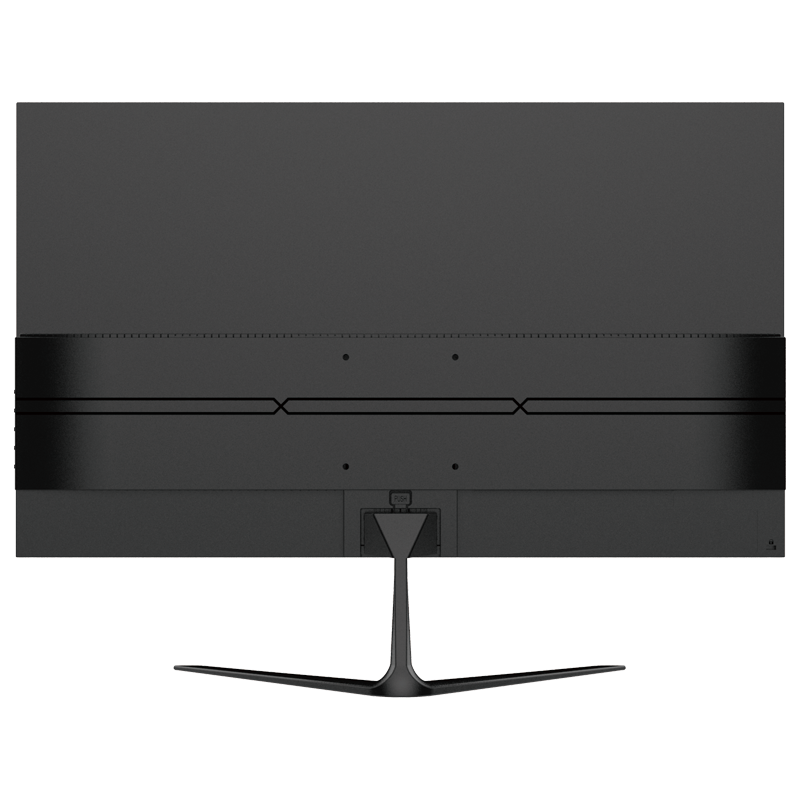
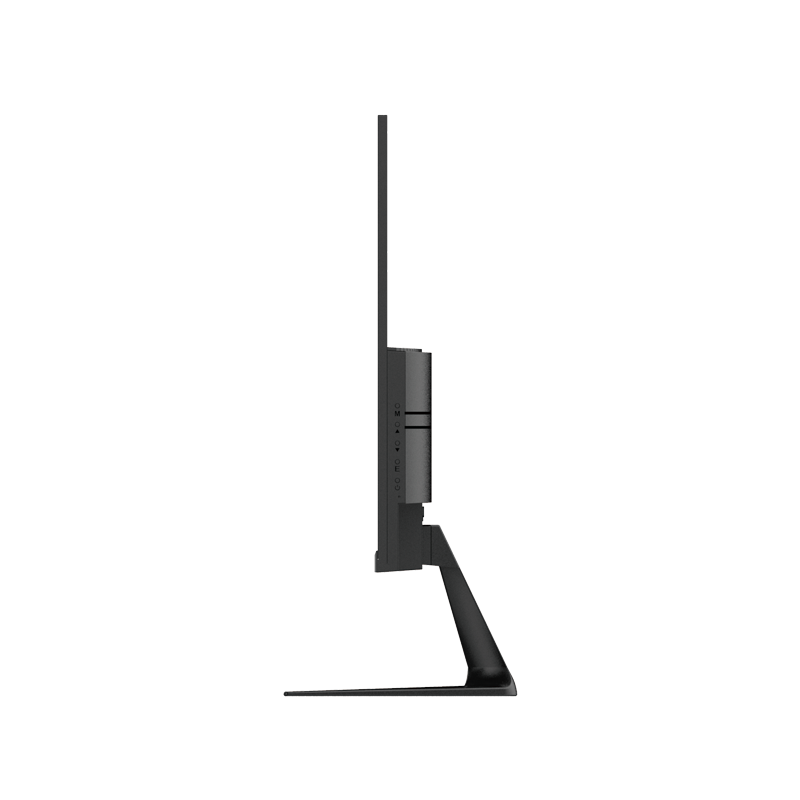
Available Sizes:
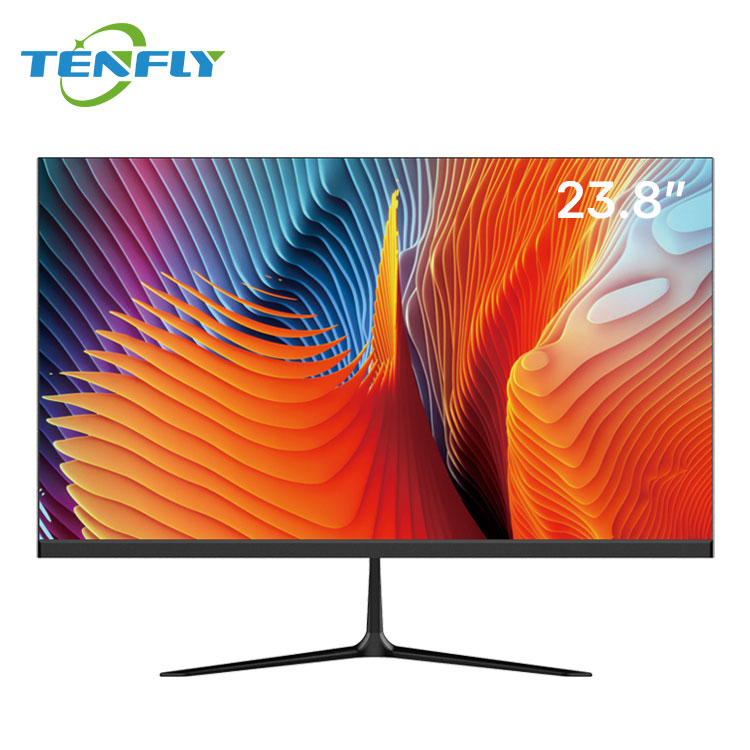
23.8”
Key Features:
- Slim & Minimalist Appearance
- IPS Panel
- VESA Compatible
- Government Project Ready
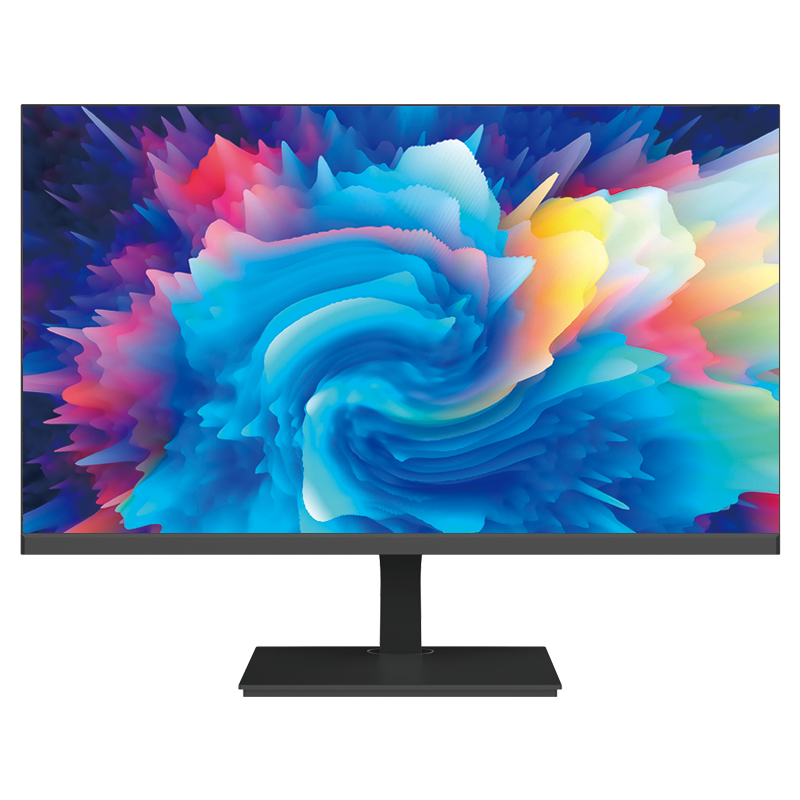
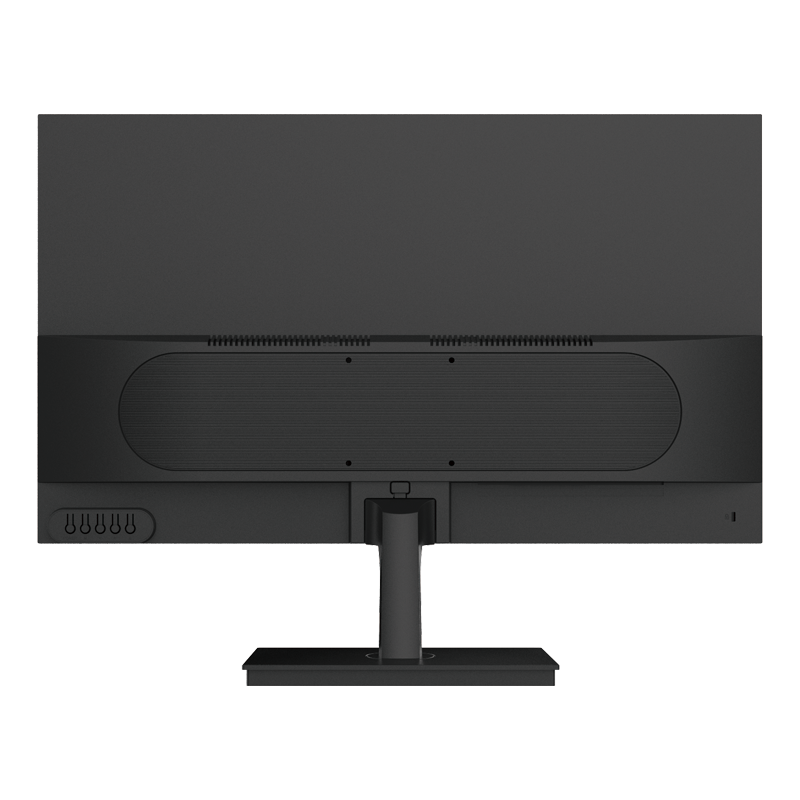

Available Sizes:
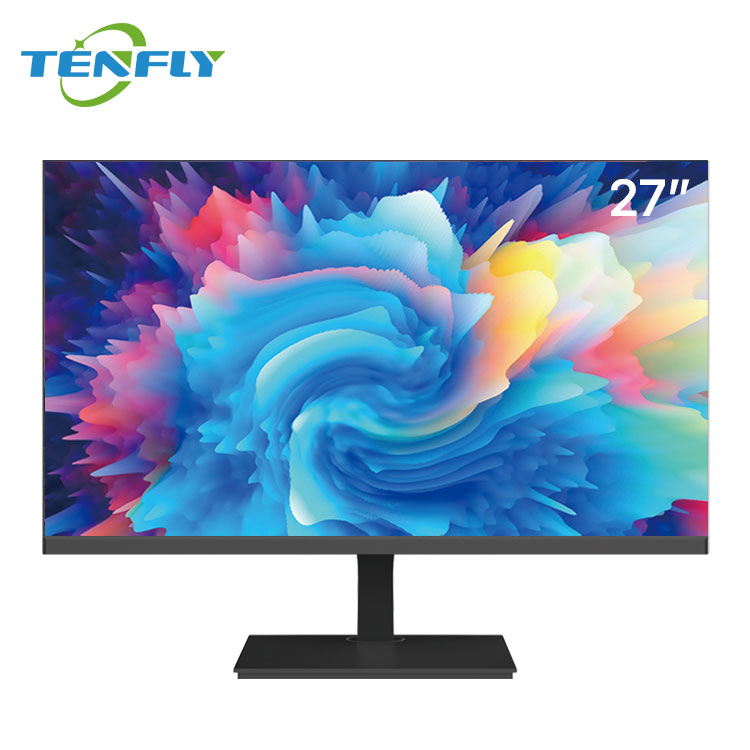
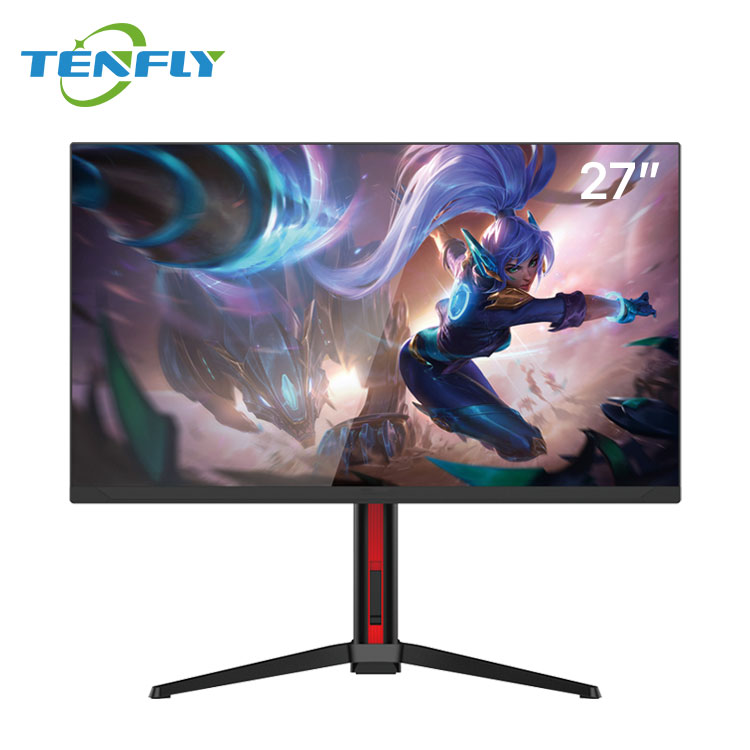
27”
Key Features:
- Cost-effective solution
- Standard mold ready
- Supports bulk orders
- Fast lead times
OEM & Private Label Monitor Solutions
All Monitor Models Support Full OEM / ODM Customization
Commercial & Gaming Monitor Applications
Tenfly monitors are deployed worldwide, solving specific challenges across industries. See how our reliable displays power productivity, immersion, and efficiency in demanding environments.
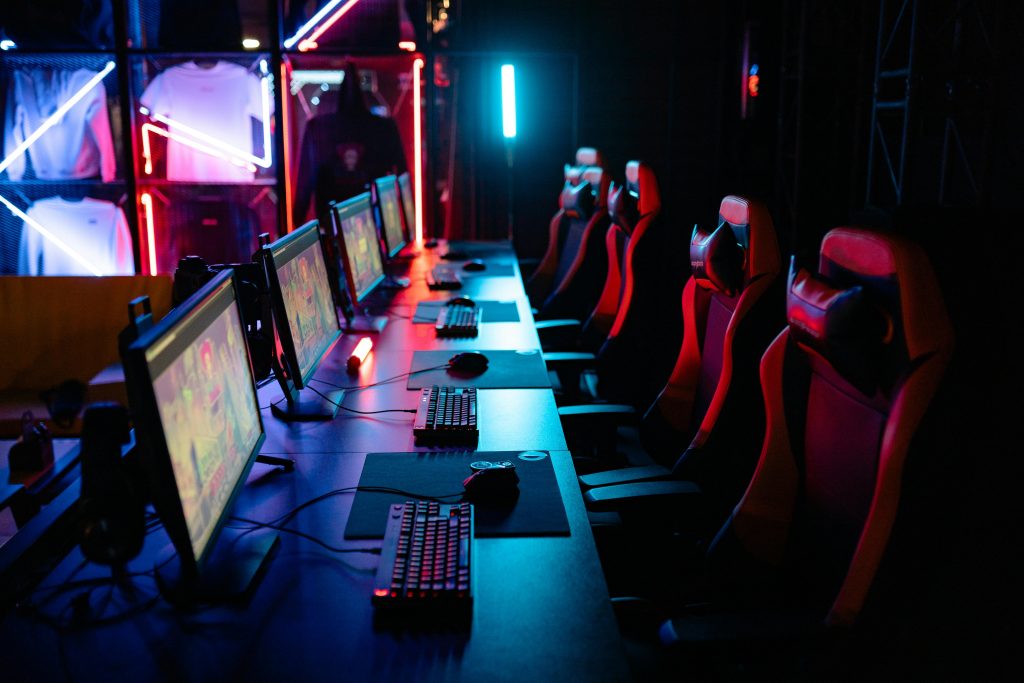
Esports & Gaming Cafés
Built for marathon sessions and tournament-level consistency.
- Enhanced durability for 24/7 continuous operation
- Individually factory-calibrated for stable high refresh rate performance
- Bulk deployment optimization and centralized management support
- Firmware-level tuning to reduce input lag and ghosting
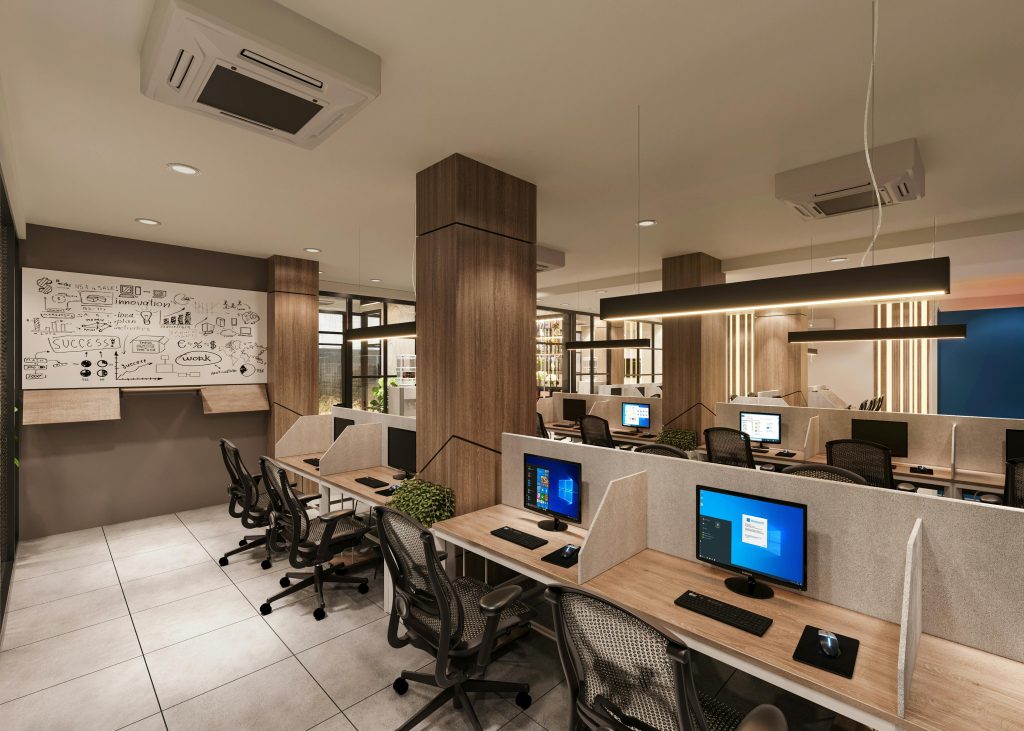
Modern Office & Corporate
Boost productivity and employee well-being with ergonomic designs.
- IPS panels for consistent color and wide viewing angles
- Ultra-slim bezels for seamless multi-screen setups
- Low Blue Light & Flicker-Free technology for all-day eye comfort
- Full ergonomic stands (height, pivot, swivel, tilt)

Education & Government
Reliable, manageable, and built for long-term service in public settings.
- Anti-glare matte displays for various lighting conditions
- Robust construction for public environment durability
- Simplified cable management for easy bulk installation & maintenance
- Compliance with government tender and project specifications
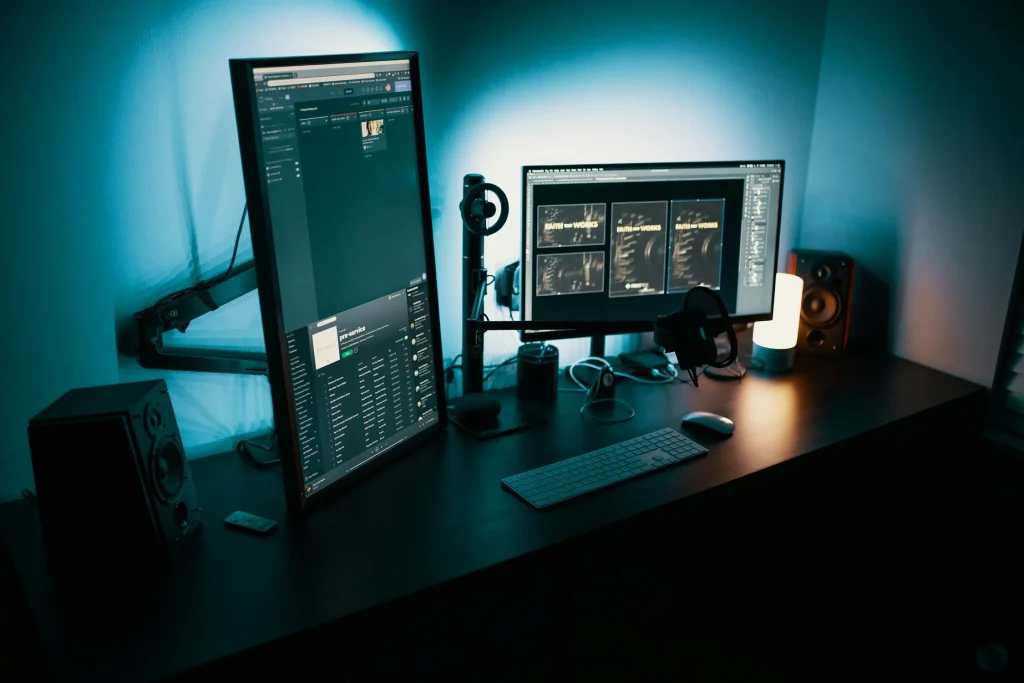
Control Rooms & Professional Use
Delivering critical clarity and reliability for mission-critical viewing.
- High Resolution & Ultrawide formats for an expansive field of view
- High brightness & contrast for visibility in various lighting
- Rich professional connectivity for multiple signal sources
- Long-term stability for continuous, reliable operation
Why Choose Tenfly as Your Monitor OEM Partner?
As a professional monitor manufacturer and OEM/ODM expert in China, we empower global brands and businesses with reliable display solutions. From structured production to stringent quality control, we ensure every monitor delivers performance and value for your market.
Structured Manufacturing
Leverage our integrated facility with automated lines for stable, scalable production and competitive pricing on bulk orders.
Rigorous Quality Control
Every monitor undergoes multi-stage testing, from panel calibration to endurance checks, ensuring long-term reliability and compliance with international standards.
End-to-End Customization
Full OEM/ODM support includes private labeling, custom firmware, housing design, and packaging—tailored to your brand and market needs.
Global Supply & Support
With extensive export experience and a robust logistics network, we guarantee on-time delivery worldwide ,backed by responsive technical support.
Precision Manufacturing, Global Standards
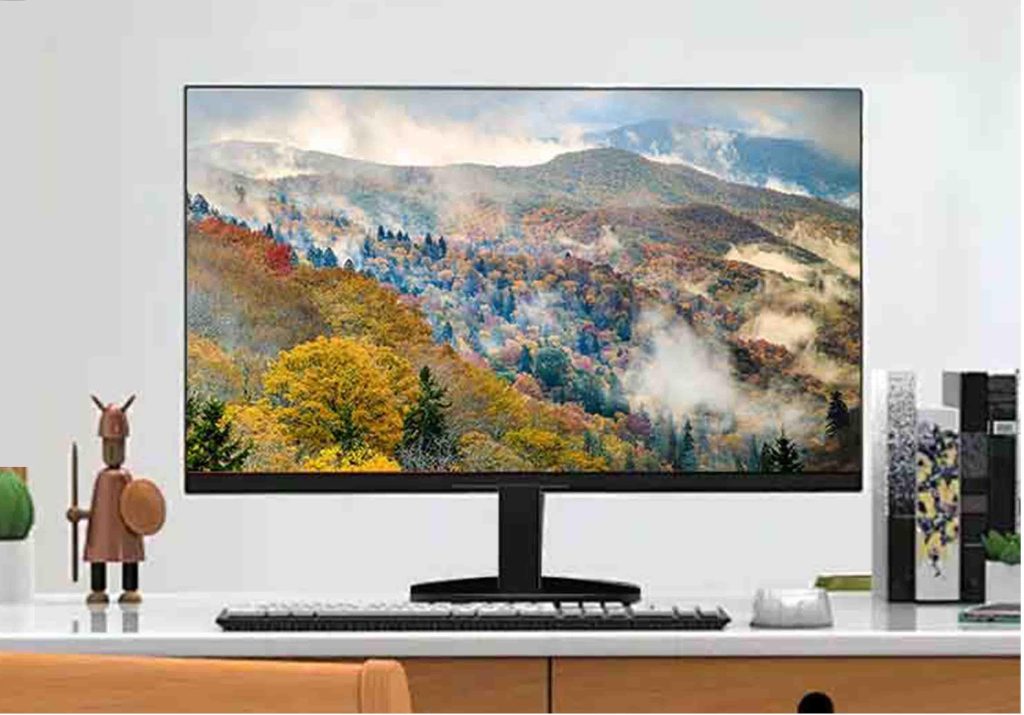
Continuous Innovation
Driven by continuous innovation, our 50+ engineers specialize in hardware, mechanical design, and UI integration development, ensuring the most advanced monitor solutions for businesses across industries
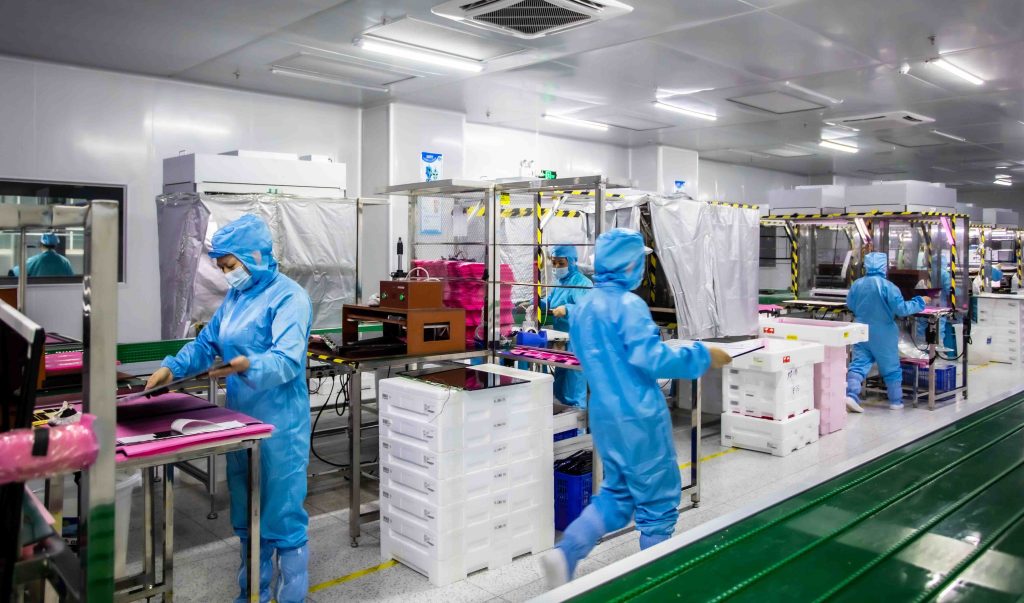
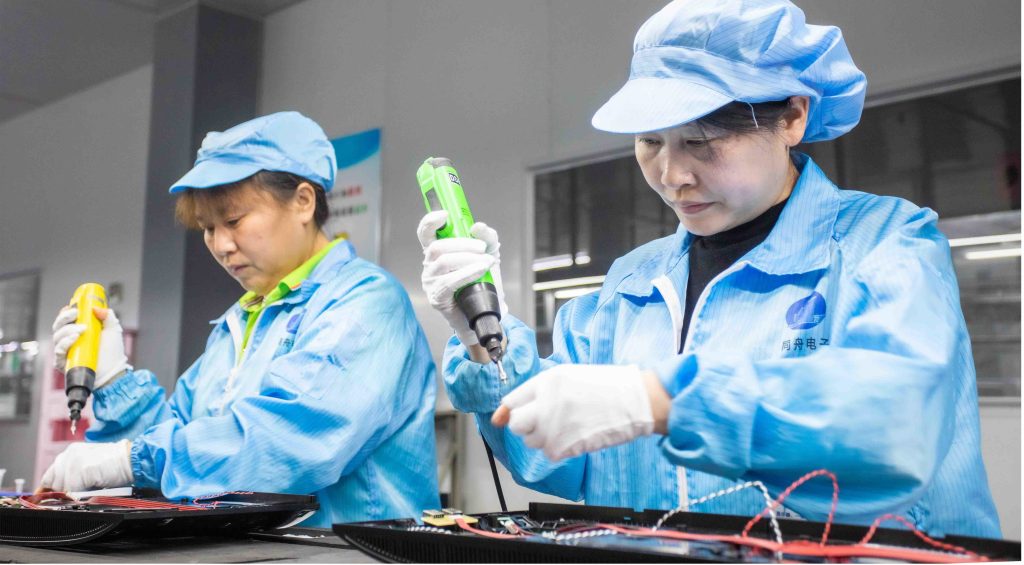
Manufacturing Excellence
Our precision manufacturing processes leverage state-of-the-art facilities and automated assembly lines, delivering tailor-made solutions through our OEM/ODM services to fit your brand’s specifications
Rigorous Testing and Certification
We conduct rigorous testing including burn-in, thermal shock, and hinge cycles, with full compliance to international certifications such as CE, FCC, and RoHS, ensuring your monitors meet the highest industry standards
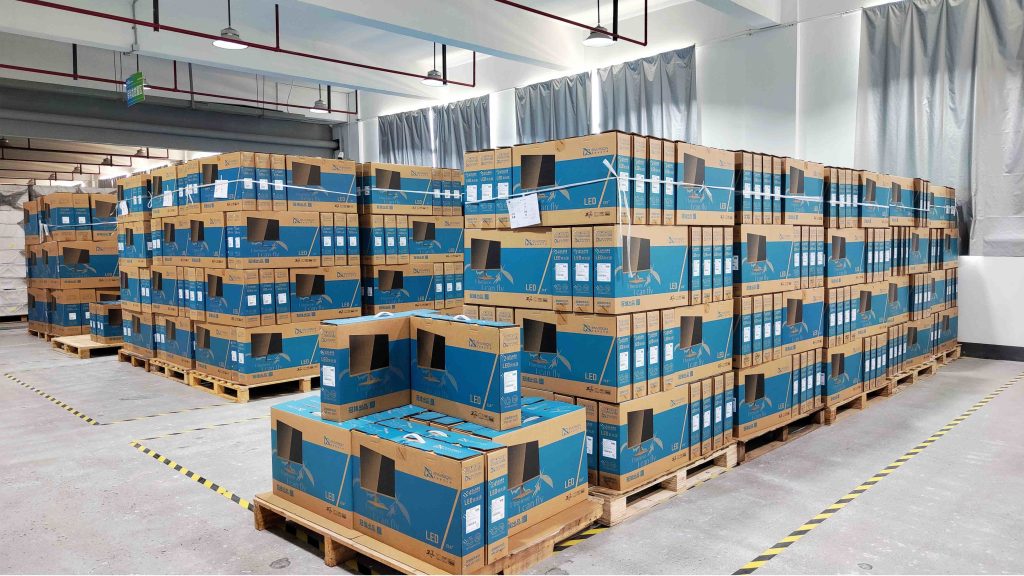
Global Supply Chain and Support
With a global supply chain and 24/7 technical support, we ensure timely delivery and offer more than 50+ distributors worldwide to provide on-demand services for your business needs
What About After-Sales Service and Technical Support?
One-Year Warranty
We offer a one-year global warranty or a certain percentage of spare parts.
Efficient After-Sales Process
We have a clear Return Merchandise Authorization process and guarantee that faulty units will be processed within 7-15 days of receipt.
Localized Service
For large orders, we offer local engineer training and after-sales repair diagnostics for a fee.
Professional Technical Team
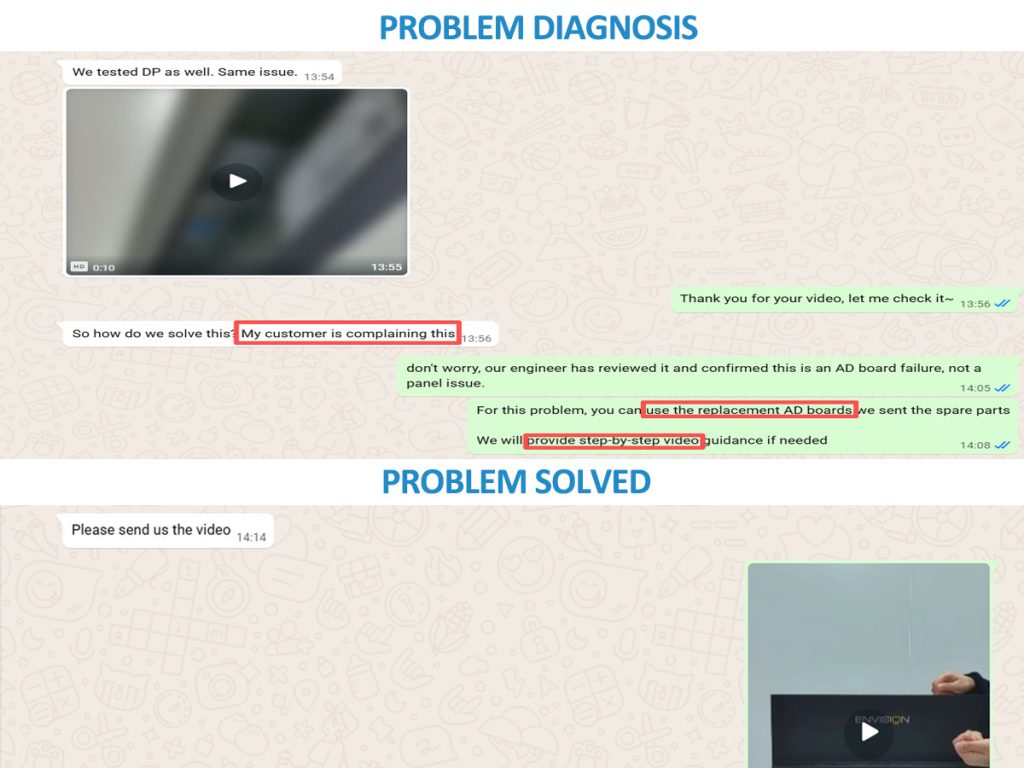
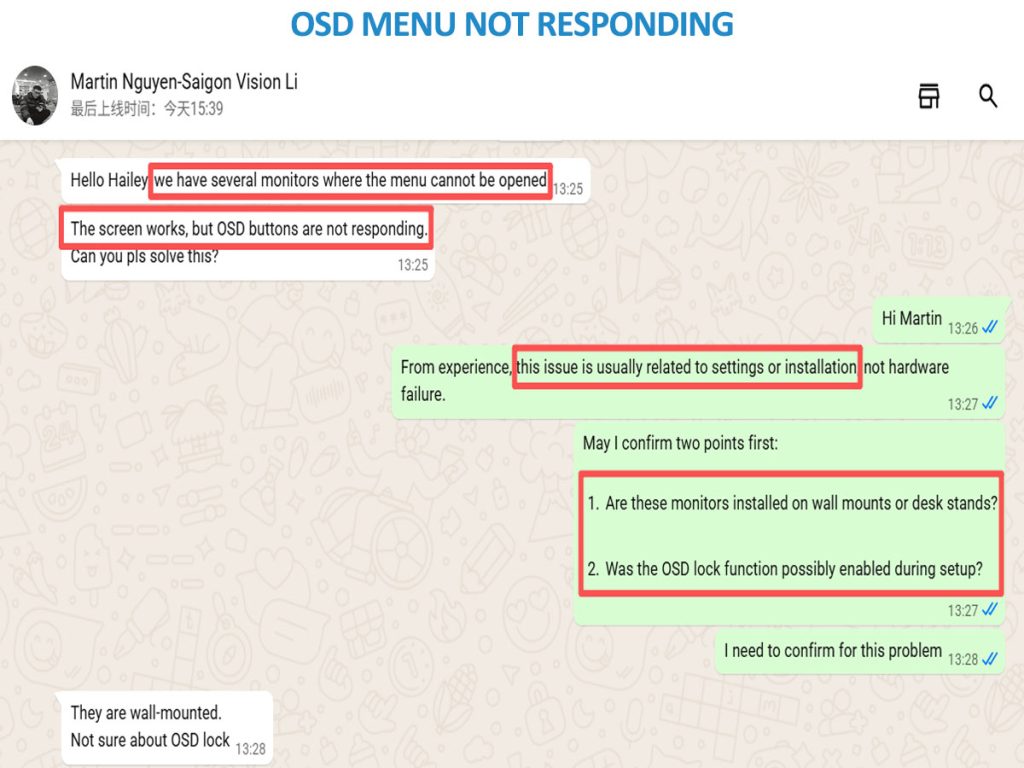
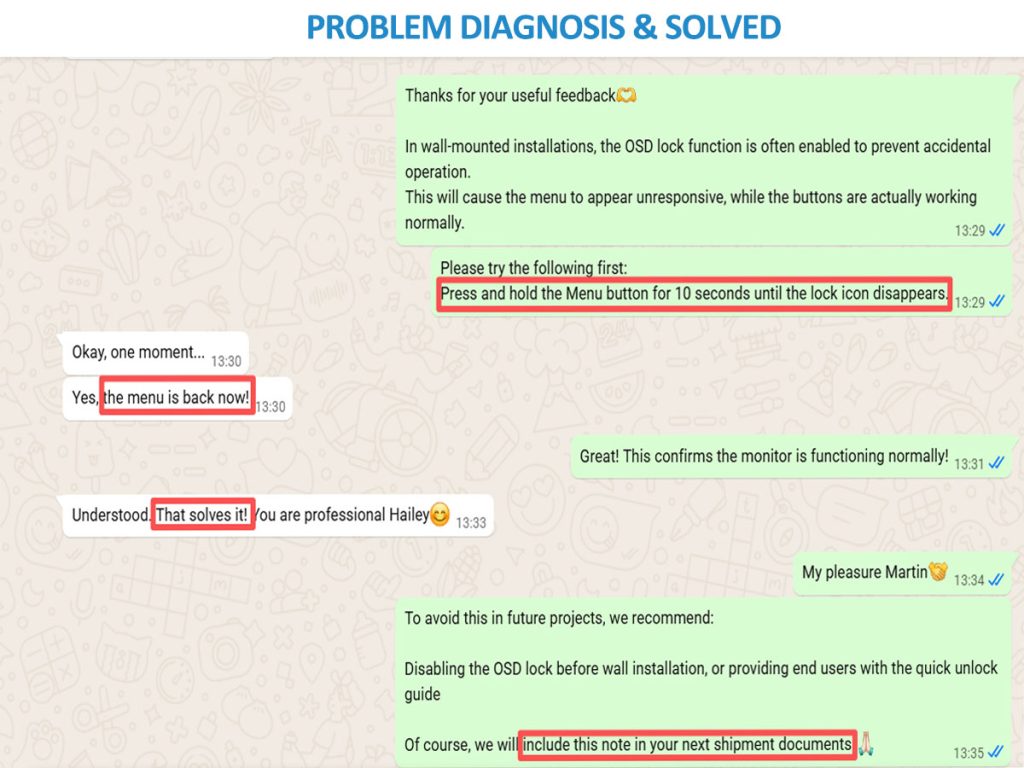
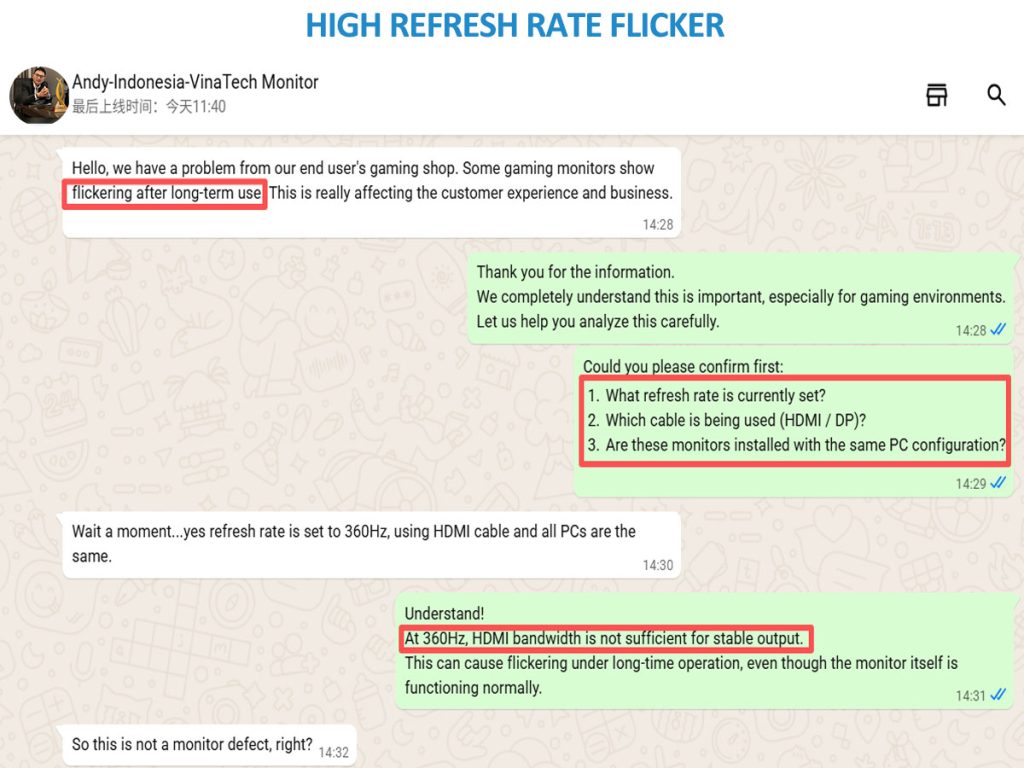
Tenfly’s factory provides 24/7 multilingual online technical support and can quickly resolve customer issues through remote diagnostics.
Trusted by Global Partners
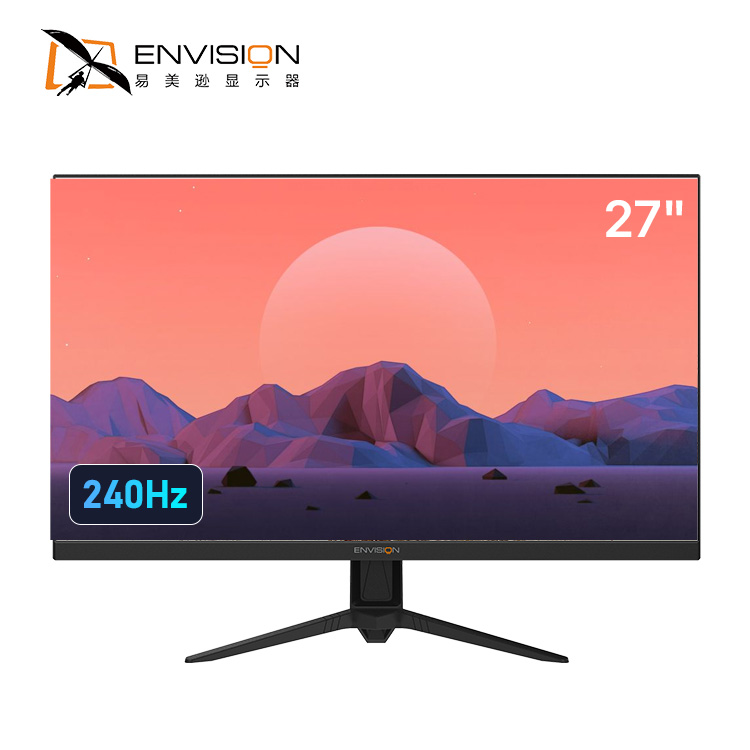
Authorized Manufacturer of Envision Monitors
Powered by TPV Technology—The World’s Largest Display Maker.
As the authorized manufacturer and distributor for Envision — a global brand under the TPV Technology ecosystem — Tenfly combines direct factory access with the supply chain and engineering excellence behind giants like AOC and Philips. We deliver Envision-quality monitors with full OEM/ODM flexibility for your projects.

OEM Monitor Quality & Customer Feedback
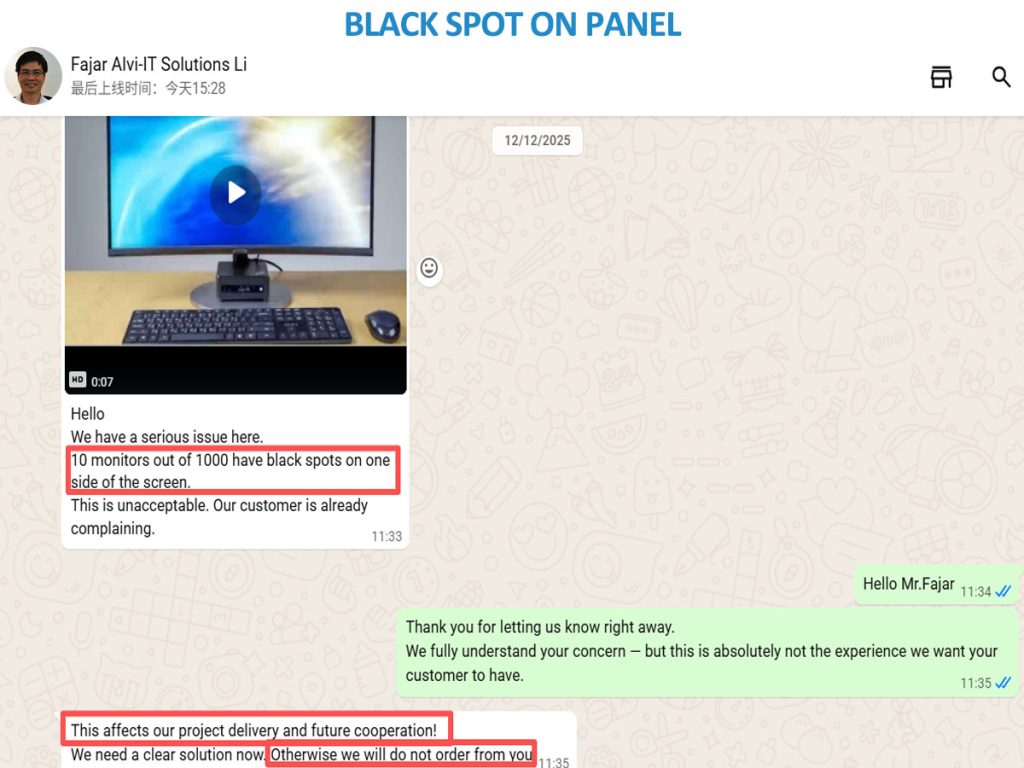
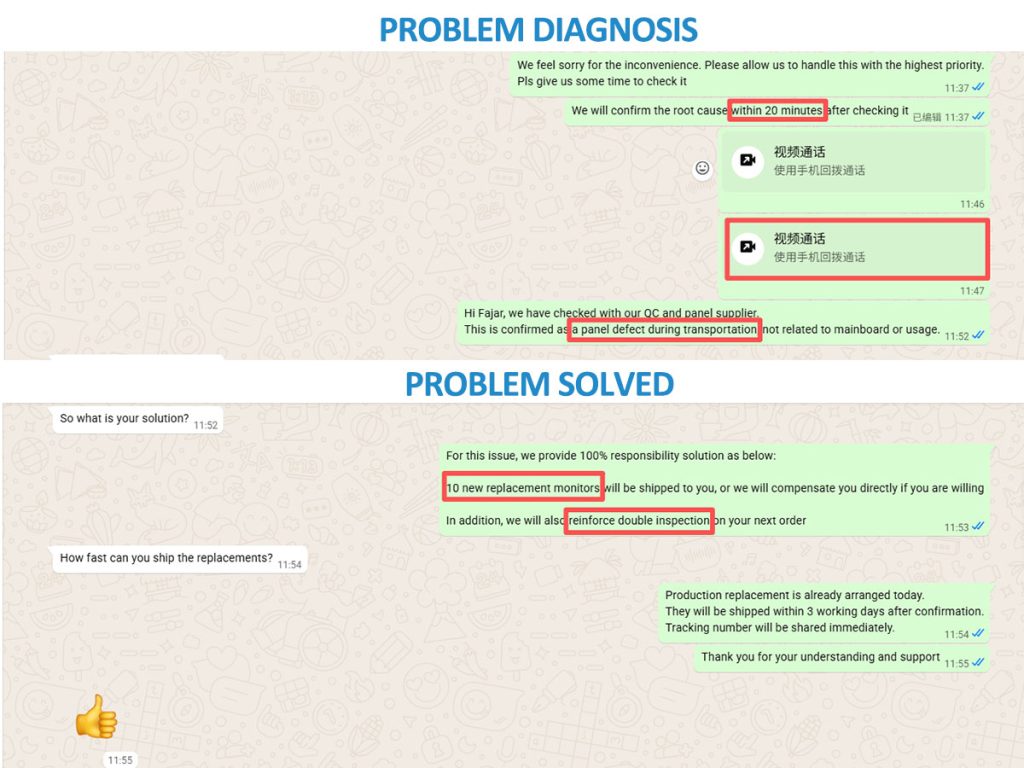
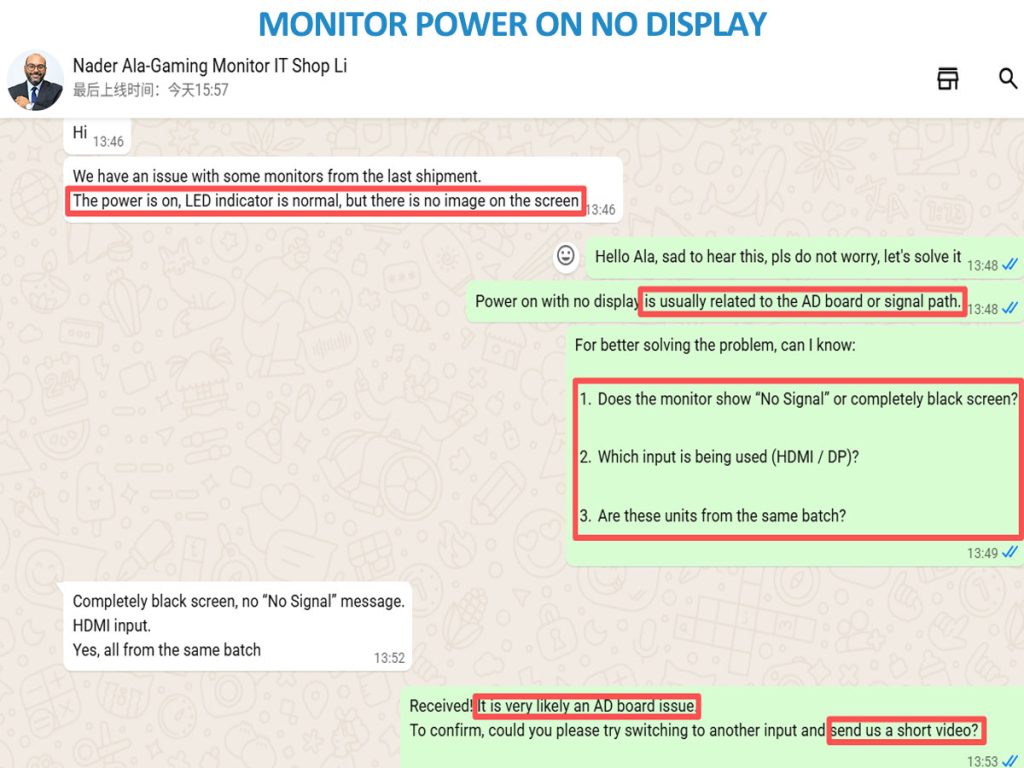
Don’t just take our word for it. See what our distributors, system integrators, and brand partners say about working with Tenfly—from product quality, project support to project feedback.
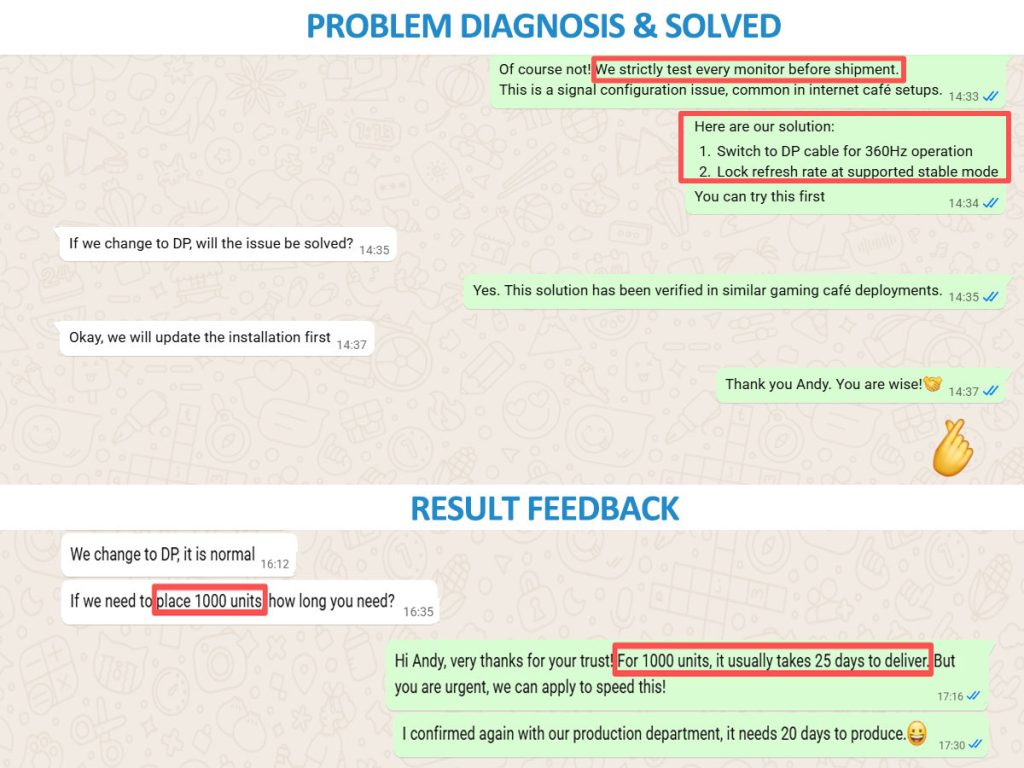
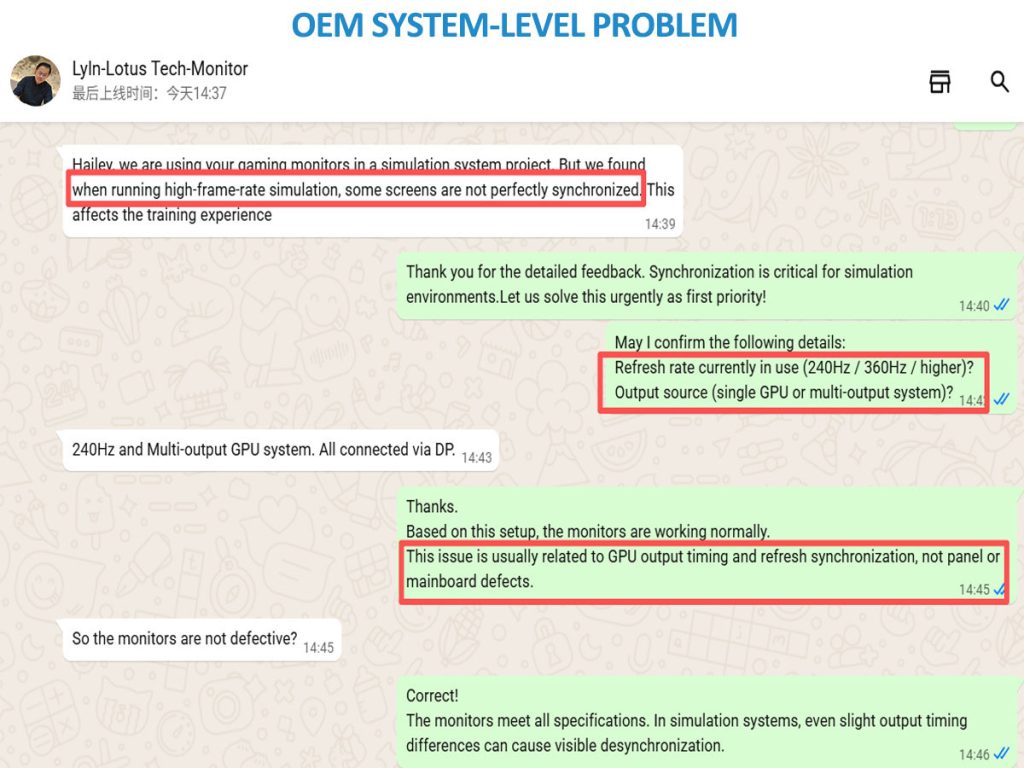
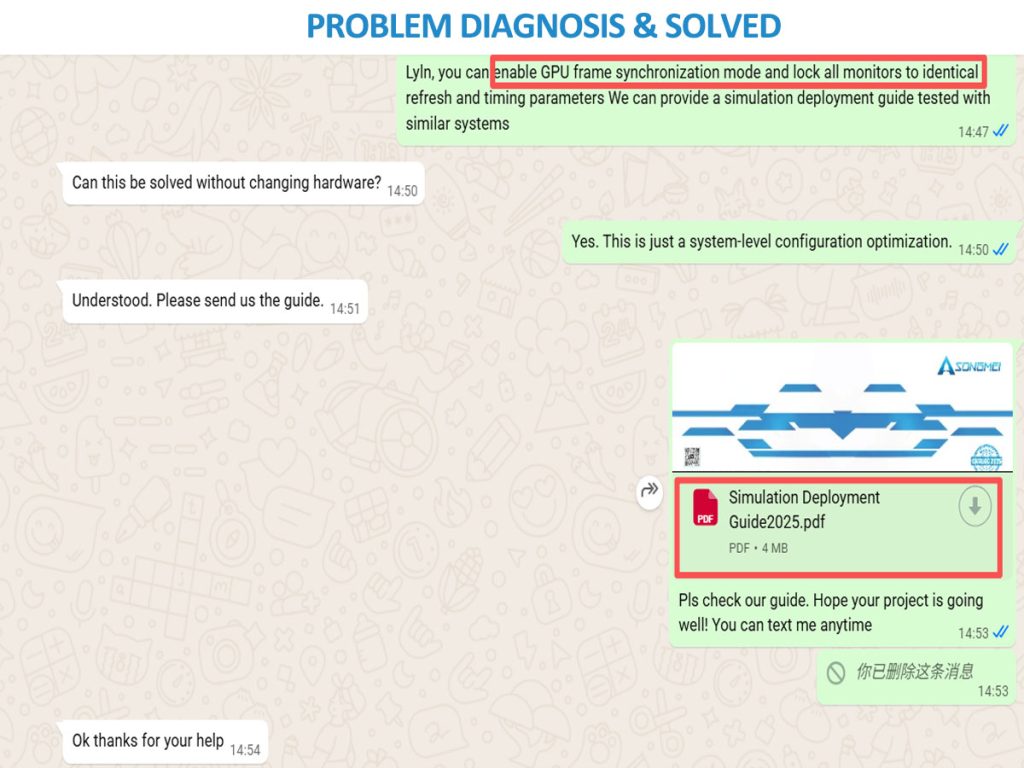
Customer Reviews of Gaming Monitor
Malcolm Sawyer
08/05/2014
High Refresh Rate Gaming
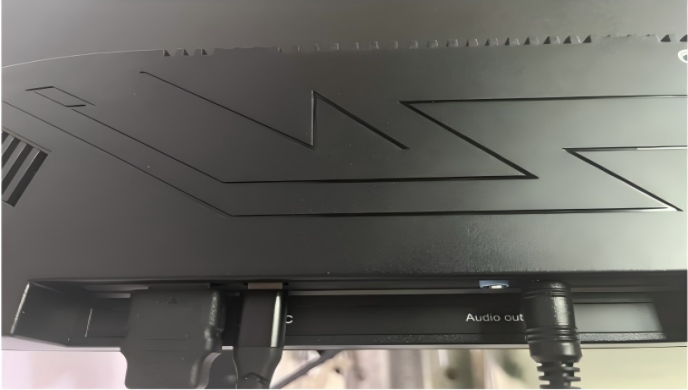
I bought this because I wanted to try using the Type-C interface. the actual curvature is just right, which is quite good.It supports DisplayPort, which should be suitable for high refresh rates and high resolutions.Clear wide-viewing-angle panel (1920x1080)165Hz,1ms response time,Continuous screen pre-tilt,Interfaces: Audio output, Type-C, HDMI 1.4, DisplayPort 1.2
Milan Patel
09/09/2015
High Cost Performance
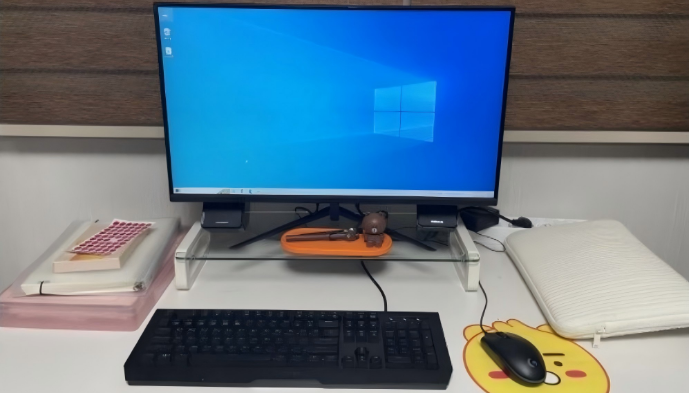
I bought a new computer for basic office work when I moved, as my old 22-inch computer broke down. So, when searching for 27-inch monitors, I came across Tenfly monitors. Because they were affordable, and it reduced my worries about potentially substandard products, I chose them.
Jeffery
04/06/2018
Supports USB-C Charging
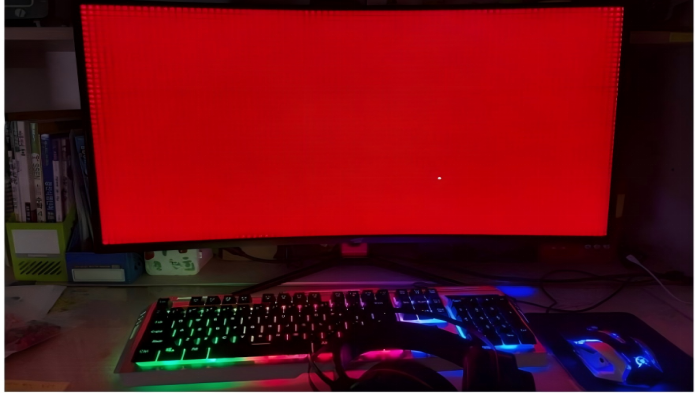
I purchased a 24-inch FHD monitor (AW248CF10) from Tenfly, which supports USB-C charging and video streaming. 24-inch VA panel, FHD (1920x1080)/Borderless design/Supports 100Hz refresh rate/1ms response time at OD/Supports FreeSync
Atif Ali
12/08/2019
Exquisite Design
The design is simple, the center of gravity is well-distributed, and the stand is sturdy.2560x1440 QHD, Ports: 2 HDMI/2 DP support/75Hz refresh rate and 1m response time eliminate image ghosting. The difficulty is relatively low. choosing a 32-inch UHD monitor at a similar price point offers greater satisfaction than buying a 27-inch 4K monitor.
Shripal Gandhi
09/12/2020
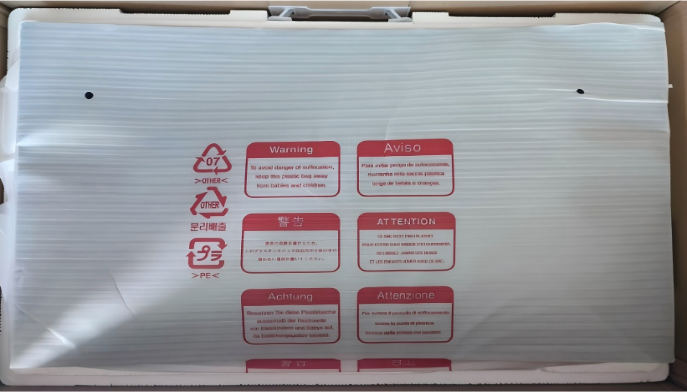
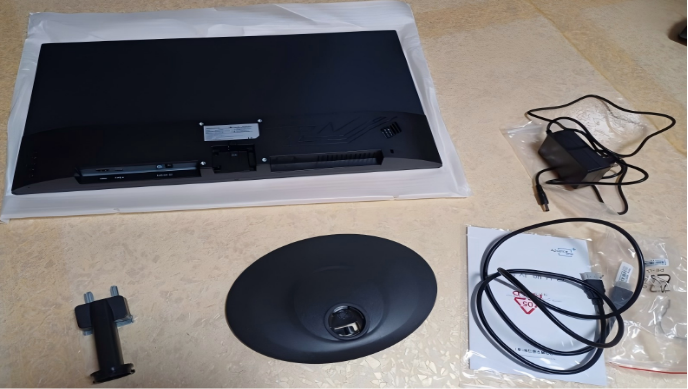
Packaging is Excellent
I used to use an Tenfly monitor, it has lasted 16 years without any problems, proving its durability, so the manufacturer is trustworthy.
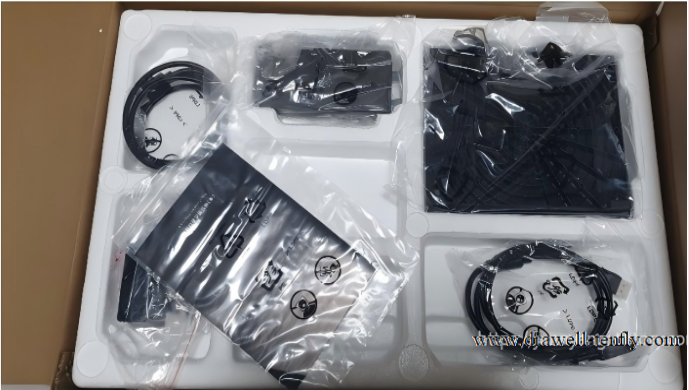
The packaging is as simple as the photo below. The packaging is in good condition and the surface is clean. And the delivery arrived in just two days after ordering. It's great that I didn't have to wait.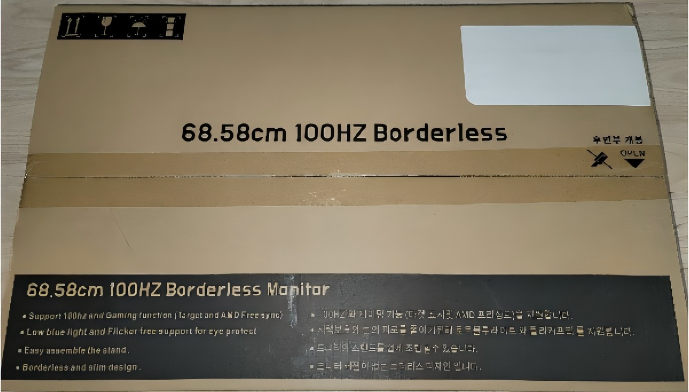
Aayushi.p
10/11/2021
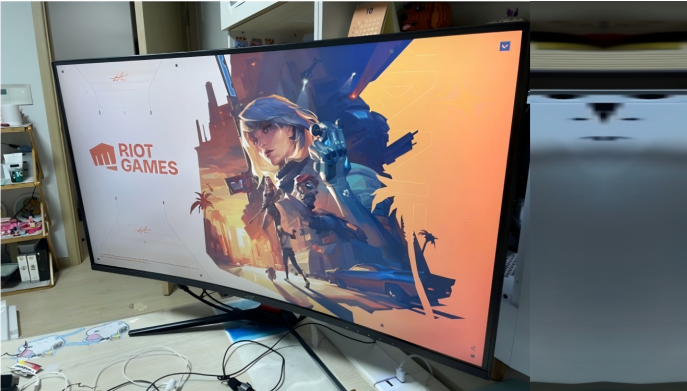
Type-C Interface for Tenfly 27-inch Monitor
I looked for some cost-effective products. Among many options, the Tenfly 27-inch monitor offered excellent value.Tenfly 27-inch AW27CF10K Type-C interface, 100Hz borderless wide-viewing-angle monitor, named "Flawless".
Alia Adam Ali
05/03/2024
Simple Assembly
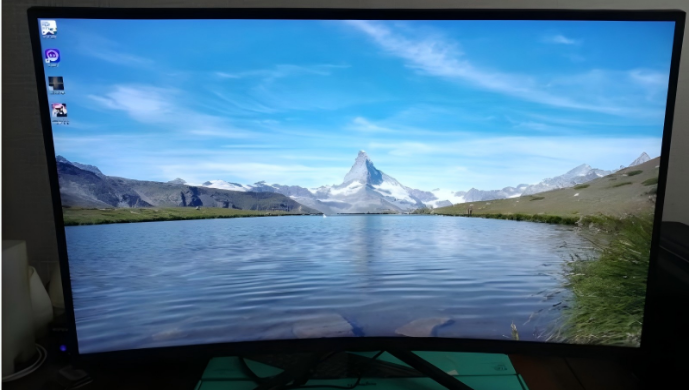
I saw good customer reviews for the Tenfly monitor and decided to buy it. I happened to see a promotion on the Hi-Mart mobile app, so I bought it at a discounted price. Assembling the monitor and the stand didn't require any assembly; just two screws were needed. The connection between the stand and the floor only required one screw, which was really convenient. Also, the stand isn't plastic but a metal frame, so it feels very stable.
Mahmoud Abou Selim
06/07/2025
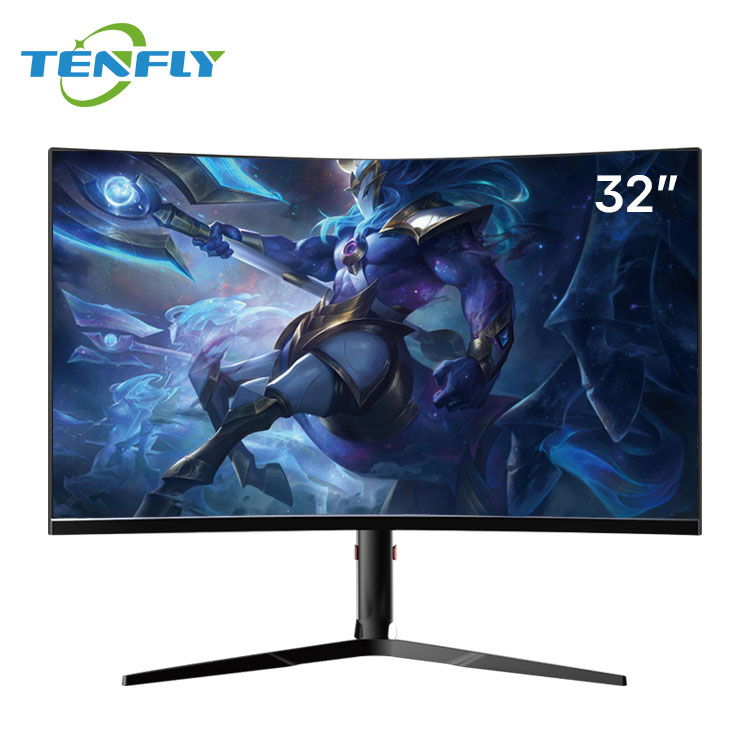
The Curved Screen is very Nice
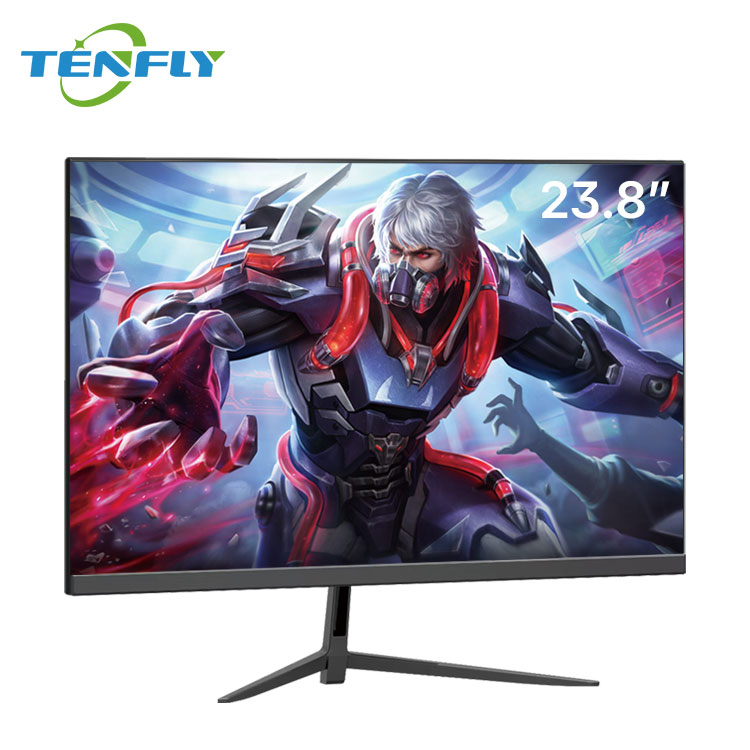
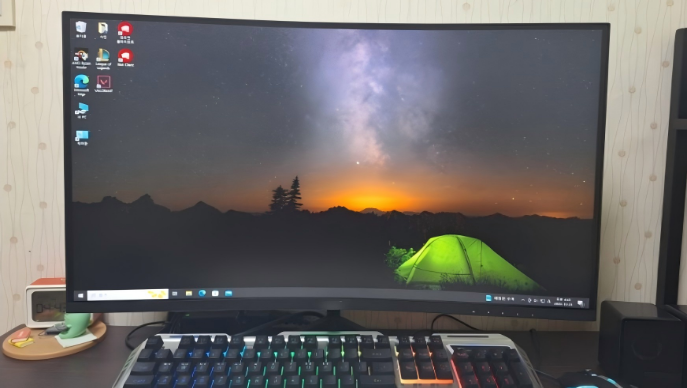
After switching from a 27-inch to a 32-inch monitor, and using a 1500r curved screen for the first time, my eyes feel much more comfortable. watching movies and playing games is also much more comfortable. the overall enhancement is quite good.
FAQs for Monitor Customers
All About Computer Monitors: Knowledge Center
How to Choose: A Buyer's Guide to Monitors
Selecting the right monitor for your business project involves key technical considerations. Use this guide to match specifications with your application needs, ensuring optimal performance and value.
| Key Factor | What to Look For | Best For These Applications |
| Refresh Rate & Response Time | High Refresh (144Hz+) & Fast Respons e (1ms MPRT/GtG) for fluid, blur-free motion. | Esports, Gaming Cafés, Competitive Gaming |
| Standard Refresh (75Hz-100Hz) provides smoother visuals than basic 60Hz. | General Office Use, Casual Entertainment | |
| Panel Technology | IPS Panels: Superior color accuracy and wide viewing angles. | Office Work, Design, Collaborative Settings |
| VA Panels: Higher contrast ratios for deeper blacks. | Entertainment, General Business Use | |
| Resolution & Size | FHD (1080p): Cost-effective for general tasks. | Call Centers, Education, Entry-Level |
| QHD/2K (1440p) & Ultrawide: Enhanced screen real estate and detail. | Professional Office, Creative Work, Immersive Gaming | |
| Size: Match to viewing distance and multi-screen plans. | All: 24″ for compact spaces, 27″+ for immersion. | |
| Deployment & Management | Ultra-Slim Bezels: Essential for seamless multi-monitor setups. | Trading Floors, Control Rooms, Modern Offices |
| VESA Mount Compatibility: Allows for flexible, space-saving installation. | Education Labs, Retail, Ergonomic Workstations | |
| Robust Build & Global Certifications: For longevity and safe international use. | Government Projects, Public Installations |
How to Clean and Care for your Monitor?


- Please turn off the power before cleaning.
- Gently wipe with a soft, dry cloth (such as a microfiber cloth).
- For stubborn stains, dampen the cloth with a small amount of water or a screen cleaner; do not spray directly.
- Do not use alcohol, ammonia, or other chemical solvents, as these may damage the screen coating.
How to Fix Monitor Flickering and Color Distortion?
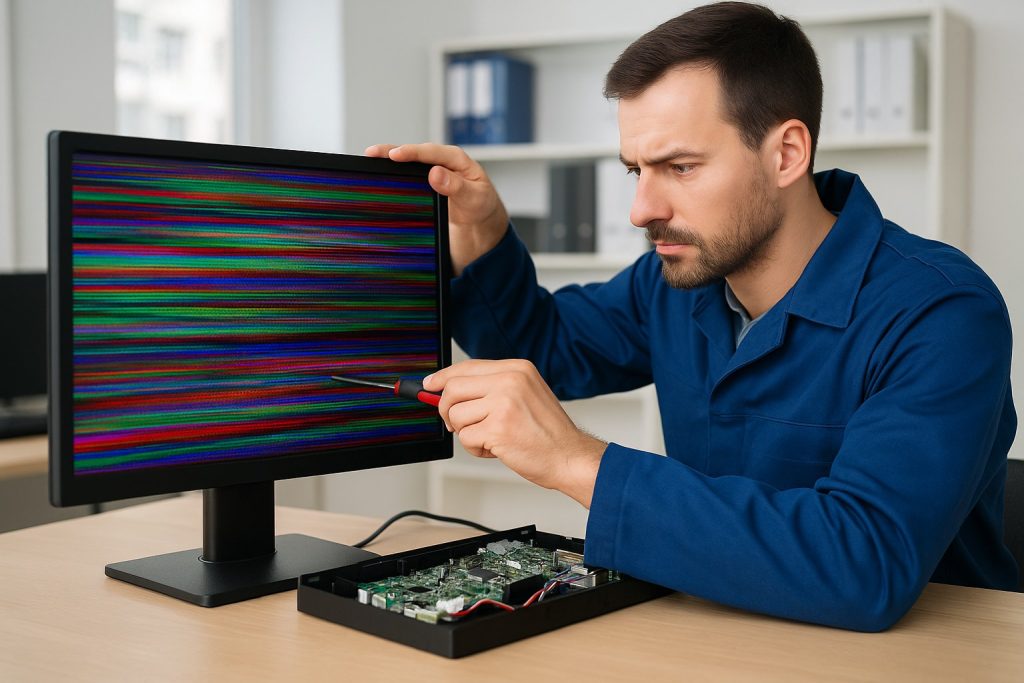

- Check that the video cable is securely plugged in. Try replacing the cable or computer port.
- Use the physical button on the bottom of the monitor to open the OSD menu, confirm that the correct input source is selected, and try a factory reset.
- Update or reinstall the graphics driver.
- If the problem persists, it may be a hardware failure and you should contact customer
Other Tenfly Products
Interactive Displays
Customize Your Interactive Devices Solutions Smarter Interaction, Simpler Collaboration Tenfly...All In One PCs
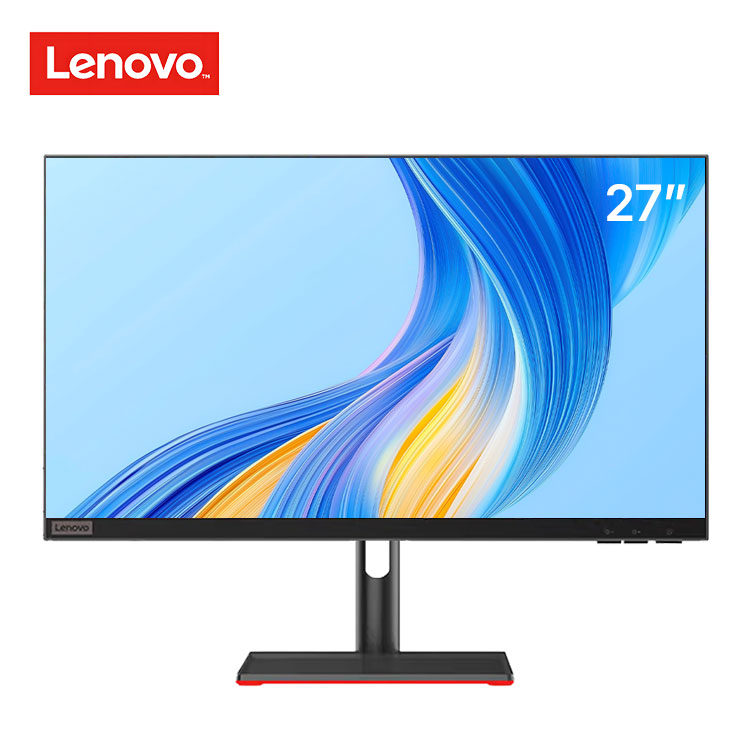
Global Custom All in One PC Manufacturing Solutions High-performance AIO...Lenovo Models
Official Lenovo OEM Partner for AIO and Laptop Models Certified...Envision Monitors
Global Display Manufacturing Power — The Foundation Behind Envision &...